
Street Fighter V - Poor 21:9 Support
Street Fighter V - Poor 21:9 Support
Running the game at 3440x1440, I'm getting black bars on left and right. Image stretches to fit full screen at 1920x1080, though it is, of course, stretched.
-
skipclarke

- Founder

- Posts: 7358
- Joined: 13 Oct 2003, 05:00
Re: Street Fighter V - Poor 21:9 Support
Thanks for the info. Would be great if you could get a set of screenshots and help with an entry into the games database.
Re: Street Fighter V - Poor 21:9 Support
skipclarke wrote:Thanks for the info. Would be great if you could get a set of screenshots and help with an entry into the games database.
Sure thing, bossman.


Re: Street Fighter V - Poor 21:9 Support
SF5 is made under Unreal Engine 4 engine if I'm not wrong, could someone try to fix?
Mortal Kombat X was possible to do it running under 21:9 aspect ratio and it's Unreal Engine 3.
Mortal Kombat X was possible to do it running under 21:9 aspect ratio and it's Unreal Engine 3.
Re: Street Fighter V - Poor 21:9 Support
maybe via hex editor ?
https://mh-nexus.de/en/hxd/
https://mh-nexus.de/en/hxd/
Re: Street Fighter V - Poor 21:9 Support
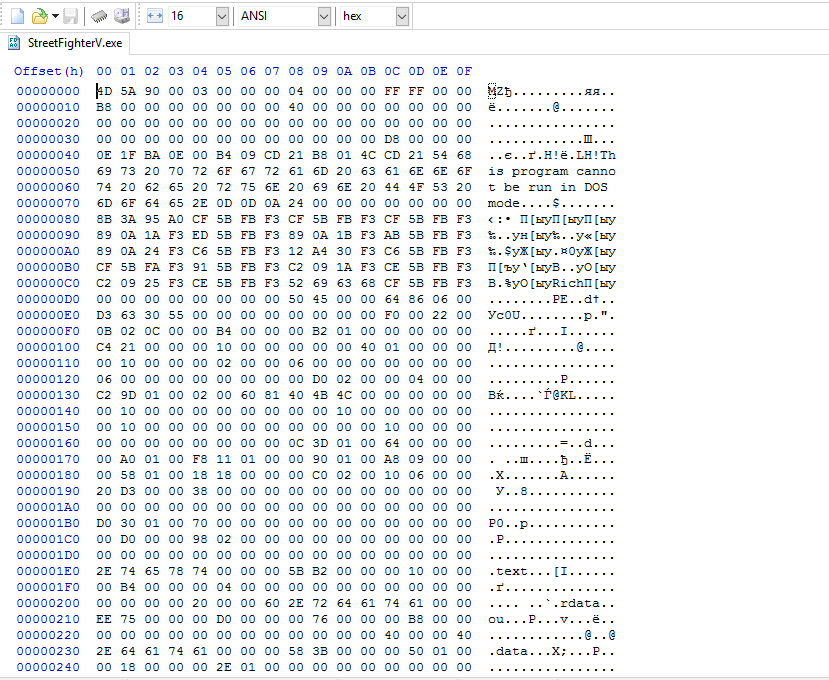
but I don't know what to look for 
-
scavvenjahh

- Editors

- Posts: 3424
- Joined: 06 Mar 2008, 17:20
Re: Street Fighter V - Poor 21:9 Support
I'm afraid it's not that simple...
In a Unity engine game you would look for 398EE33F (the formatted hex value of a 16:9 aspect ratio) and replace it with a "better" value, as czarman has been brilliantly demonstrating for a while now.
Sadly SF5 is an Unreal Engine game and UE4 works veeeery differently. The "thing to fix" may not be this hex string alone and may not reside in the exe, so you have to track it down using apps like Cheat Engine... along with a good understanding of what you're trying to do.
If the low number of working fixes (and renowned fixers) is any indication, making these things ain't easy.
In a Unity engine game you would look for 398EE33F (the formatted hex value of a 16:9 aspect ratio) and replace it with a "better" value, as czarman has been brilliantly demonstrating for a while now.
Sadly SF5 is an Unreal Engine game and UE4 works veeeery differently. The "thing to fix" may not be this hex string alone and may not reside in the exe, so you have to track it down using apps like Cheat Engine... along with a good understanding of what you're trying to do.
If the low number of working fixes (and renowned fixers) is any indication, making these things ain't easy.
Who is online
Users browsing this forum: Google [Bot] and 14 guests