Widescreen Gaming Forum
https://www.wsgf.org/phpBB3/

Dark Souls PTDE in 21x9, what am I doing wrong?
https://www.wsgf.org/phpBB3/viewtopic.php?f=95&t=28082
Page 1 of 2

Author:  epspl9 [ 28 Mar 2015, 07:45 ]
Post subject:  Dark Souls PTDE in 21x9, what am I doing wrong?

After a lot of trial and error I finally got the game to actually display the image let alone let me select and keep 2560x1080 but the image is squished.

The beta update is in, AA turned off, and ingame res set to 2560x1080. WidescreenFixer recognizes the game and its settings are setup to detect the resolution automatically and the DS plugin from 3dsurroundgaming is applied. DSfix2.4 is in and renderwidth/height are set appropriately.

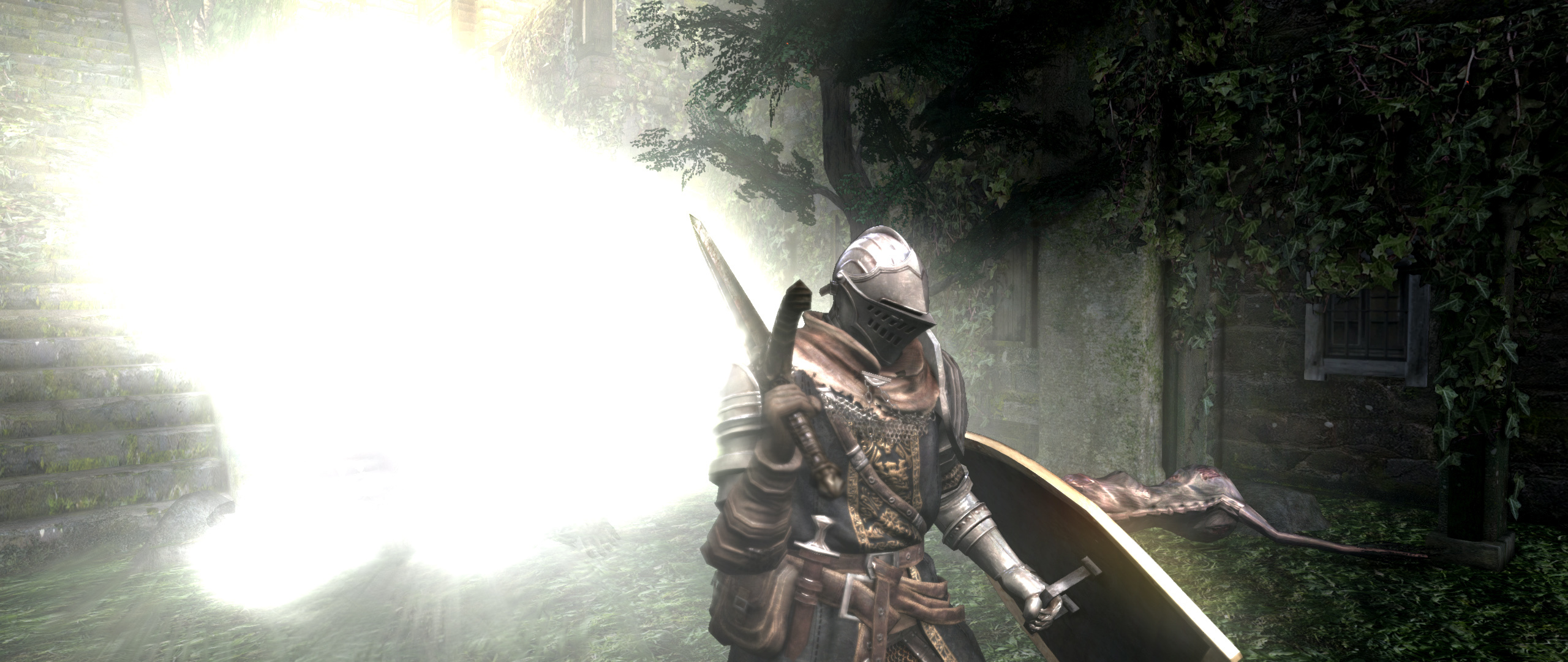
Here's a screenshot: It looks fine at first but there's subtle stretching
Image

Author:  PyroDonkey [ 28 Mar 2015, 11:00 ]
Post subject:  Re: Dark Souls PTDE in 21x9, what am I doing wrong?

I have been setting up Dark Souls to play on a 21:9 resolution, and I think the game only supports 16:9 stretched to 21:9.

Author:  epspl9 [ 29 Mar 2015, 22:38 ]
Post subject:  Re: Dark Souls PTDE in 21x9, what am I doing wrong?

PyroDonkey wrote:
I have been setting up Dark Souls to play on a 21:9 resolution, and I think the game only supports 16:9 stretched to 21:9.


It used to work fine before the new beta patch


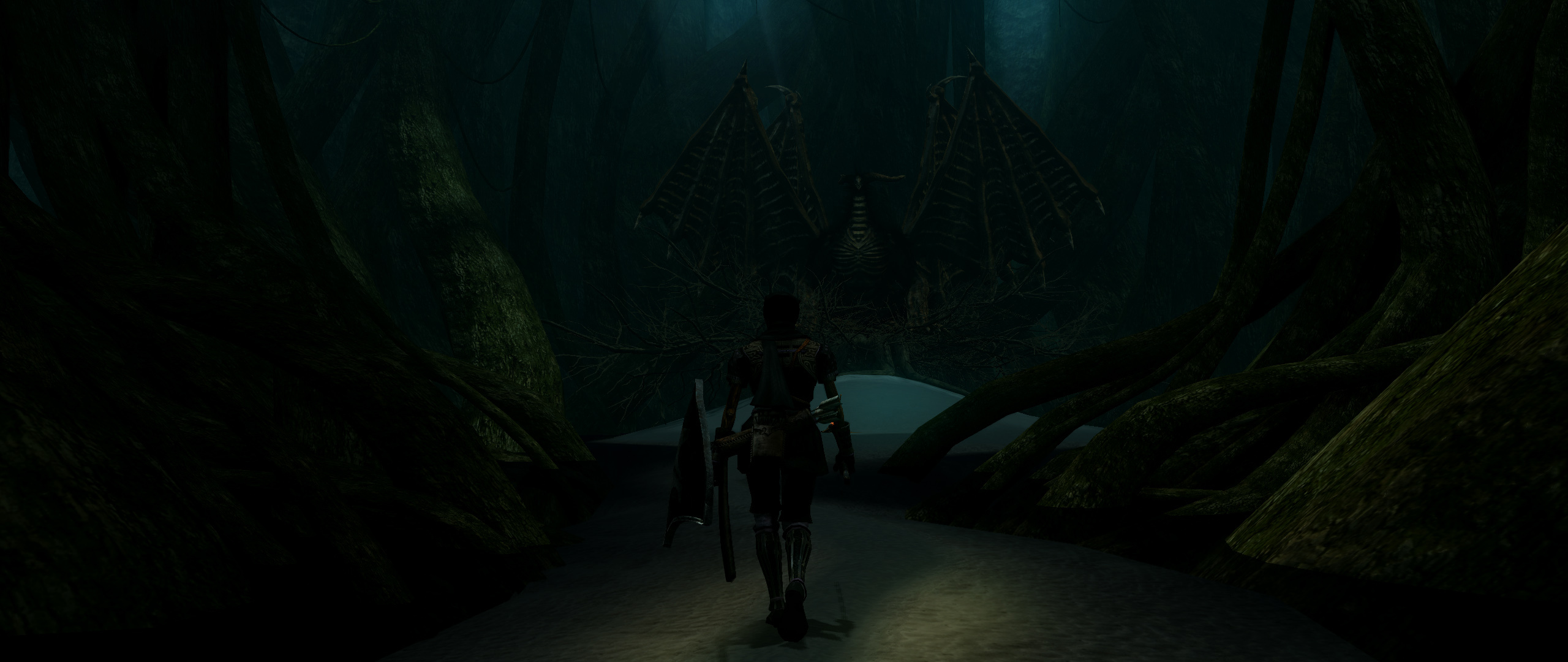
Some old screenshots that I took

Image

Image

Image

Image

Author:  epspl9 [ 05 Apr 2015, 05:16 ]
Post subject:  Re: Dark Souls PTDE in 21x9, what am I doing wrong?

Well I finally managed to fix the stretching so in case somebody stumbles along in here looking for a fix here's how to get rid of the stretching. In dsfix set your downsampling res to a multiple of 2560x1080, in my case 5120x2160, and then in widescreenfixer uncheck automatic resolution detection and type in 5120x2160 in all the boxes.

Image

Author:  PyroDonkey [ 05 Apr 2015, 21:49 ]
Post subject:  Re: Dark Souls PTDE in 21x9, what am I doing wrong?

I tried that out to see if I could get it working on my system, but I'm not sure if I did or not. The screenshot I took ended up in 16:9, so I think it may still be stretched. Are you using the beta steam verison?

Author:  epspl9 [ 06 Apr 2015, 01:58 ]
Post subject:  Re: Dark Souls PTDE in 21x9, what am I doing wrong?

PyroDonkey wrote:
I tried that out to see if I could get it working on my system, but I'm not sure if I did or not. The screenshot I took ended up in 16:9, so I think it may still be stretched. Are you using the beta steam verison?


yeah I've got the steam beta update.

Just to summarize:

Get the beta update
Disable aa
Get widescreenfixer
Get the dark souls plugin for wsf here http://3dsurroundgaming.com/WSF.html overwrite
get dsfix and set your resolution renderwidth/height to a 21x9 one
select your ingame resolution to match (if the screen goes blank press left arrow then enter)
exit
launch wsf select the latest version, uncheck automatic resolution detection, type your res manually into the boxes


no need for downsamploing stuff like I thought earlier, it works with native just the same.

Author:  PyroDonkey [ 06 Apr 2015, 09:40 ]
Post subject:  Re: Dark Souls PTDE in 21x9, what am I doing wrong?

Image

Got it! For others who many want to try this, you need to have the game in fullscreen mode. It won't work if you set DSFix to run the game in borderless fullscreen. The hud looks stretched to me, but I'm not 100% sure if it is or not.

Author:  MobsterOO7 [ 06 Apr 2015, 23:33 ]
Post subject:  Re: Dark Souls PTDE in 21x9, what am I doing wrong?

That's definitely a stretched HUD, neighbor. Not that badly though.

Author:  epspl9 [ 07 Apr 2015, 01:16 ]
Post subject:  Re: Dark Souls PTDE in 21x9, what am I doing wrong?

PyroDonkey wrote:
Image

Got it! For others who many want to try this, you need to have the game in fullscreen mode. It won't work if you set DSFix to run the game in borderless fullscreen. The hud looks stretched to me, but I'm not 100% sure if it is or not.


Enable the hud mod in dsfix and play with the size :D

Author:  PyroDonkey [ 07 Apr 2015, 01:43 ]
Post subject:  Re: Dark Souls PTDE in 21x9, what am I doing wrong?

MobsterOO7 wrote:
That's definitely a stretched HUD, neighbor. Not that badly though.


It's not horrible, but it looks pretty big in game.

epspl9 wrote:
Enable the hud mod in dsfix and play with the size :D


You can only really adjust the size if the HUD, not much else. I wish there was a way to make it just display in 16:9 or something.

Page 1 of 2 All times are UTC [ DST ]
Powered by phpBB® Forum Software © phpBB Group
https://www.phpbb.com/