Widescreen Gaming Forum

[-noun] Web community dedicated to ensuring PC games run properly on your tablet, netbook, personal computer, HDTV and multi-monitor gaming rig.
It is currently 12 Jul 2026, 07:59

All times are UTC [ DST ]


Post new topic Reply to topic  [ 9 posts ]  Go to page Previous  1, 2, 3, 4, 5, 6, 7, 8, 9  Next
Author Message
PostPosted: 08 Apr 2016, 19:40 
Offline

Joined: 08 Apr 2016, 19:29
Posts: 3
I just wanted to chime in here, i registered just to reply. I have tried to dabble in the config files of Quantum Break and found the settings but when i change the res to 3440 x 1440 and save the file as read only it crashes the game because its trying to access the file for the settings when it starts. If I change settings and save without read only the game launches in 1920 x 1080.

The only way i can even remotely play this game is to launch it in windowed mode with settings on ultra which maxes the resolution and physically drag the window to get the biggest image can, but its certainly not ultrawide. Its so frustrating because they have the higher res setting in there but 1440p? no chance. If anybody has seen a fix for this I would really appreciate a response and thank you to the original poster for bringing it to the forums originally.


Top
 Profile  
Reply with quote  
PostPosted: 27 Jul 2016, 12:08 
Offline

Joined: 27 Jul 2016, 11:54
Posts: 2
The game now supports Ultrawide resolutions correctly.


Top
 Profile  
Reply with quote  
PostPosted: 26 Nov 2016, 15:20 
Offline
User avatar

Joined: 29 May 2015, 08:30
Posts: 3
danjames92 wrote:
The game now supports Ultrawide resolutions correctly.

Can confirm, works fine now.
Developers have implemented it. (source)

_________________
“Evil is Evil. Lesser, greater, middling. Makes no difference. The degree is arbitary. The definition’s blurred. If I’m to choose between one evil and another... I’d rather not choose at all.”
― Andrzej Sapkowski, The Last Wish


Top
 Profile  
Reply with quote  
PostPosted: 27 Nov 2016, 16:26 
Offline
User avatar

Joined: 29 May 2015, 08:30
Posts: 3
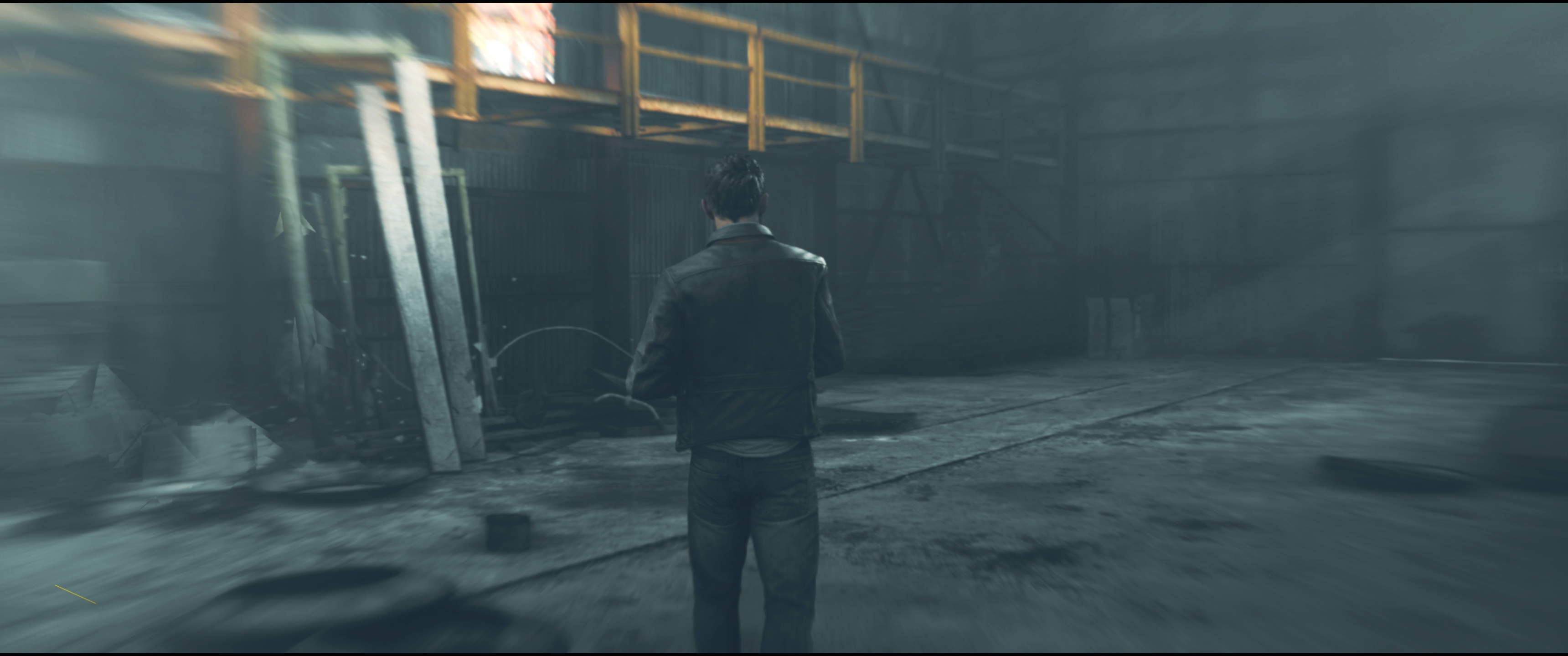
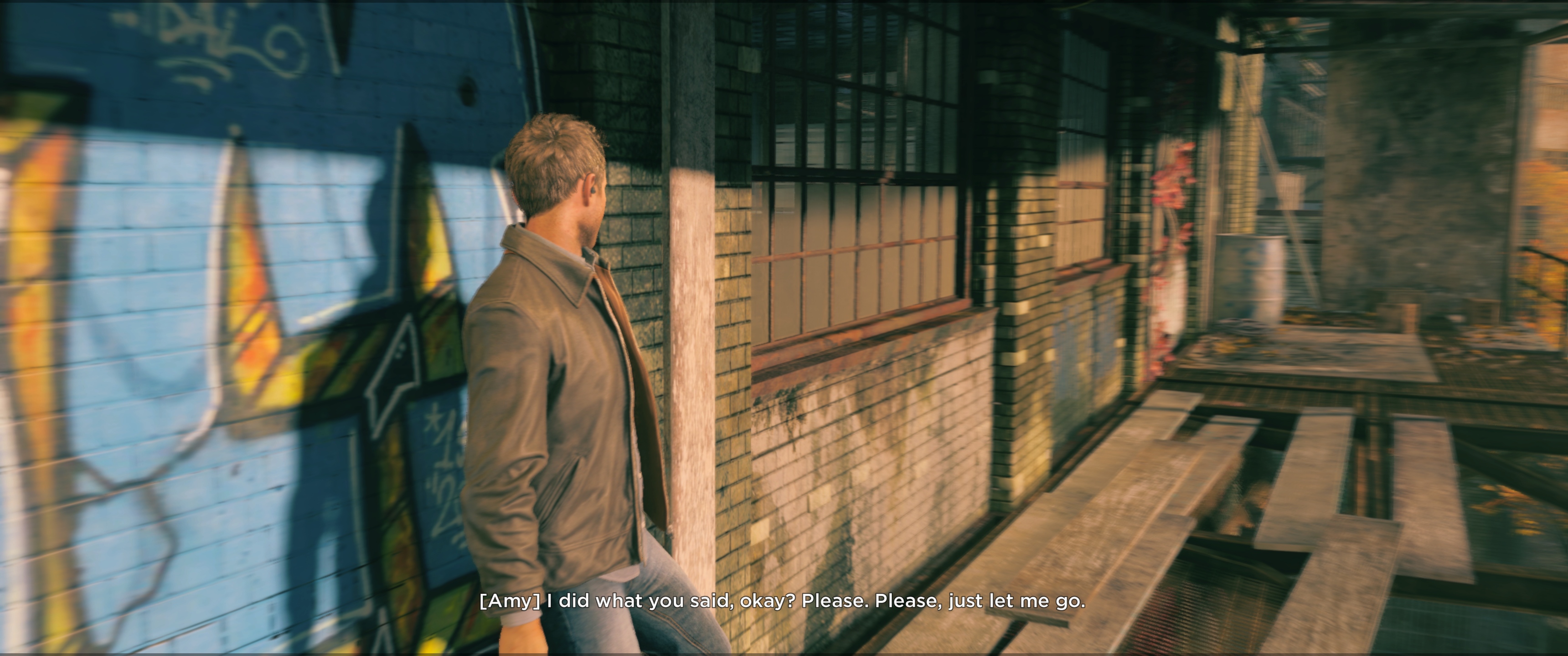
Cutscenes seems to still switch back to 16:9, even those interactable cutscenes that are rendered ingame.
Anyone knows a fix here?

Witcher 3 had that hex modification of the witcher3.exe executable.

_________________
“Evil is Evil. Lesser, greater, middling. Makes no difference. The degree is arbitary. The definition’s blurred. If I’m to choose between one evil and another... I’d rather not choose at all.”
― Andrzej Sapkowski, The Last Wish


Top
 Profile  
Reply with quote  
PostPosted: 30 Mar 2019, 19:34 
Offline
User avatar

Joined: 03 Sep 2015, 14:03
Posts: 42
Location: Slovakia
Just an really late update:
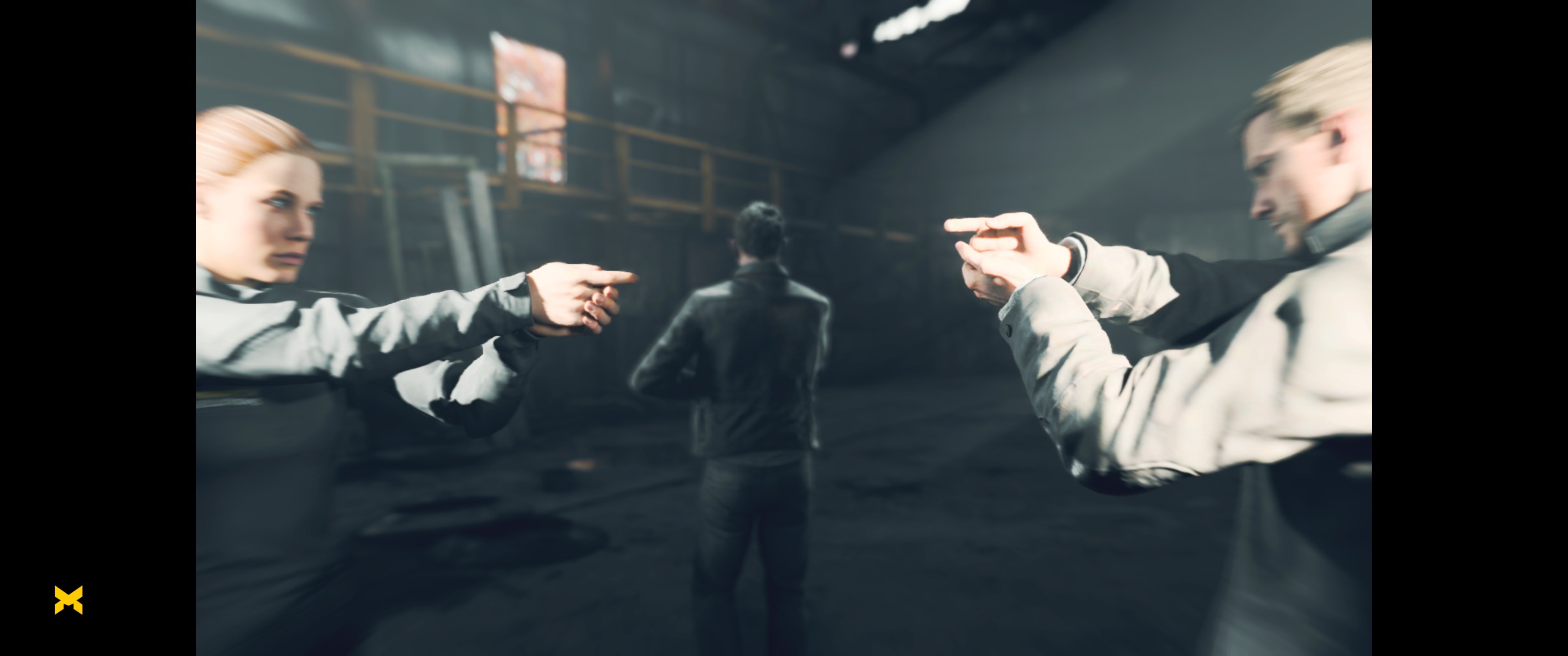
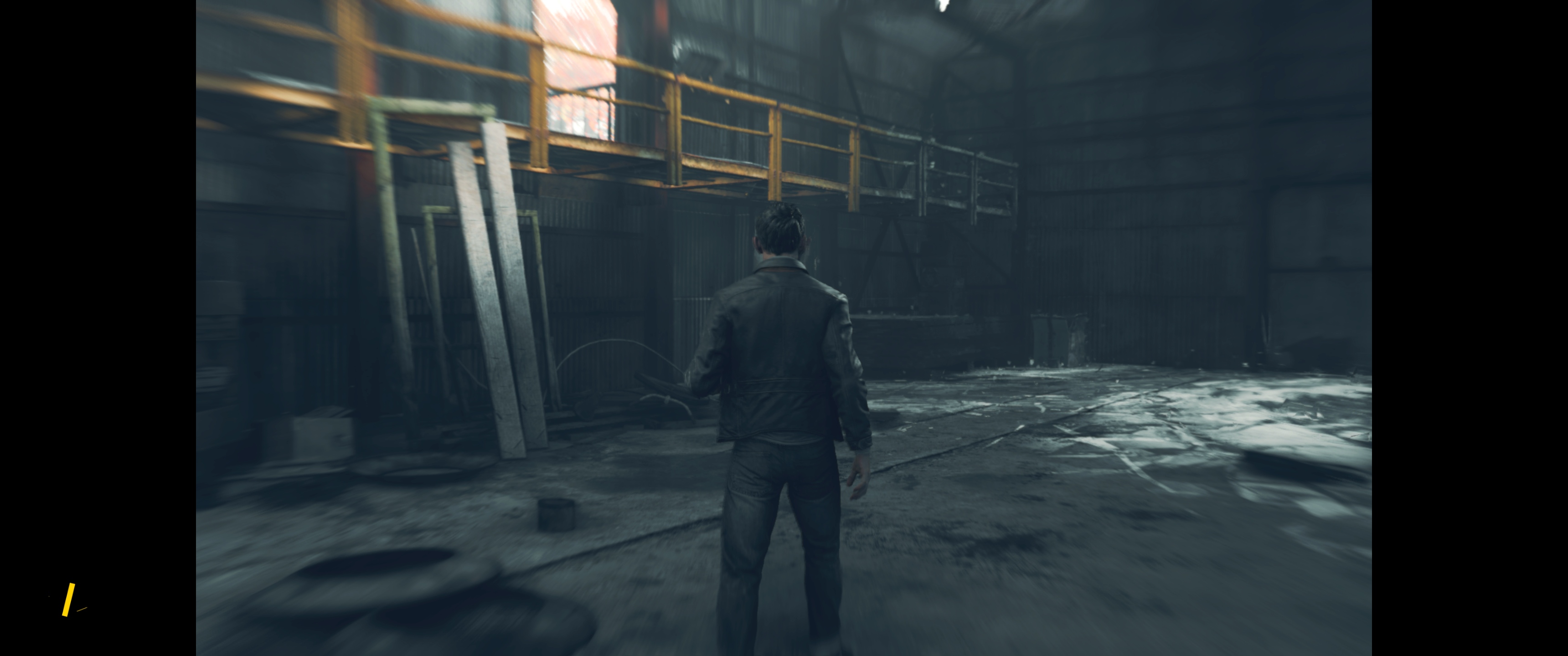
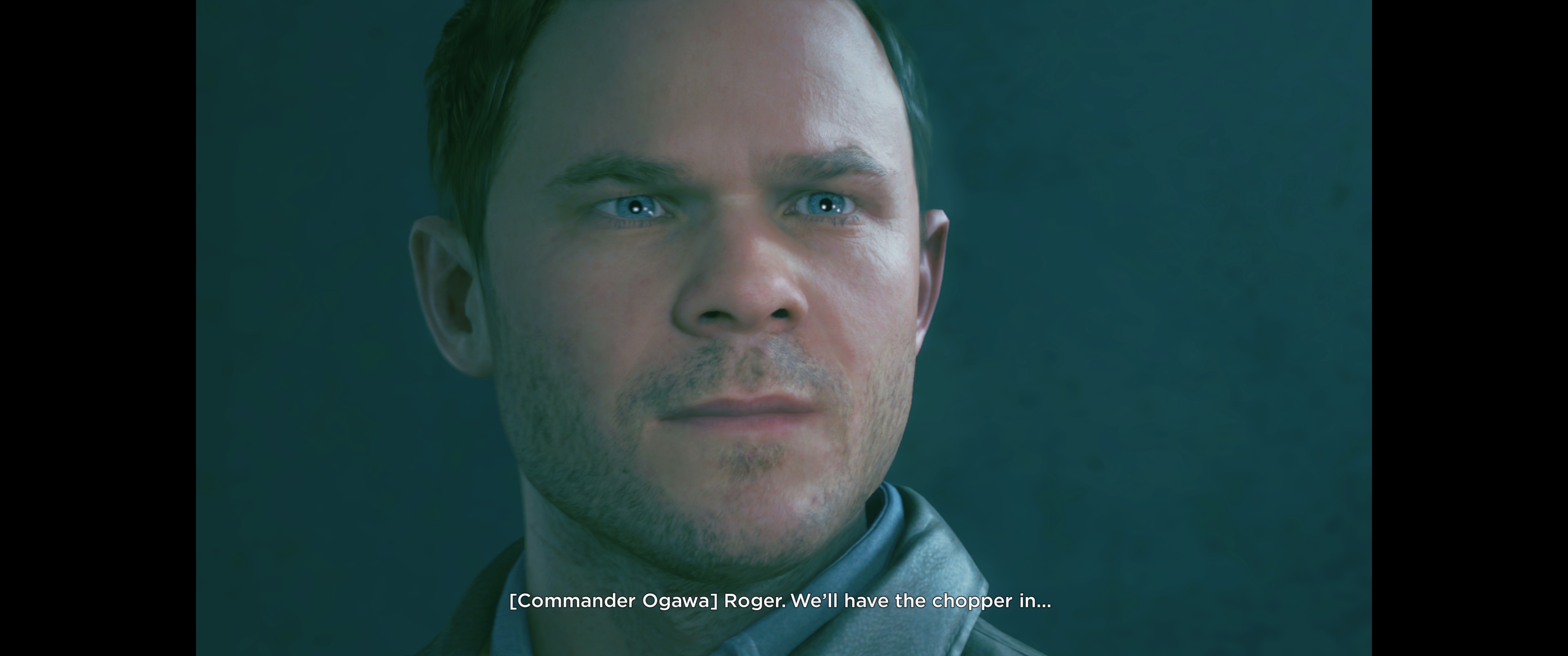
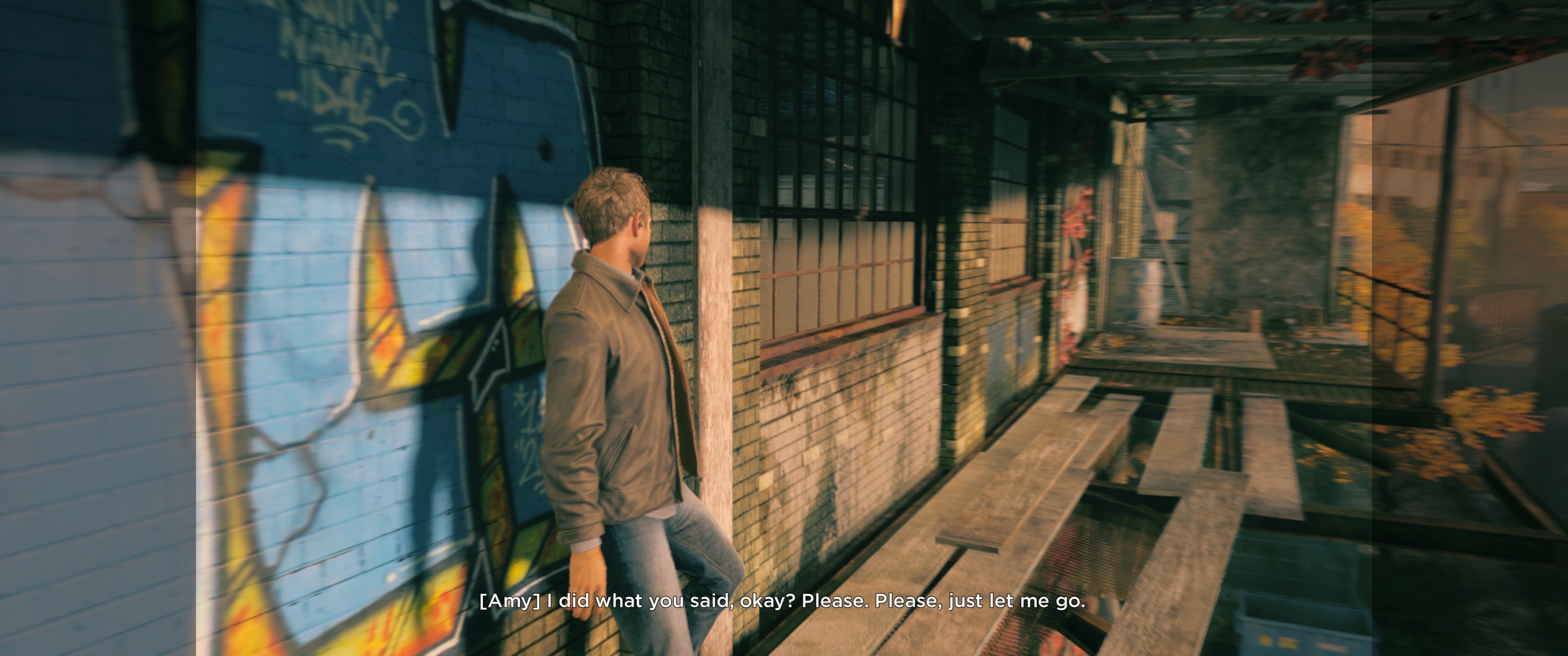
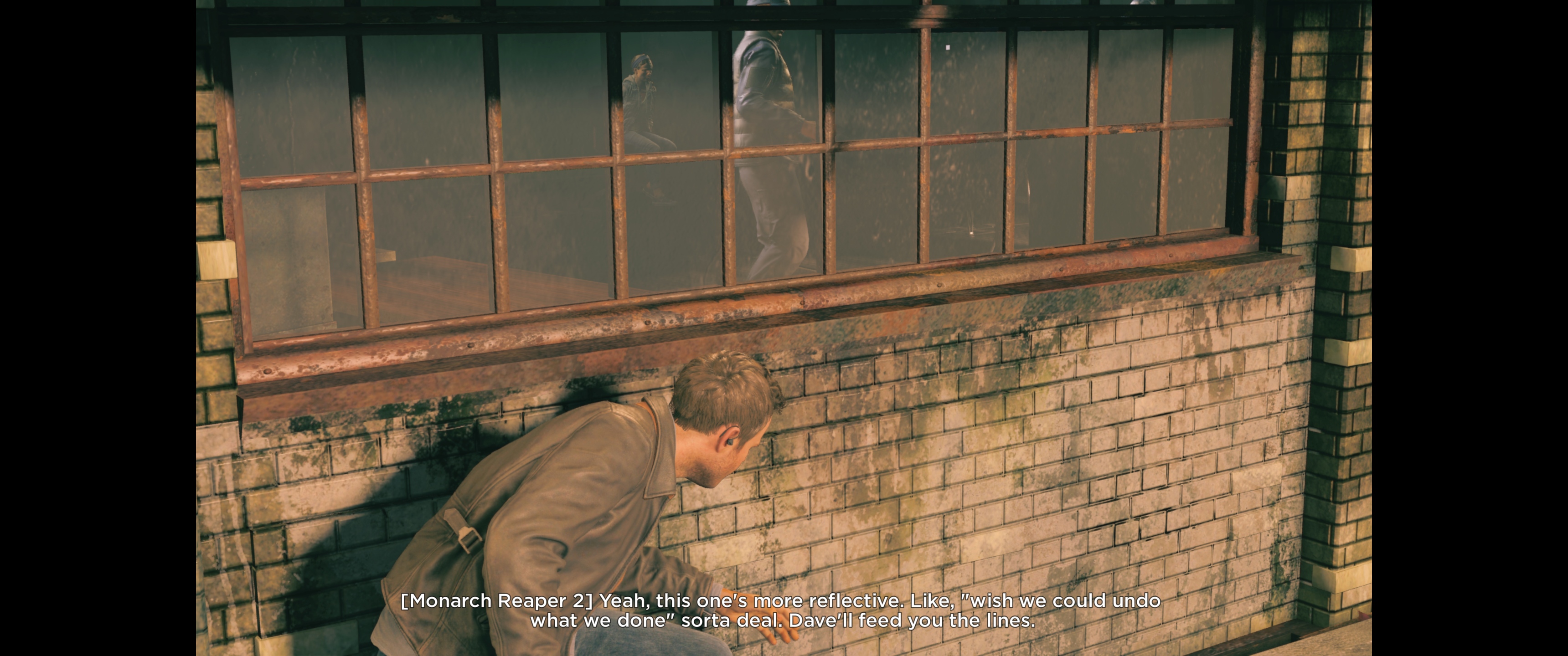
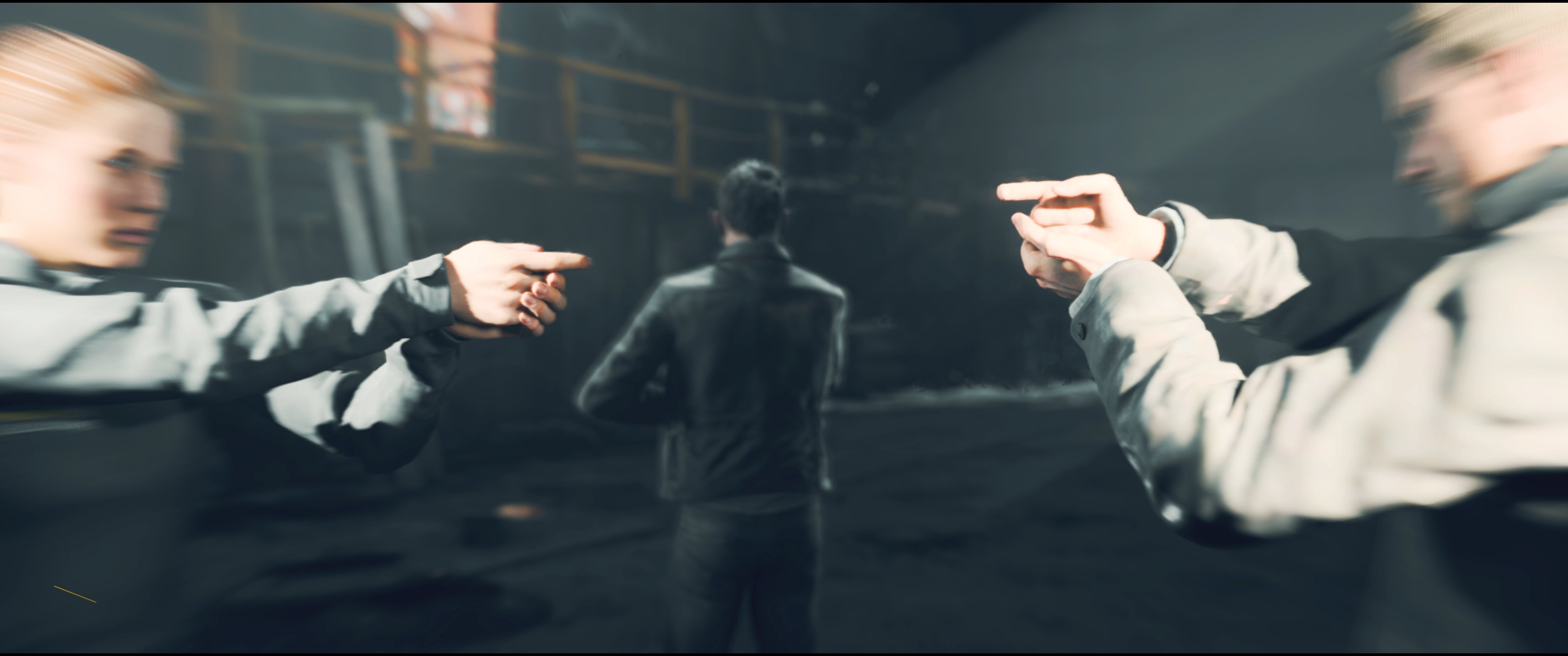
The rendered cutscenes can be 'unlocked' - yes exactly like those in Witcher 3 - same procedure.

You can either follow the steps bellow or grab the modified .exe

1) Remove Steam DRM with Steamless
- Point Steamless to QuantumBreak.exe and let it do it's thing - it will create QuantumBreak.exe_unpacked.exe

2) Modify the unpacked .exe by replacing 2 occurrences of 16:9 (398EE33F) with (8AE31840)
3) Save it! Watch time freeze in 21:9 :rockout:

Modified .exe:
Fix available from the PC Gaming Wiki Community Files (search there)

ImageImageImageImageImage

ImageImageImageImageImage

EDIT: I just noticed that there are missing horizontal lines on top and bottom 6 pixels in height. :think:
http://screenshotcomparison.com/comparison/133138

_________________
LG 29UB67 => AOC AG352UCG6


Top
 Profile  
Reply with quote  
Display posts from previous:  Sort by  
Post new topic Reply to topic  [ 9 posts ]  Go to page Previous  1, 2, 3, 4, 5, 6, 7, 8, 9  Next

All times are UTC [ DST ]


Who is online

Users browsing this forum: Bing [Bot] and 8 guests


You cannot post new topics in this forum
You cannot reply to topics in this forum
You cannot edit your posts in this forum
You cannot delete your posts in this forum
You cannot post attachments in this forum

Search for:
Jump to:  
cron


Powered by phpBB® Forum Software © phpBB Group