Game looks basically perfect. FOV looks proper; weapons, aim & reticles proper (latter nearly always *). Menu, text, HUD look proper (latter's elements spanning full width). Rendered cutscenes full hor+, FMV & loading screens pillarboxed.

(PLP screenshot with bezel effect. 2H common aim view)
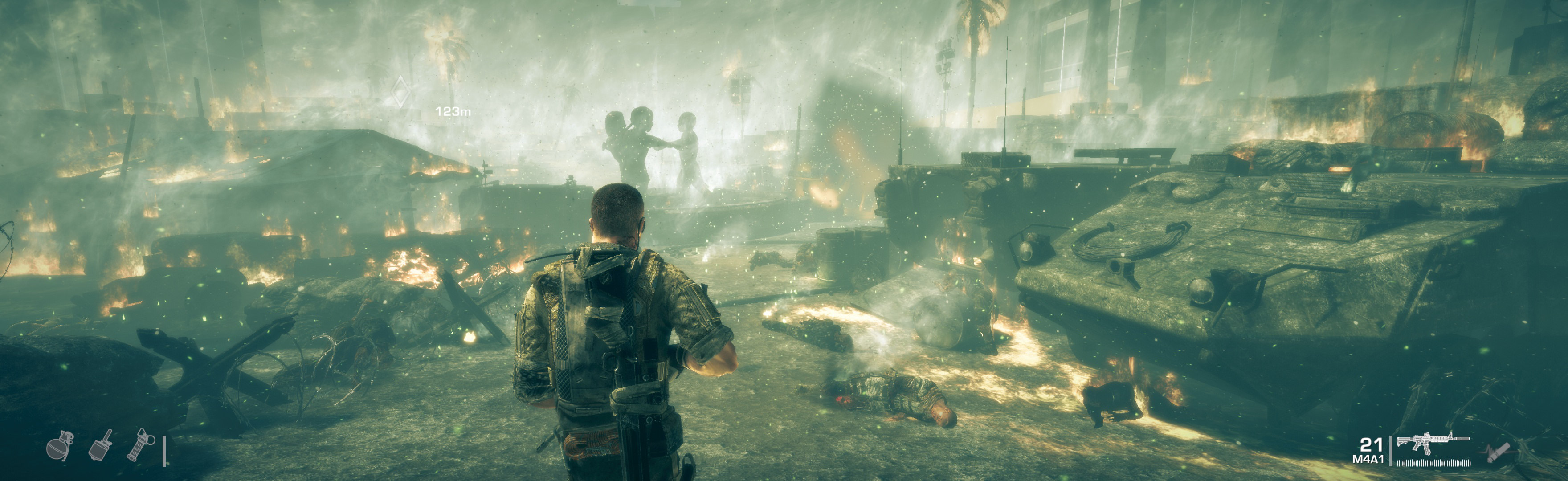
(walking)
1. SoftTH (fullscreen, DX9 x86).
2. Flawless Widescreen:
A. Enable plugin, checkmark FOV Fix & Aspect Ratio Fix. But leave FOV slider 0 (it's offset, zero likely proper FOV).
B. Go to menu Settings, Configuration, Display Detection. Checkmark Enable Detection Override; enter Width & Height (fullscreen PLP), HUD W&H (center's size), HUDX (side width), HUDY zero. Save Changes.
3. In-game select massive resolution.

(cover view)

(helicopter turret)

(zip line)
NOTES:
1. * Mortar's remote-camera reticle overlay is stretched (not a problem & weapon's only used once).
2. To edit config files (optional; e.g. turn off Motion Blur):
A. Download game-specific decrypter: http://mod.gib.me/specopstheline/inicrypt.zip.
B. Open folder %USERPROFILE%\Documents\My Games\SpecOps-TheLine\SRGame\Config.
C. Drag e.g. SREngine.ini onto IniDecrypt.exe (decrypts).
D. Open file (Notepad), find e.g. MotionBlur & make it False. E. Drag SREngine.ini onto IniEncrypt.exe (re-encrypts).

(sniper scope)
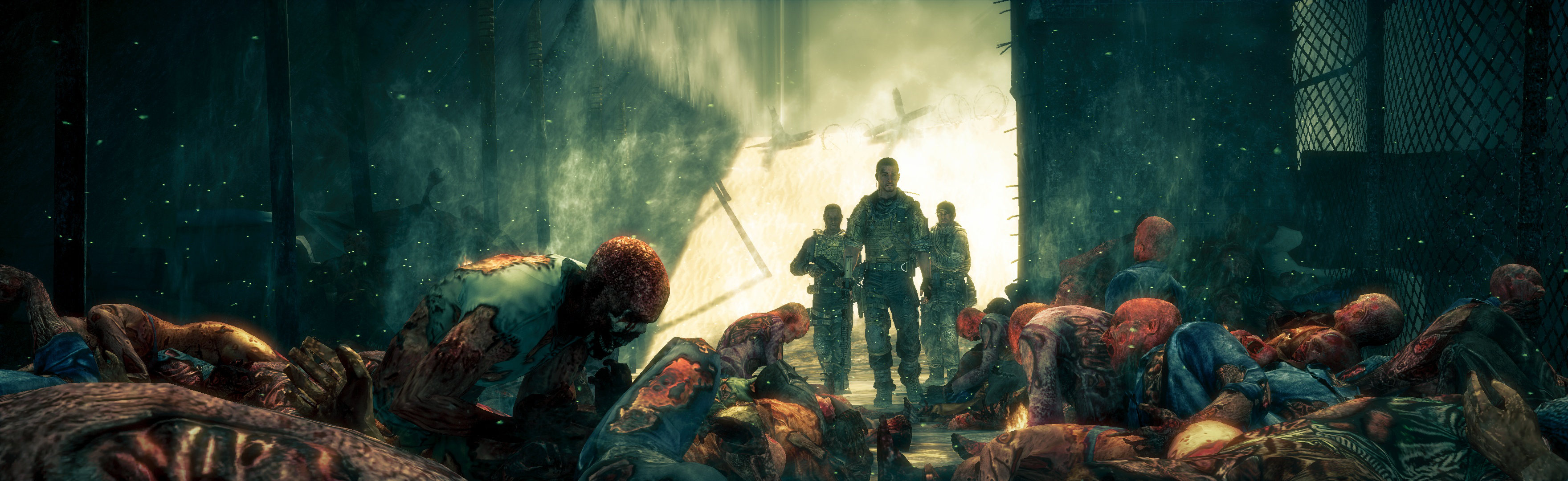
(rendered cutscene)

(rendered cutscene)
View guide for general help with the instructions.