Game looks great. FOV proper, rendered cutscenes full hor+. FMVs & loading screens pillarboxed (with game-world visible on sides). All text, menus & sparse HUD are proper.
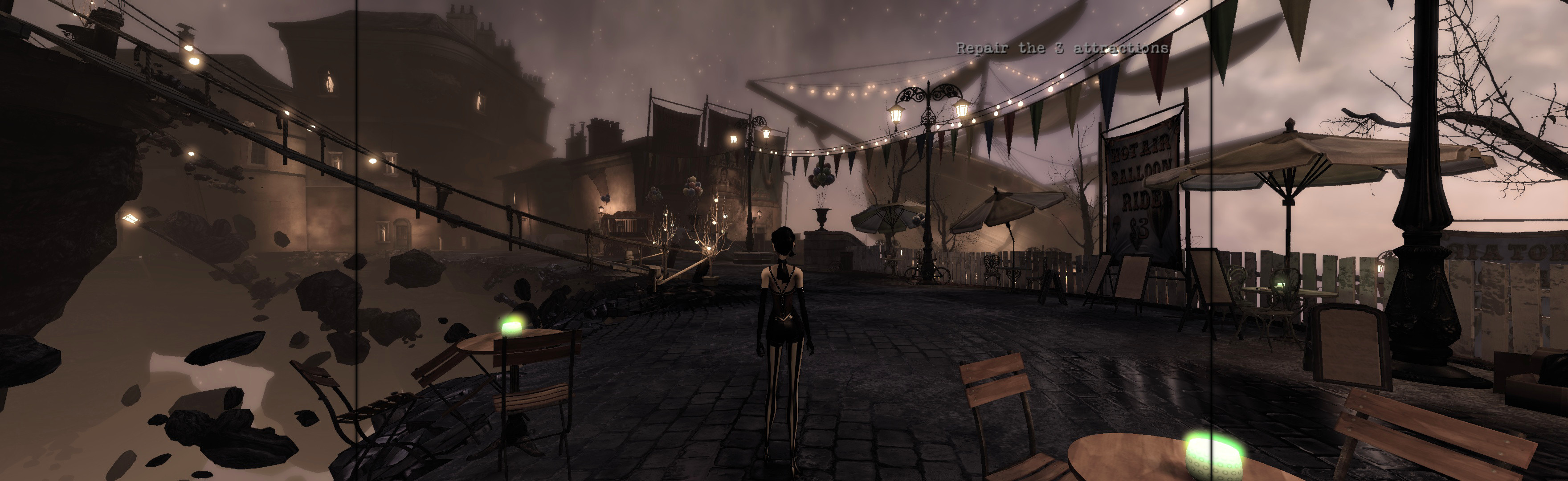
(PLP screenshot with bezel effect)

1. SoftTH (fullscreen, DX9 x86).
2. In-game select massive resolution, apply, quit.
3. Flawless Widescreen:
A. Load game plugin, checkmark all (enable, FOV, HUD, Letterbox fixes), leave FOV slider 0.0.
B. Go to menu Settings, Configuration, Display Detection. Checkmark Enable Detection Override; enter Width & Height (fullscreen PLP), HUD W&H (center's size), HUDX (side width), HUDY zero. Save Changes.
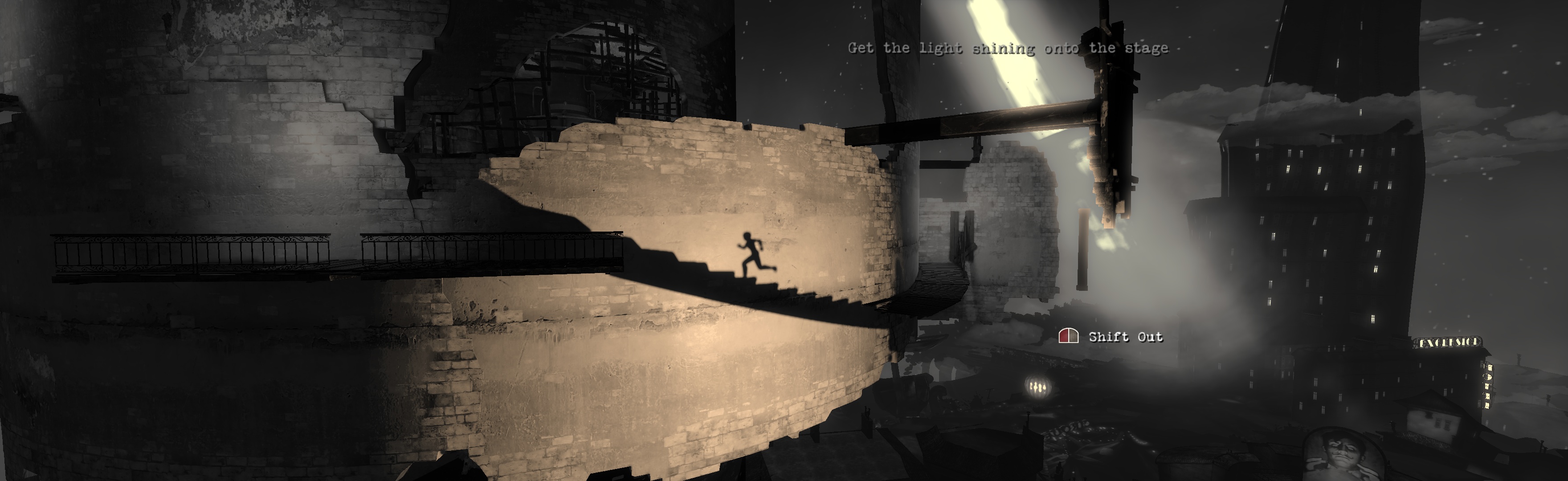

(main menu)
FIXES:
1. Mouse Sensitivity: if game forgets non-default value, edit %USERPROFILE%\Documents\My Games\Contrast\ContrastGame\ Config\ContrastInput.ini. MouseSensitivity=##, save & read-only.
2. Chugging: if game or cutscenes don't run butter-smooth when decent FPS (on any setup), set compatibility mode to Windows XP SP3.
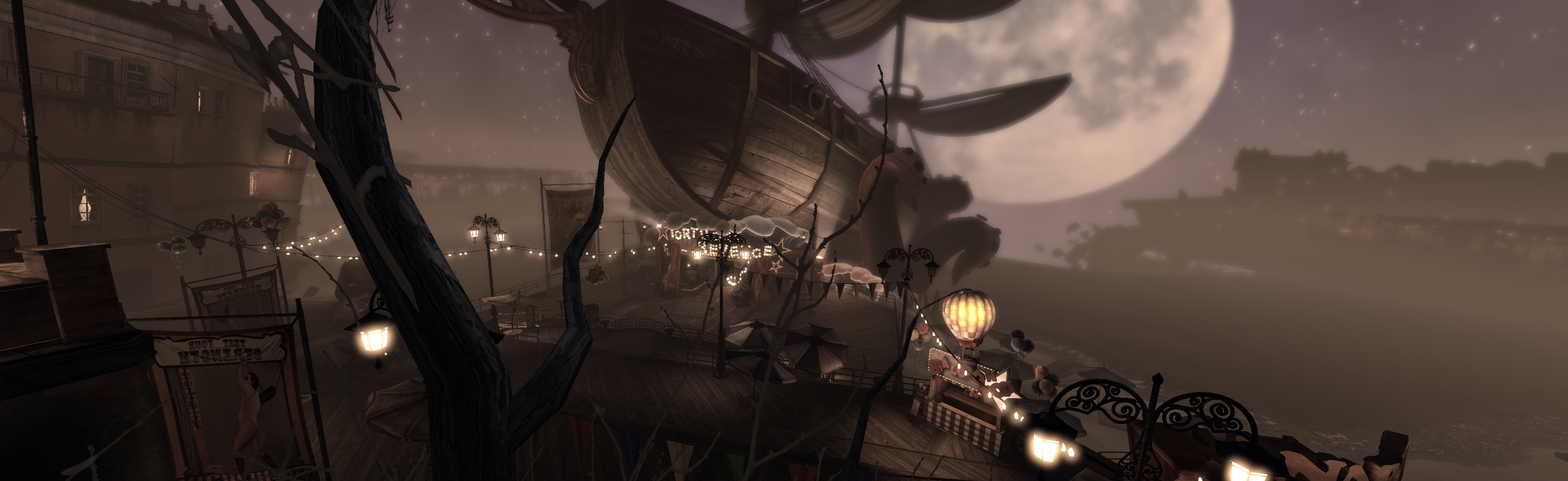
(rendered cutscene)

(rendered cutscene)
View guide for general help with the instructions.