Game looks acceptable. Good immersion, but not ideal PLP *.

(PLP screenshot with bezel effect, un-aimed gun examples)


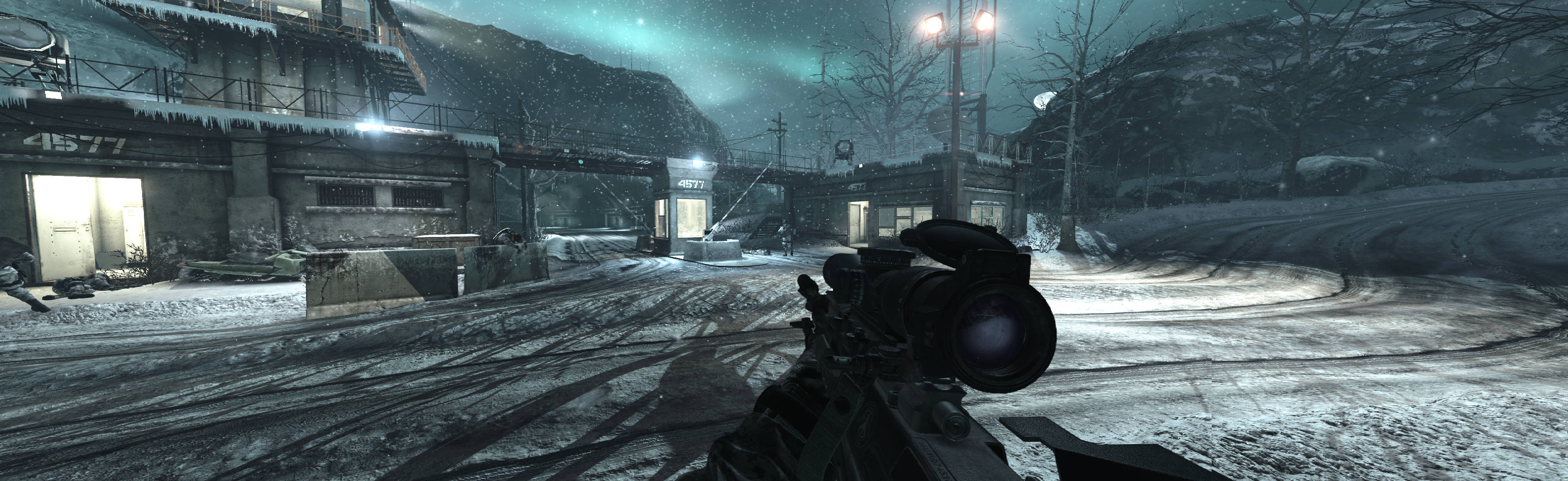
1. In-game, settings how you want, single-screen resolution, "Windowed (No Border)". In Advanced Video, Depth of Field = No (it's too strong sometimes) & Texture Quality = Manual. Set the following to Extra (dimishes pixelisation): Image Quality, Terrain Detail, Texture Resolution, Normal Map Resolution, Specular Map Resolution. Esc & apply, quit. If game abended, do again but make borderless last.
2. Make read-only (path-to-game)\players2\config.cfg.
3. Flawless Widescreen (FWS):
A. Go to menu Settings, Configuration, Display Detection. Checkmark Enable Detection Override; enter Width & Height (fullscreen PLP), HUD W&H (center's size), HUDX (side width), HUDY zero. Save Changes.
B. Load game plugin. Checkmark enable, Aspect, & FOV fixes (don't use HUD fixes). FOV slider 80.
4. Start game, ShiftWindow (fullscreen resolution. Game startup looks better if you wait for player & then trigger).

(aimed gun examples)

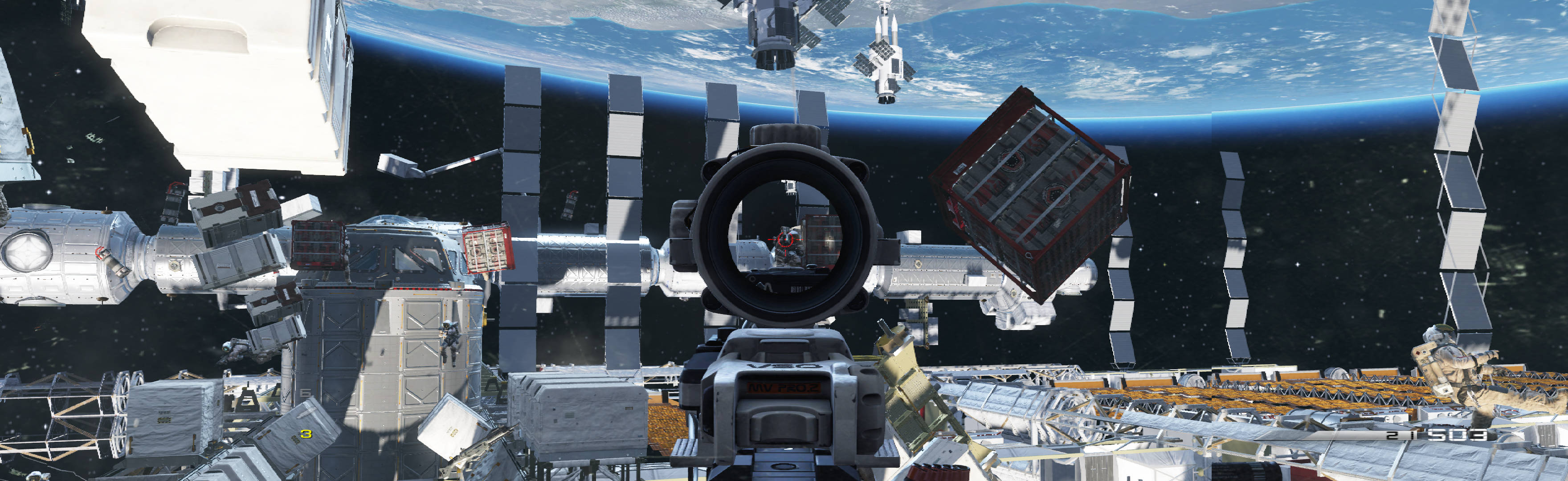
NOTES:
1. * Hor+ & FOV looks proper. Rendered video is hor+. But entire game is slightly pixelized (unnoticed in session). HUD, text, menus & FMV cutscenes are stretched. Guns & aim-view overlays look proper. But all un-aimed reticles are stretched & sometimes bigger. None of these issues are a problem.
2. Optional FOV (not needed): FWS slider. Powerful, also affects gun position.
3. Workaround for initial setup if game gets stuck on left-screen, or main menu is gone, or game resolution is screwed up.
A. Close game. If "quit" is inaccessible, Esc x2, up-arrow once, Enter.
B. Delete config.cfg, restart game & redo in-game settings, quit; make the fresh config.cfg read-only.
4. FWS is bit version-specific, may require game update.
5. Pixelisation is caused by game refusing to equip proper resolution. Memory edit for resolution may fix it.
6. Failed attempts:
A. Resolution-type edits had no effect. Attempted in config.cfg, shortcut-type arguments, & CE (latter type: you may have better luck).
B. FWS LUA file edits did not improve game (complex file, promising for HUD fix).

(scuba, un-aimed)

(Riley dog view)

(Jeep looking back, mounted gun)
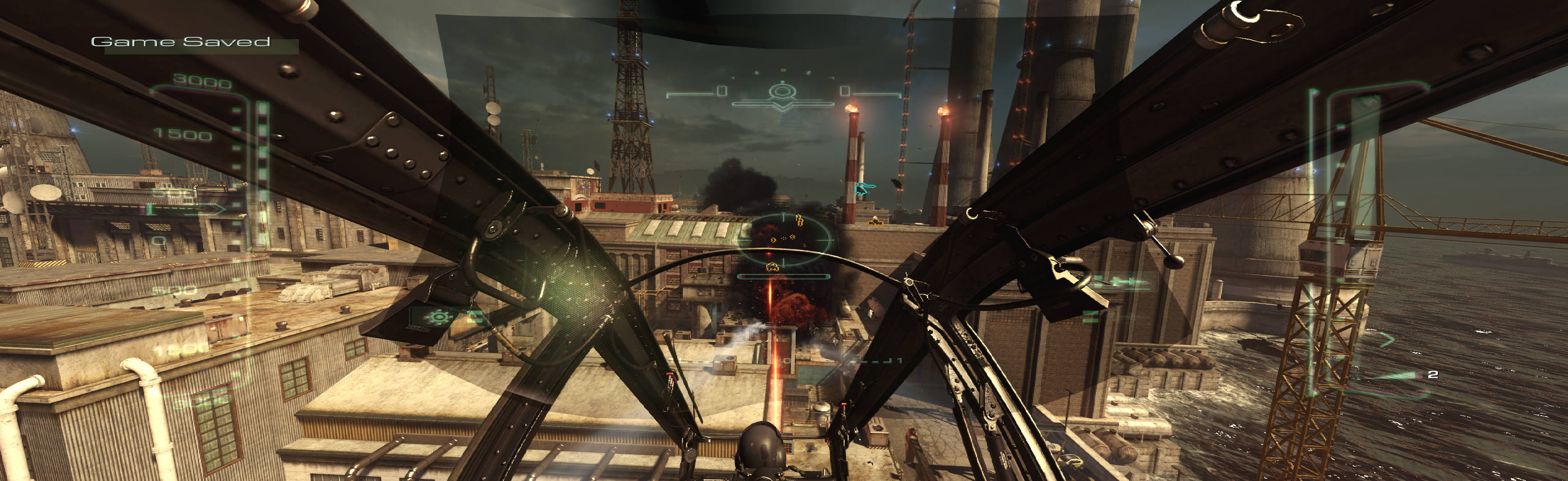
(helicopter view)

(remote gun view)
View guide for general help with the instructions.