Complex setup, but game looks good.

(PLP screenshot with bezel effect. Aim view, 1-handed gun)

(aim view, shotgun)

(car chase, common driving view)
1. Open game launcher (runs by default). Click Options. Set Resolution to your single-screen (if your resolution not available, not a problem). Set Renderer to dx9, graphics how you want. Click OK.
2. FOV Fine-Tune (part1, optional, recommended): Click Launch, get to player view (that's the first checkpoint). Measure player's full height with ruler, jot it down.
3. Quit from Launcher or from in-game (whichever is open).
4. SoftTH (fullscreen, DX9, x86).
5. Flawless Widescreen (FWS).
A. Current game version required (v1.3, seen in game's launcher & main menu. Exact build-version likely doesn't matter, FWS is smart).
B. Install game's plugin & checkmark all. Ignore resolution, FOV value 0.0, then quit.
C. Menu Etc Fix:
i. Find (path-to-FWS)\PluginCache\FWS_Plugins\ Modules\LANoire\Dependencies\ Scripts\LANoire.lua.
ii. File edit (Notepad): Replace string "DisplayInfo:GetAspectRatio()" with "####/####" (no quotes, your width / height), save.
6. Start FWS, enter your fullscreen resolution & click Enable OFF & back on (every time). Open game launcher & click Options again. Set Command Line to -windowed. Click OK & Launch Game. Game should launch with no errors, as small 1280x720 window (if not, quit & fix *). In-game select massive resolution & apply (every time).
7. ShiftWindow (+ border = borderless & to position).
8. Mouse Clipping Fix (optional, recommended if using mouse): PrimaryLock utility limits mouse movement (instructions in guide/parent page).
9. FOV Fine-Tune (part2, optional):
A. Use Alt+Tab to adjust FOV value in FWS, on the fly. Zero looked ~proper in testing.
B. To confirm proper FOV is rendering, compare player height against jotted (can't go by position, as camera is offset).

(common fist-fight view)

(perp chase, sprint view)
NOTES:
1. Game's Hor+ & FOV looks proper. HUD & menus perfect (except Pause **). FMV cutscenes fill all screens (not stretched, slight vert-, LLL would be more vert-), while rendered video varies: either centered & bit hor+ (mostly story cutscenes; these spread to 40% of side screens) or perfect spread (mostly close-ups & interviews, often interactive).
2. Minor issues:
A. ** Pause-menu usually has bottom entries cropped off (not a problem): Social Club (maybe), Options, Restart Case, Exit. These are accessible with keyboard. E.g. To quit from menu top, press up-arrow once, which rolls off-screen to Exit at menu bottom (down-arrows work fine too.)
B. In-game camera in casual-view is anchored bit higher than original. But this looks as good & doesn't affect gameplay. Aim-view is perfect. Driving's basically perfect (car's angle maybe slightly different, may depend on which car).
C. Loading screens basically correct, though background texture is vert-.
3. FWS must be restarted to recognise edits. Should backup lua file. If game menu expands in future, paste file back in.
4. * Game Startup Fixes, for these cases (sometimes FWS doesn't hook right):
A. Restart game if game disappears, or immediately game abends, or logo screens are vert- & your window is PLP.
B. Restart FWS & game if Windows error message, or your resolution is not visible in-game menu.
C. If still problem, restart PC to clear it. Don't run game as Administrator.

(comparison. Camera is noticeably offset in only this view. FOV is about proper.)
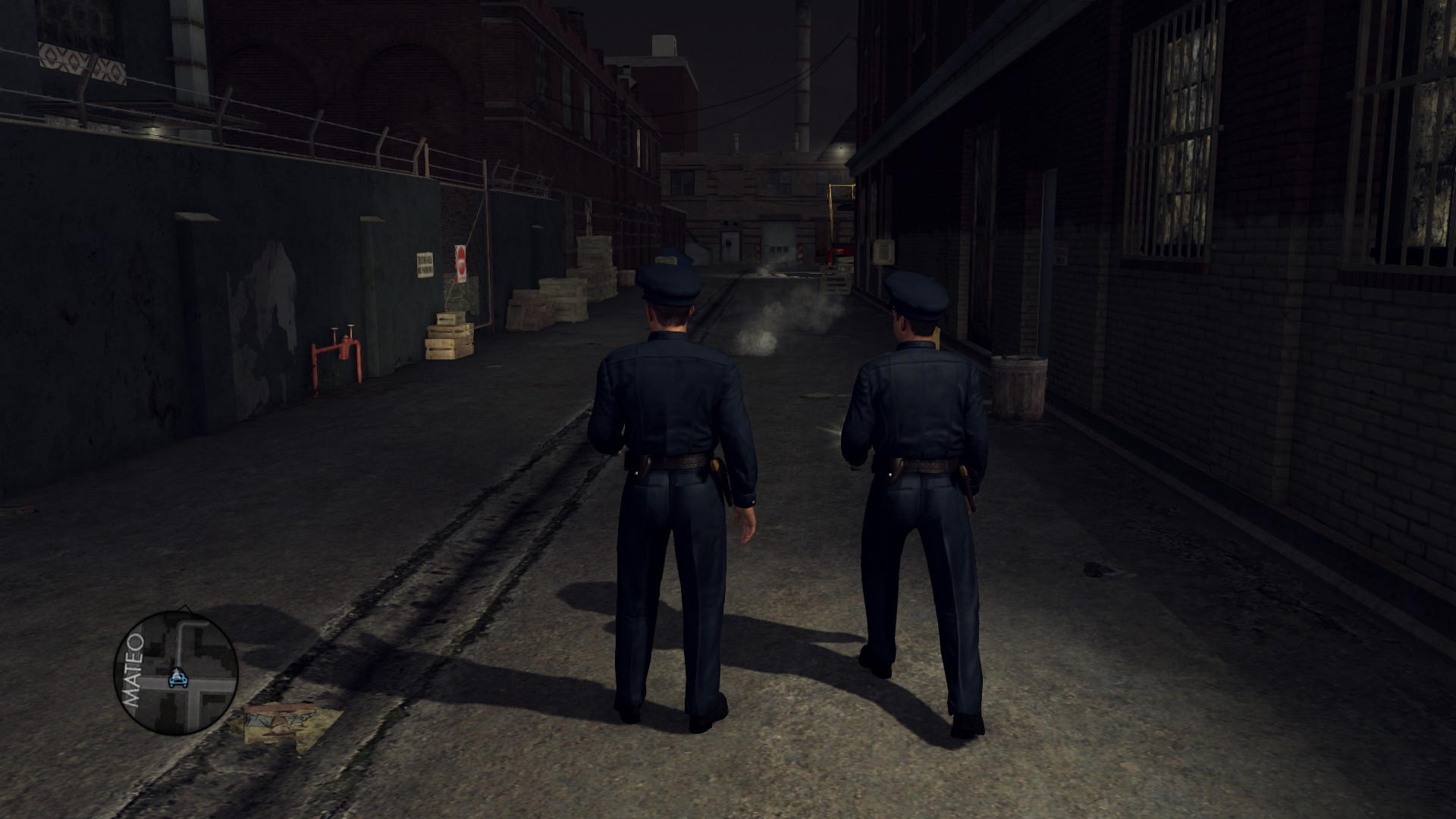
(1080p, notice gap below player.)

(crime-scene, close-up view e.g. 1)

(crime-scene, close-up view e.g. 2)

(rendered cutscene, often have fat margins on sides)
View guide for general help with the instructions.