Game looks good, hor+ & FOV looks proper. But some things stretched (none a problem): HUD & text messages; occasionally "scope overlay" elements & loading/lobby screens.

(PLP screenshot with bezel effect)
Fullscreen (best choice *): In-game disable DX11, quit. SoftTH (DX9 x86) in (path-to-game)\Binaries. Edit %USERPROFILE%\Documents\My Games\HOMEFRONT\GCGame\ Config\GCEngine.ini. ResX & ResY your base PLP resolution, ScreenAspectRatio=#.###### yours (width / height). Start game. If gun is stretched (likely), quick fix: press Esc, Options, System, then Esc back to game.
OR Borderless: In-game Windowed (not Full Windowed). ShiftWindow (+ border = borderless). May need to trigger twice.

(helicopter view)
NOTES:
1. * Fullscreen VS Borderless: latter locks up sometimes (bit too frequent, but playable. PrimaryLock may fix it [untested], Cursor Lock doesn't. Details on these utilities in guide/parent page). Fullscreen's setup is lengthier & can't use DX11 (though DX9 game looks just as good).
2. In-game FOV slider (not needed).
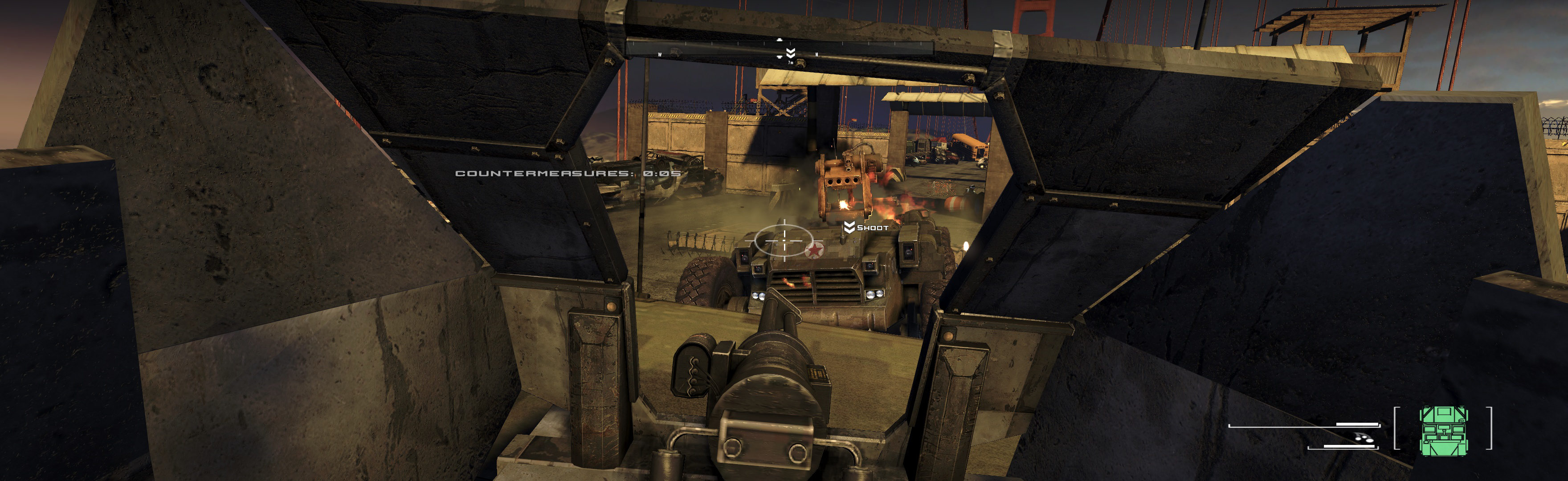
(hummer rear gun view)

(scope: bulls-eye is oval)

(scope: perfect)

(scope: perfect)

(sniper scope, high powered. very stretched overlay, by far the worst. But it works same)
View guide for general help with the instructions.