Game looks great. FOV, HUD & all weapons are proper. Rendered cutscenes full hor+, FMVs & loading screens pillarboxed. Text & menus proper.
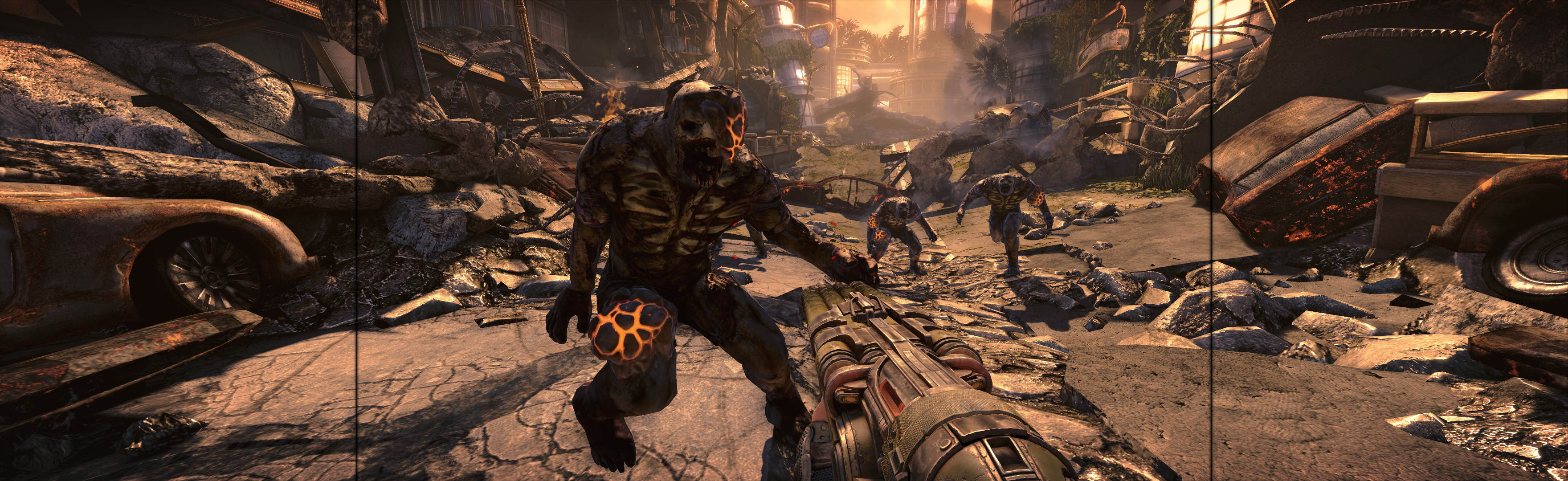
(PLP screenshot with bezel effect, 4-barrel shotgun)
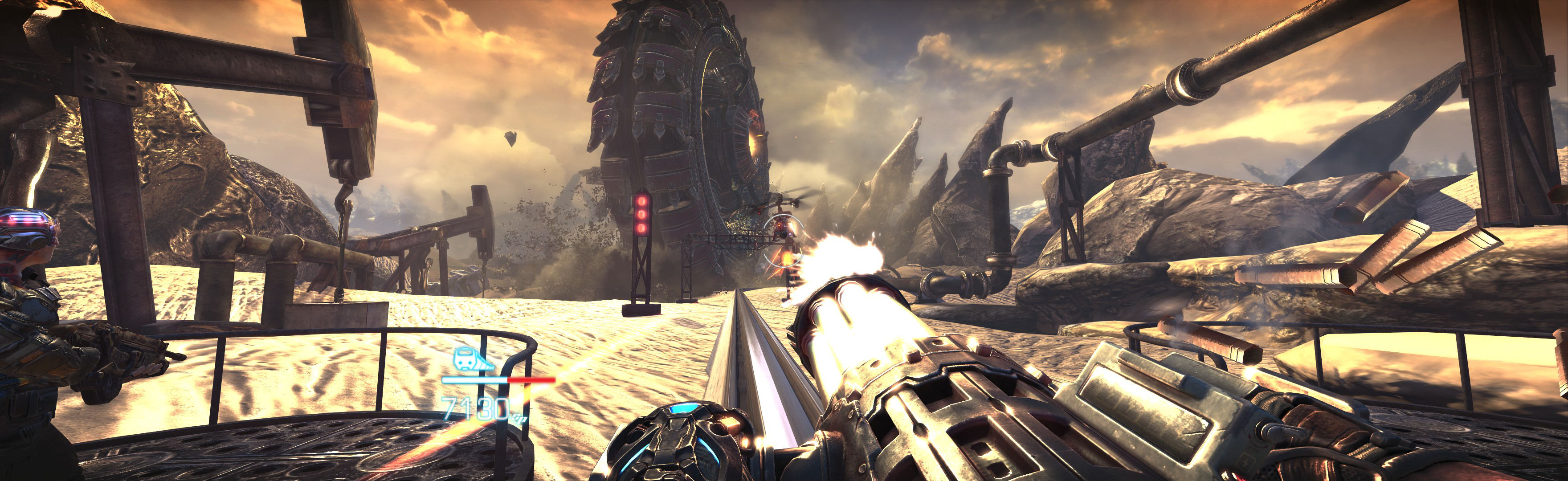
(minigun, railway scenario)
Fullscreen:
1. SoftTH (fullscreen, DX9 x86).
2. Start game, select massive resolution, apply, quit.
3. Do FWS Fix *.

(handgun VS man-eater boss)

(kick)
OR Borderless:
1. Do FWS Fix *.
2. Start game, select windowed.
3. ShiftWindow (+ border = borderless):
A. Must Alt_Tab & click Trigger.
B. Optional perfect borderless: move 1 pixel down & right; remove 2 pixels from height & width. Yours may differ.

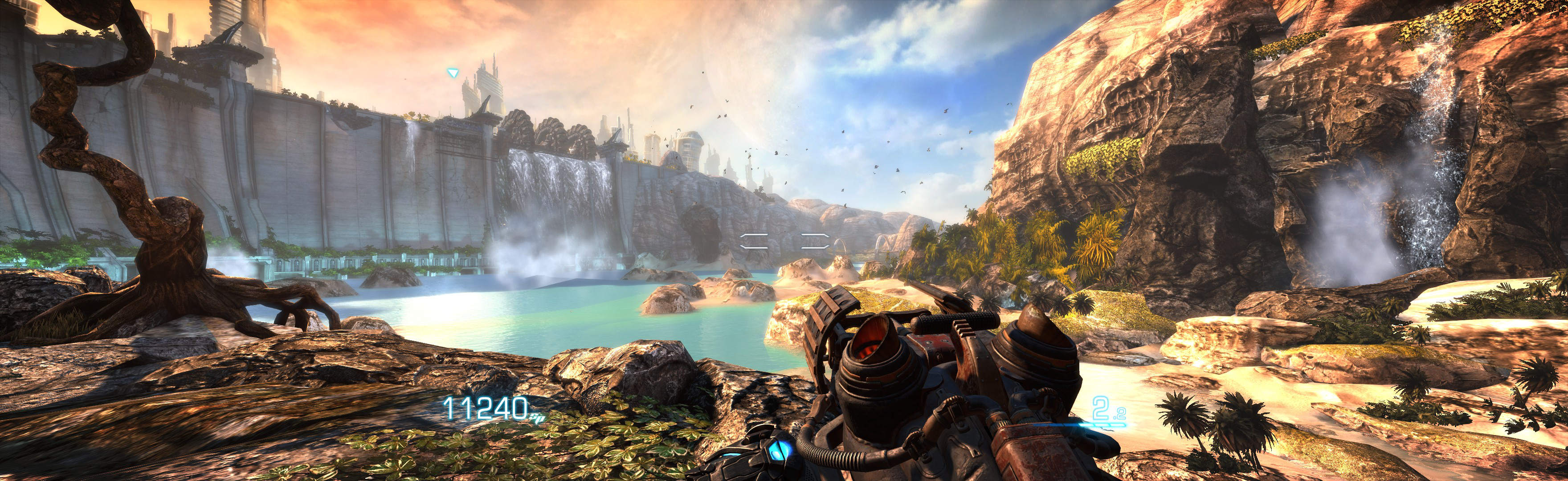
NOTES:
1. When looking at or near sun, its light-ray effects are stronger than single-screen (looks fine, LLL likely same issue).
2. * Flawless Widescreen (FWS) Fix:
A. Go to menu Settings, Configuration, Display Detection. Checkmark Enable Detection Override; enter Width & Height (fullscreen PLP), HUD W&H (center's size), HUDX (side width), HUDY zero. Save Changes.
B. Load game plugin, checkmark all (enable, FOV, Aspect Ratio fixes), leave FOV slider 0.0.
3. Upon quit, Windows may throw error message; just ignore.
4. Chug Fix: If game or cutscenes don't run butter-smooth when decent FPS (on any setup), set compatibility mode to Windows XP SP3.

(most common aim view)

(sniper scope, it's proper)

(notice stretched overlay. Happens only once, at game start)
View guide for general help with the instructions.