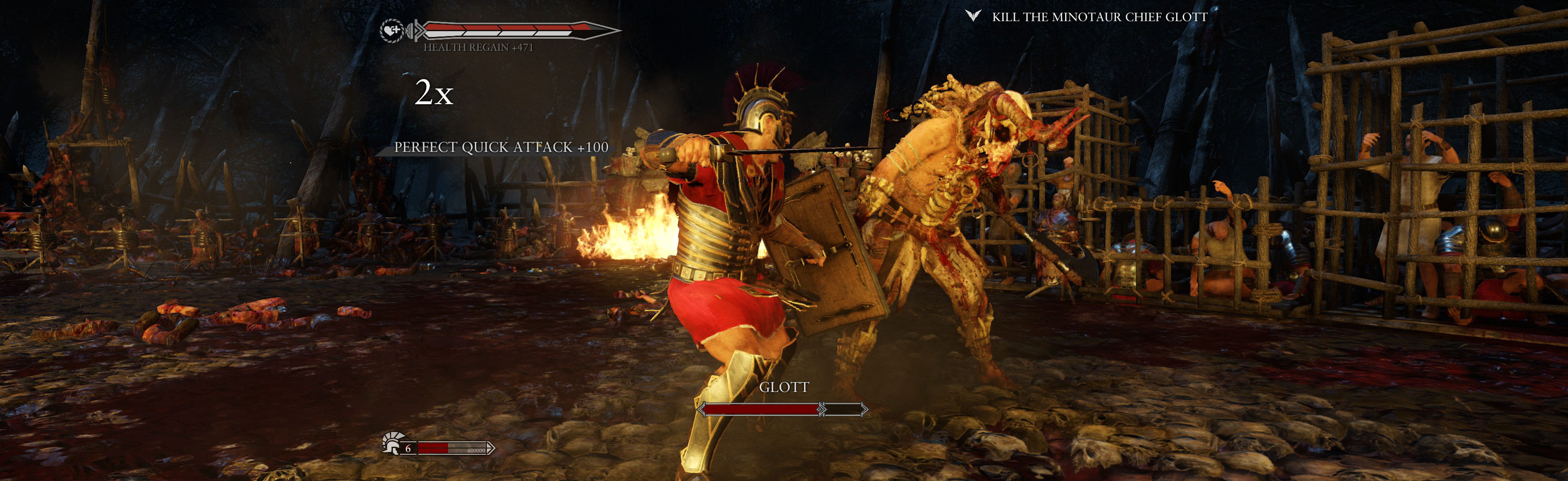
Game looks perfect. FOV proper, rendered cutscenes full hor+, FMVs & loading screens pillarboxed. Menus, HUD & text look proper (all on center screen). But occasional pop-in textures, & boot-time is far longer than single-screen.
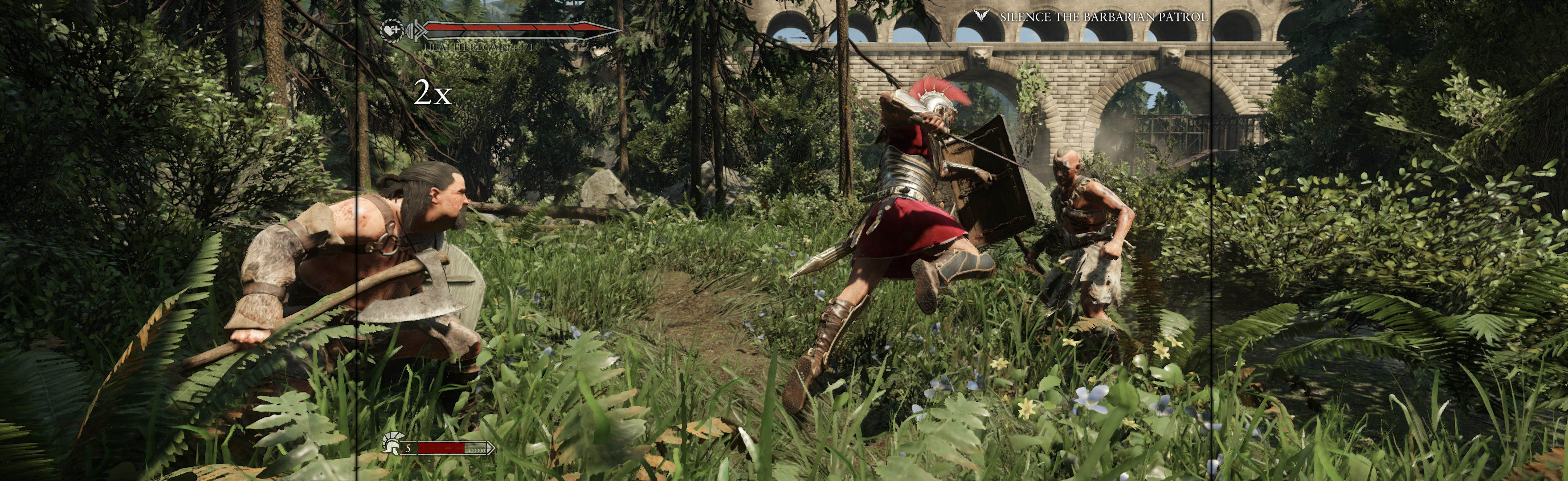
(PLP screenshot with bezel effect)

(execution cam)
1. In-game windowed, quit.
2. Create (path-to-game)\USER\game.cfg. Enter 2 lines: r_Width = ####, r_Height = #### (your fullscreen PLP, no border).
3. Do FWS fix * (recommended **).
4. Start game, wait for menu, ShiftWindow (+ border = borderless).


(common run view)
NOTES:
1. * Flawless Widescreen (FWS) Fix:
A. Load game plugin, checkmark all (enable & HUD fix).
B. Go to menu Settings, Configuration, Display Detection. Checkmark Enable Detection Override; enter Width & Height (fullscreen PLP), HUD W&H (center's size), HUDX (side width), HUDY zero. Save Changes.
2. ** FWS pros & cons:
A. FWS fixes game's stretched HUD, menu & text. Game works without it, but is uglier.
B. If FWS is used, mouse works sub-par in menus (as click-areas are offset to the right). Workaround: Controller works perfect. But if keyboard:
i. Use arrows & Enter (e.g. to Quit: press Up, Up, Enter).
ii. The odd menu button requires mouse-click (e.g. Upgrades screen); click to the right of problem-button to trigger.

(stationary)
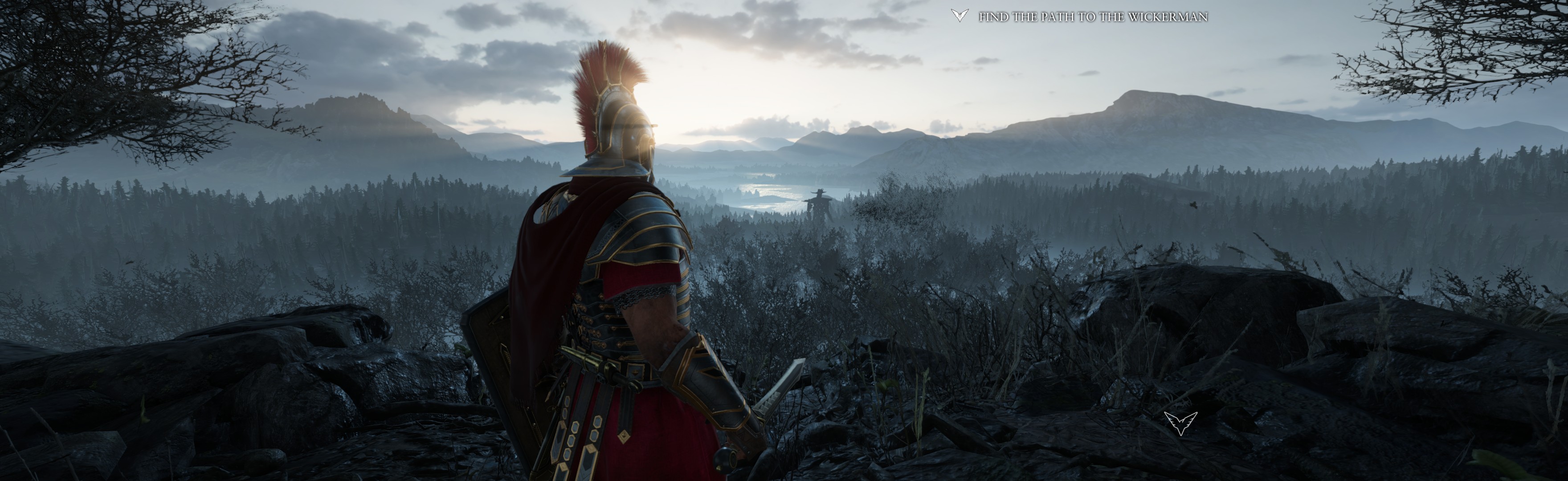

(shield formation)

(scorpion, not aiming)

(rendered video)
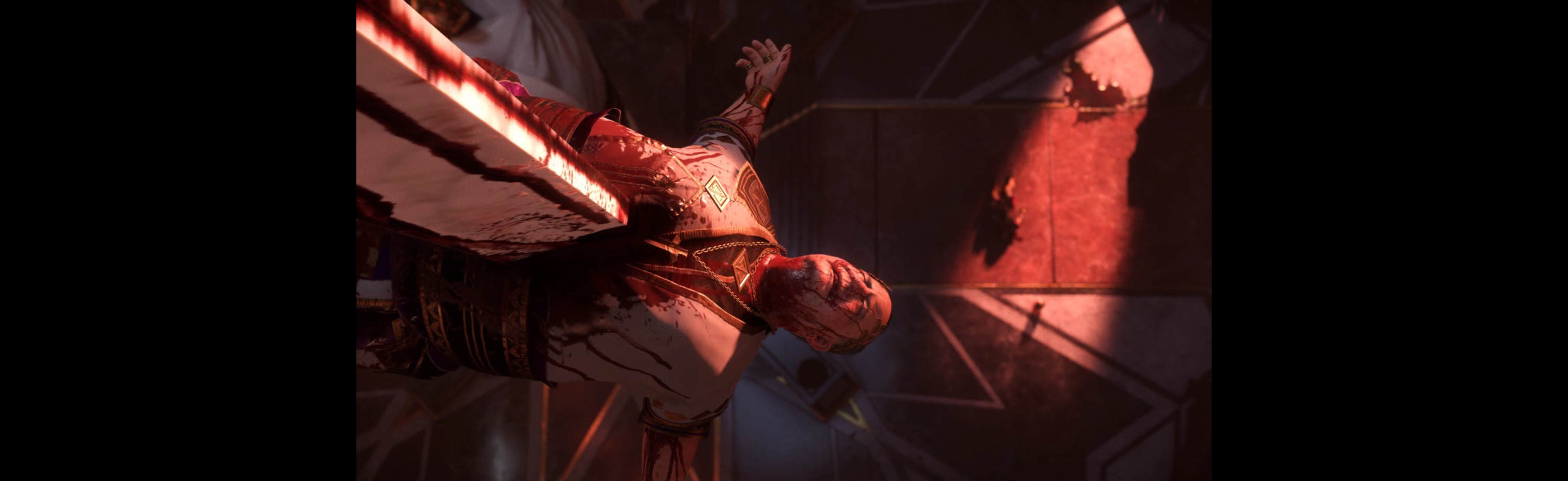
(FMV cutscene)
View
guide for general help with the instructions.


 Login
Login FAQ
FAQ Search
 Members


