Fullscreen: SoftTH (fullscreen, DX9 x86). Main menu select massive resolution (maybe at each game start). Game locks up sometimes (Ctrl+Alt+Del).
OR Borderless: In-game windowed (it's borderless), quit. Edit %LOCALAPPDATA%\techland\ cojgunslinger\out\ Settings\Video.scr. Resolution(####,####) yours (no border). ShiftWindow (no border).
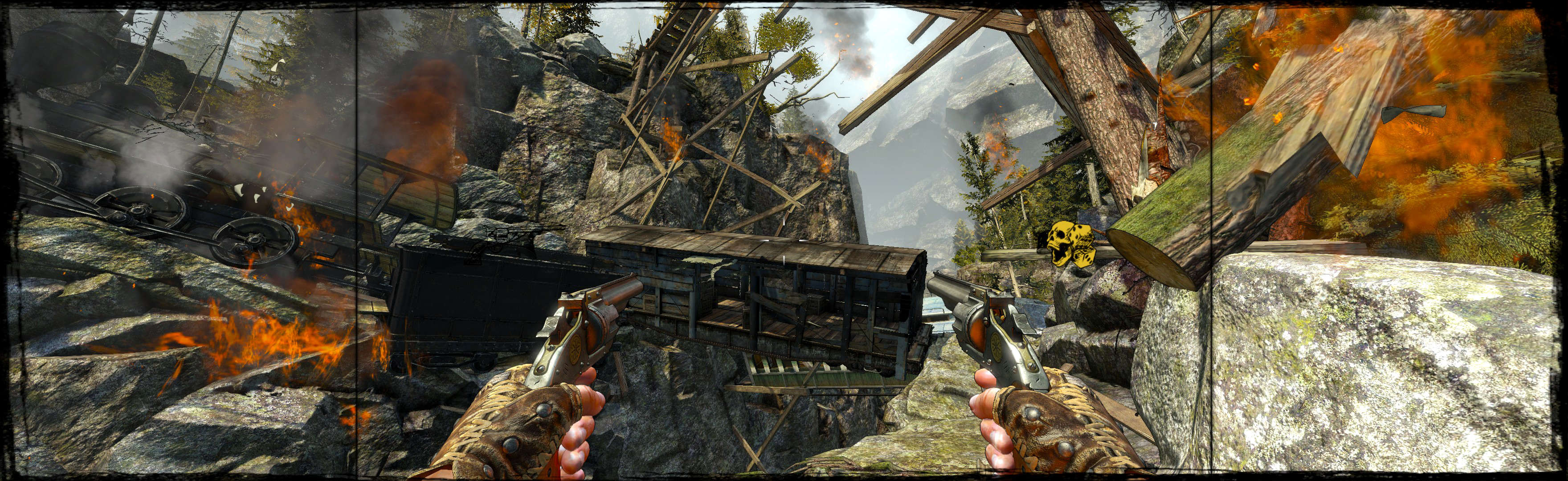
(FOV 90, PLP screenshot with bezel effect)
NOTES:
1. Optional FOV (recommended, though not needed): edit Video.scr. ForcedHorzFov(##) in range 80-110. Default is 82.72, main screenshot is 90.
2. Game may lock up sometimes, but good save-points. Ctrl+Alt+Del. Cause: maybe odd resolution or insufficient priviledges on save drive.
3. If game ignores file edits, it's caused by new file copy in (path-to-game)\coj4\..., possibly due to C:/ProgramData/... low priviledges. FIXES (maybe, untested): Right-click game & Run as Admin &/OR make virtual link to save C:/ProgramData/... onto a drive with higher priviledges &/OR clean reinstall. Workaround is Fullscreen PLP with stock FOV & no file edits.

(FOV 90)

(FOV stock, notice left wrist decrease)
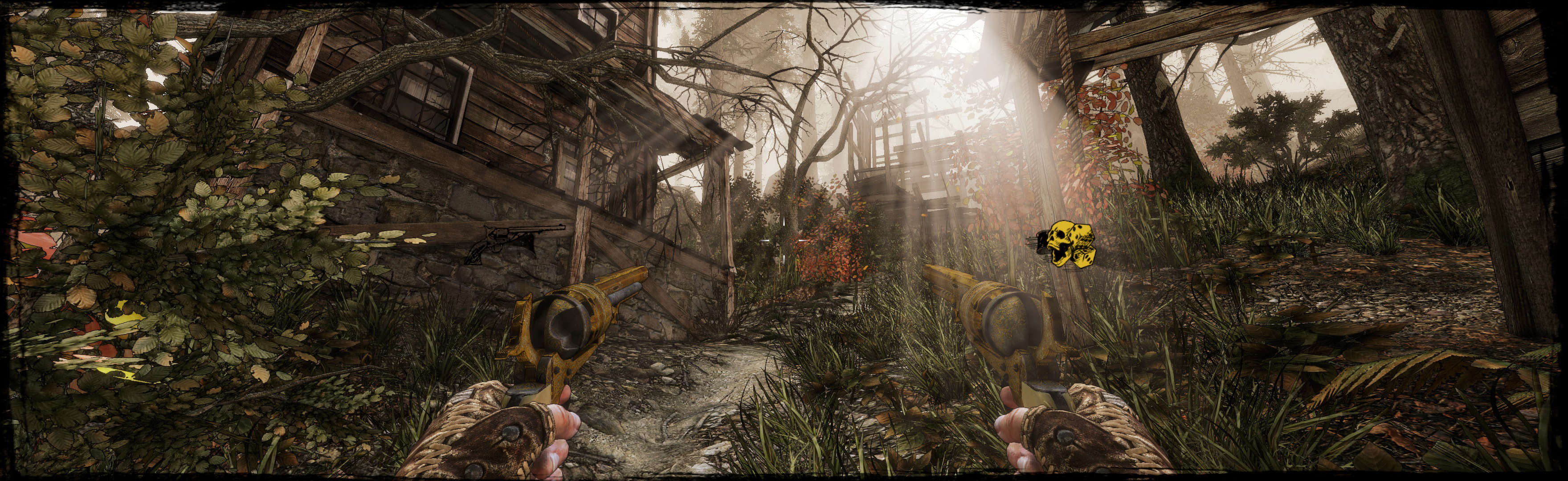
(FOV stock, notice left wrist decrease)

(FOV 90, stationary gun)
View guide for general help with the instructions.