Game looks good, & menus work well (fully visible, background proper). FOV dead-proper, rendered cutscenes full hor+. Weapons look & aim proper (& un-aimed is near-proper *). All text is proper. Menu elements & HUD on center (with some encroachment **). Perfection is achievable but too annoying ***. The easy way has some ugliness ****.
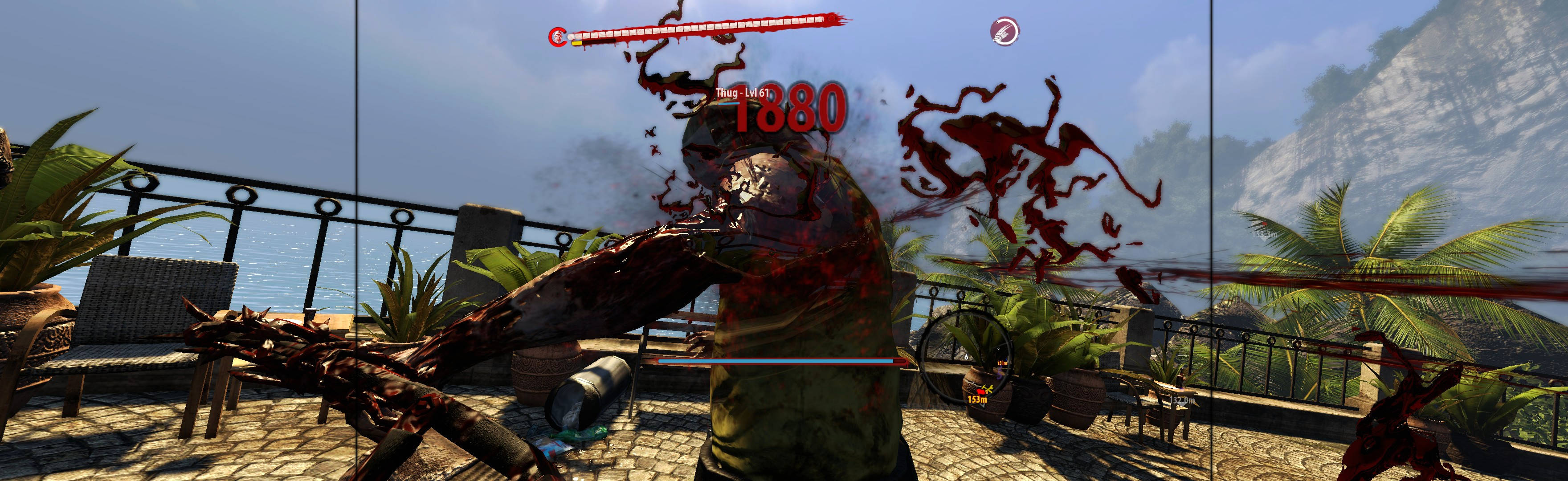
(PLP screenshot with bezel effect)

(Hand-To-Hand Combat...)

(...playing John with Claws)

(upper cut)
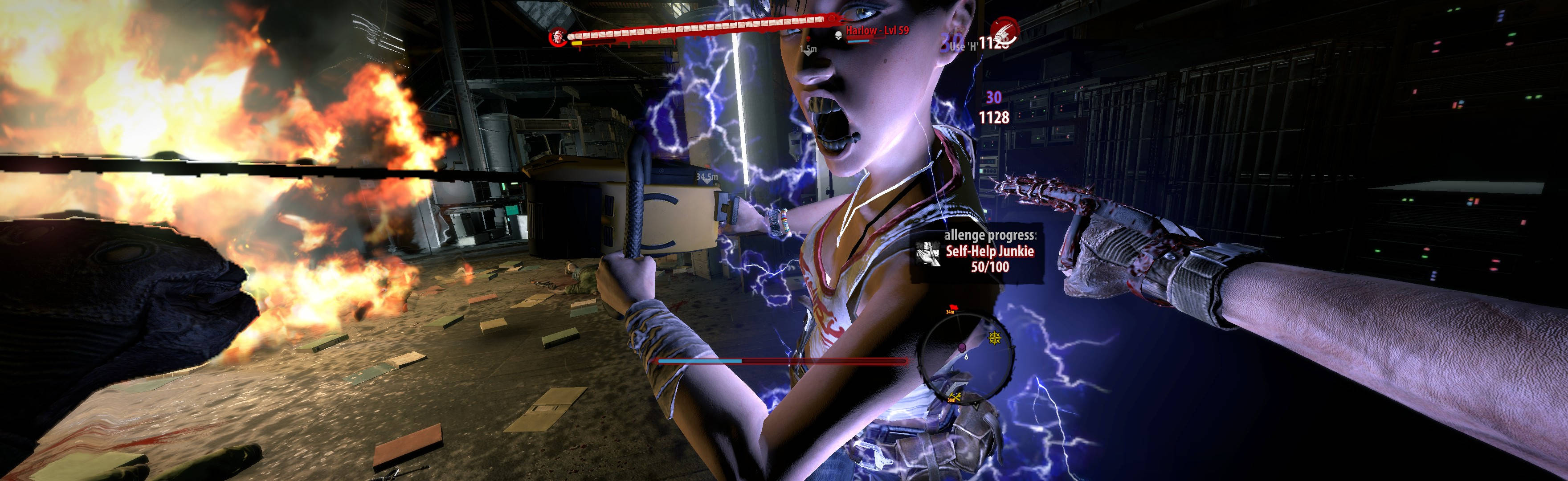
(bad idea. if it's holding a chainsaw, use ranged weapons or fast-fury...)

(...or she will smoke you)

(kick)

(brutal kick from above)

(chainsaw VS wrestler)

(chainsaw VS witch)
1. In-game windowed (its borderless), settings how you want, quit.
2. Edit (path-to-game)\DI\Out\Settings\Video.scr: Resolution(####,####) = your fullscreen.
3. Download fix from http://steamcommunity.com/app/216250/discussions/0/828937420202737472/.
4. Extract (7zip). Move only menu\hud & menu\scr to:
A. Most likely folder: %USERPROFILE%\Documents\Riptide\out\Data.
OR B. Failing above, move them instead here: (path-to-game)\DI\Out\Data.
5. Start game, ShiftWindow (fullscreen = borderless).


(quicktime-type)

(witch scream reaction)
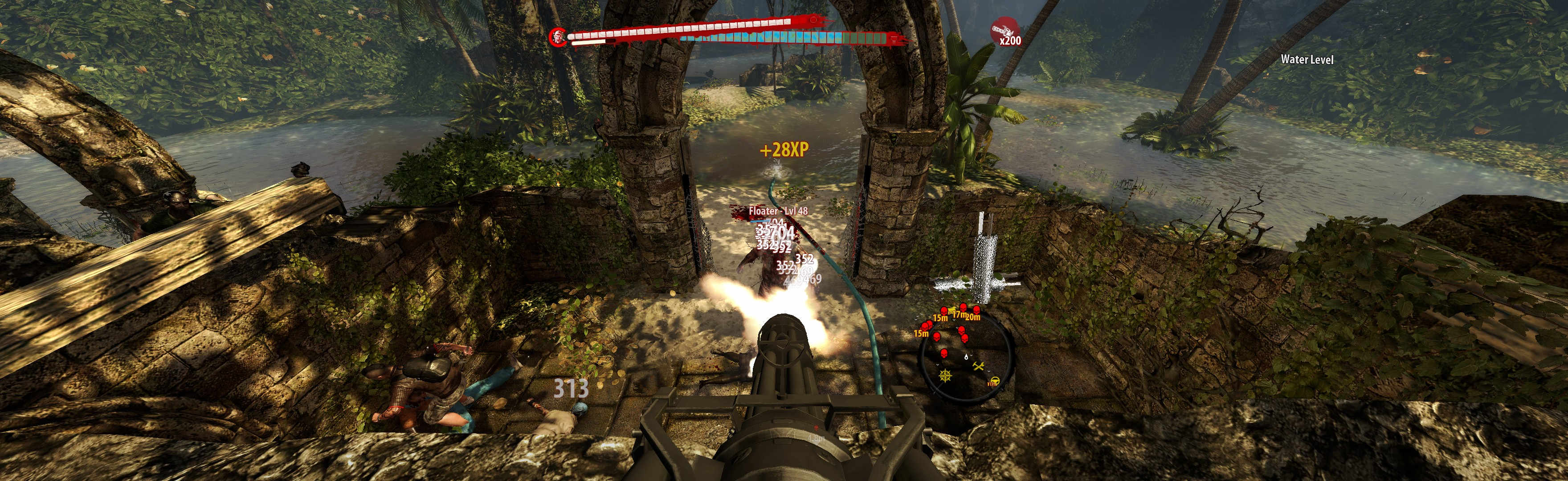
(turret)

(rifle, unaimed)

(handgun, aimed)

(single-shot rifle, aimed)
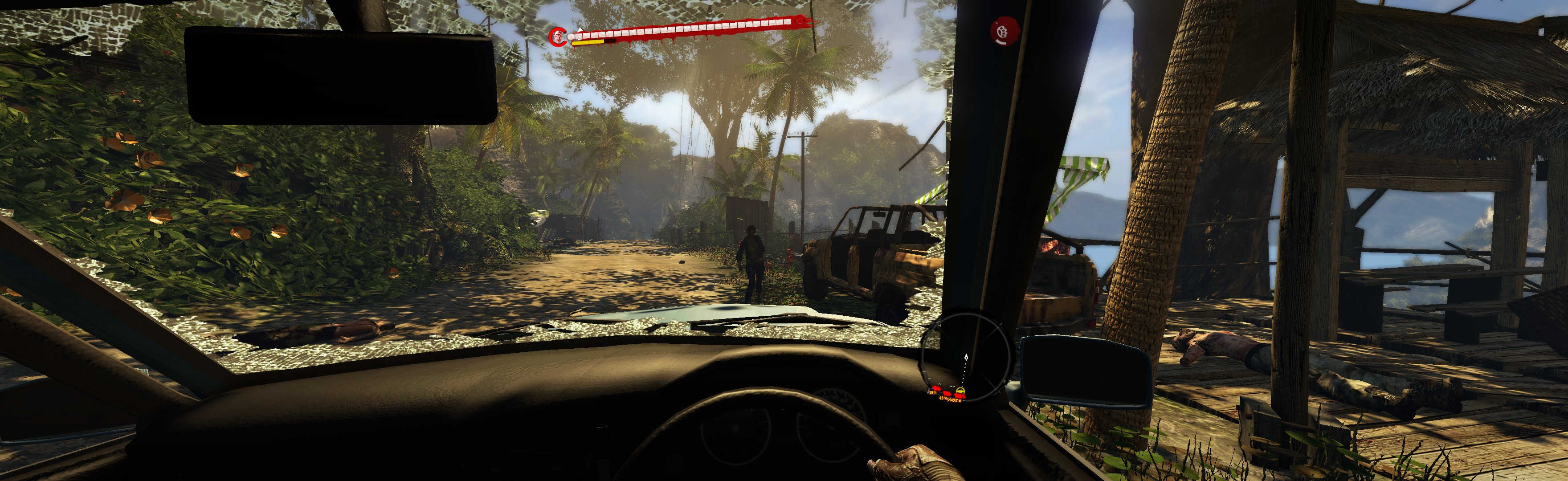
(convertible SUV)

(boat)
NOTES:
2. **** Ugliness:
A. Non-text HUD & menu elements:
i. 10% smaller than stock.
ii. ** HUD & menu elements/containers often gravitated inward (but they're also 10% smaller, so looks decent).
iii. * Un-aimed weapon reticle is offset slightly higher than impact-point (so adjust hip-shots ~5mm higher). But game's unaimed-precision is forgiving, & aimed-precision is dead-proper.
iv. Map is smaller, works fine.
B. FMV cutscenes (very rare) strongly pillarboxed on center & squished-hor to fit (sometimes also slim-letterbox, same as default-game).
C. Loading screen art strongly pillarboxed on center & cropped-right-side to fit (but for Quit it's stretched full).
3. Optional FOV (not needed):
A. Edit %USERPROFILE%\Documents\Riptide\out\Data\Skills\default_levels.xml (CameraDefaultFOV = yours).
OR B. Failing above, instead use 7zip to extract default_levels.xml from (path-to-game)\DI\Data0.pak\Data\Skills. Then edit CameraDefaultFOV = yours (Notepad), & paste your new default_levels.xml file to this new folder structure: (path-to-game)\DI\Out\Data\Skills.
4. Base PC-game GPS-bug:
A. Problem: Quest GPS-directions ("Enhanced Navigation=ON") works sporadically (but more consistent than DI 2011, so maybe it's intentional). Not a problem, bit more hardcore.
B. Failed workaround: The DI 2011 fix (using player-waypoints) doesn't fix Riptide's GPS-directions. But quest-flags & your brain are sufficient.
5. Changing in-game Video settings will overwrite your resolution edit.
6. *** Editing the downloaded "hud" & "scr" xui-file values for your resolution can correct ALL ugliness. But many files to read/edit, & batch-replace fails; not worth bother.
7. There is one sniper-scope hidden somewhere in-world; its aim-view was not tested.

(rendered cutscene)

(FMV cutscene. Notice squished hor)

(common loading screen dimensions)
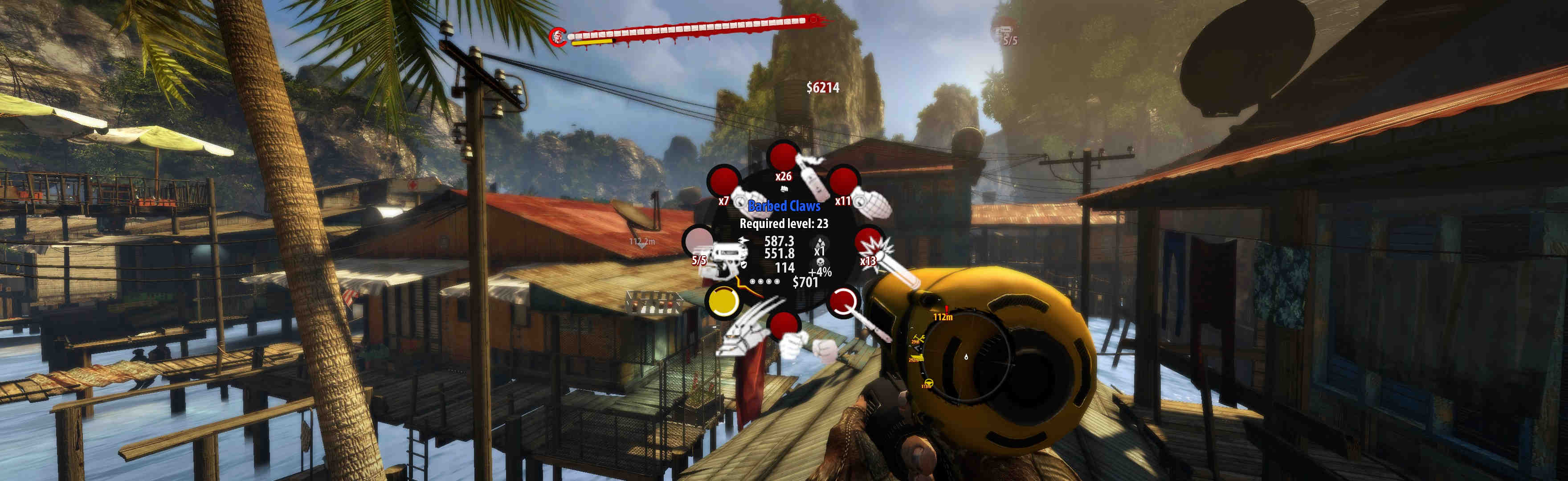
(weapon wheel)
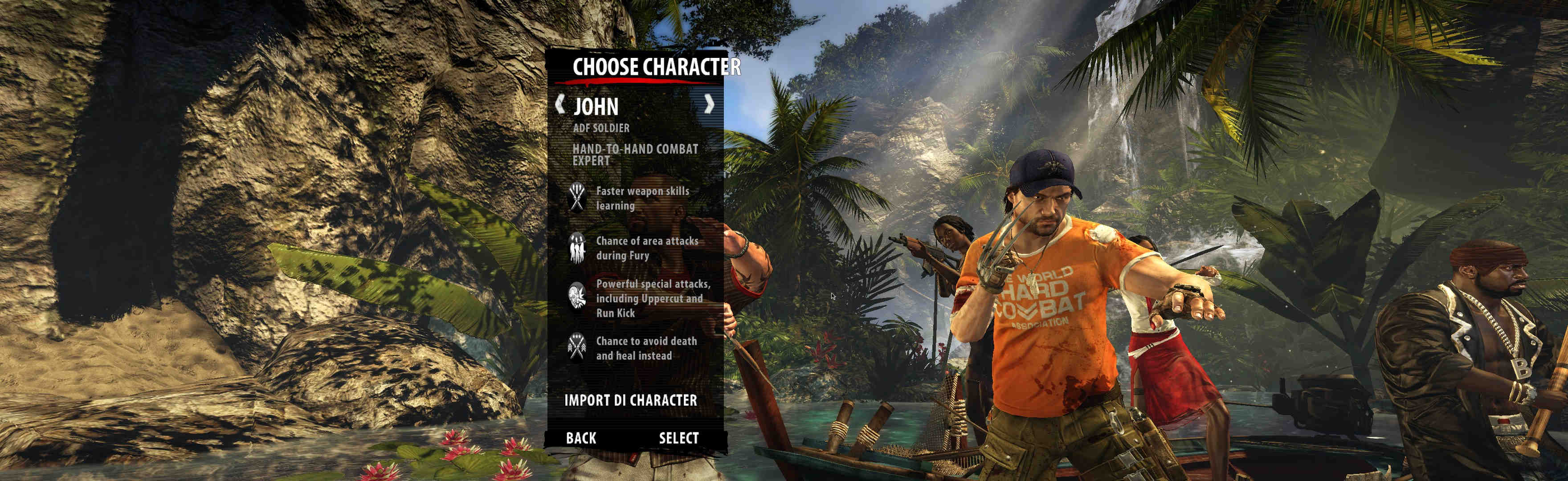
(character creation)

(1080p comparison)
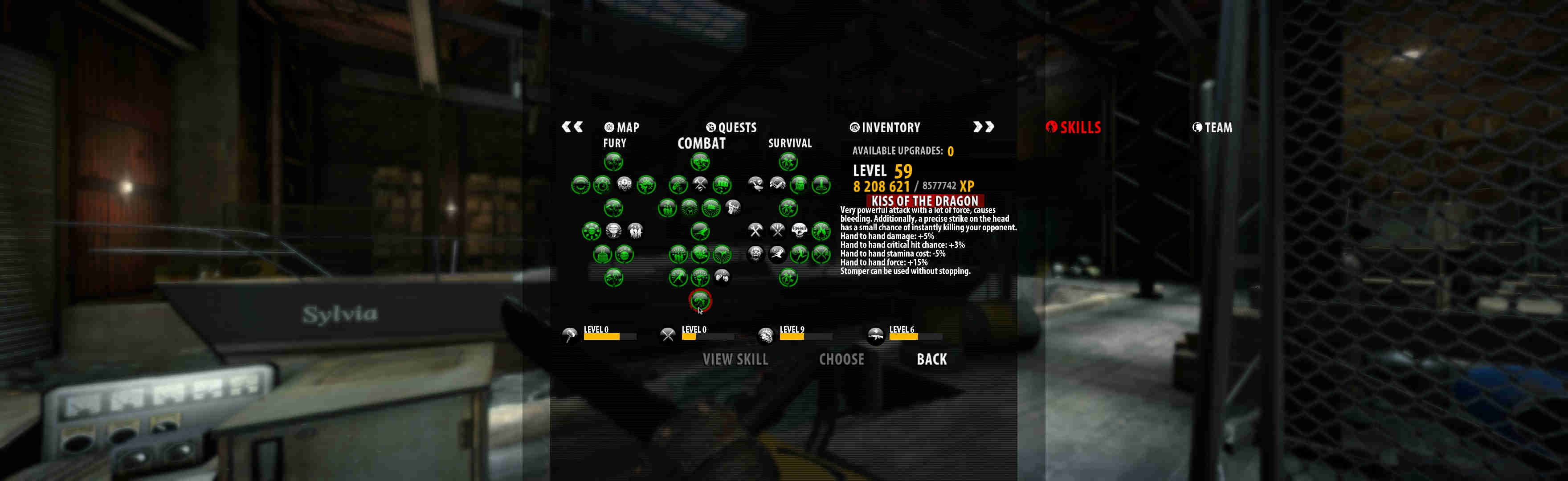
(Skills management. Notice smaller icons, all gravitating into center)

(1080p comparison)

(Inventory)
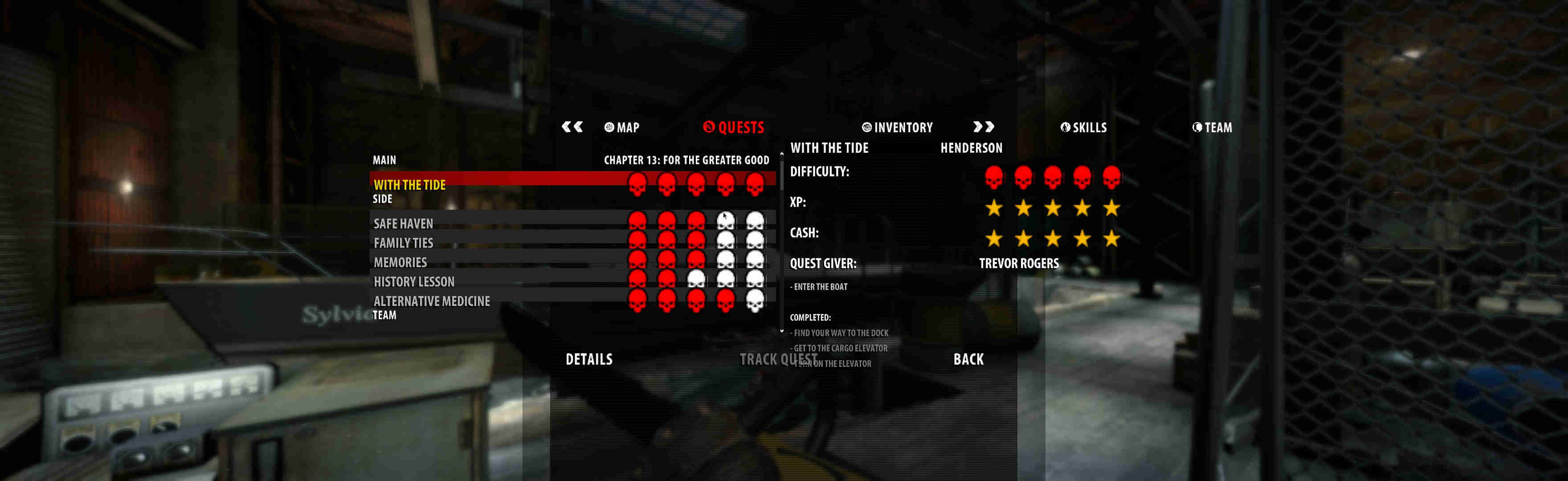
(Quests tracker)
View guide for general help with the instructions.