Bit complex setup, but all views perfect & easy PLP once done.

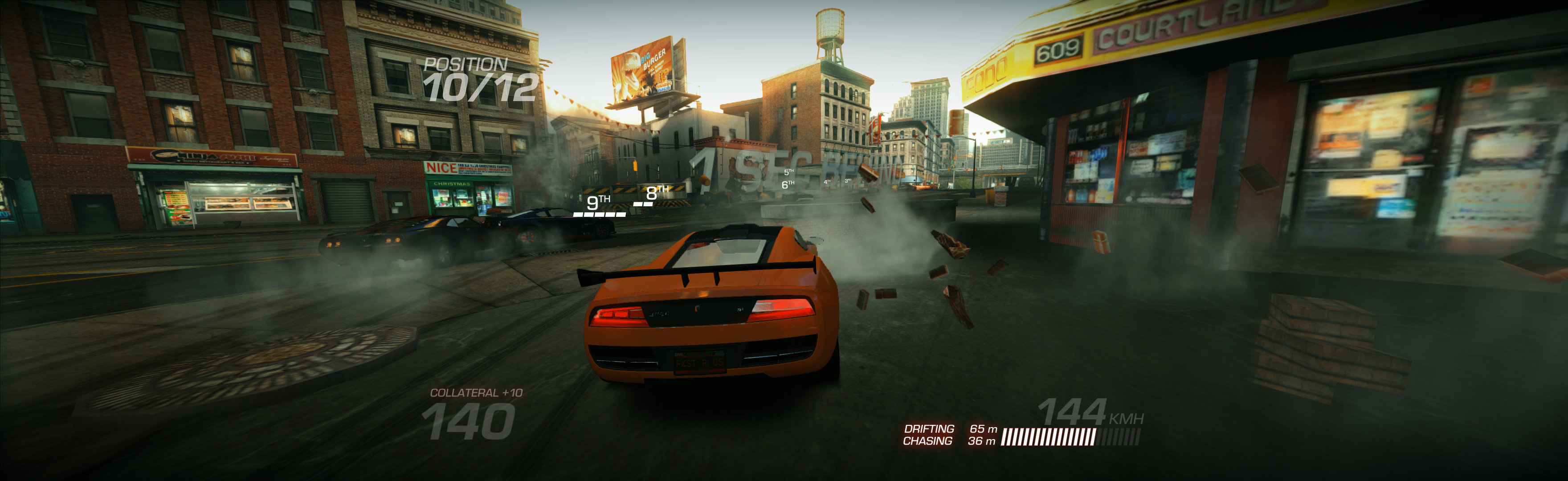
(PLP screenshot with bezel effect)
1. SoftTH (DX9 x86).
2. Flawless Widescreen (FWS): Load game plugin, select fixes (FOV & Aspect), FOV slider maxed & Fix Enabled. Then quit.
3. Find [FWS install folder]\PluginCache\FWS_Plugins\ Modules\RidgeRacerUnbounded\ Dependencies\Scripts\RidgeRacerUnbounded.lua.
4. File edits (Notepad): fDefaultAspectRatio = (~ set to 0.87. Less is higher FOV, adjust as needed). Replace string "DisplayInfo:GetHeight() / DisplayInfo:GetWidth()" with "#### / ####" (no quotes, your height / width), save.
5. Start FWS, start game launcher select fullscreen & massive resolution, play.
NOTES:
A. FWS over-writes launcher's aspect.
B. Restart FWS & game to recognise edits.
C. Should backup lua file. If game stretches in future, paste file back in.

View guide for general help with the instructions.