Fullscreen: SoftTH (DX9 x86). Resolution & optional FOV: Flawless Widescreen (FWS) *. OR Borderless: In-game windowed. ShiftWindow (+ border = borderless, might need to trigger 2x). Optional FOV: FWS *.

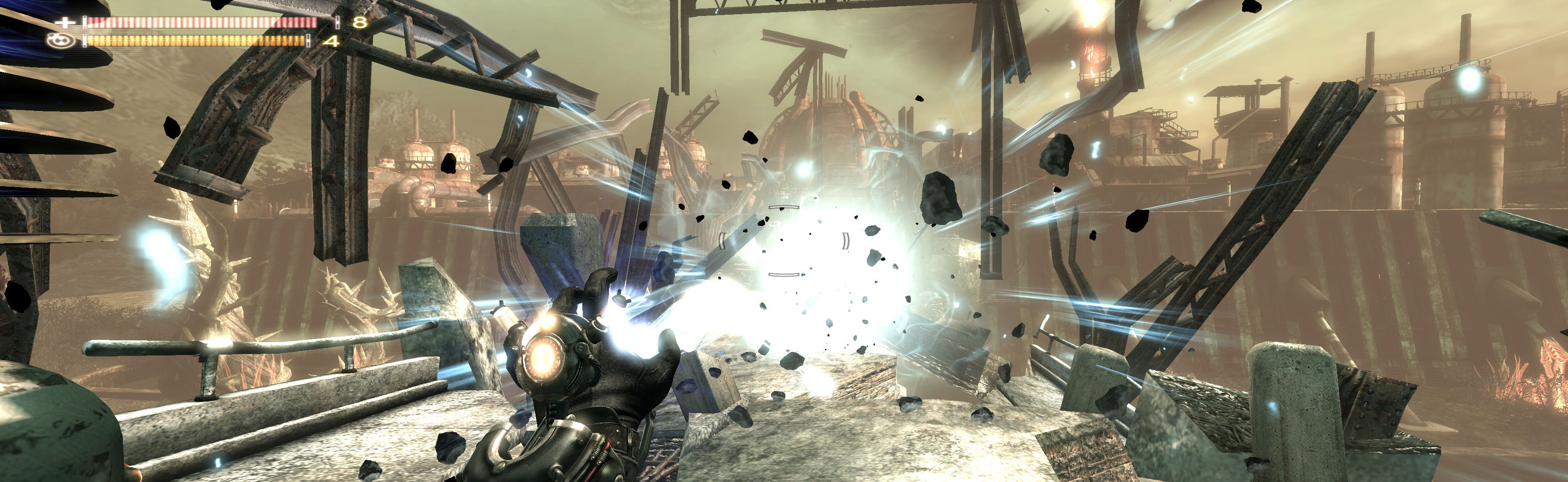
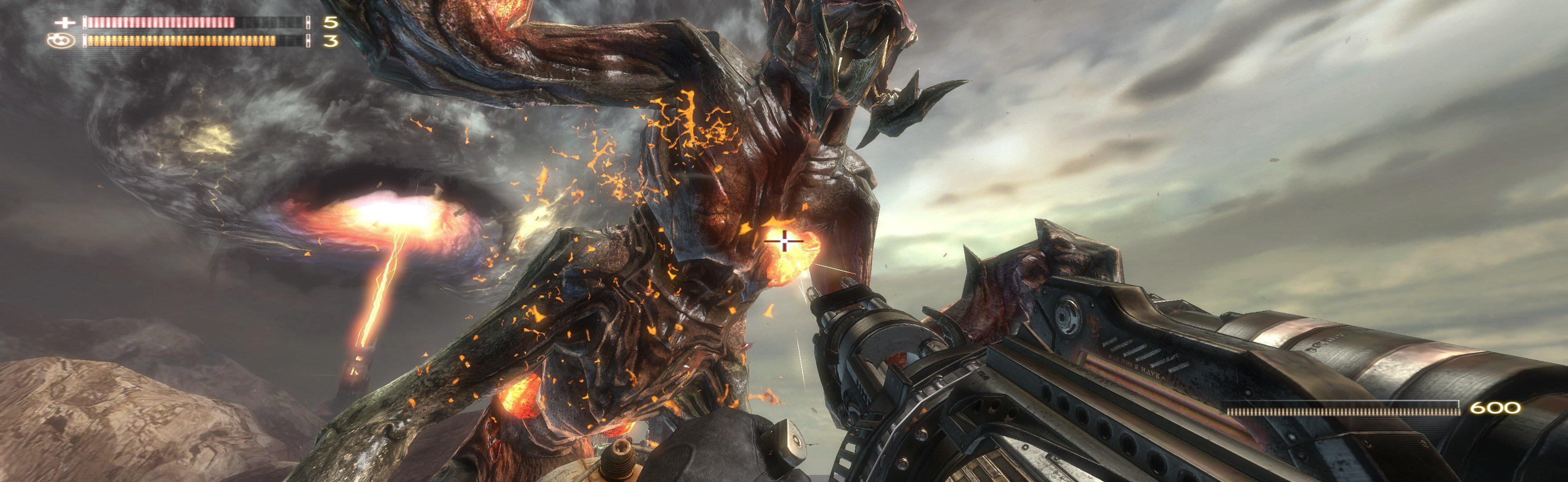
(PLP screenshot with bezel effect)
NOTES:
1. * FWS Fix:
A. Enter your resolution & click Set Resolution (for fullscreen; it remembers. For borderless, entry is not actually needed). This edits game's ResX & ResY in Registry.
B. Click Next Step. Add about 3.8 FOV (optional, adjust to taste), enable. Start game.
2. Game's stock FOV looks decent & is proper without FWS. But looks better with bit higher FOV.
3. Original game suffered low texture pool; fixed in patch 1.1 & up. 4. Game & videos all render well. But text, menu, HUD & flat images are stretched. None a problem.


View guide for general help with the instructions.