Start Flawless Widescreen, checkmark Fix Enabled. Start game. In menu under PC Settings, Screen Size = Off (i.e. windowed). Scroll down & Apply. ShiftWindow (+ border = borderless).

(PLP screenshot with bezel effect)
NOTES:
1. SoftTH fullscreen works too, but player's skin is missing (unacceptable).
2. Game & rendered video looks good. But FMV videos stretched.
3. If playing for long time, quiting to menu may abend game (not a problem).
4. To revert back to single-screen fullscreen, may need to switch in-game Refresh Frequency to 25, Screen Size = On, restart game. Then correct Refresh Frequency to yours.

(common view)
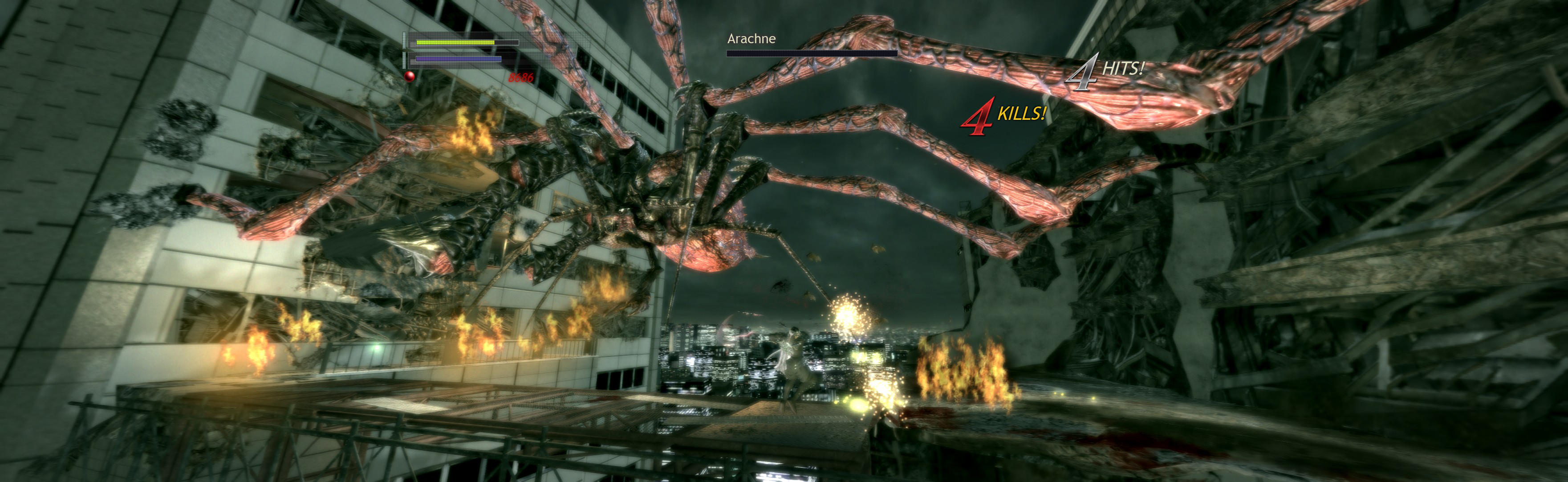
(distant view)

(1P uncommon view)
View guide for general help with the instructions.