Widescreen Gaming Forum
https://www.wsgf.org/phpBB3/

Endless Space (Triple Monitors / Eyefinity / Surround) [~4K]
https://www.wsgf.org/phpBB3/viewtopic.php?f=65&t=24484
Page 1 of 1

Author:  Skid [ 22 Jul 2012, 10:23 ]
Post subject:  Endless Space (Triple Monitors / Eyefinity / Surround) [~4K]

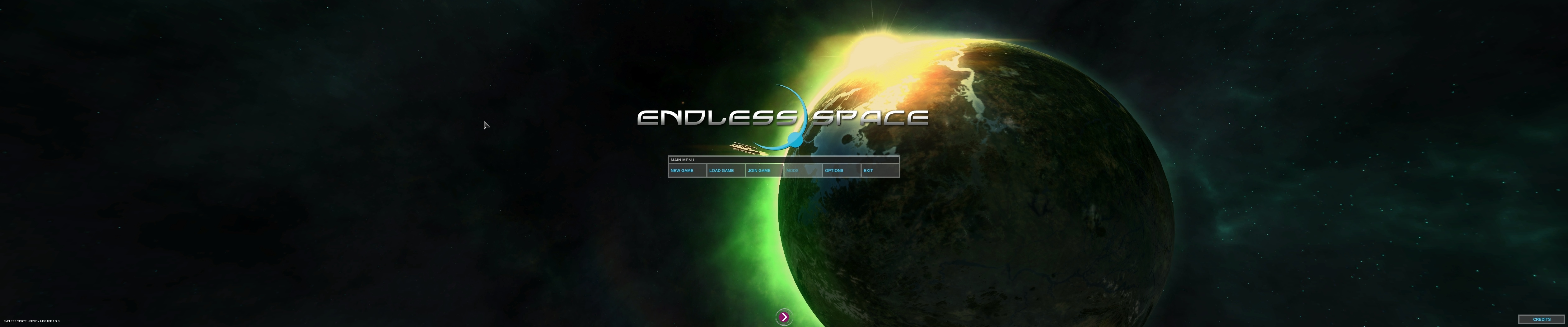
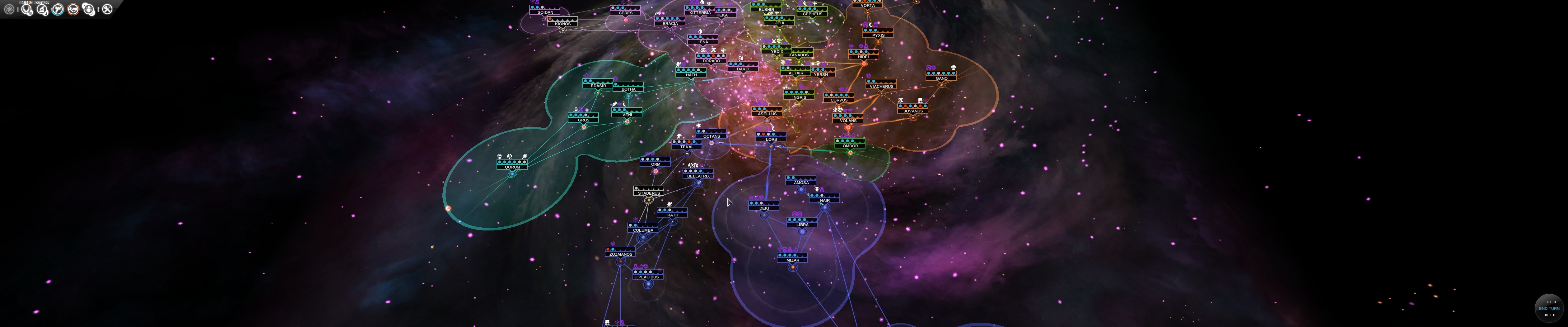
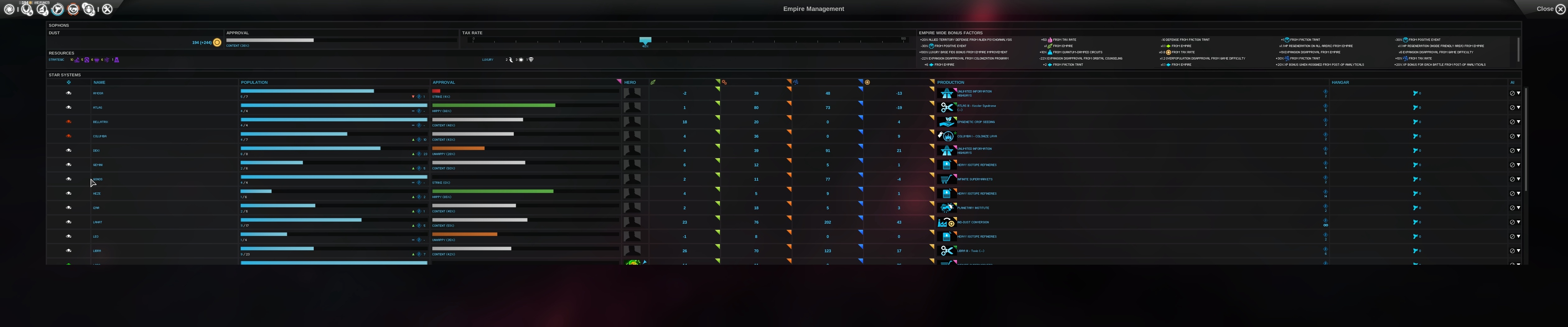
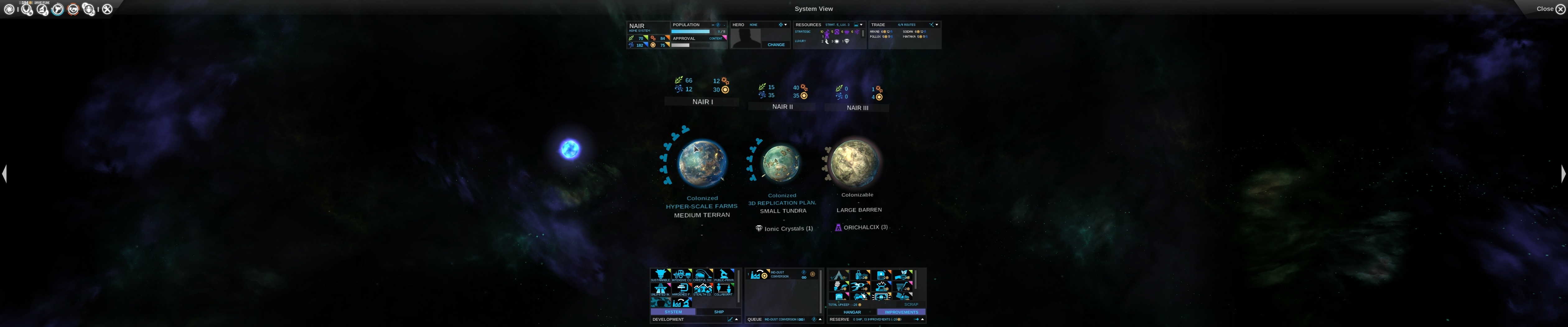
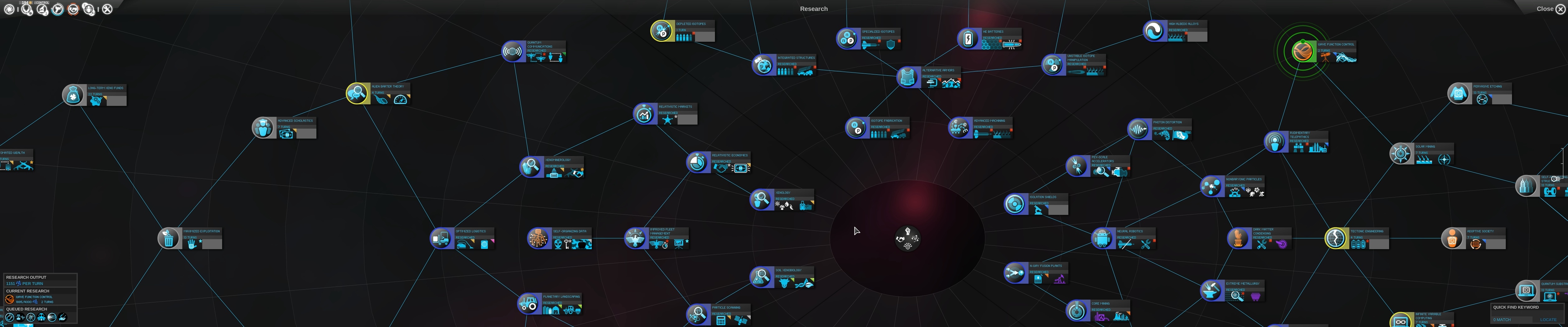
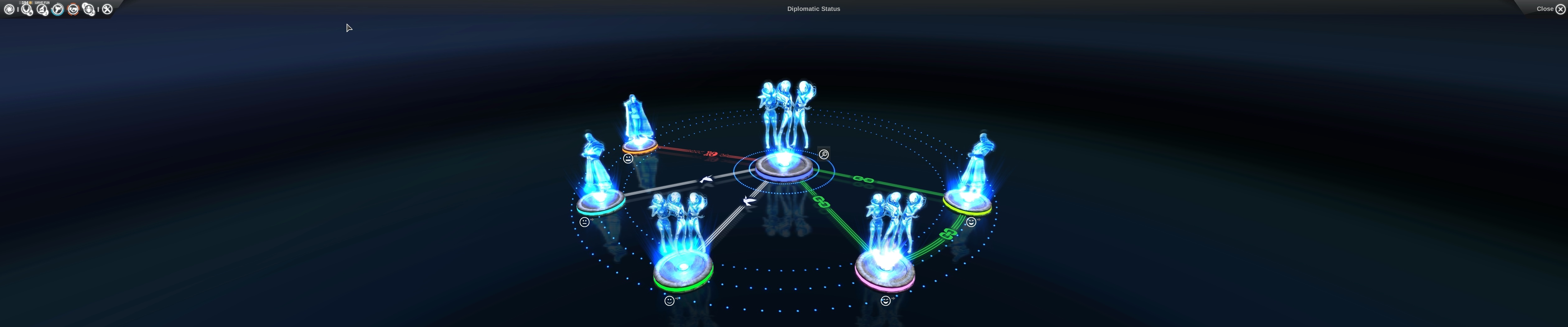
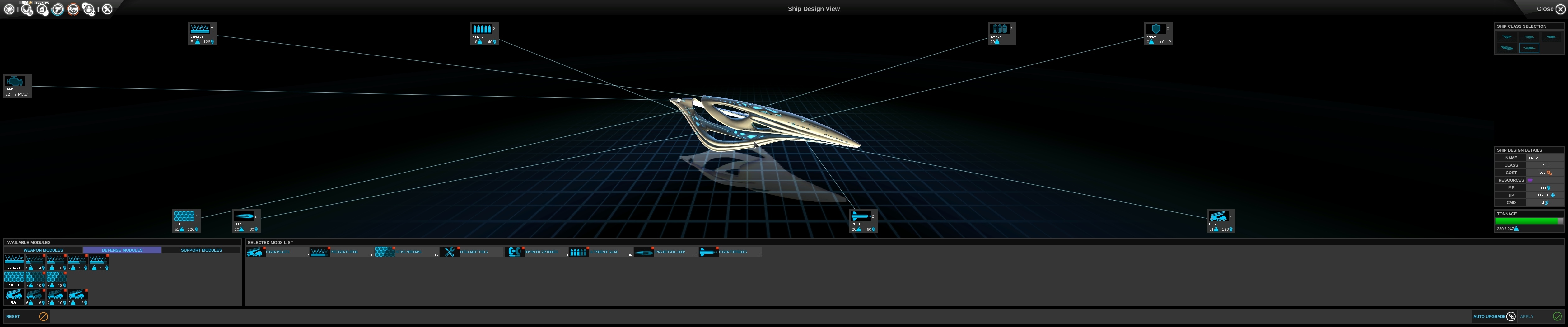
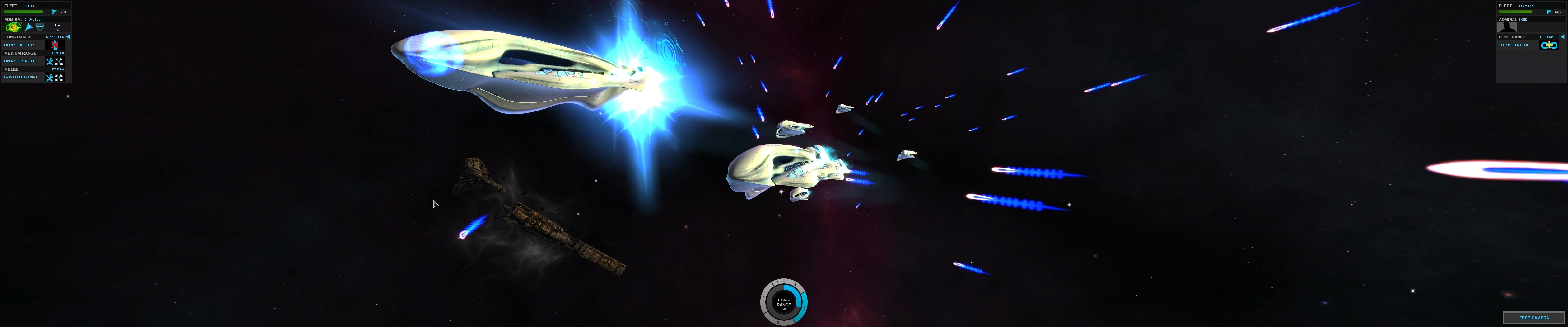
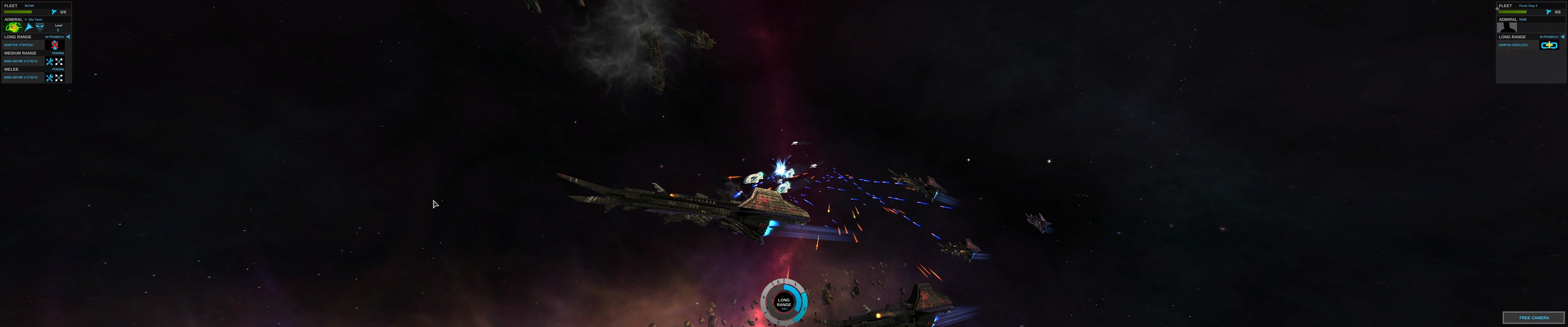
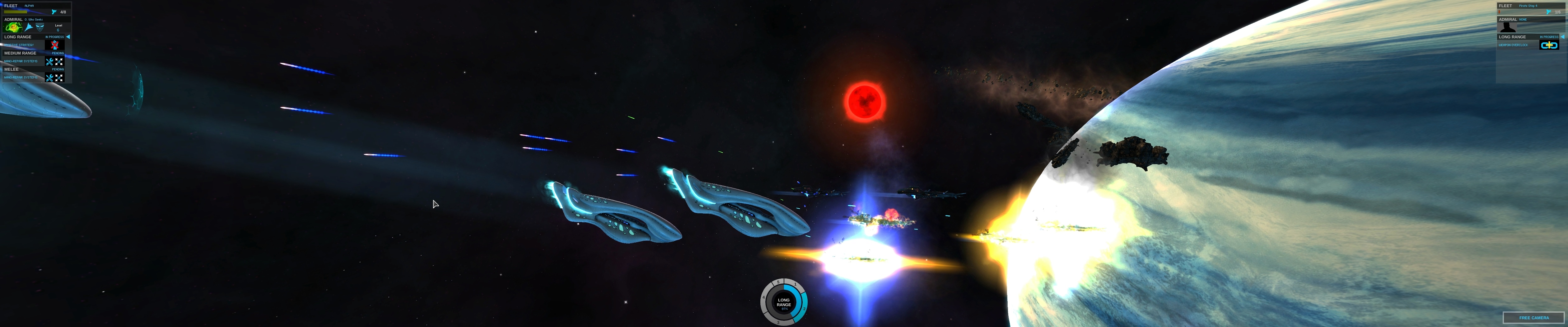
Endless Space is a turn based 4x strategy game from Amplitude Studios. The game has native support for multi-monitor systems, some of the UI is spanned but its all fully functional. For the most part its horizontal plus, there is one exception but it can be fixed fairly easily buy simply setting your resolution lower when starting or loading a game, then increasing it afterwards. The video itself is part analysis, part walkthough and part waffle, my commentary still isn't very good, need more practice, but feel free to like or dislike my video and comment.


Direct Video Link: Endless Space Part 1 (Triple Monitors / Eyefinity / Surround) [~4K]

Direct Video Link: Endless Space Part 2 (Triple Monitors / Eyefinity / Surround) [~4K]
Channel Link: http://www.youtube.com/user/n11skid

While this video can be watched on any screen it has been encoded to look best on a multi-monitor system, so if your running such a system, then select original quality from the drop down box and watch in fullscreen.



Author:  pocketjazzy [ 21 Oct 2012, 19:11 ]
Post subject:  Sorry to bump an old post,

Sorry to bump an old post, but the fix to get around the whole "zoomed in look" was to change the resolution once you're in game and then change it back right?
Well I can't seem to do that as I have so many options in my list of available resolutions that it cuts off at the top of the screen, preventing me from choosing my optimal resolution 5760x1080 or 5877x1080 (bezel corrected). Unfortunately you can't tab, scroll, or arrow through this dropdown list, or at least it doesn't let me. And the only way I could even set the resolution to 5877x1080 in the first place was to edit ###:########My DocumentsEndless SpaceRegistry.XML.

Wasn't there a way to remove resolutions, or hide certain ones from windows so that issues like this don't happen? I thought I did it once before a long time ago but I must have forgotten to do it since I formatted last.

Here is the issue I'm having:


Thanks

Author:  Skid [ 21 Oct 2012, 19:33 ]
Post subject:  The resolution list is

The resolution list is provided by your graphics drivers normally, so the only way to add or remove them is via the driver configuration, your best bet is to google that as I'm not sure how you would do it. But the method for the fix is right, in the main menu, change the resolution to any 4:3, 16:10 or 16:9 aspect ratio resolution, then start or load a game, once your in, change it back.

Author:  pocketjazzy [ 21 Oct 2012, 20:19 ]
Post subject:  After some messing around I

After some messing around I figured out that removing bezel correction was the key to solving the out of reach drop box. Turning it off removed all of the bezel corrected resolutions, shrinking the wall of text significantly. A small price to pay to play this game in widescreen if you ask me. And as for your fix, it's now working just fine!

Thanks again

Page 1 of 1 All times are UTC [ DST ]
Powered by phpBB® Forum Software © phpBB Group
https://www.phpbb.com/