| Widescreen Gaming Forum https://www.wsgf.org/phpBB3/ |
|
| Project Cars PLP [4960x1600] Working https://www.wsgf.org/phpBB3/viewtopic.php?f=64&t=30246 |
Page 1 of 1 |
| Author: | FredNotFound404 [ 08 Sep 2015, 00:24 ] |
| Post subject: | Project Cars PLP [4960x1600] Working |
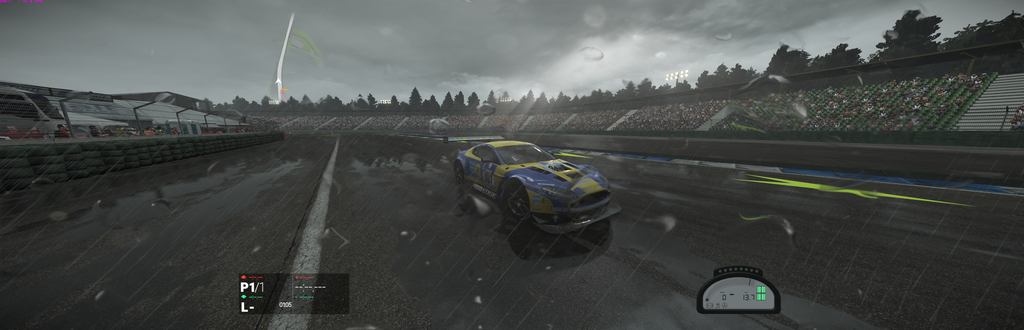
So I recently finished my PLP Setup 2 Dells 2007fpb and 1 Crossover 3020mdp, It turns out it was abit of a hassle but thanks to this site I was able to fixe most of the games I play I didn't find a solution for Project Cars that didn't use SoftTH, so I'm here to share how I manage to make it work. 1st I found this app that works on Windows 10: https://github.com/Codeusa/Borderless-G ... _setup.exe Windowed Borderless Gaming didn't work for me for some odd reason. Possibly because of W10 not sure. Anyway, I started the game put it in windowed mode set it its size to 4960x1600 and borderless, it will stretche but it won't enforce the resolution so it will be 2560x1600 stretched, to fix that I also added the the following to the Project Cars Icon, in Target add at the end -windowsize 4960,1600. Hope this helps, any questions our doubts Ill try to clarify them as best has I can.
|
|
| Author: | imusrt [ 15 Mar 2016, 21:16 ] |
| Post subject: | Re: Project Cars PLP [4960x1600] Working |
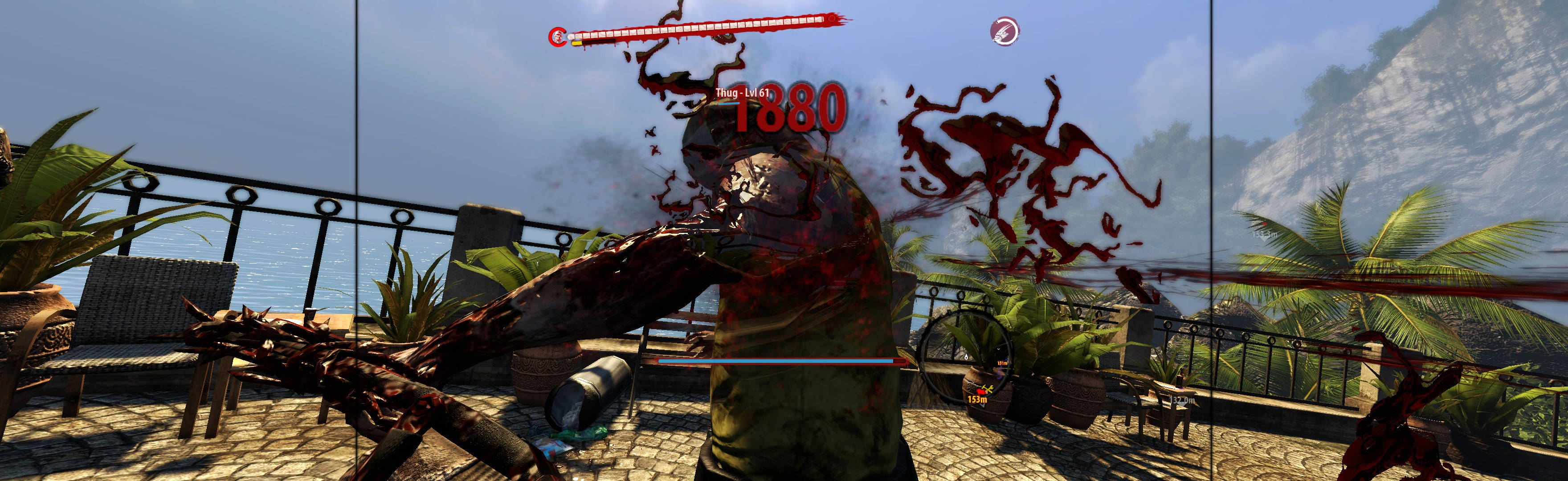
FredNotFound404, I assume you are using Eyefinity PLP (& not Manual PLP)? I doubt "Borderless Gaming" will fix this game for Manual PLP, as this software has never worked for Manual PLP. Game remains stuck on center screen when I have attempted it previously (I try it sometimes for last ditch efforts). But if it works for Eyefinity PLP that is cool. Re "Windowed Borderless Gaming" I had the same experience as you: On win8.1 & win10, the program will not trigger & hook game (usually). mike1234, you can check developer's site for help, can even email him. Links are here https://github.com/Codeusa/Borderless-Gaming ![]() random screenshot |
|
| Author: | FredNotFound404 [ 31 Mar 2016, 13:01 ] |
| Post subject: | Re: Project Cars PLP [4960x1600] Working |
No, I'm actually using manual PLP since I'm using a R9 290 and it doesn't support Eyefinity PLP, for me it works perfectly, If you add the target to the icon it will work, either on steam or create a direct shortcut from the proper pCARS64.exe, because the icon on the Desktop depending of what platform your using can actually be for Launcher.exe and not pCARS64.exe, and that won't work. then Borderless Gaming will do the rest Also to setup up Borderless Gaming, you need to Add To favorities - Right Click Project Cars, slect "No Size Change", Right Click It Again and "Set Windows Size", for some reason "Set Windows Size" isn't available unless you do this, probably a bug, then enter this numbers in order [-1200;0;4960;1600]. And your all set. Any more info feel free to ask. |
|
| Author: | imusrt [ 31 Mar 2016, 22:33 ] |
| Post subject: | Re: Project Cars PLP [4960x1600] Working |
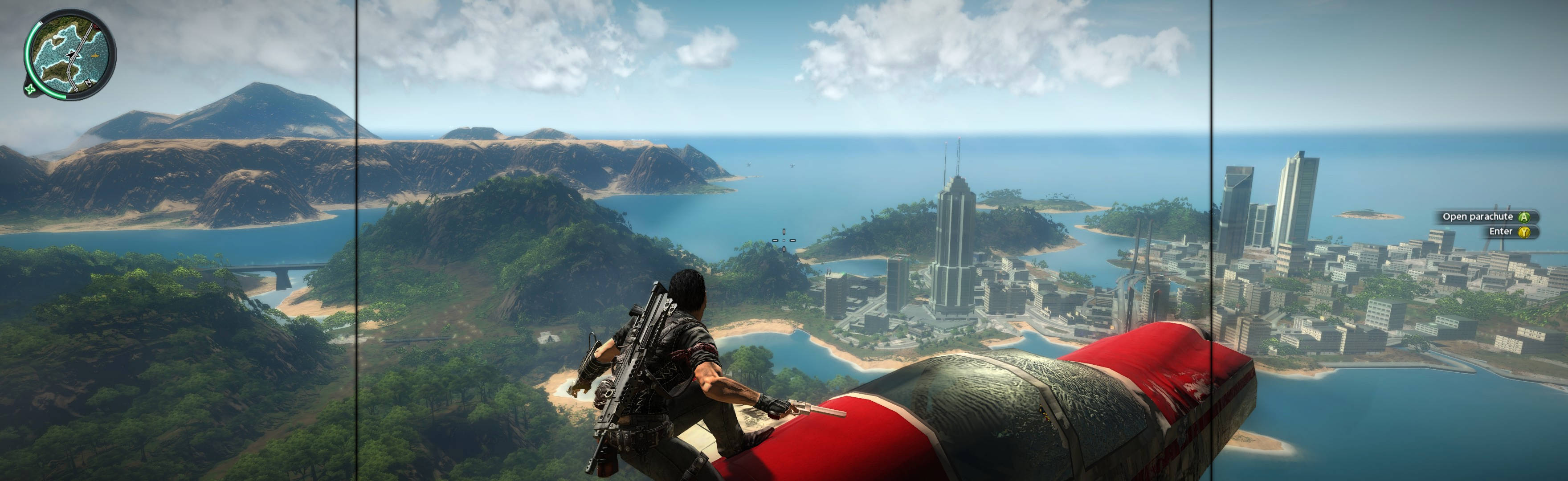
Dude, thanks. My "Borderless Gaming" didn't spread games because I was using an older version. The feature you need to spread games (Set Windows Size) has been added at some point recently. So I installed current version, and it worked perfect (admin version not required). An excellent borderless MM solution. If it works as consistently as ShiftWindow (or WinShift), then it is a superior solution to these other programs. Because it's easier to use (ie not having to add borders into calculations, & BG auto-triggers to borderless). BG is also likely the solution for games that don't quite spread full-borderless in Windows 10 when using ShiftWindow. I will be testing it to see if it's consistent. Currently works perfect on first game tested (Just Cause 2 2010. Using Win10. It was spreading near-full with ShiftWindow, missing 4px or ~2mm of game on one side. It's a common Win10 problem with ShiftWindow). If interest, here is blog-post describing Win10 problem (which I think you just fixed with BG): http://www.wsgf.org/blog/imusrt/2015/12/28/winshift-windows-10-fix-shiftwindow-alternative You have improved Manual PLP gaming. Now to test it (I am re-playing older shooters atm). Findings will be posted here, if interest: http://plp-gaming.wikia.com/wiki/Manual_PLP:_How_To_Spread_Games#Borderless_Gaming First game tested, as example of perfect spread:
|
|
| Page 1 of 1 | All times are UTC [ DST ] |
| Powered by phpBB® Forum Software © phpBB Group https://www.phpbb.com/ |
|