Widescreen Gaming Forum
https://www.wsgf.org/phpBB3/

Strike Vector - Multi-monitor Support
https://www.wsgf.org/phpBB3/viewtopic.php?f=64&t=27020
Page 1 of 1

Author:  Toothless Spoon [ 19 Jan 2014, 16:14 ]
Post subject:  Strike Vector - Multi-monitor Support

Hey hey,

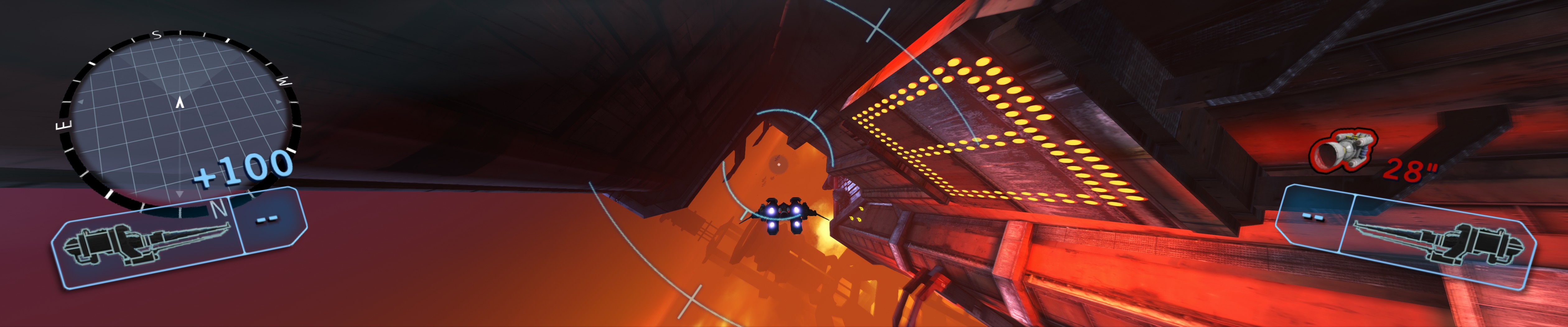
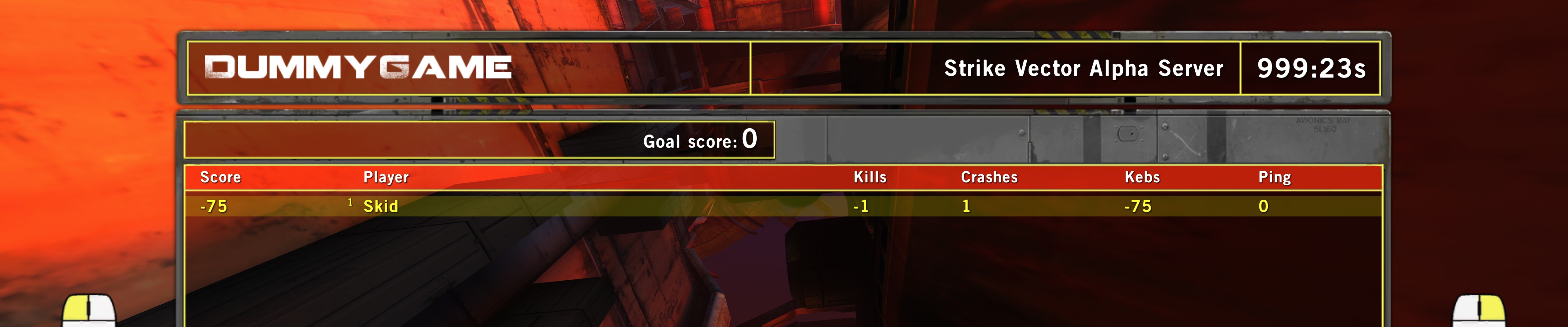
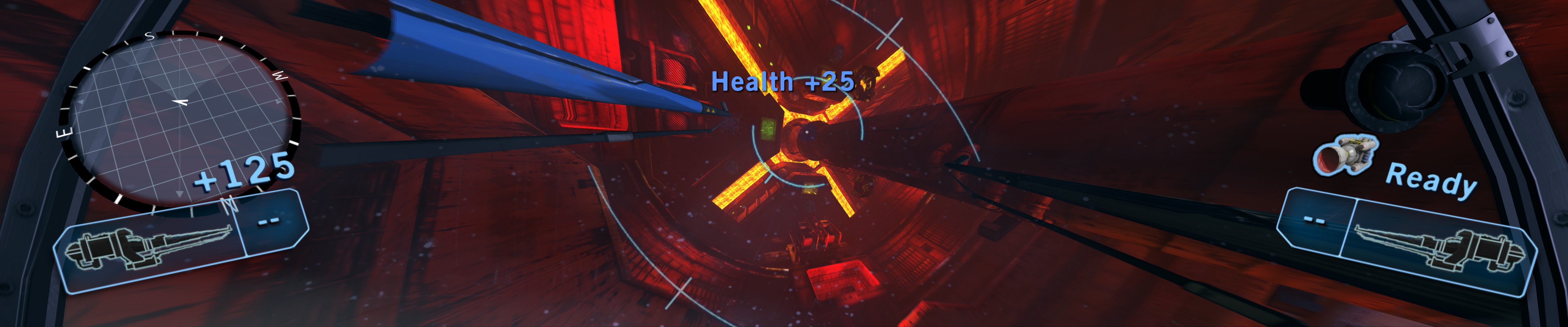
This game is in closed Beta now, and then goes early access January 29th. It's based on the Unreal engine *groan*, and is pretty freaking broken for MM users :(

The only reason I'm mentioning it now, is because this game LOOKS freaking unreal, and reminds me very much of Hawken (settings) but with cool flight combat. I mainly want people to jump on board -

All you have to do is send an email here: [email protected] and say you want into the Beta.

Main site is here: http://www.strikevector.net/ to have a look at the awesome game...on one screen :WWTH2Go:

BUT most importantly go to one, or all of the links below and show your support for MM in the threads I've already posted on Steam and 2 onthe official site (one for Beta, and one under technical). Also, you could follow them on Twitter @StrikeVector and harass them there :)

http://steamcommunity.com/app/246700/di ... 954339695/

http://www.strikevector.net/forum/techn ... ity/#p1198

http://www.strikevector.net/forum/beta- ... efinity-1/

Attachments:
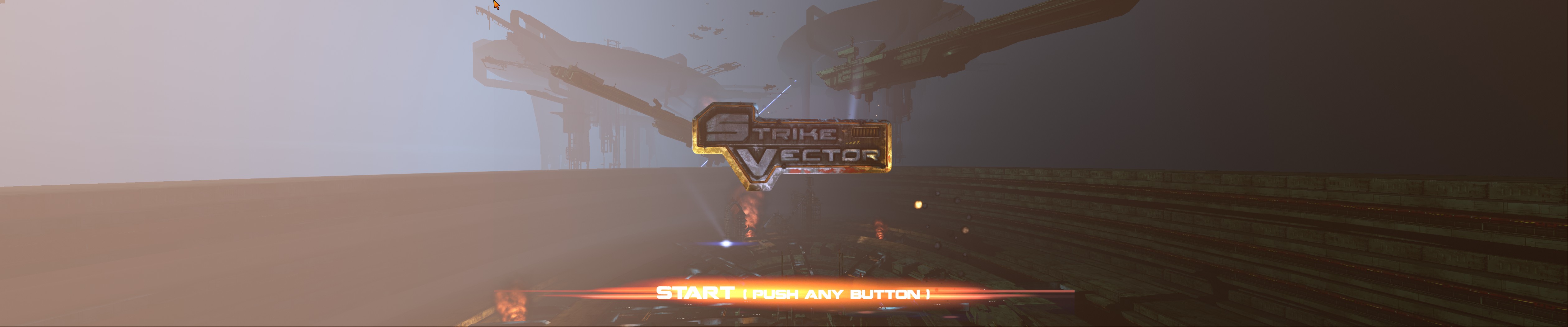
File comment: First Person view
2014-01-12_00006.jpg
2014-01-12_00006.jpg [ 843.81 KiB | Viewed 5079 times ]
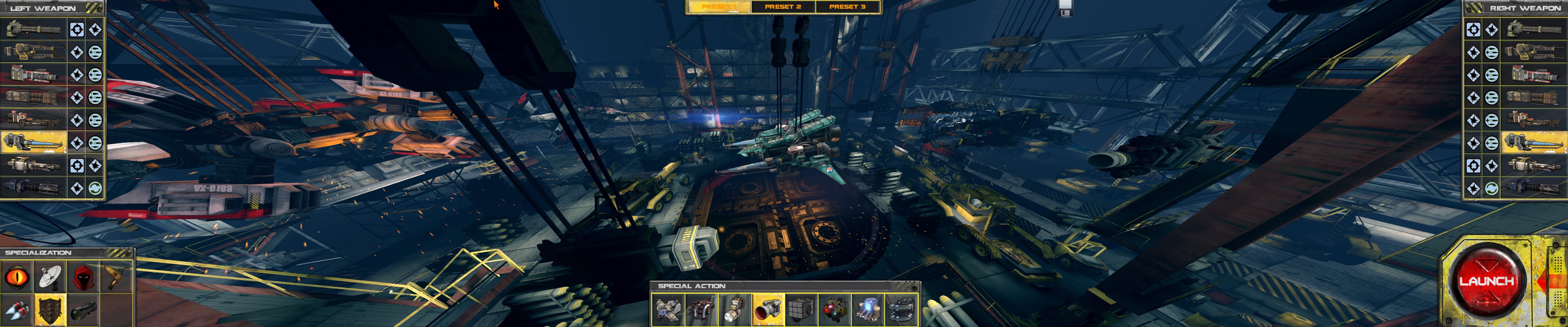
File comment: Garage
2014-01-12_00005.jpg
2014-01-12_00005.jpg [ 1.11 MiB | Viewed 5061 times ]
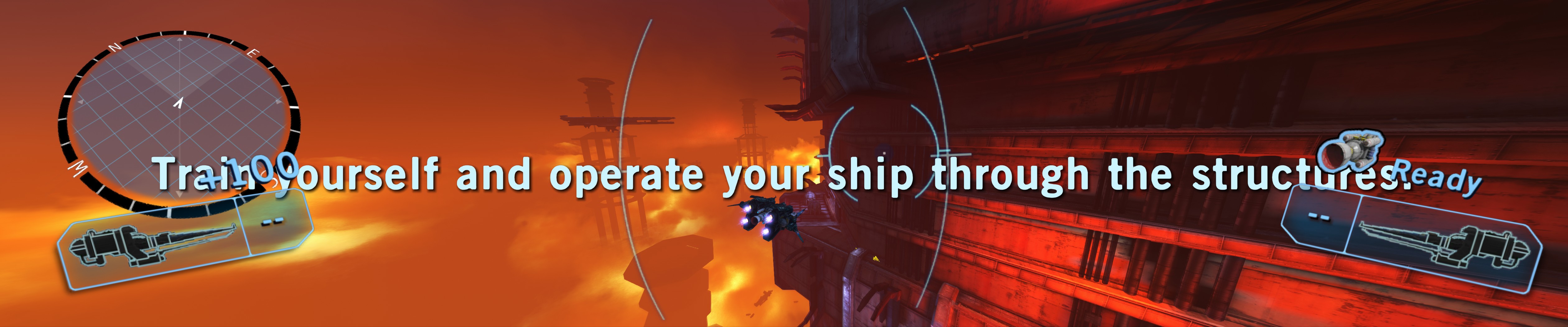
File comment: 3rd Person View
2014-01-12_00004.jpg
2014-01-12_00004.jpg [ 894.54 KiB | Viewed 5069 times ]
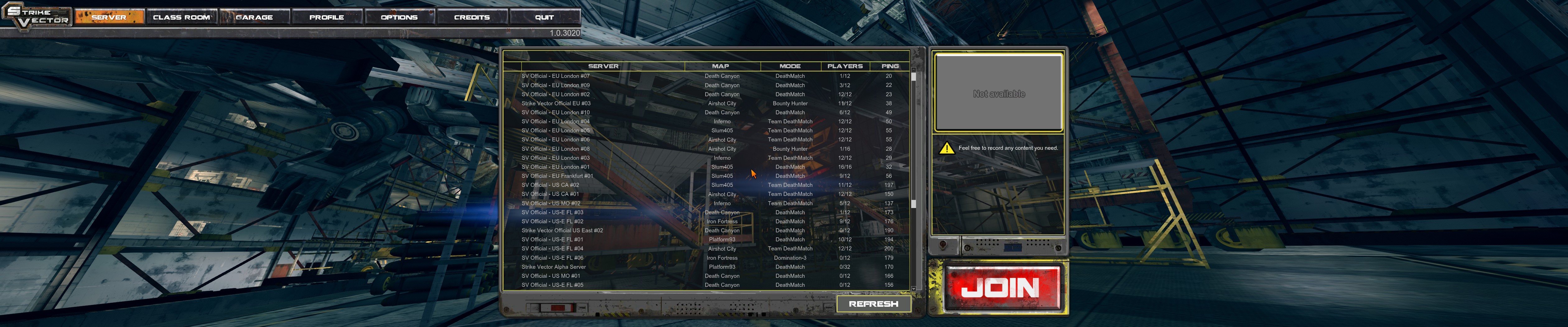
File comment: Options Menu
2014-01-12_00001.jpg
2014-01-12_00001.jpg [ 1.17 MiB | Viewed 5121 times ]
File comment: Start-up menu
2014-01-12_00003.jpg
2014-01-12_00003.jpg [ 702.09 KiB | Viewed 5076 times ]

Author:  Skid [ 19 Jan 2014, 18:43 ]
Post subject:  Re: Strike Vector - Multi-monitor Support

UDK and Unreal 3 engine games vert- issues can often be largely and easily fixed, find the games user configuration directory, typically %UserDocs%/My Games/GAME NAME/, in that folder somewhere will be a config folder, find it, then find a file called probably StrikeEngine.ini.

In that file, find the line that reads:
AspectRatioAxisConstraint=AspectRatio_MaintainXFOV
and change it to:
AspectRatioAxisConstraint=AspectRatio_MaintainYFOV

Author:  Toothless Spoon [ 19 Jan 2014, 19:23 ]
Post subject:  Re: Strike Vector - Multi-monitor Support

Skid wrote:
UDK and Unreal 3 engine games vert- issues can often be largely and easily fixed, find the games user configuration directory, typically %UserDocs%/My Games/GAME NAME/, in that folder somewhere will be a config folder, find it, then find a file called probably StrikeEngine.ini.

In that file, find the line that reads:
AspectRatioAxisConstraint=AspectRatio_MaintainXFOV
and change it to:
AspectRatioAxisConstraint=AspectRatio_MaintainYFOV


I should have stated that I tried that - and had no effect on the game at all :/

The config's were actually located in the install directory - and I'm finding that a lot of these more recent games that use the UDK/unreal engines are doing tricky shit, that wont let you change too many things, like skip movies etc.

Also I tried doing the old input key = fov 'x' and that doesnt work either.

Author:  Skid [ 19 Jan 2014, 19:31 ]
Post subject:  Re: Strike Vector - Multi-monitor Support

Toothless Spoon wrote:
Skid wrote:
UDK and Unreal 3 engine games vert- issues can often be largely and easily fixed, find the games user configuration directory, typically %UserDocs%/My Games/GAME NAME/, in that folder somewhere will be a config folder, find it, then find a file called probably StrikeEngine.ini.

In that file, find the line that reads:
AspectRatioAxisConstraint=AspectRatio_MaintainXFOV
and change it to:
AspectRatioAxisConstraint=AspectRatio_MaintainYFOV


I should have stated that I tried that - and had no effect on the game at all :/


Just to check, you did edit the the file called StrikeEngine.ini and not DefaultEngine.ini or BaseEngine.ini, because order of priority is that, Game overrides Default overrides Base.

Author:  Toothless Spoon [ 19 Jan 2014, 19:34 ]
Post subject:  Re: Strike Vector - Multi-monitor Support

Yeah, its actually UDKengine.ini - I'm actually gonna try to edit the Base engine - the default config's don't even have the aspect line. Also I tried making the file read-only, no love.

EDIT: Ok, looking at the steam forums, I'm definitely editing the right config, just nothing happens. I guess I'll just wait to see if the dev's at least give me a response - if not, plan B is getting that under-worked slacker Hayden to fix it :P

Author:  Toothless Spoon [ 27 Jan 2014, 20:06 ]
Post subject:  Re: Strike Vector - Multi-monitor Support

UPDATE:

Steam Forums response - :triplewide:

[SVTEAM] bastorama [developer] 24 Jan @ 10:04pm
Hello Spoonie! We are looking at that. From what I m hearing it is fixable, but it will not happen untill some weeks. Sorry for that and thanks for the feedbacks.

So that's promising :) Please guys, head over there and have a look at the game - it's starting to get some buzz. Also even if you aren't planning on buying the game, show you support! We need to banned together more as a community and hit up more forums in force to show numbers! We can't keep relying on Hayden, Dope and Helifax (and some others) to fix our games.

cheers

S.

Author:  Skid [ 28 Jan 2014, 19:30 ]
Post subject:  Re: Strike Vector - Multi-monitor Support

You sir, did not try hard enough :P *fixed it in 10 minutes, well the vert- at least, just need to check it*

The file you wanted was, Stream\steamapps\common\StrikeVector\UDKGame\Config\UDKStrikeVector.ini
Find and change, AspectRatioAxisConstraint=AspectRatio_MaintainXFOV to AspectRatioAxisConstraint=AspectRatio_MaintainYFOV
Ingame HUD is still broken, but that's normal for this fix.

Image
Image
Image
Image
Image
Image
Image

Page 1 of 1 All times are UTC [ DST ]
Powered by phpBB® Forum Software © phpBB Group
https://www.phpbb.com/