
Widescreen Grade: A
Ultra-Widescreen Grade: B
Multi-monitor Grade: B
4k Grade: Unsupported
Read Full Detailed Report - Crysis 3
Crysis 3 is a first-person shooter video game developed by Crytek. It is the third main installment of the Crysis series, and a sequel to the 2011 video game Crysis 2.
The third game sees players take on the role of Prophet as he returns to New York, only to discover the city's been encased in a giant Nanodome created by the corrupt C.E.L.L. corporation. The New York City Liberty Dome is a veritable urban rainforest teeming with overgrown trees, dense swamplands and raging rivers. Within the Liberty Dome, seven distinct and treacherous environments become known as the Seven Wonders.
Set in 2047 (24 years after Crysis 2), Prophet is said to be on a "revenge mission" after uncovering the truth behind C.E.L.L.'s motives for building the quarantined Nanodomes. The citizens were told that the giant citywide structures were erected to protect the population and to cleanse these metropolises of the remnants of Ceph forces. In reality, the Nanodomes are C.E.L.L.'s covert attempt at a land and technology grab in their quest for global domination.
(Source: Wikipedia)
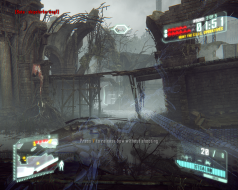
4:3
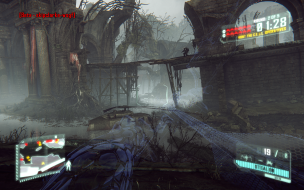
16:10
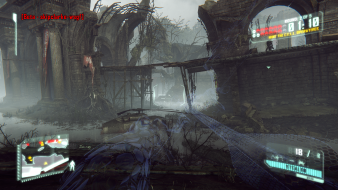
16:9

21:9

3x1