I saw there was a patch recently released for NFS-PU that fixes the stretch issues. So perhaps someone here is also interested in this patch for PU 
I can not find the original forum post, seems to be hidden now from unregistered forum users, but I did find a Google cache of the original thread. Google's Cache link to the thread - http://webcache.googleusercontent.com/s ... clnk&gl=us
Here is the lead post from that thread by author Felix Krull of the Aspect Ratio Patch for PU -
(I don't think I'm telling anyone anything new here, but finding a reasonably active NFSPU community is bloody hard these days.)
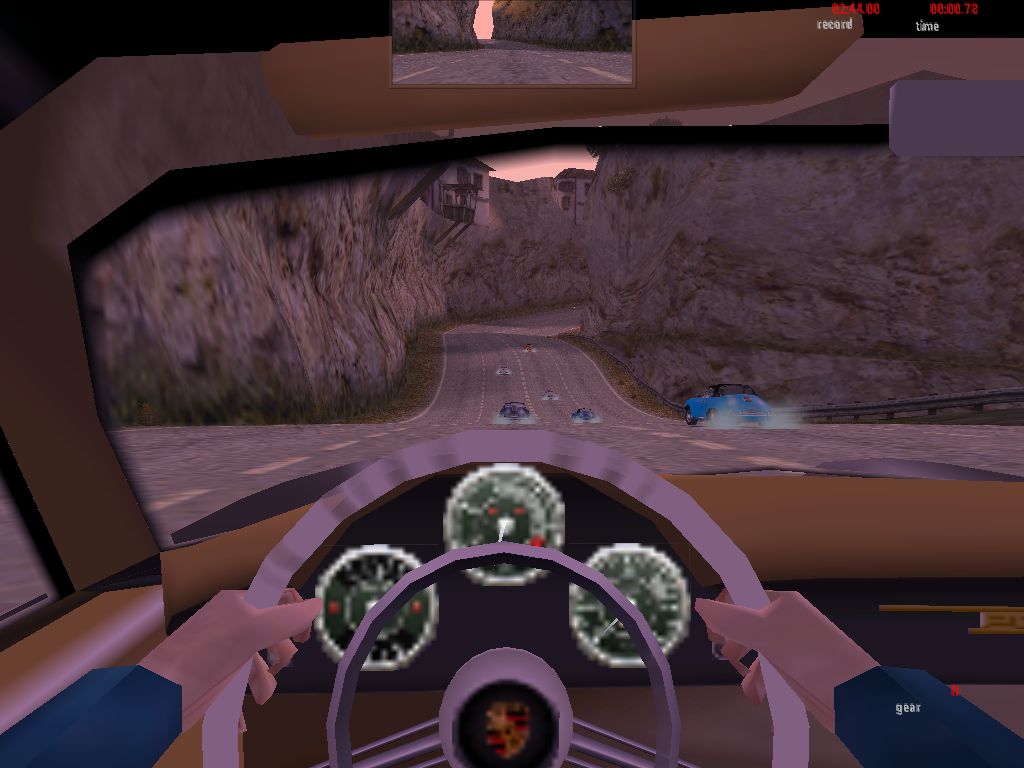
Having dug out NFSPU recently again, I was somewhat bothered by its not playing nice with widescreen displays. While you can set it to widescreen resolutions (and with the Voodoo renderer + nGlide, you can even get the menu at a nice resolution), but everything's horizontally stretched and icky. So I looked into solving that and a few false starts and various related and unrelated distractions later, I now have something reasonably presentable.
Download
https://bitbucket.org/fk/porsche-graphi ... /downloads
The source can be found at https://bitbucket.org/fk/porsche-graphics-hacks.
Installation
extract the contents of this archive into the "Drivers" subdirectory of your NFSPU installation directory
install the Microsoft Visual C++ 2013 x86 Redistributable using the included "vcredist_x86.exe" installer
enable the widescreen patch by double-clicking the "Enable Widescreen Renderer.reg" file (and confirming all prompts)
(optionally) if you prefer to use the Glide renderer, remove the initial ";" from the ";driver=voodoo2" line in "porsche-widescreen.ini"
On a certain set of crashes
I think I've fixed the notorious Normandie/lens flare crashes. However, I'm not totally confident that I've fixed it totally or that I caught every related crash and as such, I'd appreciate to get feedback on stability. So, it'd be great if everyone could reset the usual work-arounds, i.e. turn on lens flare and the rear view mirror and change the sky files for all tracks back to their defaults. And if you do get a crash, see further below for how you can help me debug it.
Other notes
Both the Direct3D 7 renderer and the Glide renderer are supported (I only tested the Glide renderer with nGlide); the D3D renderer is the default because it needs no external dependencies but I highly recommend the Glide renderer with nGlide for anyone.
Zooming into the car interiors in the menu shows some visual glitches.
Don't set the in-game resolution to 640x480, that'll also cause slight visual issues. Again, somewhat obscure technical reasons, just use a resolution that wasn't around 20 years ago.
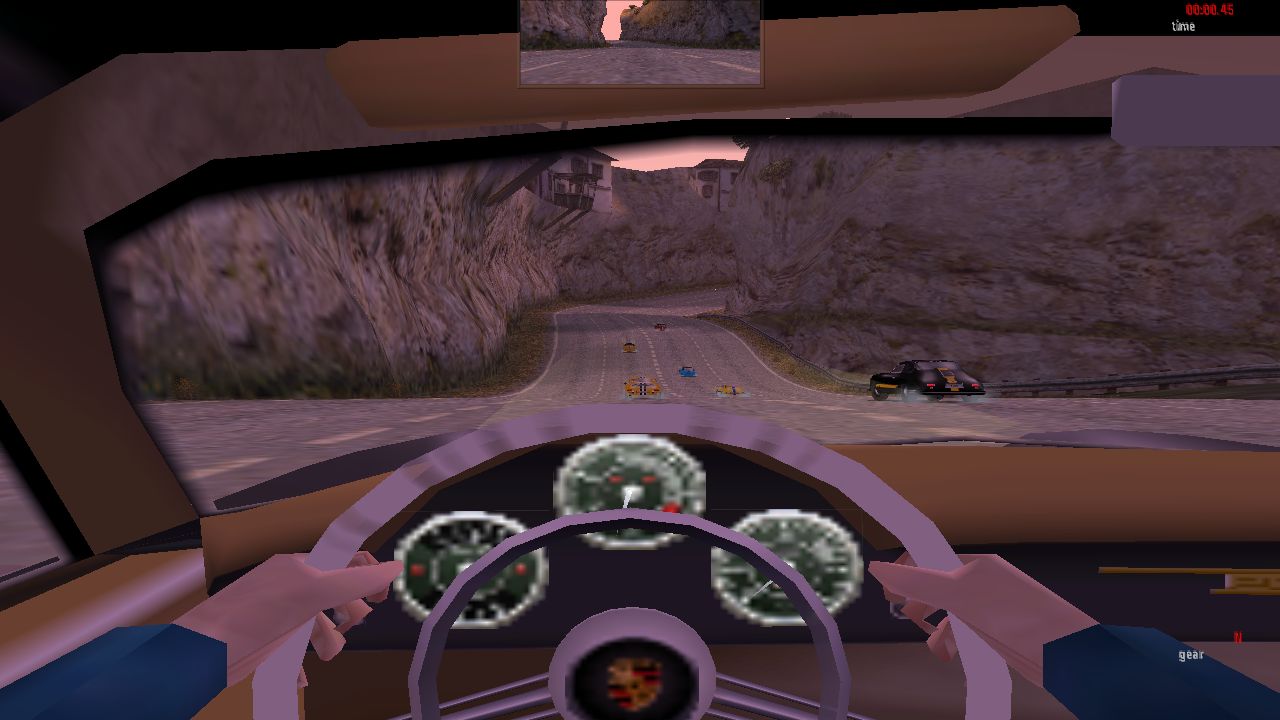
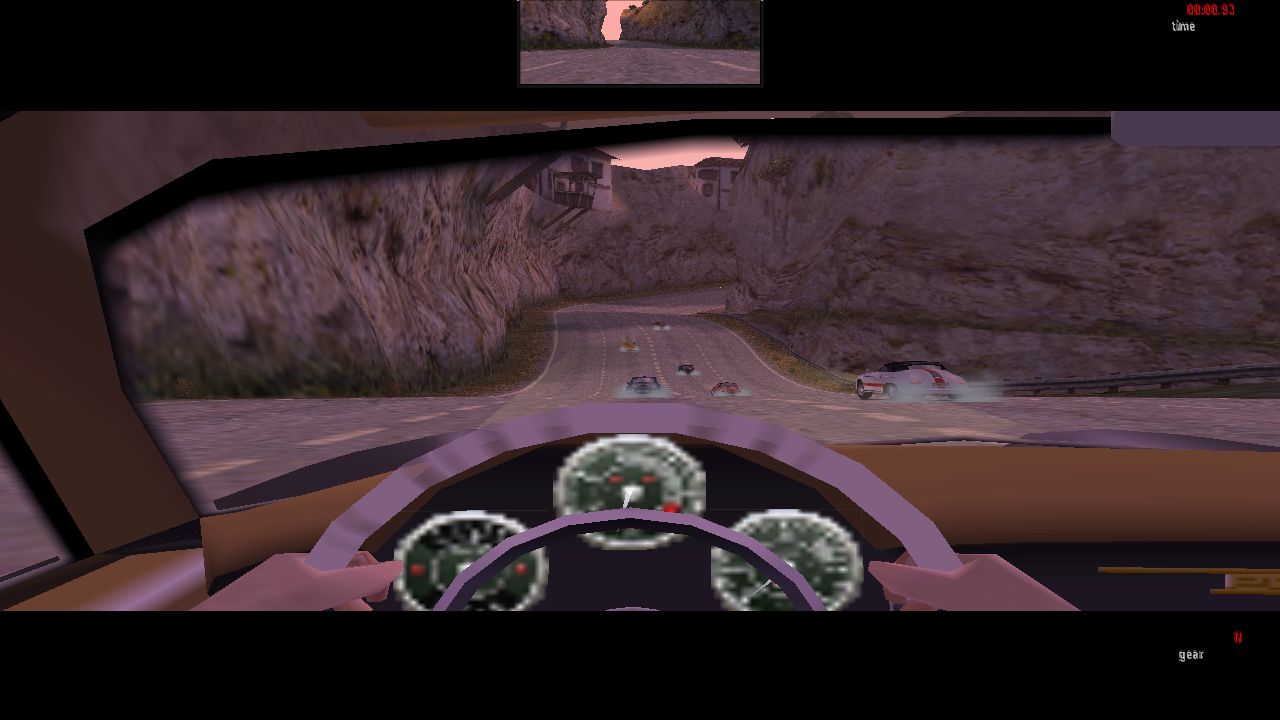
This patch corrects the horizontal stretching by basically counter-stretching the image vertically, i.e. the image will be cut off at the top and bottom (HUD and interface elements are fine and on-screen). As a result, compared to the game running at a 4:3 aspect ratio, a widescreen aspect ratio will give you the same horizontal field of view, but less vertical field of view. It's not a big deal, but the wider your screen, the less you'll strictly see, compared to 4:3.
End lead post quote.
Here is a screen of PU in 16:10 screen ratio -

http://imageshack.us/a/img661/1173/c7c3fc.png
Thank You Felix for fixing PU for me
|