| Author |
Message |
Forum: AMD Eyefinity Discussions Topic: New install third monitor not working |
| todwarter |
|
Posted: 10 Apr 2014, 21:26
|
|
Replies: 4
Views: 4990
|
| I uninstaller drivers, didnt work, re installed didnt work, uninstaller worked. No clue. I love AMd but dang this not fun. |
|
 |
Forum: AMD Eyefinity Discussions Topic: New install third monitor not working |
| todwarter |
|
Posted: 10 Apr 2014, 19:11
|
|
Replies: 4
Views: 4990
|
| So it all worked before, still works. But Eyefinity doesn't? Eyefinity only lets me use 2 of the three monitors. It worked for 3 days since I set it up, then I switched to my new OS and I cant get to run the third monitor. It recognize that I have three monitors though. What did you change? I unins... |
|
|
Forum: AMD Eyefinity Discussions Topic: New install third monitor not working |
| todwarter |
|
Posted: 10 Apr 2014, 06:36
|
|
Replies: 4
Views: 4990
|
I bought a active display port adapter to hdmi and it was working great. I got my new OS and installed it. Now I cant get the third monitor to be set up for Eyefinity. The adapter worked before.
Please help, now I am addicted to Widescreen gaming.
Thanks,
Tod |
|
|
Forum: AMD Eyefinity Discussions Topic: Display bezel problem |
| todwarter |
|
Posted: 09 Apr 2014, 05:25
|
|
Replies: 7
Views: 6491
|
| I got to work, i reset my Eyefinty. http://i852.photobucket.com/albums/ab86/keenshooter/20140408_023653_zps7fb65a4e.jpg http://i852.photobucket.com/albums/ab86/keenshooter/20140408_023709_zps1fdd82c7.jpg Should show the size differences of the projected images. |
|
|
Forum: AMD Eyefinity Discussions Topic: Display bezel problem |
| todwarter |
|
Posted: 08 Apr 2014, 19:11
|
|
Replies: 7
Views: 6491
|
| That fixed the left, I cant adjust the right side like that. Bifurk8 wrote: Are they connected via HDMI? You may need to go in to the Catalyst Control Center->My Digital Flat Panels->Scaling Options (Digital Flat-Panel). From there, drag the slider to 0%. |
|
|
Forum: AMD Eyefinity Discussions Topic: Display bezel problem |
| todwarter |
|
Posted: 08 Apr 2014, 09:46
|
|
Replies: 7
Views: 6491
|
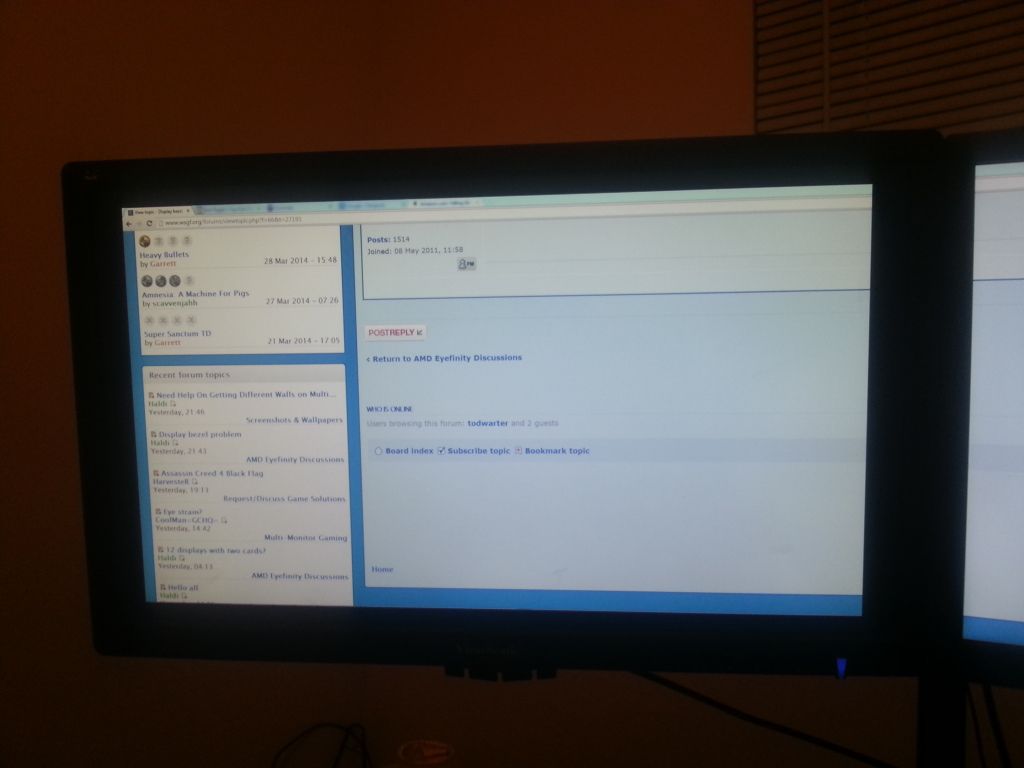
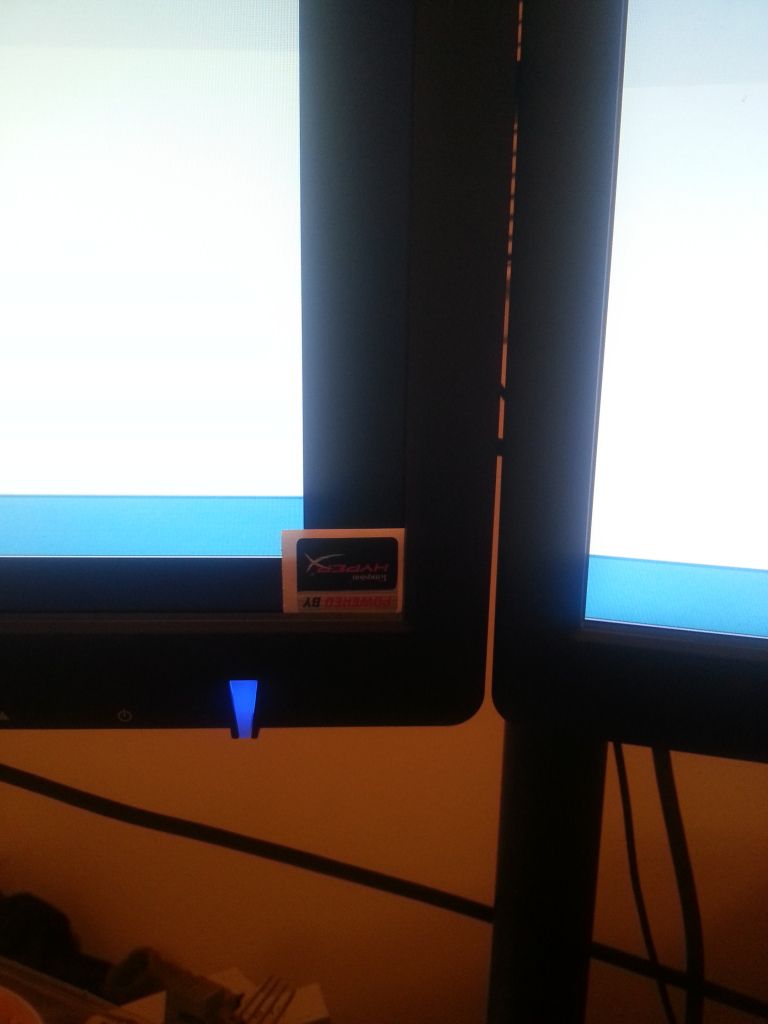
Should show the size differences of the projected images. |
|
|
Forum: AMD Eyefinity Discussions Topic: Display bezel problem |
| todwarter |
|
Posted: 07 Apr 2014, 15:34
|
|
Replies: 7
Views: 6491
|
| I might be calling it the wrong thing. Im not worried about the plastics. There screen projected image is small on my right and left. The montiors are same brand same year ect. Imagine you have three square with a square inside. The middle square you cant see the 2nd square cuase there the same size... |
|
|
Forum: AMD Eyefinity Discussions Topic: Display bezel problem |
| todwarter |
|
Posted: 07 Apr 2014, 08:20
|
|
Replies: 7
Views: 6491
|
| i set my three 27inch view sonic monitor up and got eyefinity up. The problem is there a display bezel i cant align the left and right with middle. There is a inch of wasted monitor space. |
|
|
| Sort by: |


 Login
Login FAQ
FAQ Search
 Members