


Left4Dead 2 (in addition to other games) is a visually stunning zombie shooter game by Valve Software, enhanched furthermore by the use of Eyefinity\Surround display configurations. However, as a side effect of this, the Heads Up Display (HUD) is positioned to the far outside edges of the display, making the viewing of critical information strenuous with repeated left & right head movements.
Fortunately there is a method in which to shift the HUD back towards the central monitor using mods which we shall cover in this article.
Warning
Since an update to L4D2 that forces all mods to be contained in a .vpk, there is also a restriction of the mods used on certain servers.
- Official Dedicated - Not working.
- Best Available Dedicated - Working on some relaxed restriction servers only.
- Local Host - Working.
Before & After


Downloads - v1.01
Here are some premade mods for the 4 most common resolutions and aspect ratios.
How To Install
- Extract the .vpk file from the archive to your addons folder located in "Steam\SteamApps\common\left 4 dead 2\left4dead2\addons".
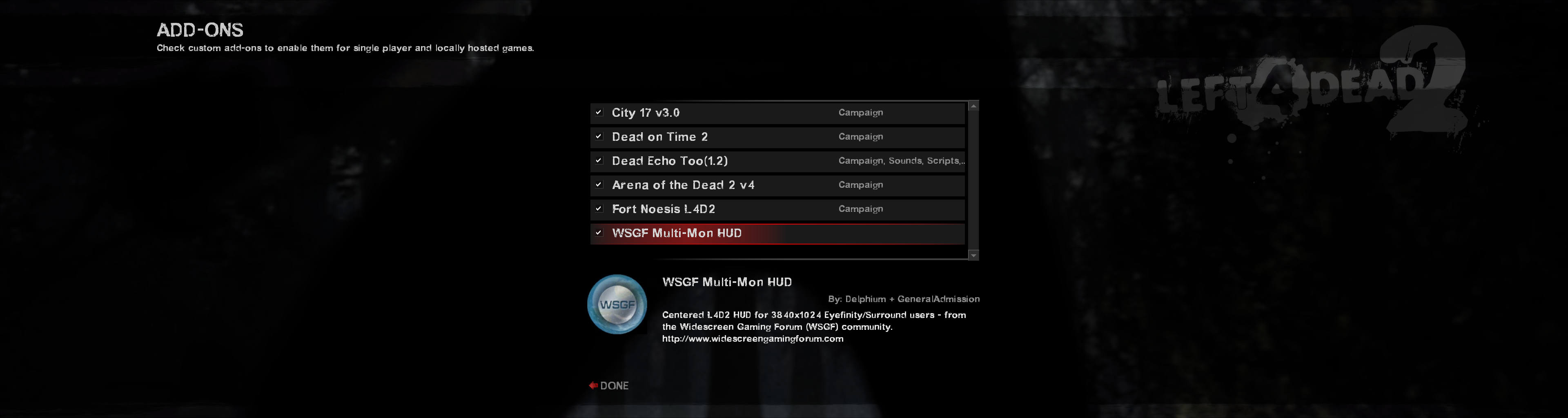
- Launch L4D2 and enable the mod through the in-game menu under Extras > Addons.
Changes
v1.01 :: 02-Aug-10
- + Basechat.res support
- + Scoreboard.res support
- + WSGF in game icon
- + Improved description
v1.00 :: 30-Jul-10
- + First test release using new .vpk mod method.


