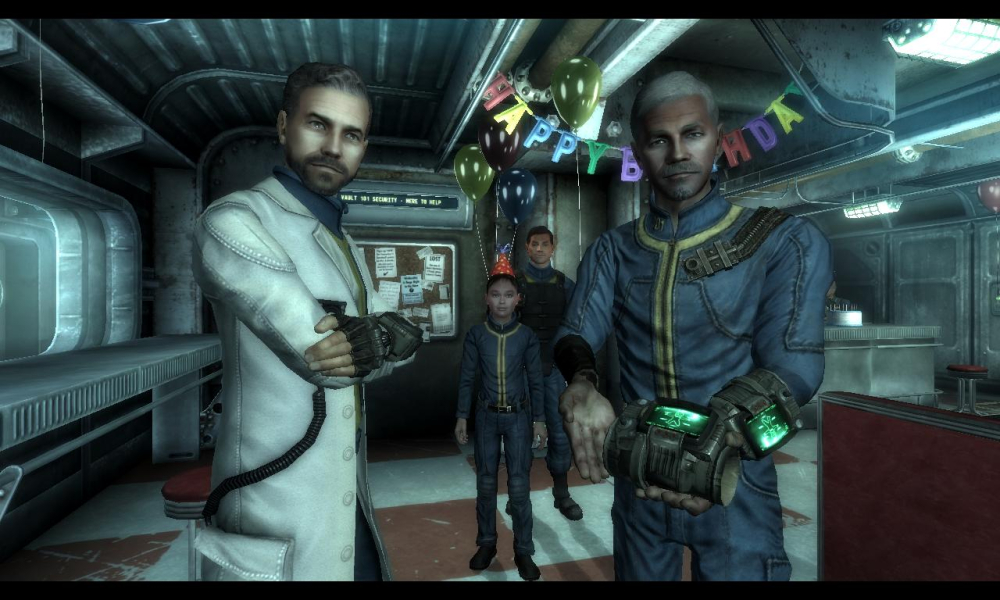
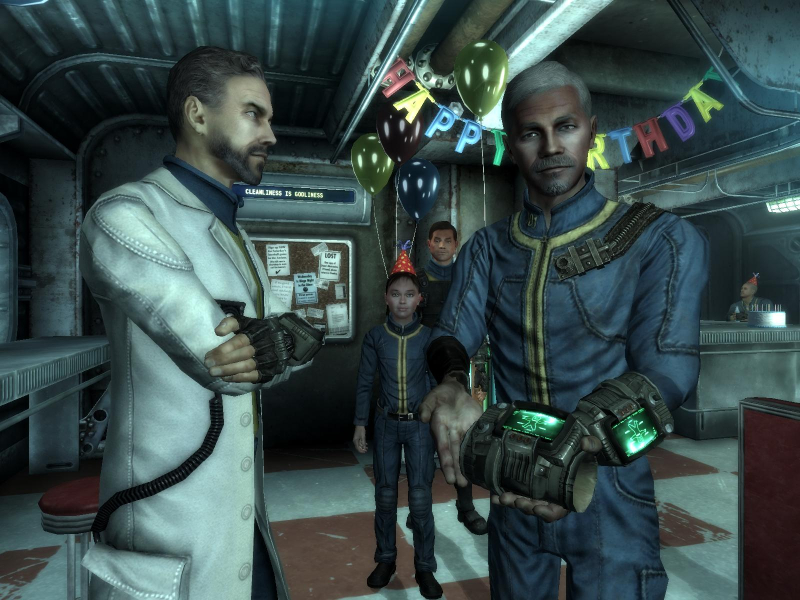
Fallout 3 is a 2008 action role-playing game developed by Bethesda Game Studios and published by Bethesda Softworks. The third major installment in the Fallout series, it is the first game to be developed by Bethesda after acquiring the rights to the franchise from Interplay Entertainment. The game marks a major shift in the series by using 3D graphics and real-time combat, replacing the 2D isometric graphics and turn-based combat of previous installments. (Source: Wikipedia)
Support Summary
Game Information
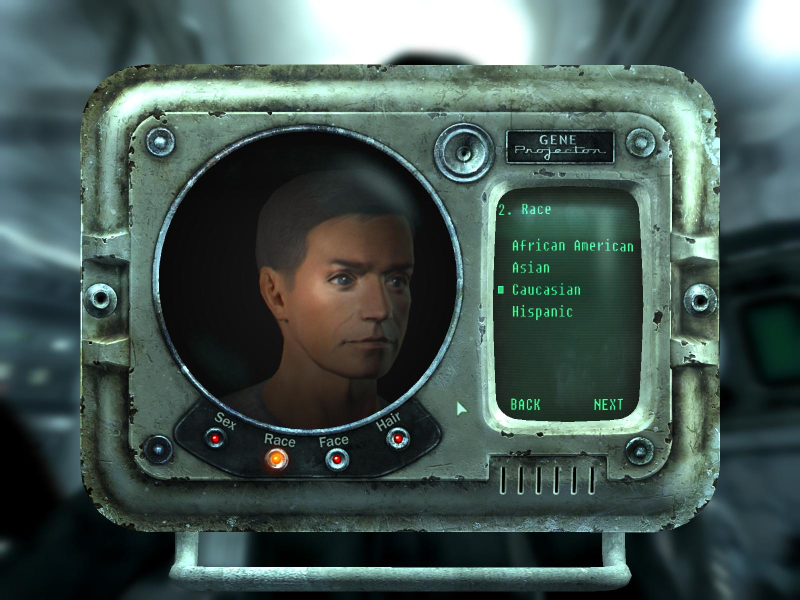
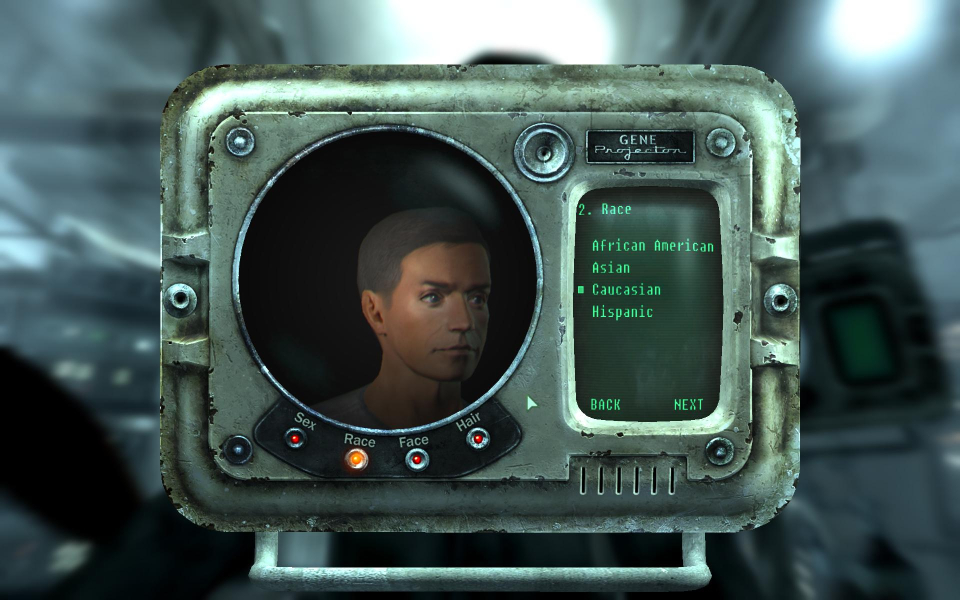
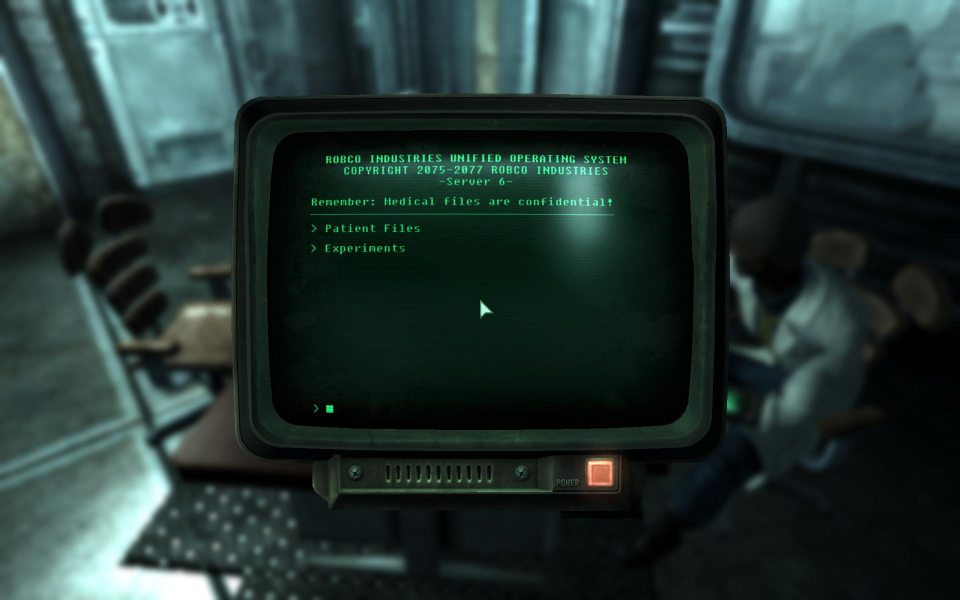
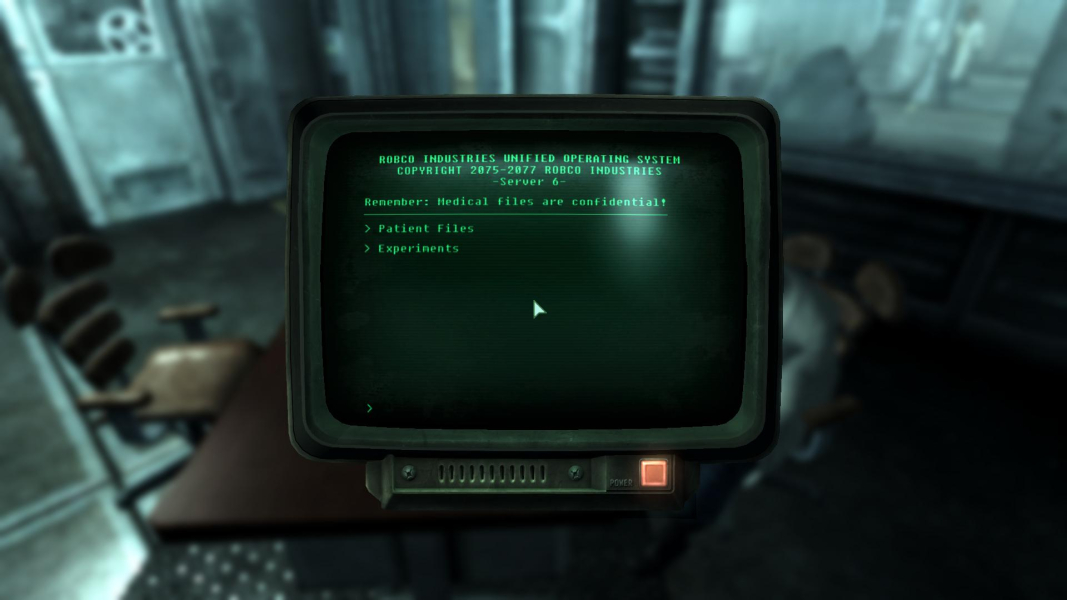
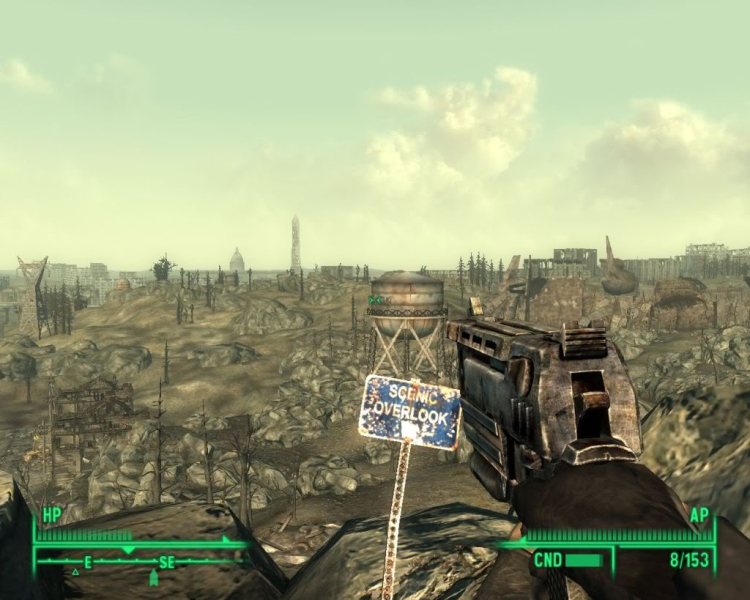
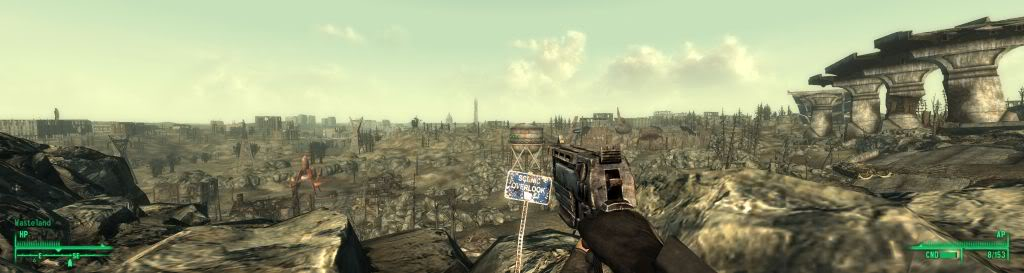
Screenshots Comparison
Solutions & Issues
Native support for 1280x720, 1280x800, 1440x900, 1680x1050, 1920x1080, and 1920x1200.
For 1280x768 go to "Documents and Settings\*User Name*\My Documents\My Games\Fallout3" and open "FalloutPrefs.ini" with a text editor.
Search for...
iSize W=****
iSize H=****
Change "****" to your desired widescreen resolution.
To change the Vert - overlays go to "Documents and Settings\*User Name*\My Documents\My Games\Fallout3" and open "FALLOUT.INI" with a text editor. The game needs to be run once for this file to appear.
Search for...
fDefaultFOV=75.0000
You will need to change this fov value based on your aspect ratio. These values use the 5:4 aspect ratio as a baseline fov.
4:3 - 79.9000
16:9 - 105.3000
15:9 - 99.0000
16:10 - 95.2000
21:9 - 140
Please note that this game has some unexpected behavior when selecting resolutions. Picking a wider aspect ratio then that of your desktop will result in anamorphic behavior.
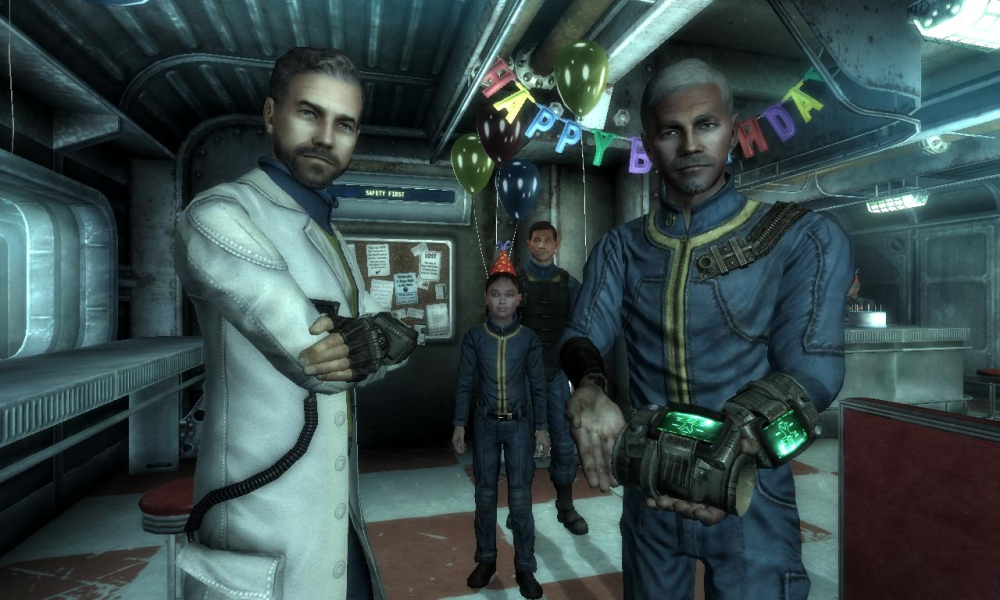
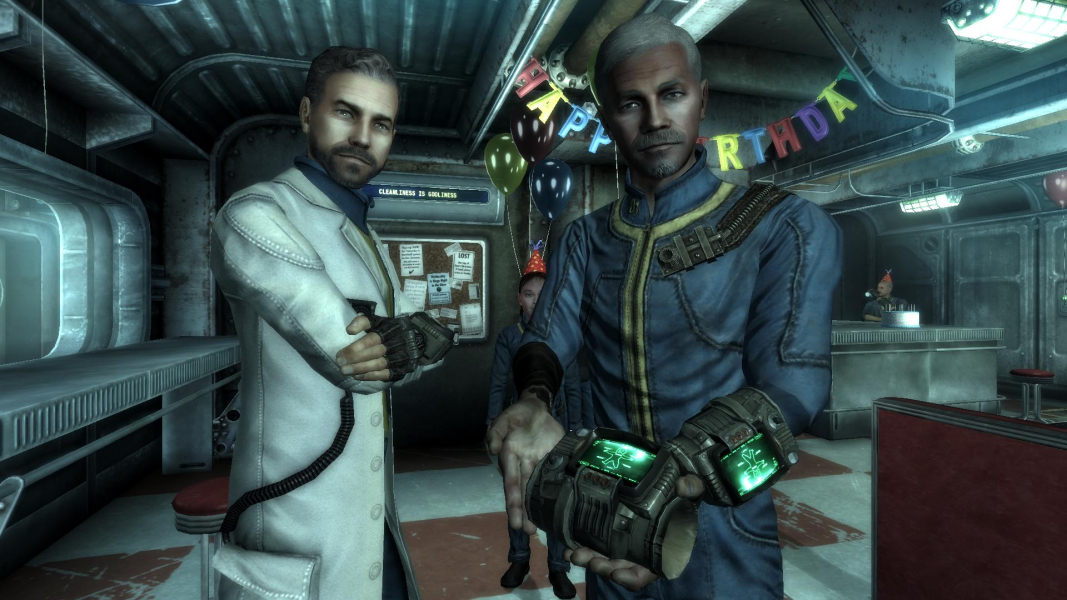
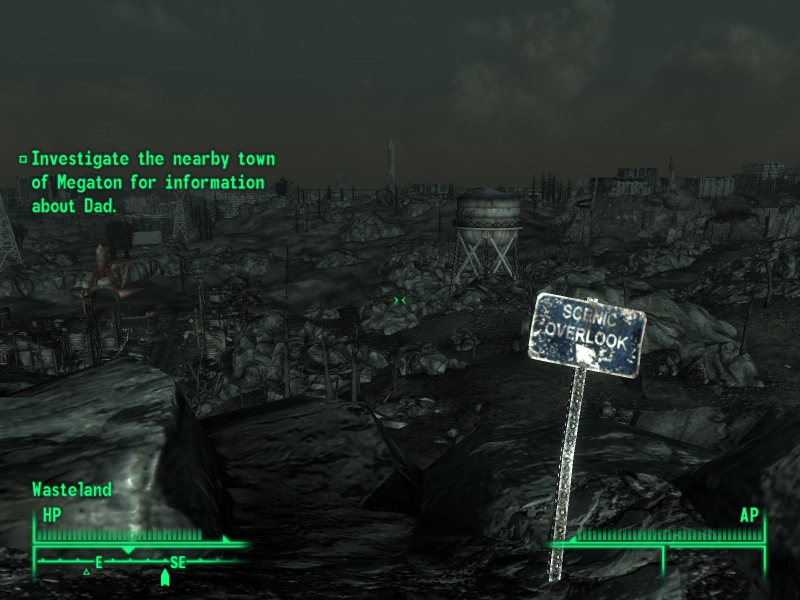
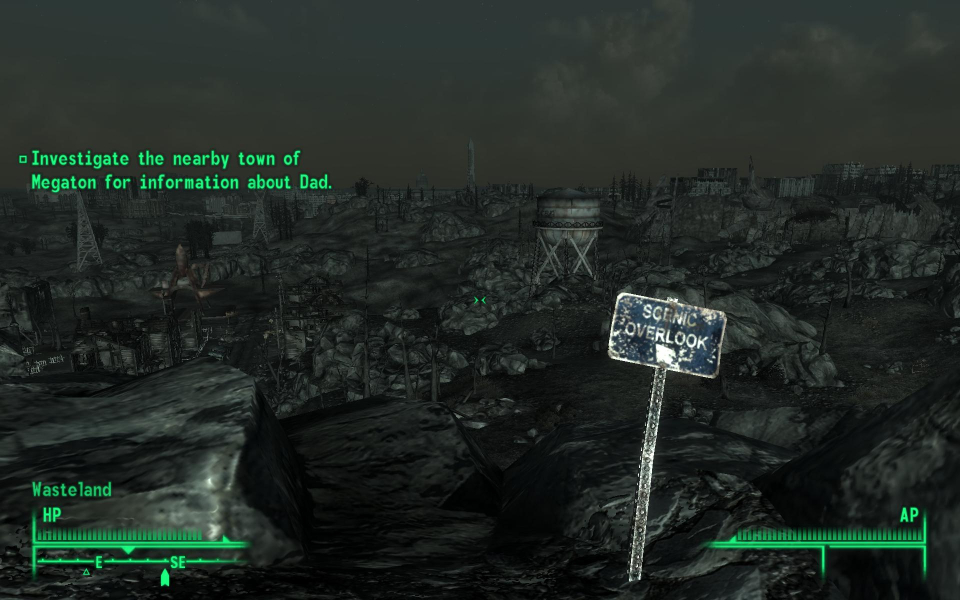
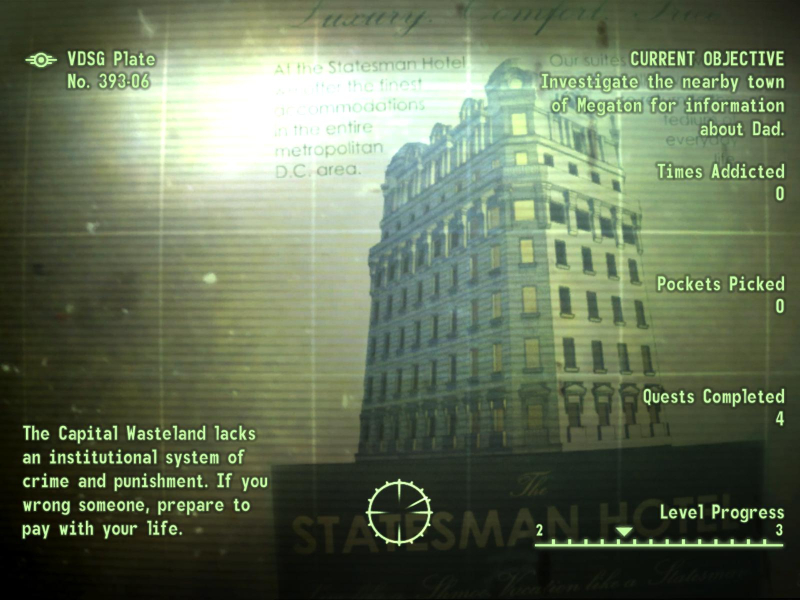
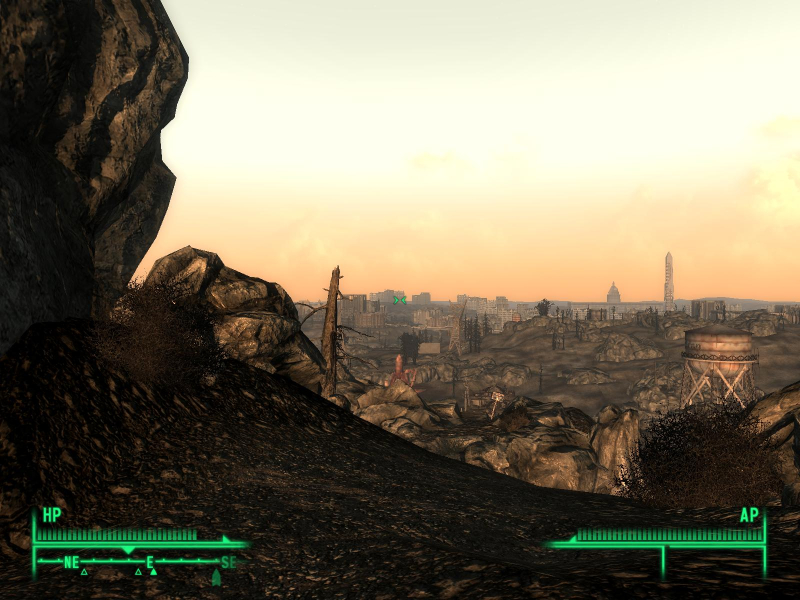
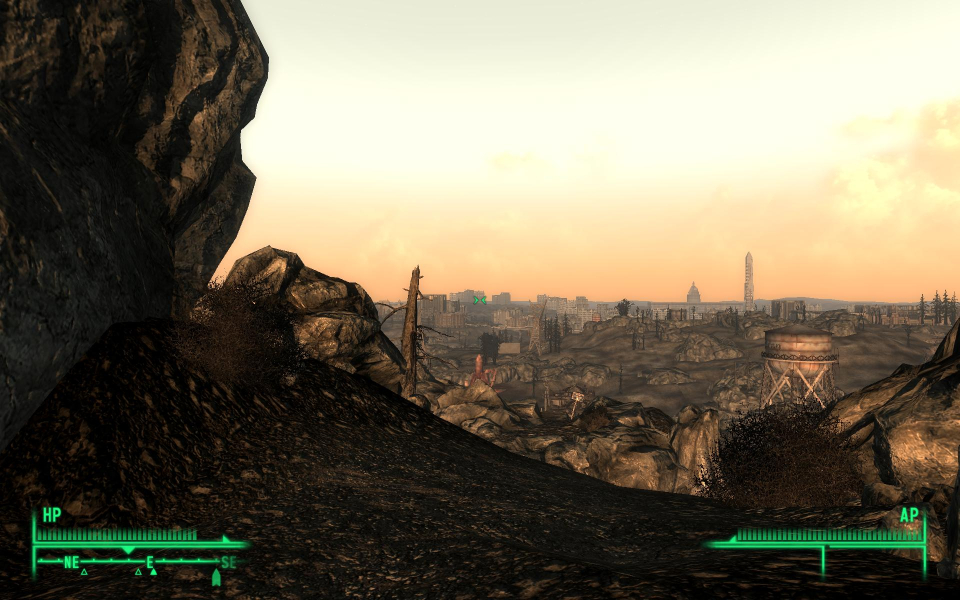
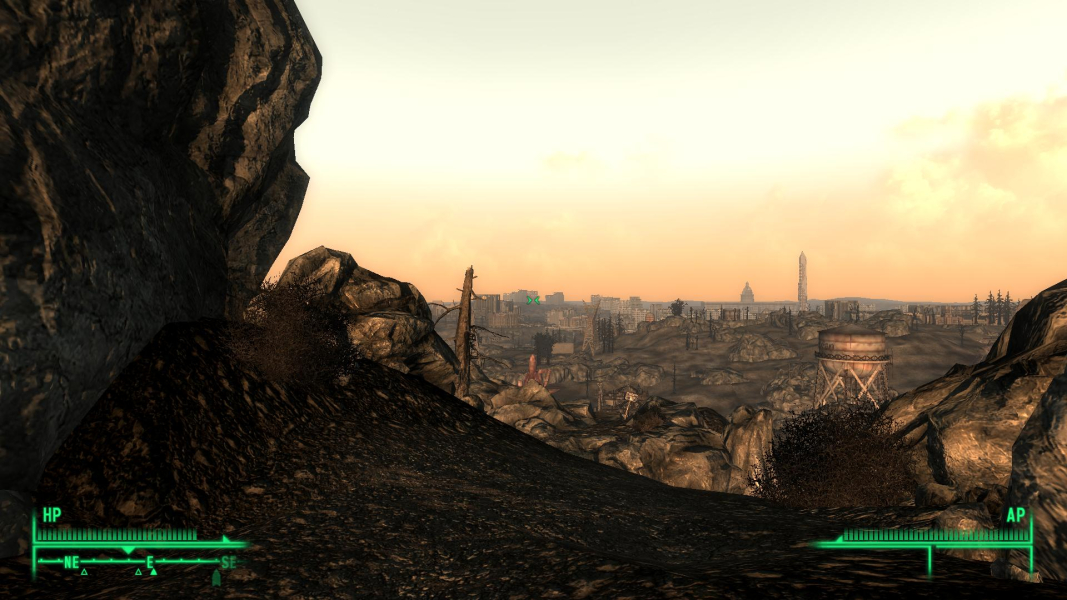
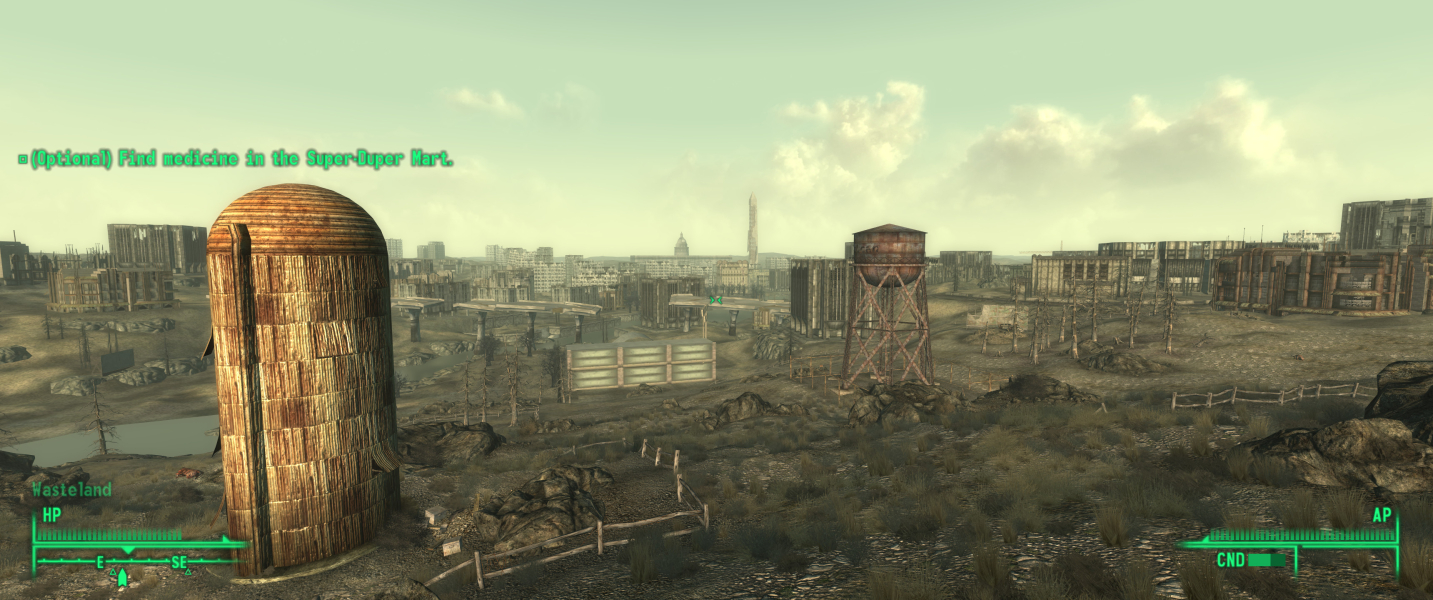
The character portrait is misaligned when changing the fDefaultFOV value. The HUD and all two-dimensional objects do not stretch in widescreen resolutions. Two-dimensional screens are Hor + in widescreen resolutions. Overlays are Hor + in widescreen resolutions.
To get the HUD (health, ammo) onto the middle monitor, go into your FALLOUT.ini
Find the following lines..
Code:
iSafeZoneXWide=15
iSafeZoneYWide=15
iSafeZoneX=15
Change them to one of this (depending on your resolution)
3840x1024
Code:
iSafeZoneXWide=610
iSafeZoneYWide=15
iSafeZoneX=610
5040x1050
Code:
iSafeZoneXWide=770
iSafeZoneYWide=15
iSafeZoneX=770
(iSafeZoneYWide does not change intentionally)
--------------------
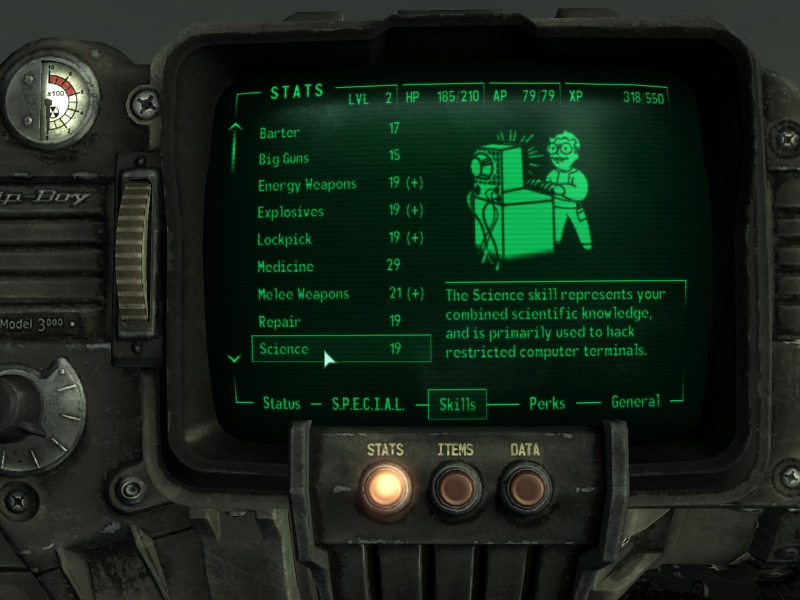
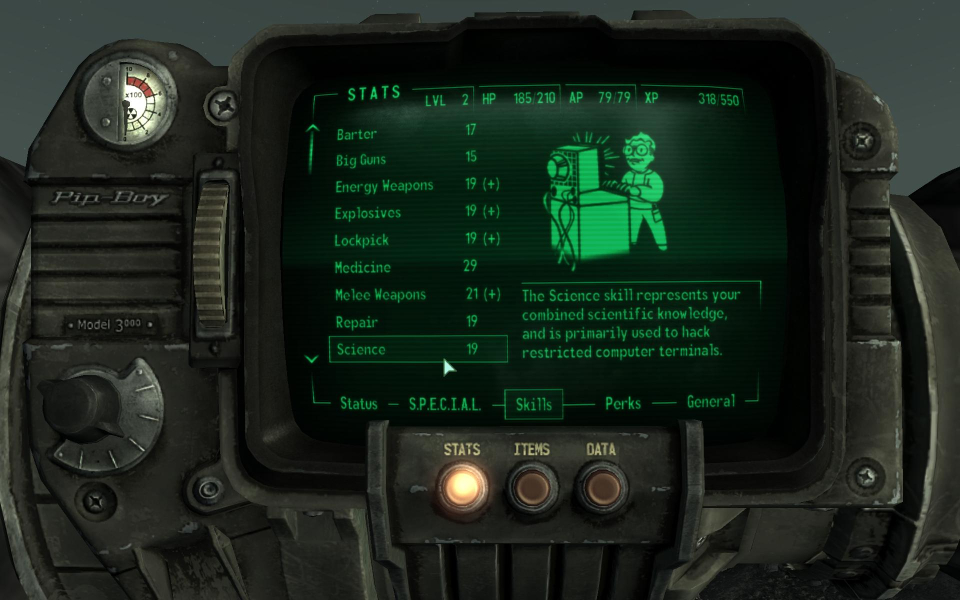
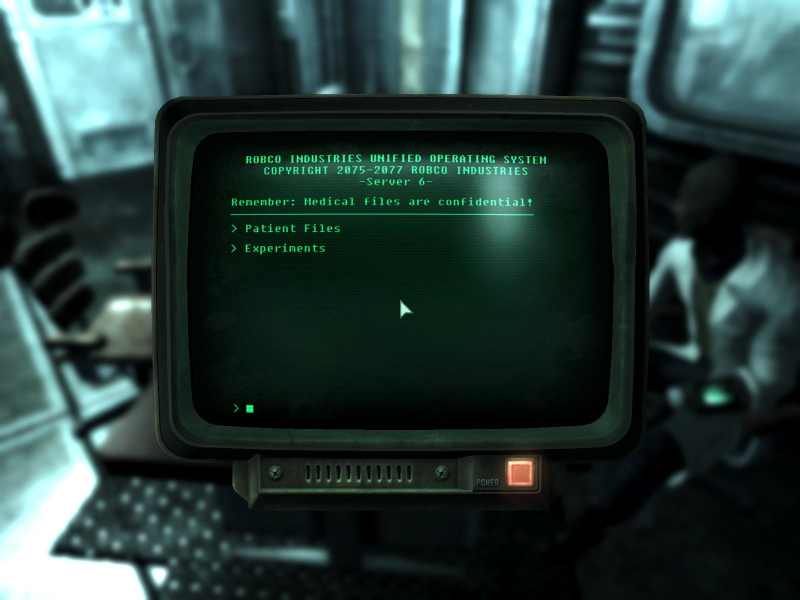
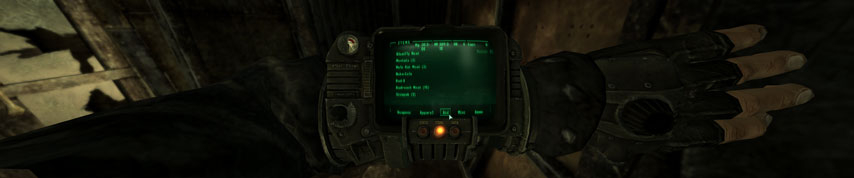
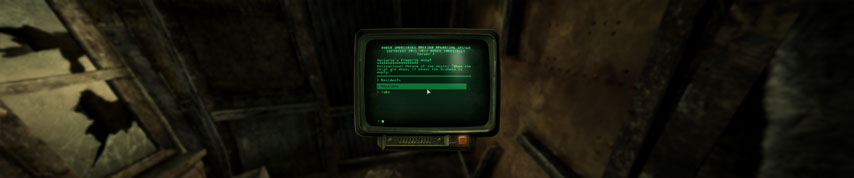
This isn't perfect but by changing the font used for the Pip-Boy and the computer terminals it is possible to make them a little more readable ...
In the ... FALLOUT.INI
The font used for the Pip-Boy is ... this line ... sFontFile_2=Textures\Fonts\Monofonto_Large.fnt
Change it to ... sFontFile_2=Textures\Fonts\Glow_Monofonto_VL_dialogs.fnt
The font used for the comuter terminals is ... this line ... sFontFile_5=Textures\Fonts\Fixedsys_Comp_uniform_width.fnt
change it to ... sFontFile_5=Textures\Fonts\Glow_Monofonto_VL_dialogs.fnt
I also changed the FOV of the Pip-Boy a little ...
Change this line .... fPipboy1stPersonFOV=47.0
to this .................. fPipboy1stPersonFOV=60.0
Gameplay Screenshots


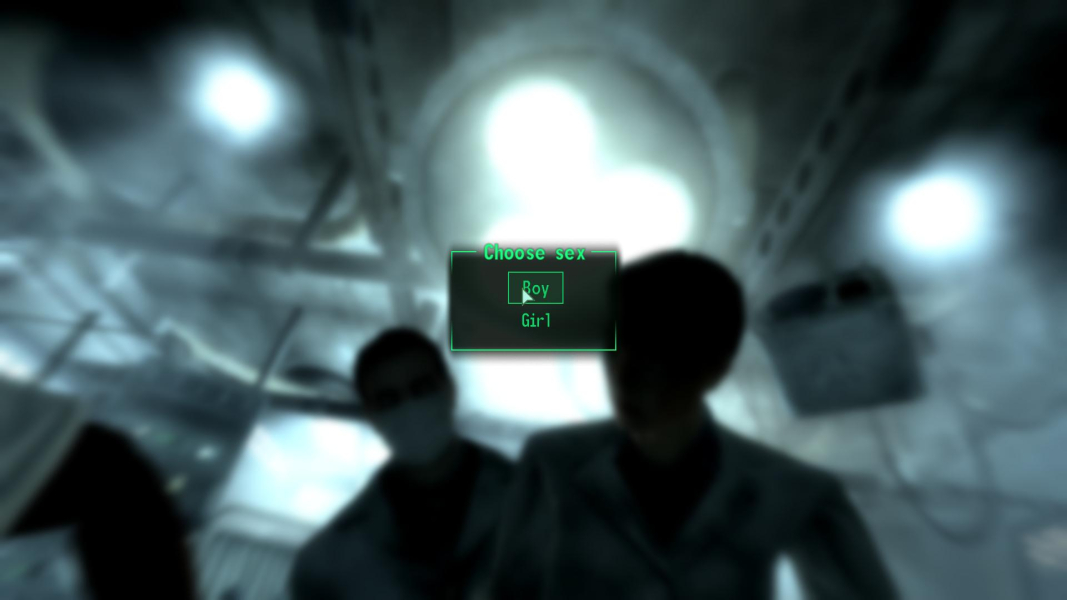
In-Game (Rendered) Cutscenes
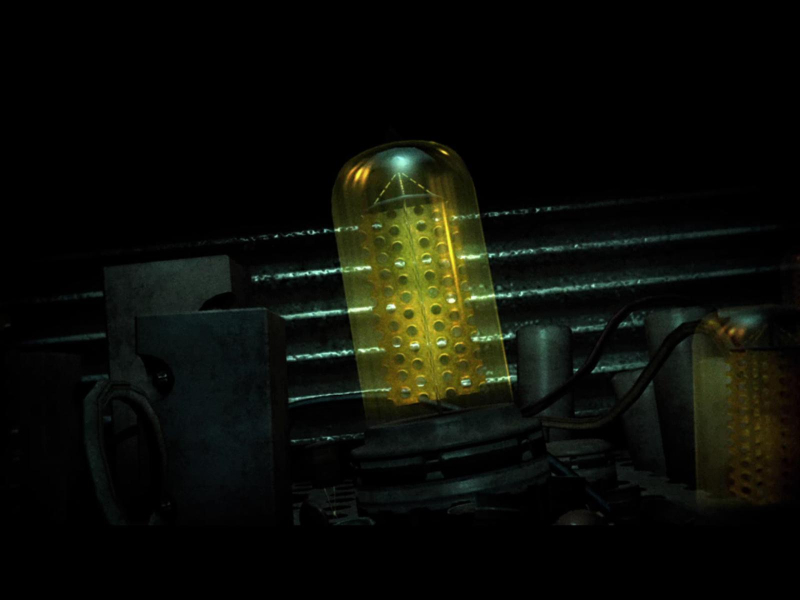
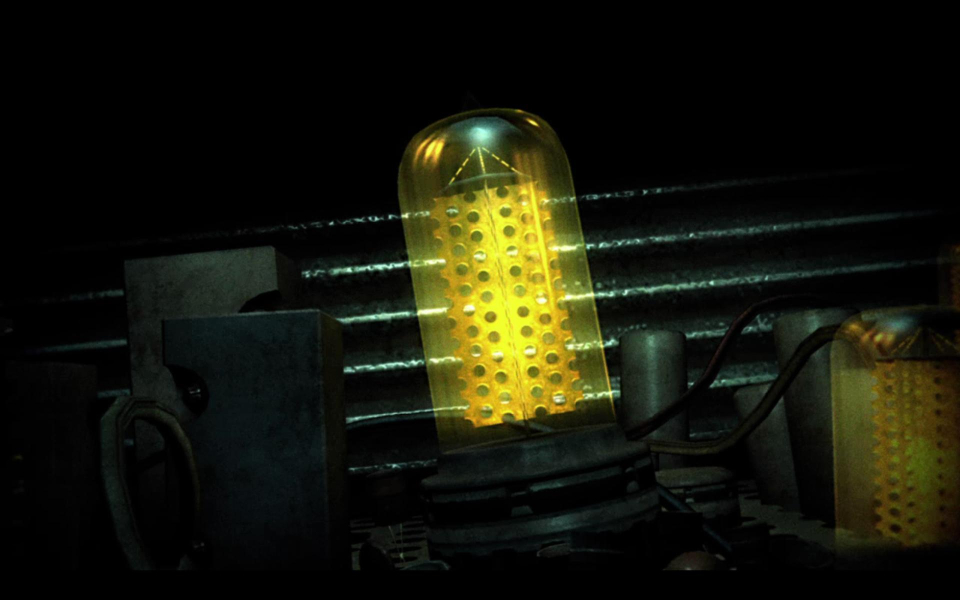
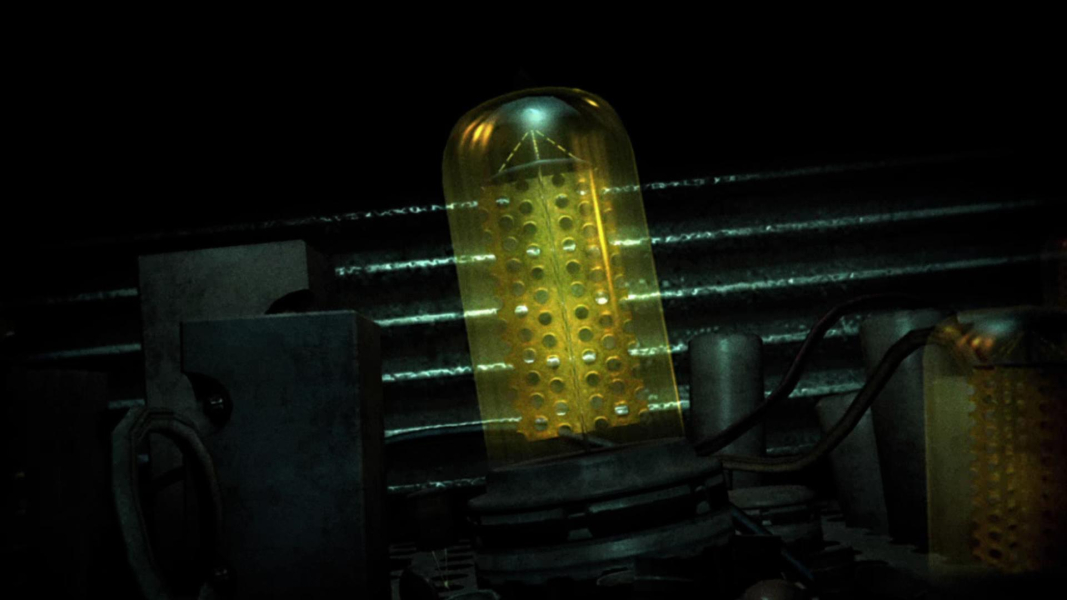
FMV Cutscenes
Additional Screenshots