


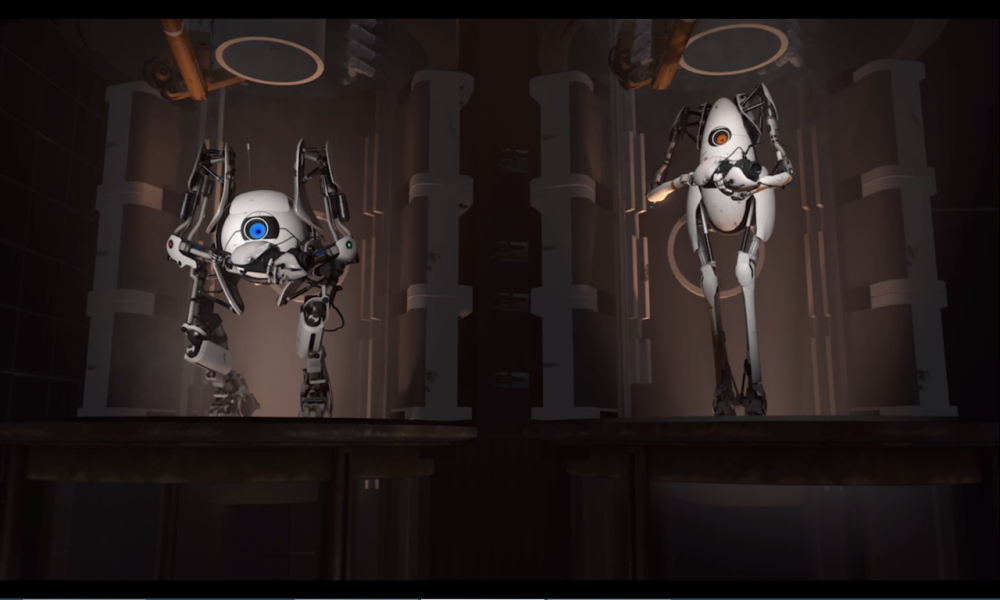
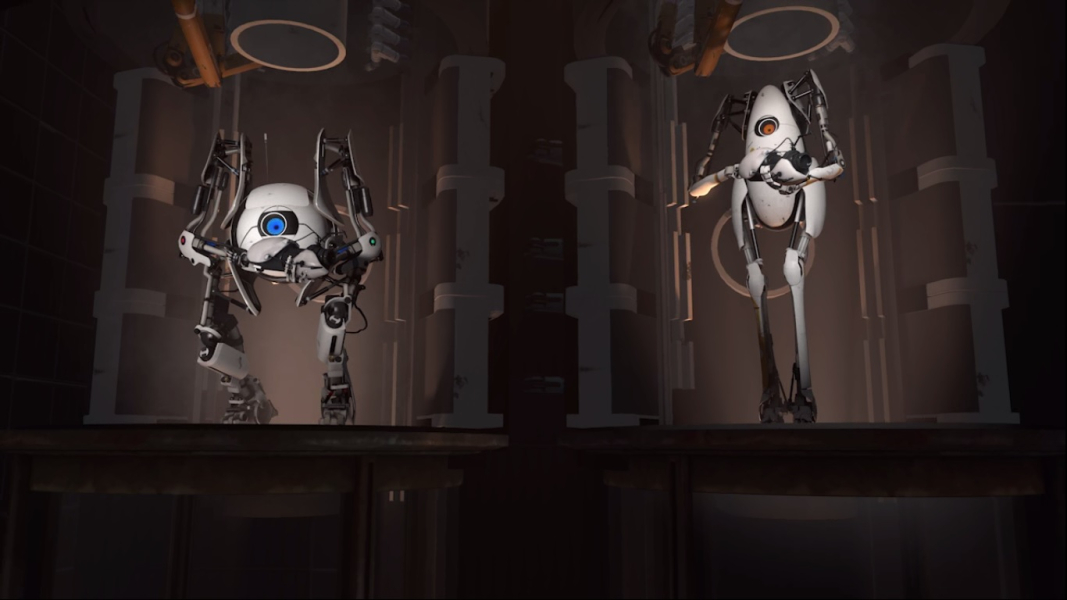
Portal 2 is a puzzle game presented from the first-person perspective. Normally, the player, as either Chell in the single-player campaign or as one of two robots, Atlas or P-body, in the co-operative campaign, can move, look, and carry and drop objects. The goal is to maneuver the characters through a number of test chambers in the Aperture Science facility, traversing the chamber from the start to the exit.
Though the player-character can take some damage for a brief period of time, they will die under sustained injury and be restarted at a recent checkpoint; however, characters are equipped with "long fall boots" that absorb the shock of landing after a large vertical drop.
The player must figure out how to overcome seemingly-bottomless gaps, evade pools of toxic liquid, or avoid line-of-sight or even disable robotic turrets to safely arrive at the exit.
Support Summary
Game Information
Screenshots Comparison
Solutions & Issues
Native support.
--------
Like other Source games, you can FORCE a resolution with command line switches under launch properties.
-w 3840 -h 1024
Game runs properly, with only stretching of BG images.
There is a minor issue with split screen coop. This can be easily fixed by editing a config file located at:
[STEAM_FOLDER]\steamapps\common\Portal 2\portal2\splitscreen_config.txt
Edit the widescreen_vertical_split block by changing the value of "aspect" to your monitors vertical aspect ratio times two.
Example for 32:9: "aspect" "32 by 18"
Example for 21:9: "aspect" "21 by 18"
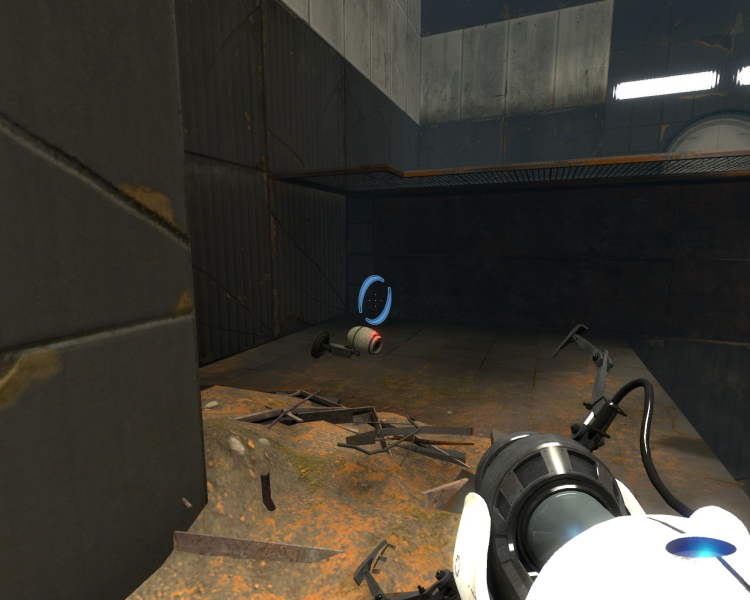
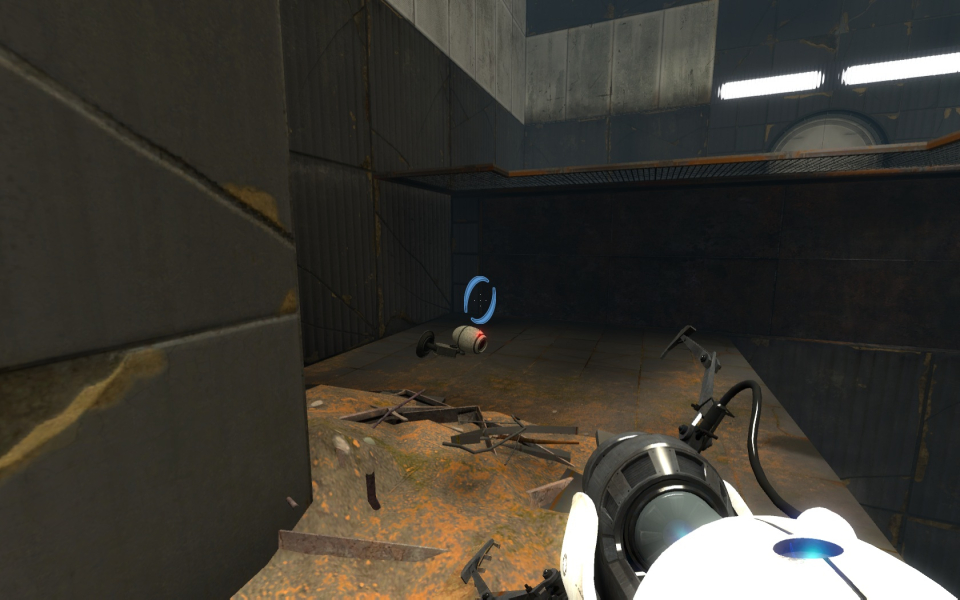
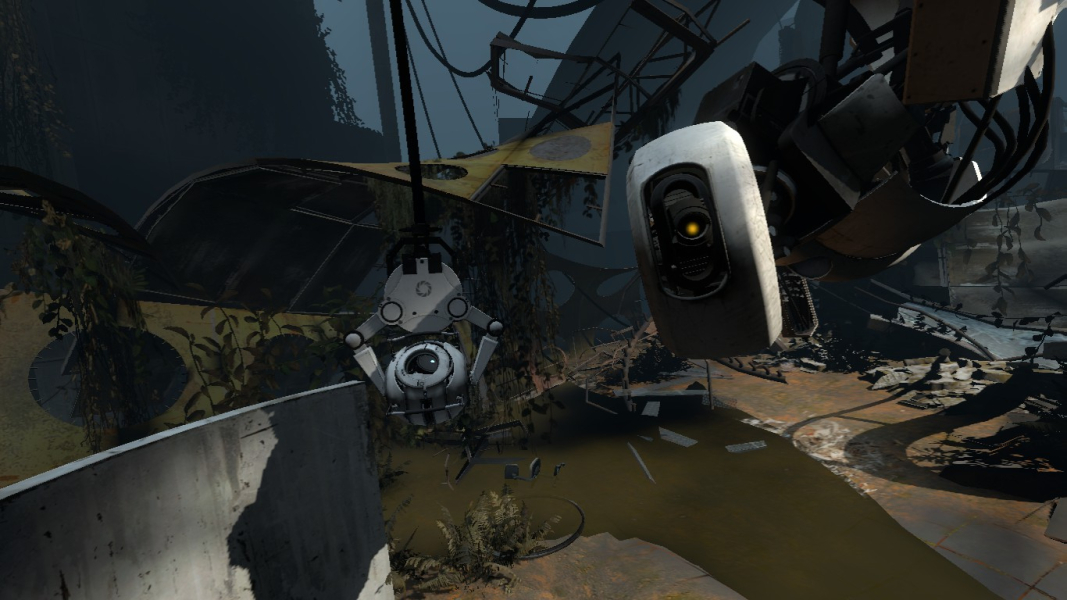
Gameplay Screenshots


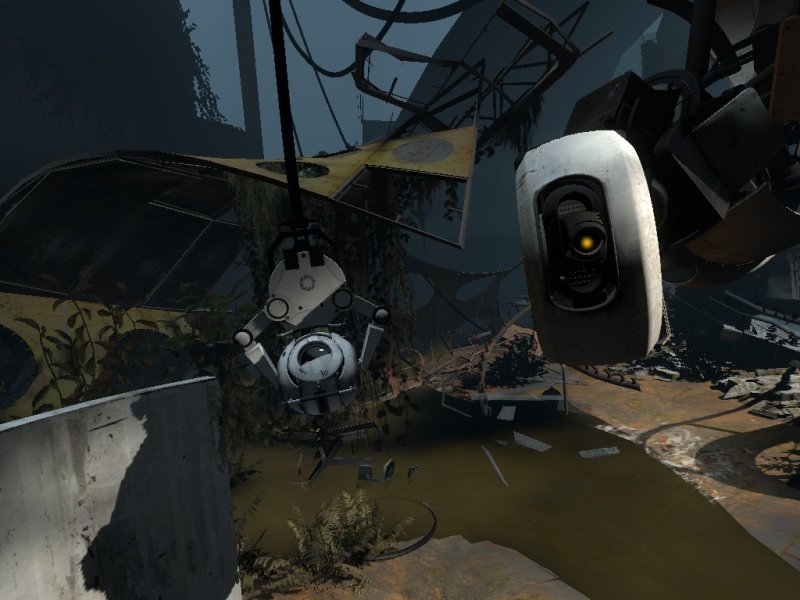
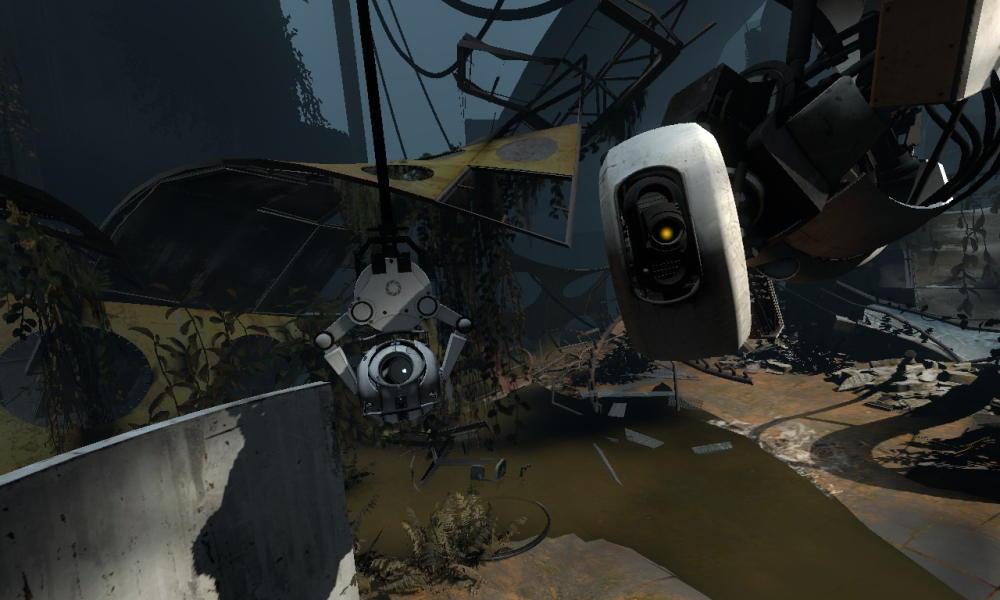
In-Game (Rendered) Cutscenes
FMV Cutscenes

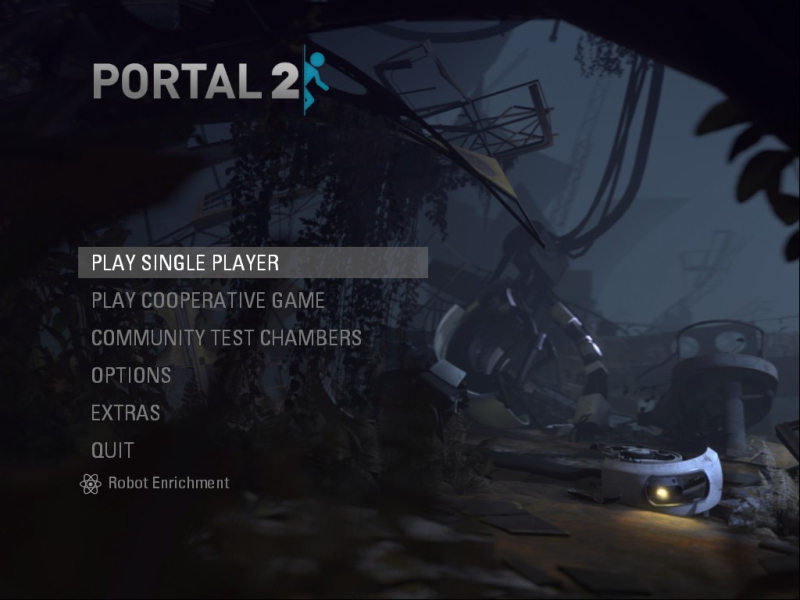
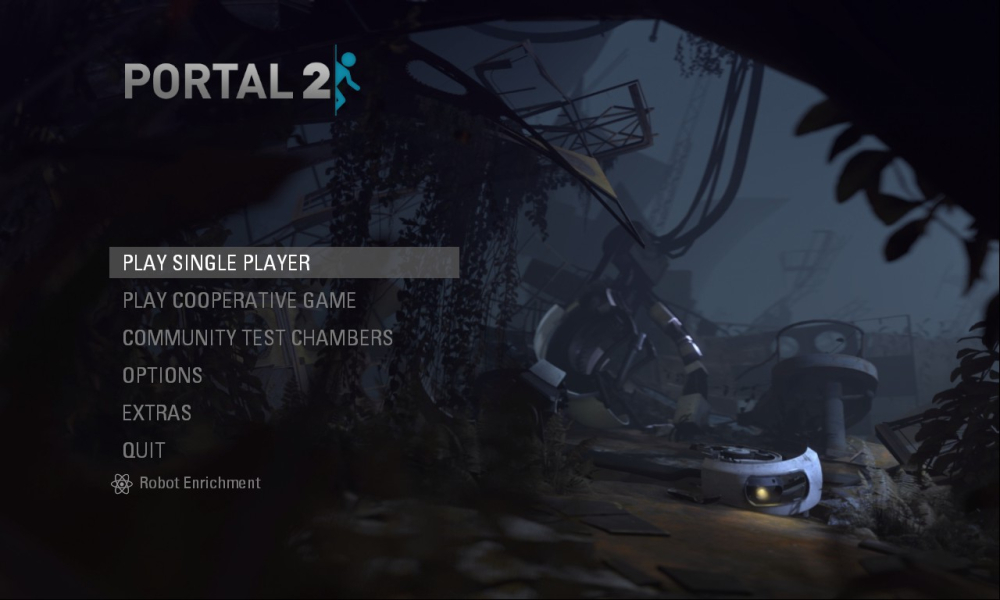
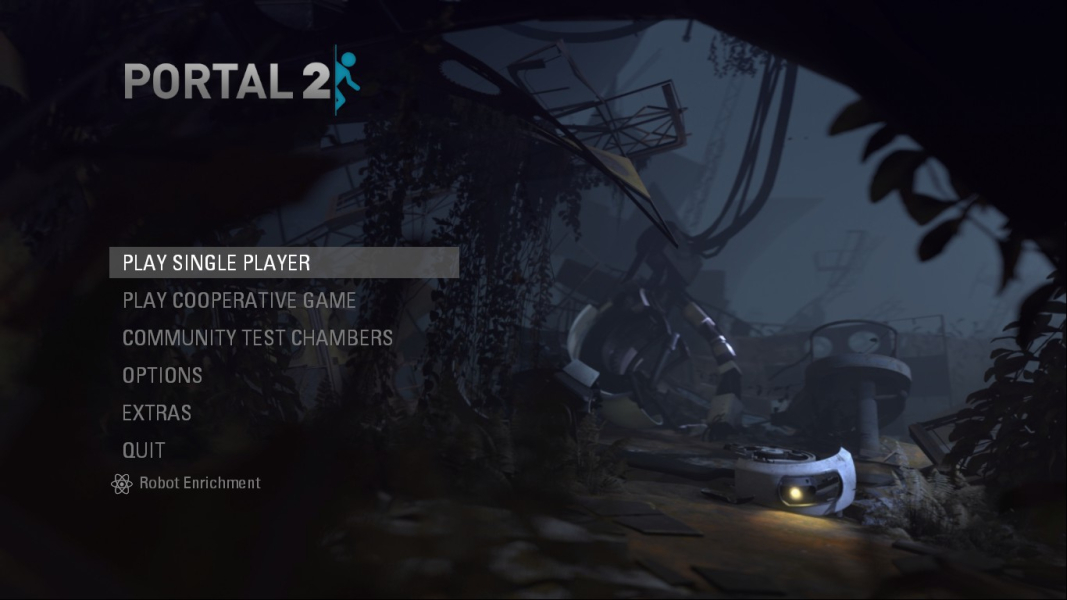
Menu Screenshots
Additional Screenshots


