Players control characters that appear throughout the books as hero units and enact many of the scenes from the movies. There are additional standard units that make up the traditional RTS ranks. A good and evil campaign are both available allowing players to control the "Free Peoples" or the "Forces of Darkness". Flow of events in the game can be altered from the movie scenes to add some twists to the gameplay. Characters gain special abilities as they grow in strength which allow them to perform deeds of heroism and summon powerful allies. In-game narrations are done by actors from the movies, Ian McKellen and Christopher Lee. Round up the Hobbits, and roll out.
Support Summary
Widescreen | Ultra/Super‑Wide | Multi-Monitor | 4K Ultra HD | |
Support | ||||
Method | ||||
HUD | ||||
Cutscenes | ||||
FMVs |
Game Information
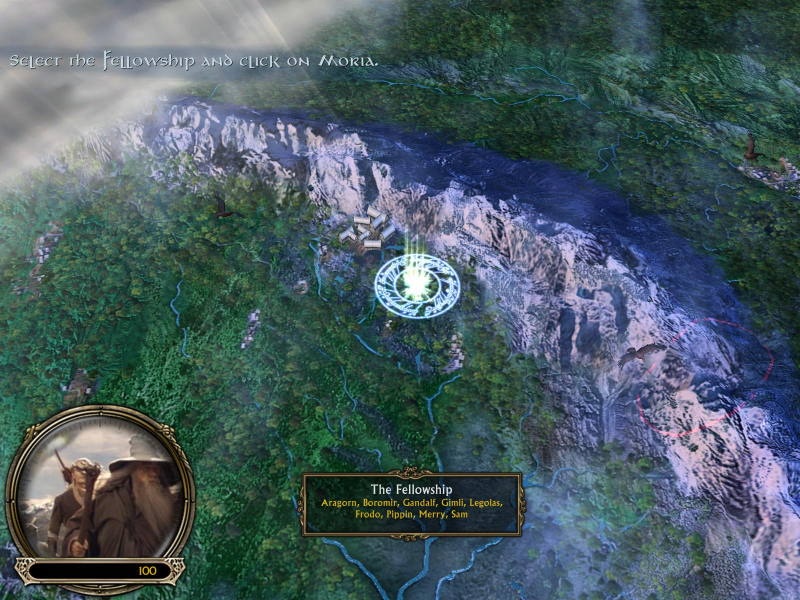
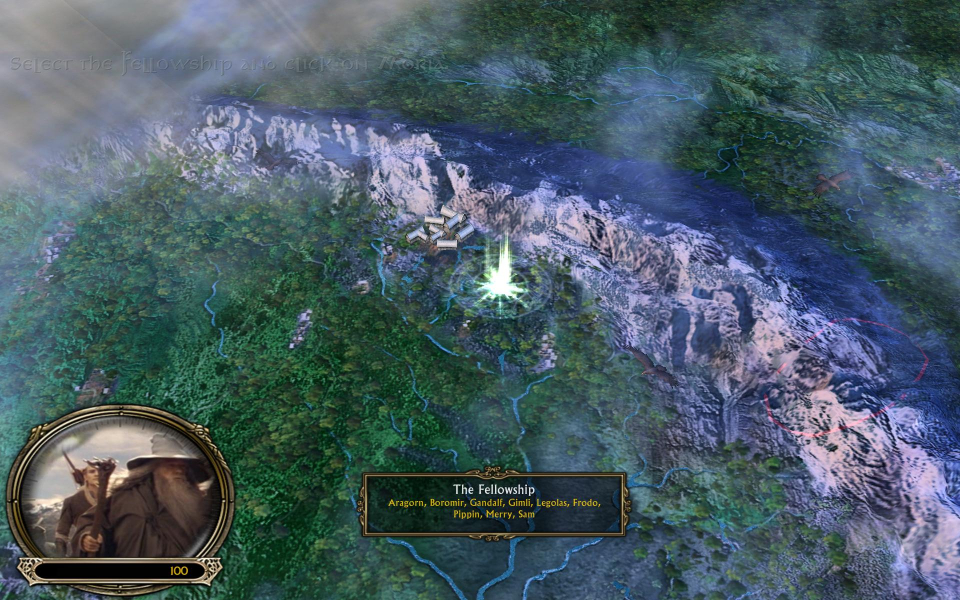
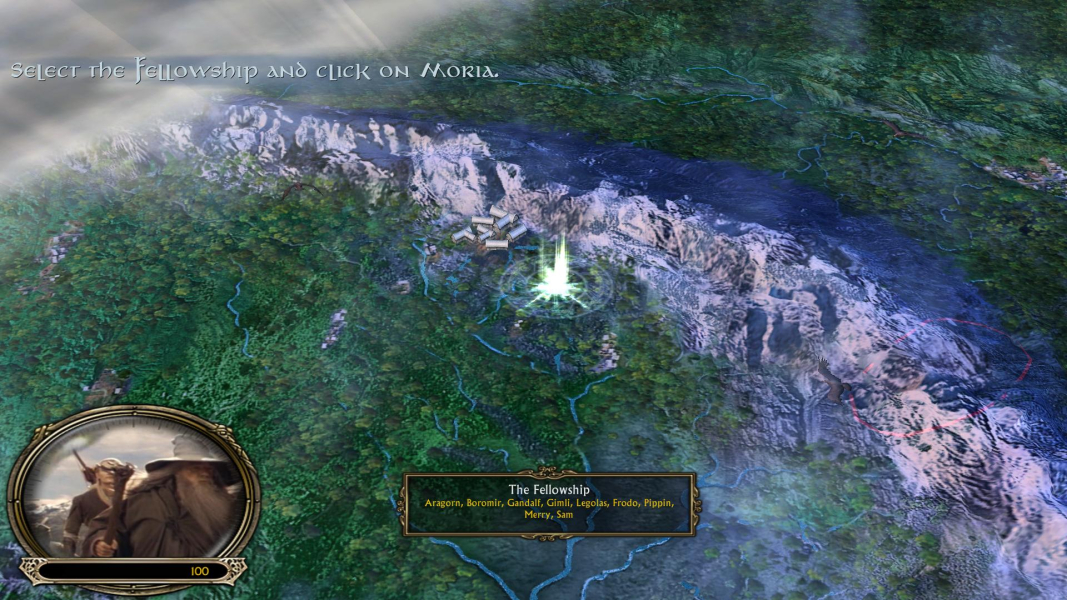
Screenshots Comparison
Solutions & Issues
Vert - gameplay. Certain game screens and pre-rendered elements stretch. All two-dimensional art is stretched.
Native widescreen resolutions are not supported. To use custom resolutions go to...
Documents and Settings\*Your User Name*\Application Data\My Battle for Middle-earth Files\Options.ini
...and find...
Resolution = **** ****
...change **** to your desired resolution. You may need to enable hidden files and folders as viewable. This can be done from the "Folder Options" in the "Tools" menu by clicking on the "View" tab.
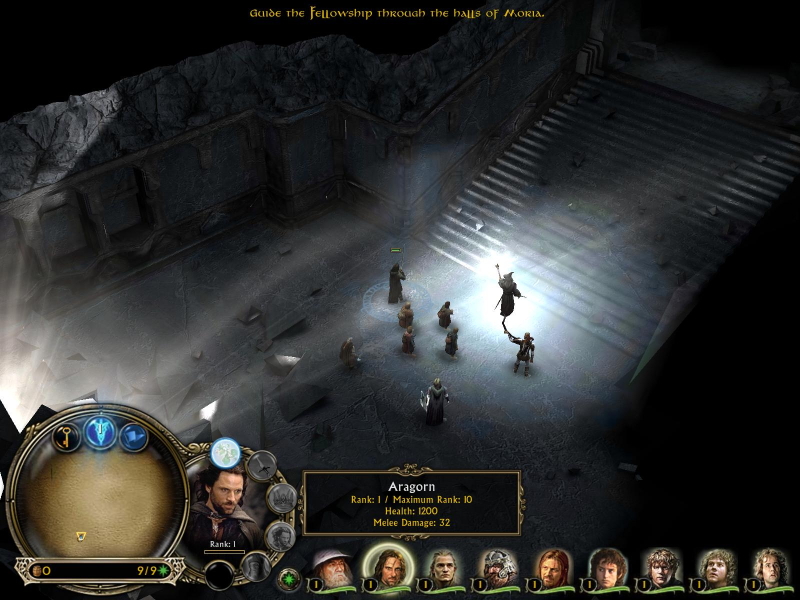
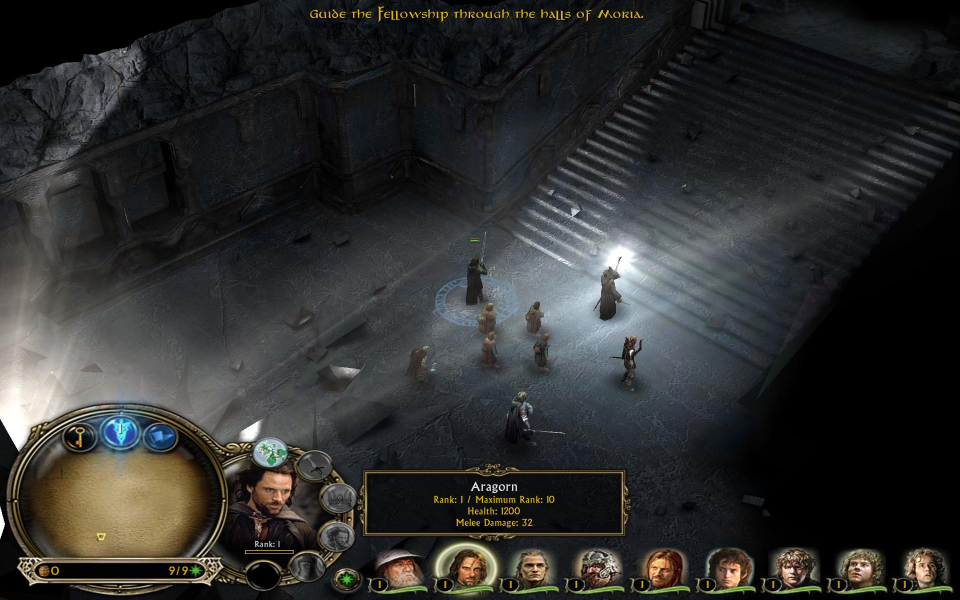
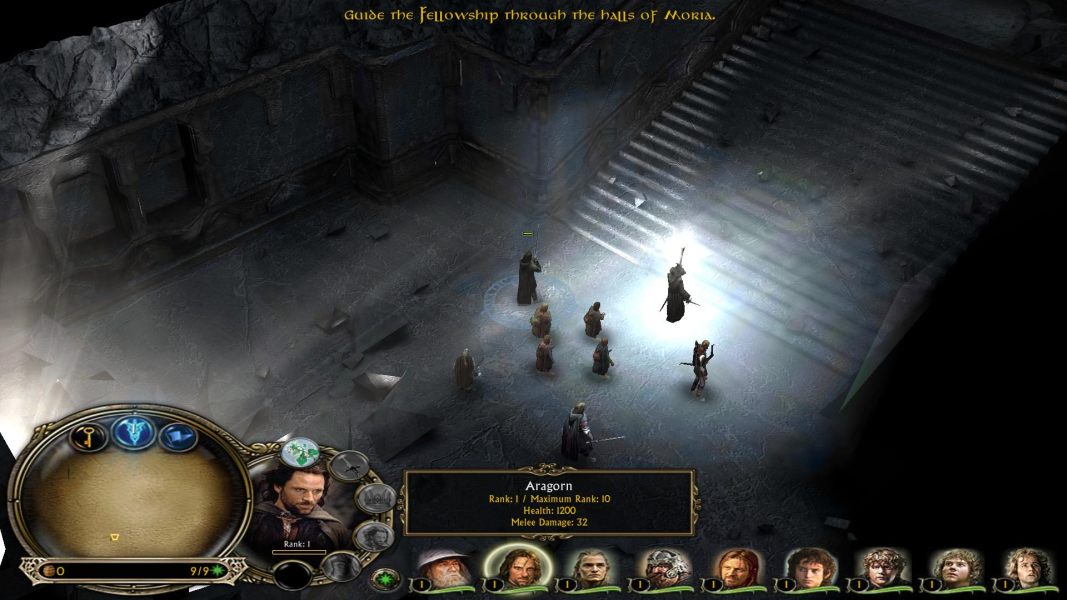
Gameplay Screenshots


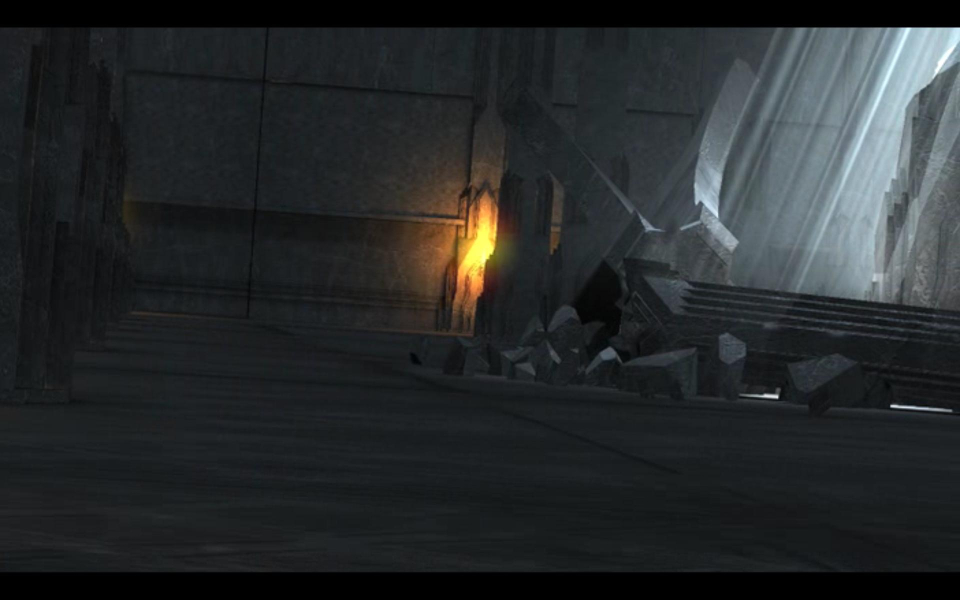
In-Game (Rendered) Cutscenes
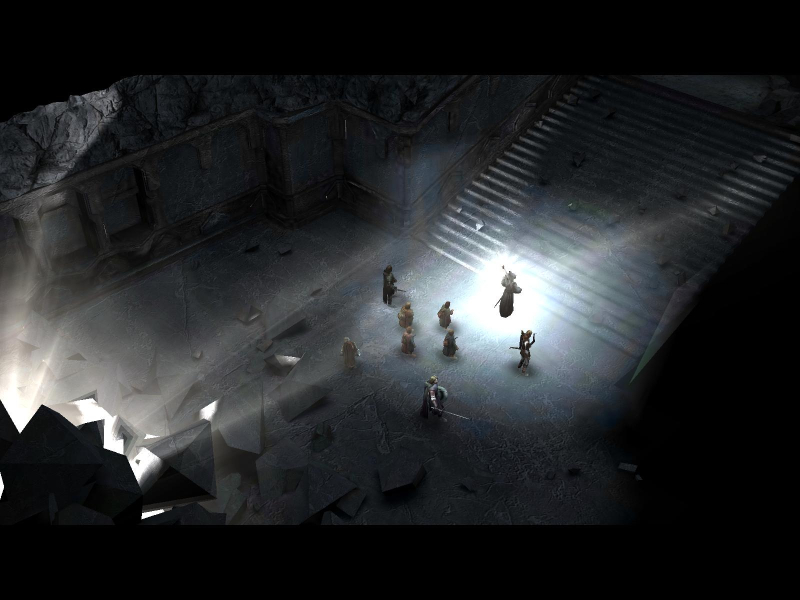
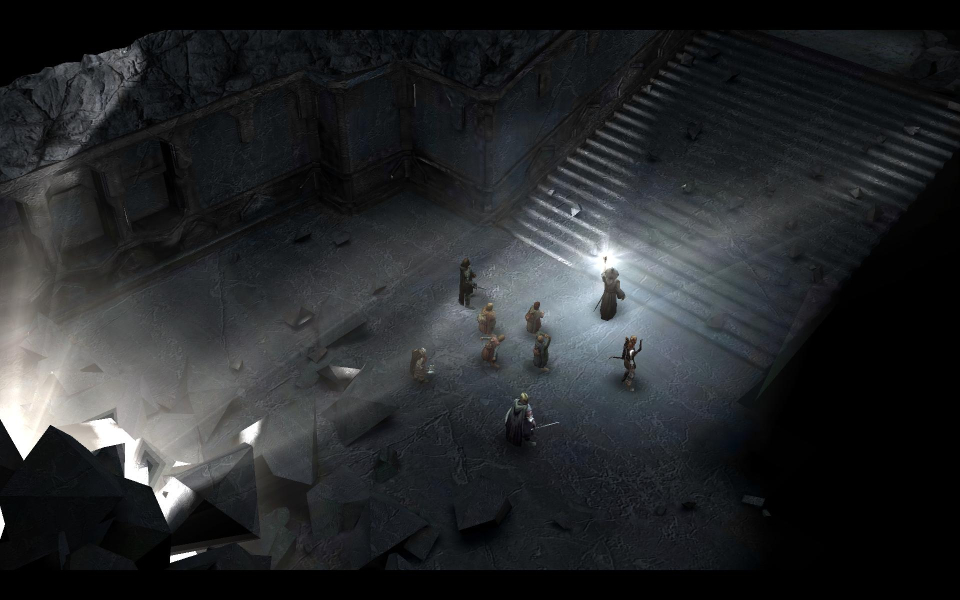
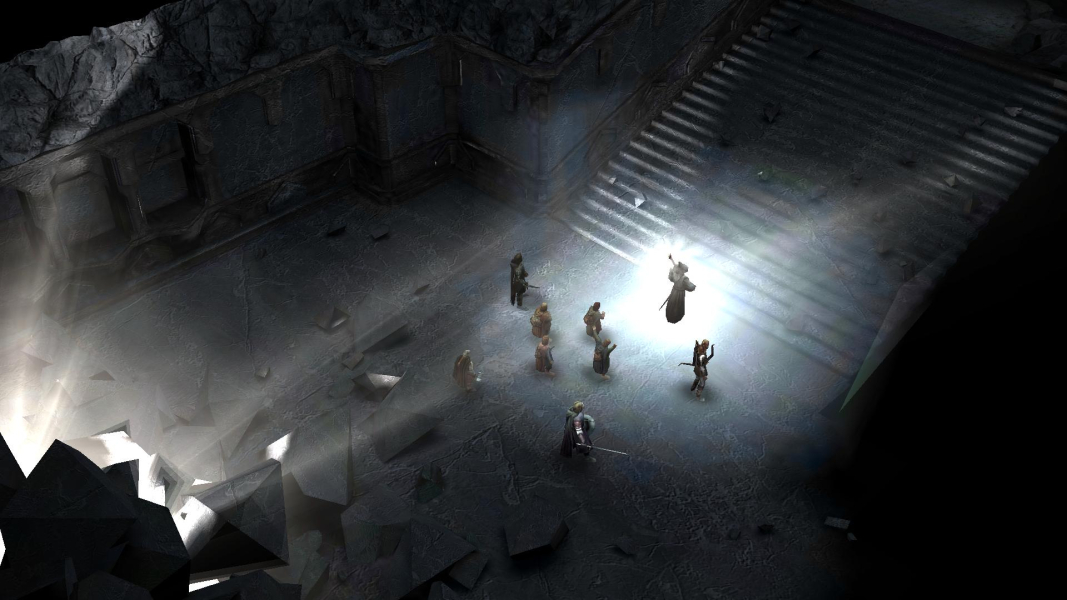
FMV Cutscenes
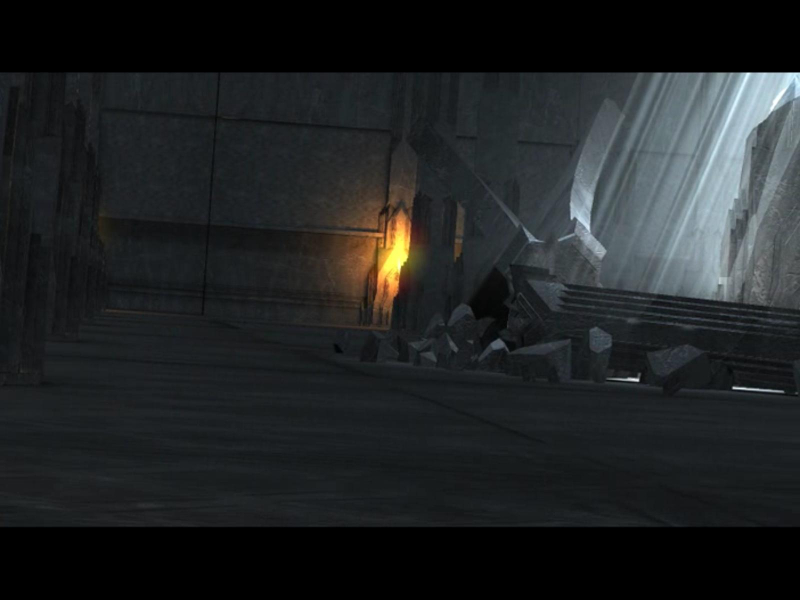

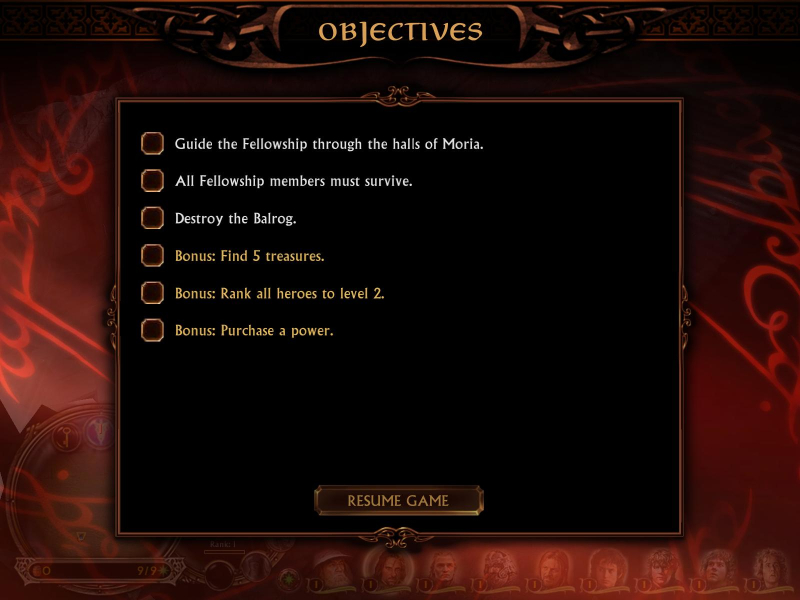
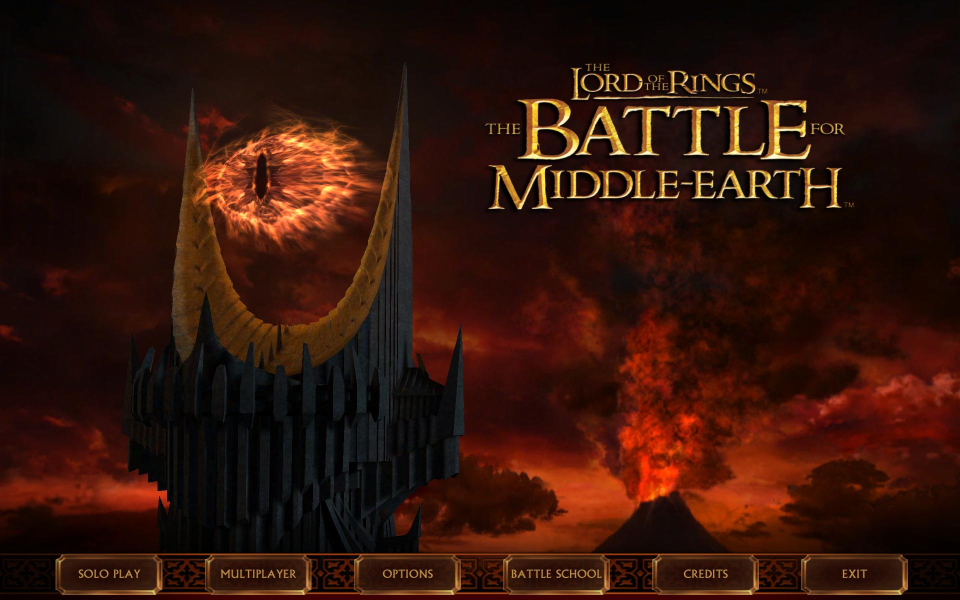
Menu Screenshots


Additional Screenshots