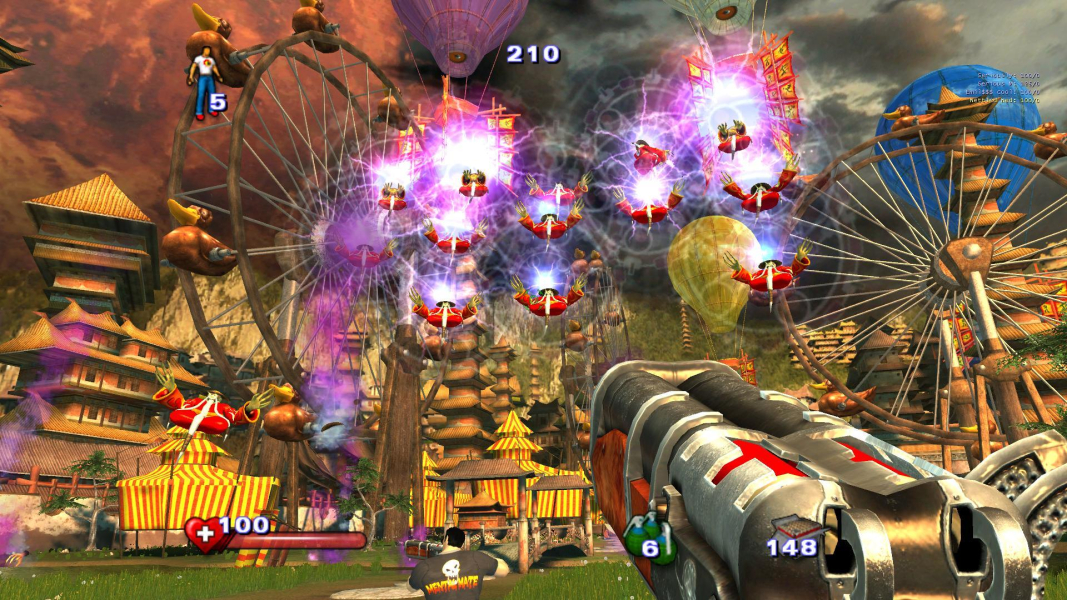
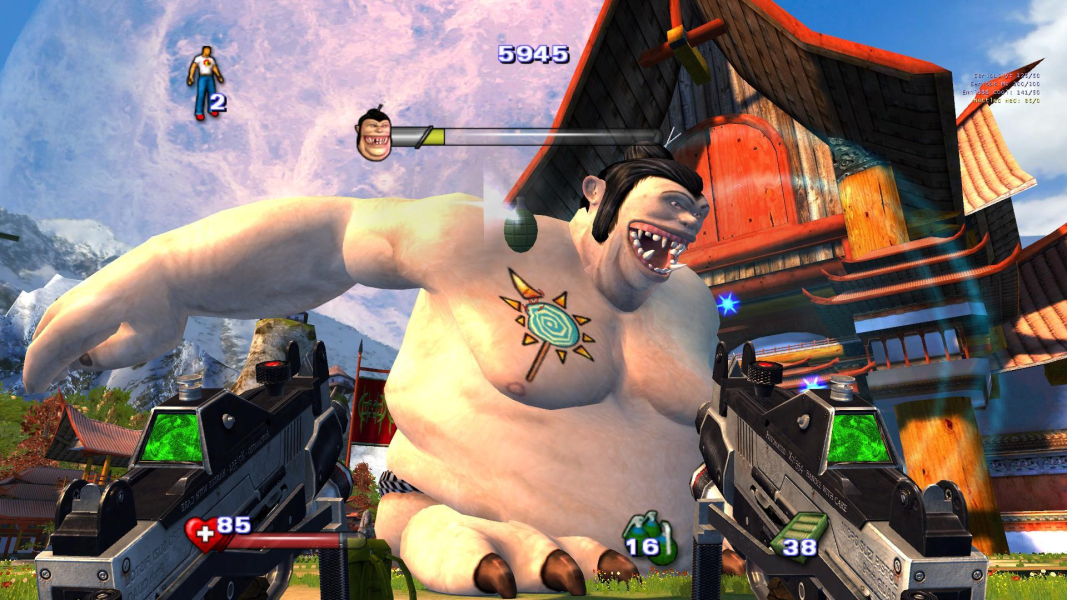
Serious Sam II (or Serious Sam 2) is a science fiction first-person shooter video game released for the PC and Xbox and the sequel to the 2001 computer game Serious Sam. It was designed and developed by Croteam and was released on October 11, 2005.
In the single-player campaign, the player assumes the role of hero Sam "Serious" Stone in his adventures against the forces of the extraterrestrial overlord, "Mental", who seeks to destroy humanity. Taking place after the events of Serious Sam: The Second
Encounter, Sam travels through various different worlds collecting parts of a medallion in an effort to defeat Mental. He is guided by the Sirian Great Council and receives sporadic aid from the natives of the worlds he visits. The multiplayer mode includes online co-op and deathmatch, the latter having been introduced in a patch.
Serious Sam II's gameplay consists almost entirely of the player attempting to defeat dozens of enemies at a time, and thus is relatively simple. More complicated gameplay mechanics that are often found in other games, such as jumping puzzles, are rare, and when encountered they are fairly simple, usually requiring the player to locate objects in order to unlock doors or advance to the next level.
Support Summary
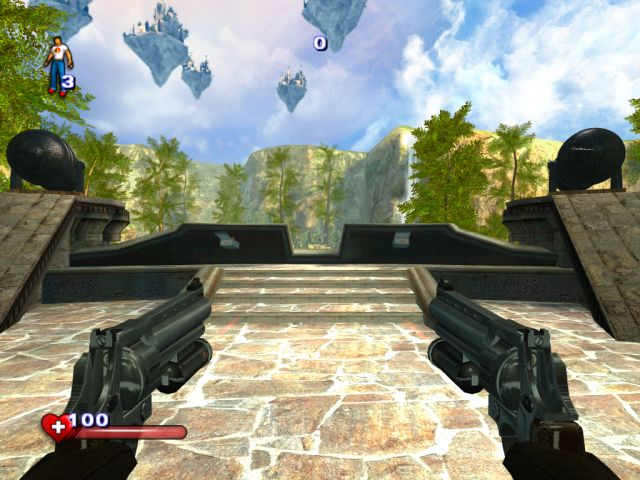
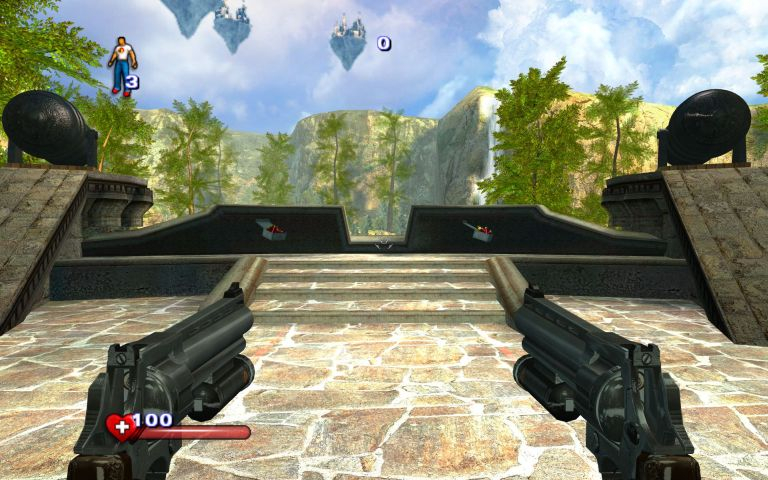
Screenshots Comparison
Solutions & Issues
European 2.070 version of the game has native widescreen support by checking the "Widescreen" setting in the options menu, after you've selected your resolution.
If the option is missing, use this workaround:
Run the game once, and set your resolution to your preferred one in the options screen. Exit, then go to
\Content\SeriousSam2\Sam2.ini
Under [Sam2Game]
change
gfx_fAspectRatio=(1.333)
to
gfx_fAspectRatio=(1.6)
(for 16:10)
or
gfx_fAspectRatio=(1.777)
(for 16:9)
Add this line
plr_fFOVOverride = 90.4;
(for 16:10)
or
plr_fFOVOverride = 96.4;
(for 16:9)
The maximum FOV value is 135, which is more than enough for widescreen, but not quite enough for triple 4:3 monitors.
After editing, , mark the file Sam2.ini as READ-ONLY, only then start the game and it should work perfectly with the new settings.
If anyone has encountered graphics problems/crashes, or the "application has malfunctioned" error, try changing this line in Sam2.ini:
gfx_iAPI = 2; (D3D)
to
gfx_iAPI = 1; (OpenGL)
Gameplay Screenshots


Additional Screenshots