First game in the series based on the Harry Potter movies, based on the popular book series.
Support Summary
Game Information
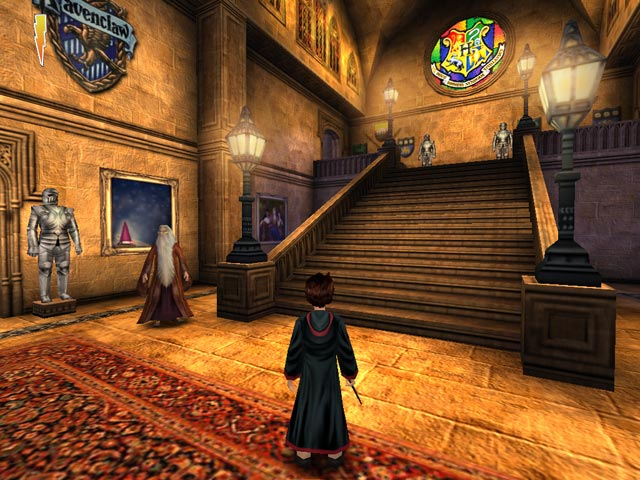
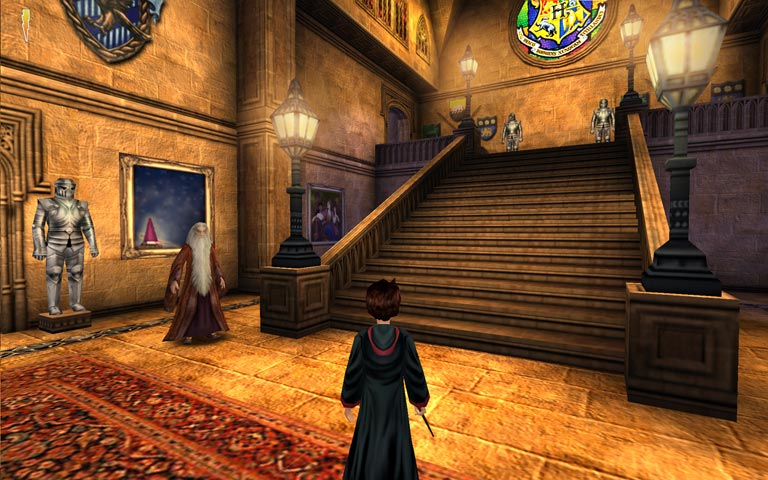
Screenshots Comparison
Solutions & Issues
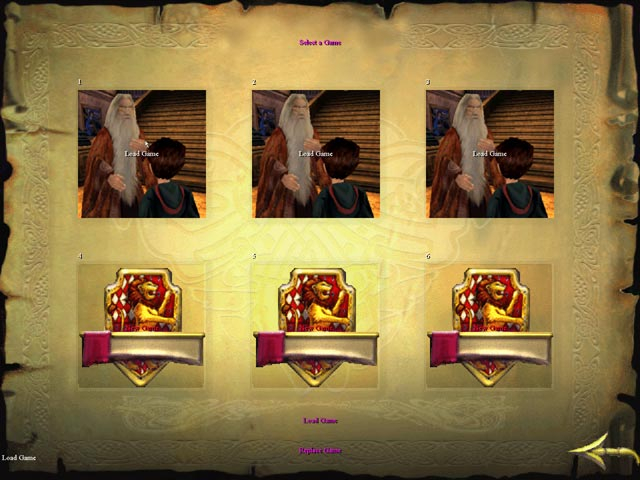
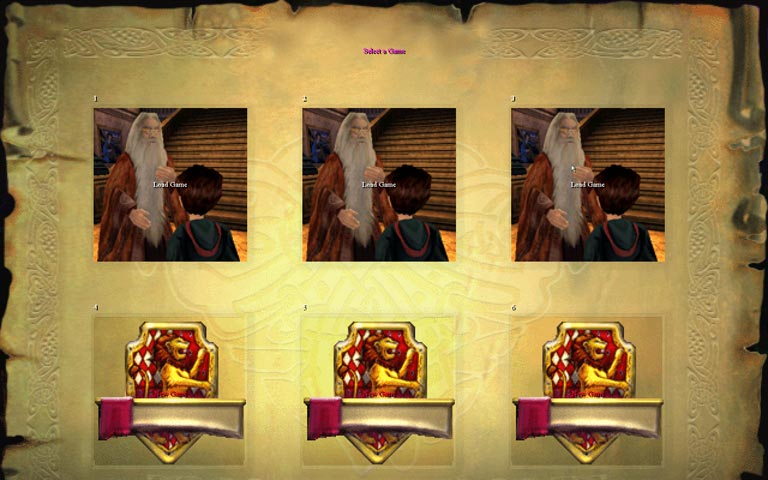
The solution is Vert -. But, there is a major flaw where the bottom of menus are cut off so bad that you can't load saved games.
For me, the config file was in:
C:\My Documents\Harry Potter\HP.ini
[windrv.windowsclient]
FullscreenViewportx=
FullscreenViewporty=
Then, in the user.ini file, edit these lines:
[Engine.PlayerPawn]
DesiredFOV=100.39
DefaultFOV=100.39
The default FOV is 90, so the 16:10 FOV is 100.39487232
====
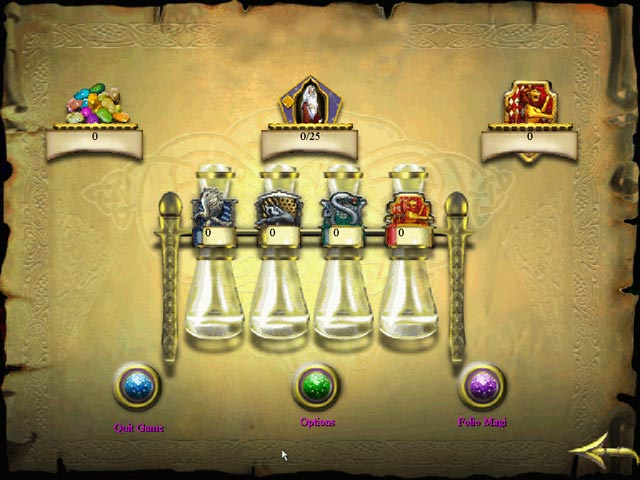
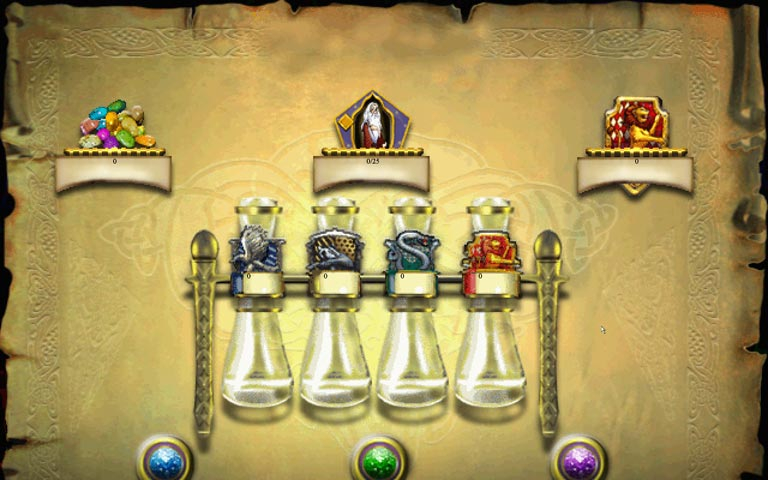
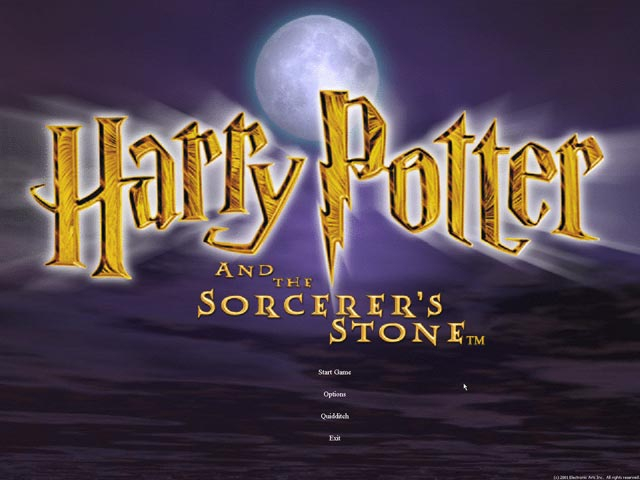
The initial game menu is Vert-, loosing the last two options. You can still quit the game by hitting escape, but the option go straight to the Quidditch game is missing.
The game load menus are Vert -, cutting off the bottom. The option to either load the saved game, or overwrite the existing save is cut-off. This means that the only way to play in WS is to load from a blank save and play all the way through in one sitting. With a Vert- Solution, there seems to be no reason to go to this trouble.
The in-game menu is Vert- as well, but all the options are available. The HUD stretches.
====
A work-around for the Vert- menu issues, is to edit the config file as follows:
[WinDrv.WindowsClient]
WindowedViewportX=1024
WindowedViewportY=768
Setting the windowed version of the game to a 4:3 resolution will allow you to press Alt+Enter at any point in the game to switch between fullscreen and windowed modes. Any time you need to select a cut off menu option, simply switch to windowed mode, and then switch back when you're ready to get back to gameplay. With this small workaround, there's no issues playing, saving, or loading.
Issue: Game starts windowed because of the high res not propperly handeled by the engine + 16:9 resolution makes menu unreadable which is a known issue in general for HP1. Unreal engine 1 doesn't support resolutions properly past 2560x* (unable to test the exact resolution.) Known issue also for original UT99.
Gameplay not able to test since monitor doesnt support 4:3 res in 4K.
Gameplay Screenshots


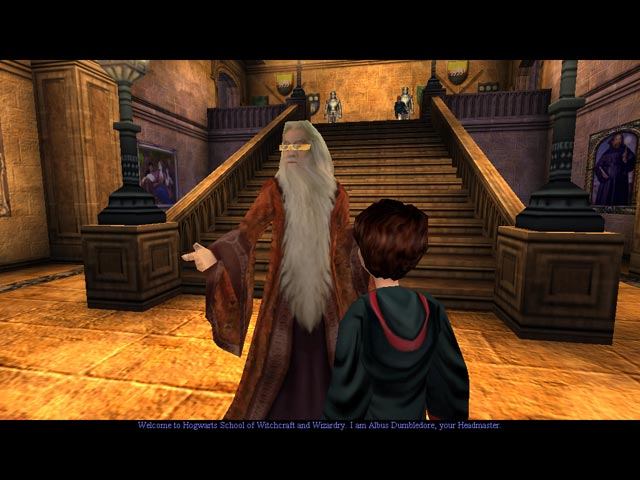
In-Game (Rendered) Cutscenes

Menu Screenshots

Additional Screenshots