Battlefield Vietnam is the second video game in Electronic Arts' Battlefield franchise after Battlefield 1942. The game was developed by the Swedish company Digital Illusions CE and published by Electronic Arts on March 15, 2004 in North America and days later in other parts of the world. Battlefield Vietnam takes place during the Vietnam War. It is first-person shooter (FPS) games and features a large variety of maps based on historical settings, such as the Ho Chi Minh Trail, Battle of Hue, Ia Drang Valley, Operation Flaming Dart, The Battle of Khe Sanh and Fall of Saigon. Many parts of the game have been influenced by popular Vietnam War movies. Examples are the player's ability to play Ride of the Valkyries on the radio and the tiger striped M79 from Apocalypse Now.
On March 15, 2005, EA re-released the game as Battlefield Vietnam: Redux (as a reference to Apocalypse Now: Redux), which includes the 1.01, 1.02, 1.1, 1.2, and 1.21 patches, new vehicles, maps, and an EA-produced World War II mod, based on the previous Battlefield 1942.
Support Summary
Screenshots Comparison
Solutions & Issues
Navigate to \EA Games\Battlefield Vietnam\Mods\Bfvietnam\Settings\ and look for the files "video.con, videoDefault.con, videoCustom.con". Open them and change any resolution to your desired resolution. Some files may point to another path, such as Profiles/Custom/. Follow this path to the right file and edit "renderer.fieldOfView 1". Use 1.15 for a 16:10 aspect ratio or 1.25 for a 16:9 aspect ratio.
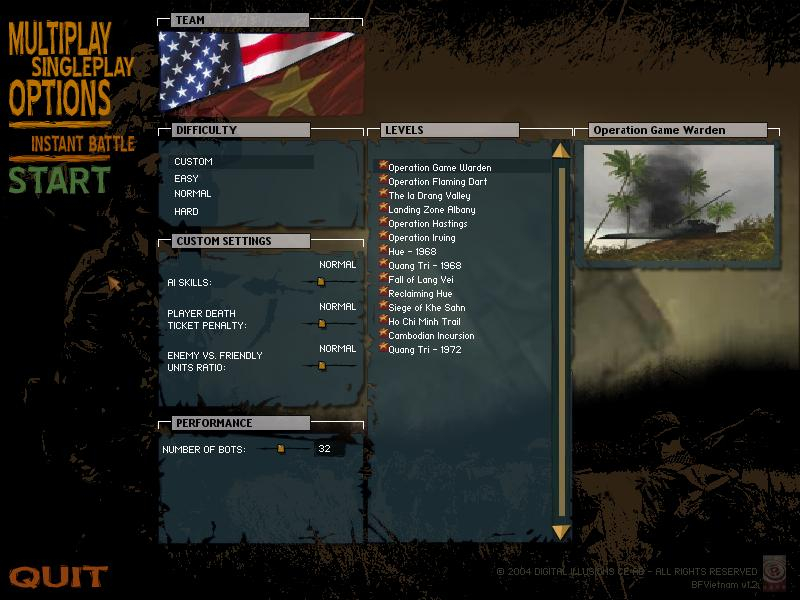
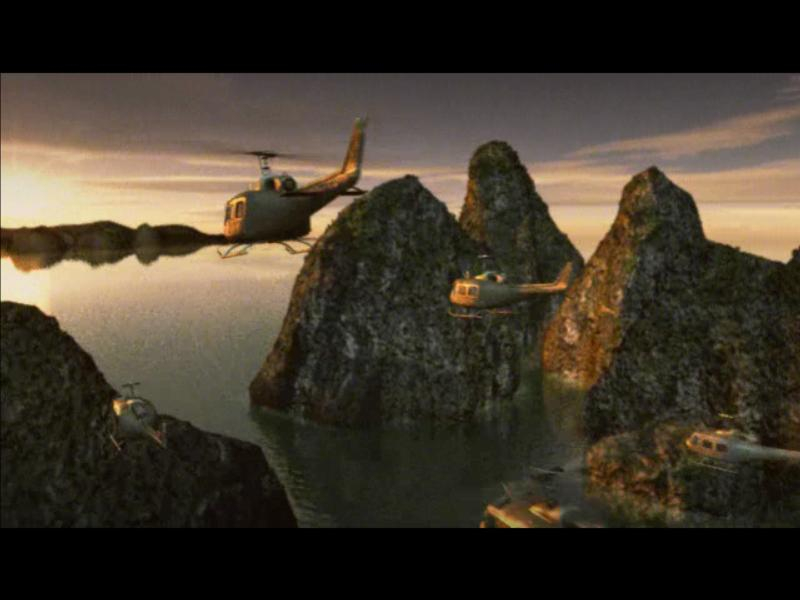
The intro video and menu will always display in a set resolution, but once in game, the full resolution will be displayed.
The 2D overlay stuff like the map and the text look stretched, but the in game 3D character models and environments look normal.
This did not appear to work for multimonitor. The correct FOV figure of 2.67 produced significant distortion. Even using a figure as low as 1.4 caused significant distortion on that resolution, plus the HUD stretch makes it unplayable.
This site provides more information on tweaks: http://www.tweakguides.com/BFV_6.html
-------------
For anyone interested, I was able to squeeze an extra 16 FPS (from 31 to 47) by adding the following to my videoDefault.con file:
Code:
renderer.fieldOfView 1
renderer.use.TrilinearFiltering 0
renderer.globalLodRadiusScaleFactor 6
So now my videoDefault.con looks like this:
Code:
rem * TEMP *
renderer.FullScreen 1
console.showStats 1
renderer.allowAllRefreshRates 1
renderer.fieldOfView 1
renderer.use.TrilinearFiltering 0
renderer.globalLodRadiusScaleFactor 6
This might be old hat, but I also found http://www.planetbattlefield.com to be a decent reference for some of these elements explained...
Gameplay Screenshots


FMV Cutscenes
Menu Screenshots