City Bus Simulator New York 2010

City Bus Simulator lets you operate buses in great detail - not only drive safely and open doors at bus stops, but also hand tickets to animated passengers, kneel the bus, and even stand up to deploy the back door's ramp lift. You can also take a stroll in first- or third-person perspective at any time. The game features single missions, a free ride mode and a nail-biting story-driven (!) campaign.

Support Summary

Widescreen
Ultra/Super‑Wide
Multi-Monitor
4K Ultra HD
Support
Method
HUD
Cutscenes
FMVs

Game Information

Game Status:Released
Release Date:
Tested Version:1.41
Setting:City
Developer:TML Studios

Screenshots Comparison

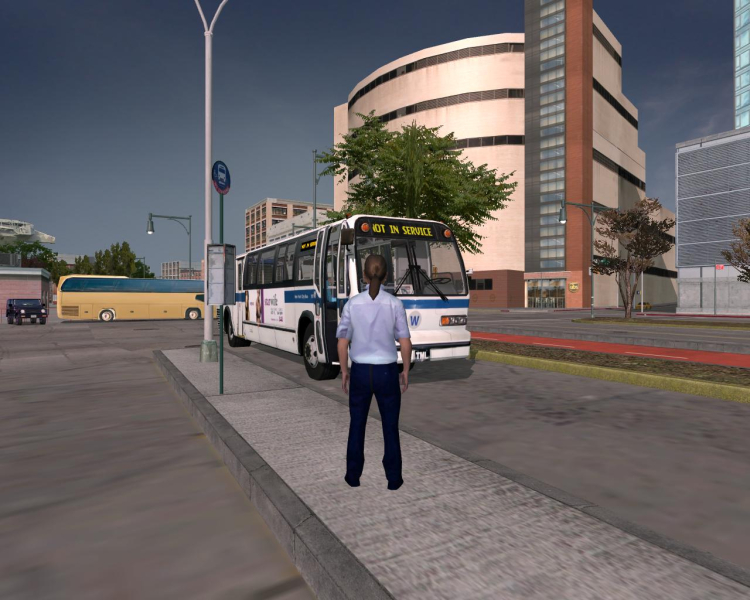
4:3 Screenshot
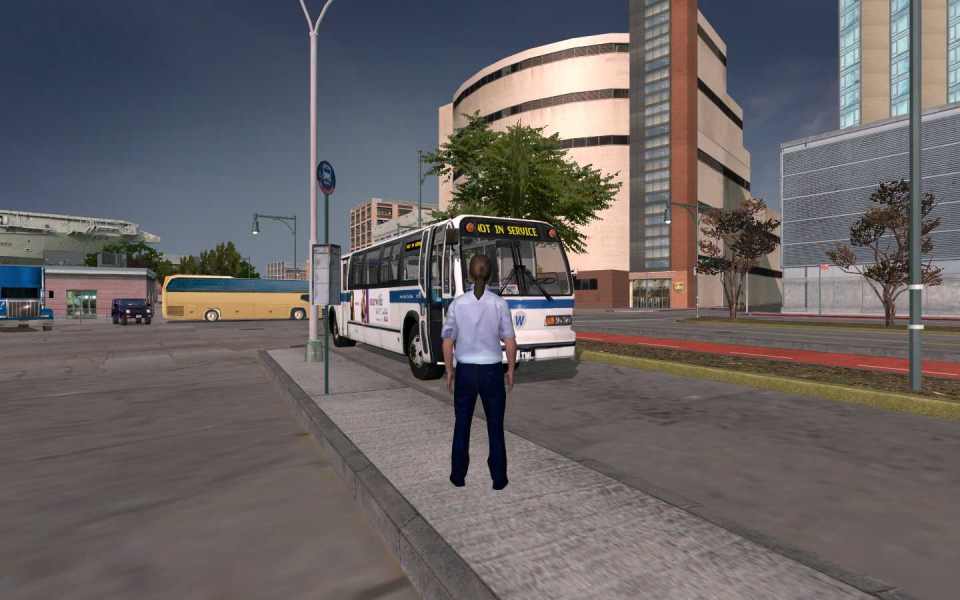
16:10 Screenshot
16:9 Screenshot
21:9 Screenshot
A monitor with a question mark on it. The text above it reads "There is currently no image uploaded for this field." There is a semi-transparent WSGF logo in the background, while the main background is white. The image aspect ratio is 21:9.
32:9 Screenshot
Eyefinity / Surround Screenshot
Solutions & Issues
Widescreen Solution & Issues:

.ini
Open the following file in Notepad:
C:\Program Files\TML-Studios\City Bus Simulator 2010 - New York\Data\Engine\variables.cfg
Look for the line:
$fov = "75";
This is the FOV associated with the default resolution: 1280x1024.
According to cranky's Google FOV formula ("Foovle"?), Hor+ 16:10 requires:
$fov = "89";
15:9 and 16:9 would require values of 91 and 95 respectively. Unfortunately, the maximum value the C4 engine can use is 90.

4:3 Screenshot
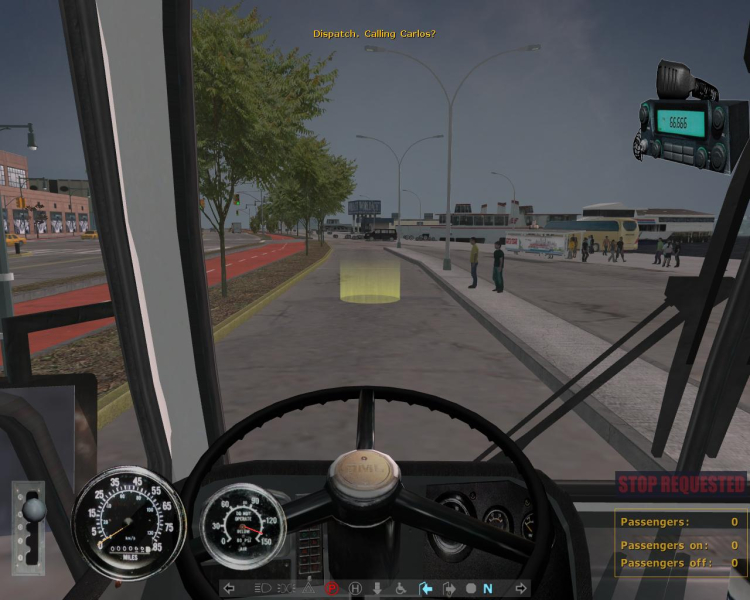
5:4 (1280x1024)
16:10 Screenshot
16:10 (1440x900), $fov = "89"
16:9 Screenshot
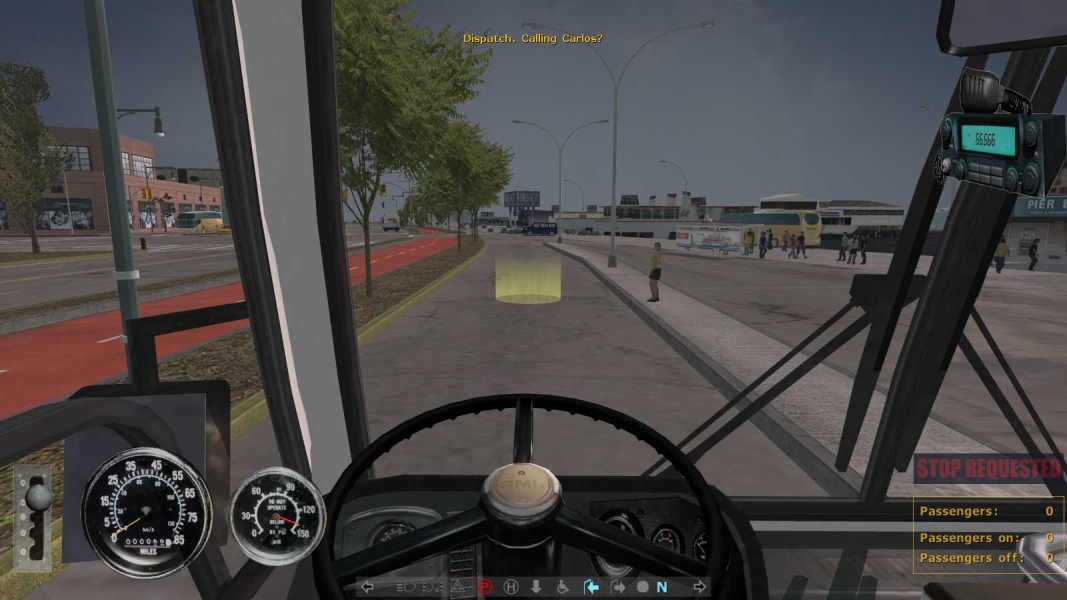
16:9 (1600x900), $fov = "90"
21:9 Screenshot
A monitor with a question mark on it. The text above it reads "There is currently no image uploaded for this field." There is a semi-transparent WSGF logo in the background, while the main background is white. The image aspect ratio is 21:9.
32:9 Screenshot
Eyefinity / Surround Screenshot
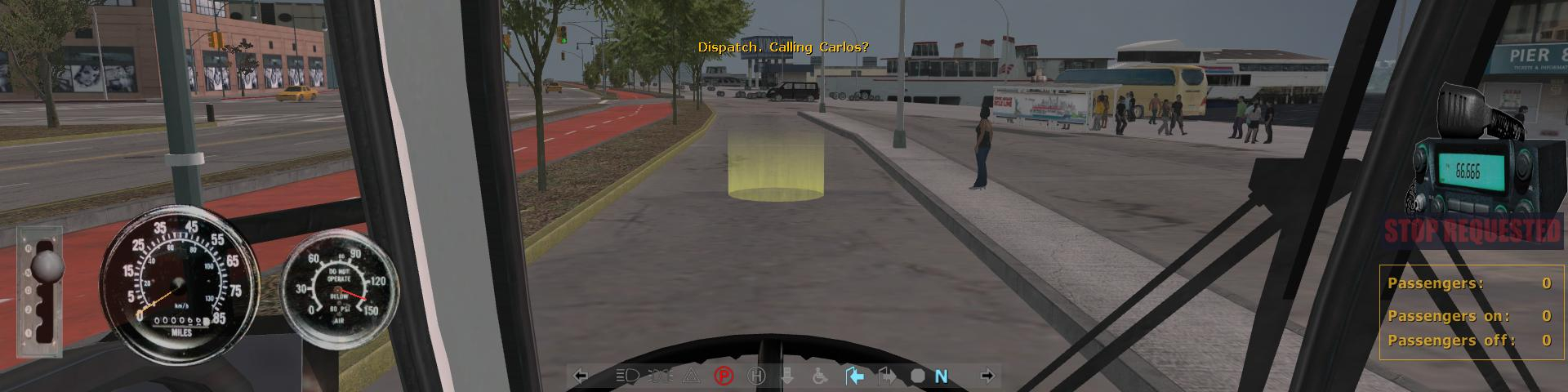
3x 4:3 (1920x480), $fov = "90"
Uploaded by: Rose
5:4 (1280x1024)
Uploaded by: Rose
16:10 (1440x900), $fov = "89"
Uploaded by: Rose
16:9 (1600x900), $fov = "90"
Uploaded by: Rose
3x 4:3 (1920x480), $fov = "90"
15:9 Resolutions:1280x768
16:9 Resolutions: