Dawn of Discovery (US) = Anno 1404 (rest of the world)
Anno 1404 is a real-time strategy game with an emphasis on economy and... cuteness. Time to explore the seas and let your colony prosper as the crusade is brewing and mysteries of the Orient await. The new Anno boasts improved graphics, a refined interface and features a "continuous play" (sandbox) mode besides the main campaign. There's also an online leaderboard and custom map sharing system - but there's no multiplayer of any kind.
Support Summary
Game Information
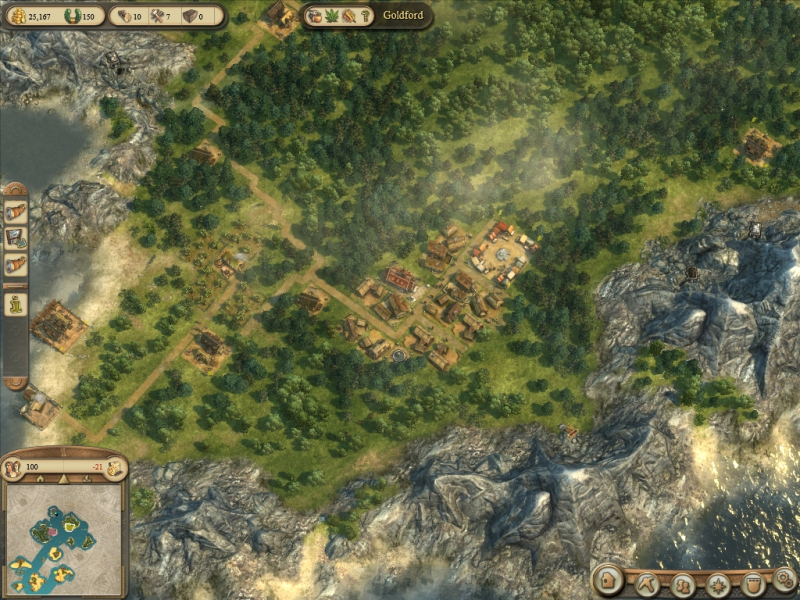
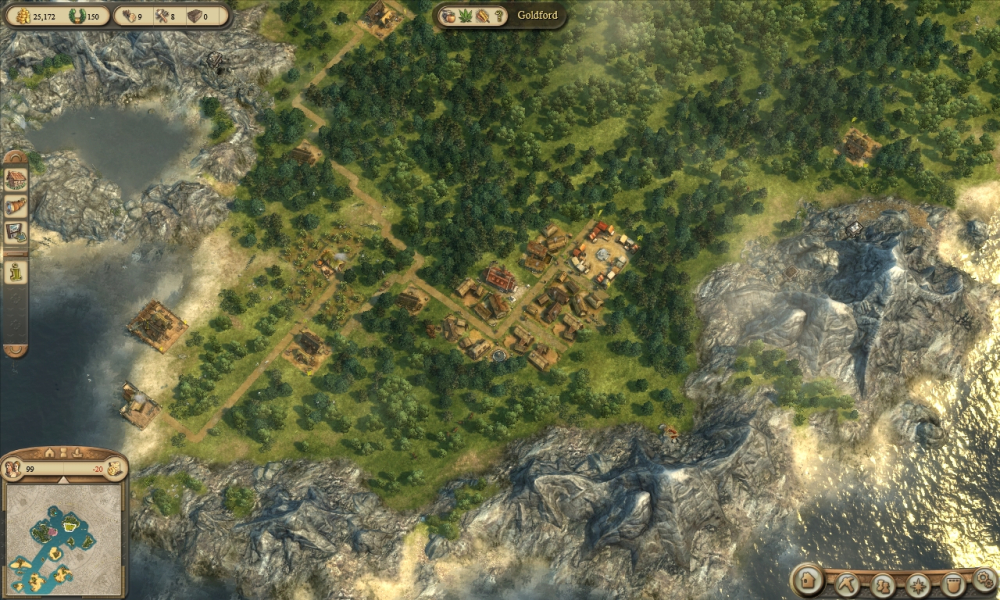
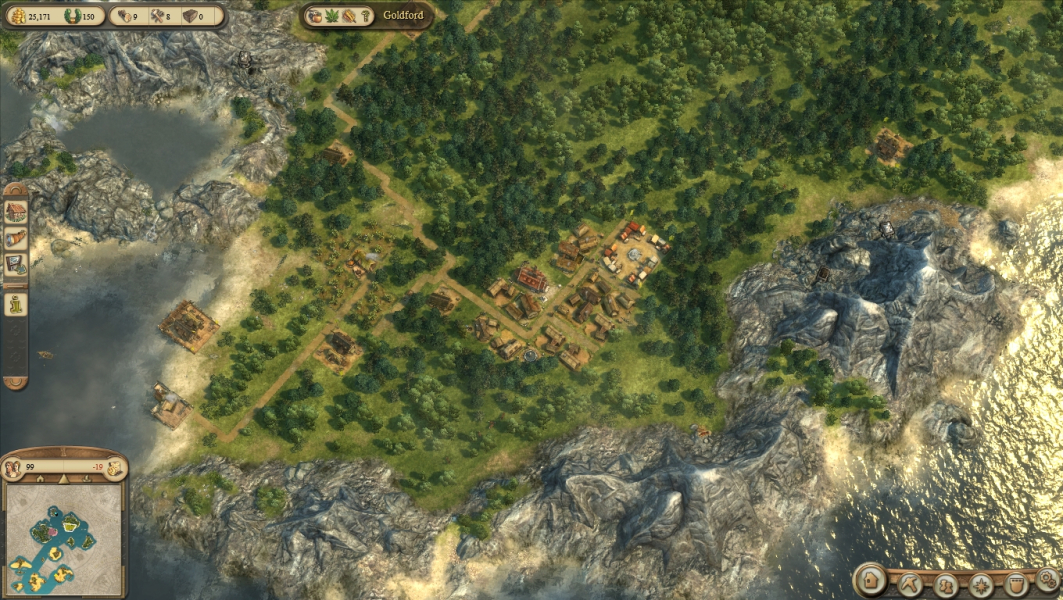
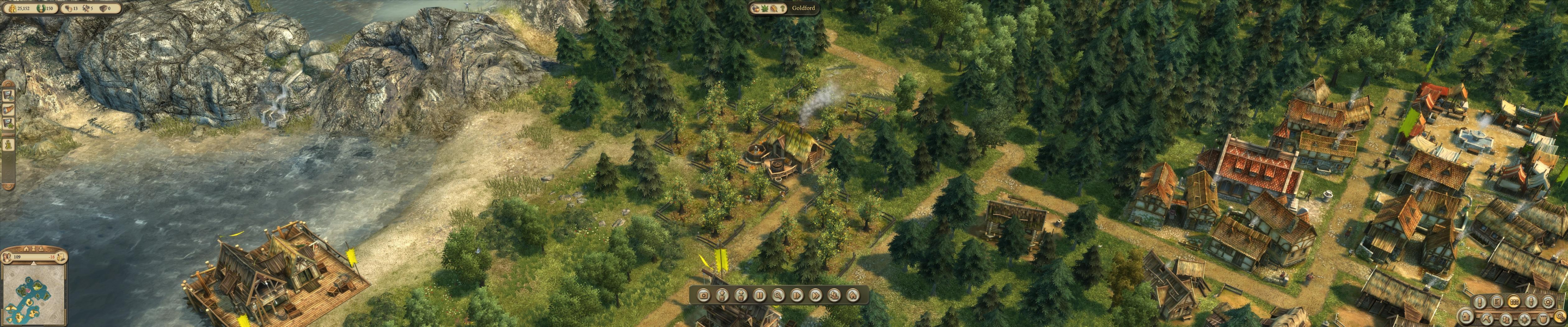
Screenshots Comparison
Solutions & Issues
Native. Select your resolution from the in-game General Options' drop-down menu.
FYI settings are saved in Engine.ini which can be found in
(XP) C:\Documents and Settings\\Application Data\Ubisoft\Anno1404\Config\
(Vista) C:\Users\\AppData\Roaming\Ubisoft\Anno1404\Config\
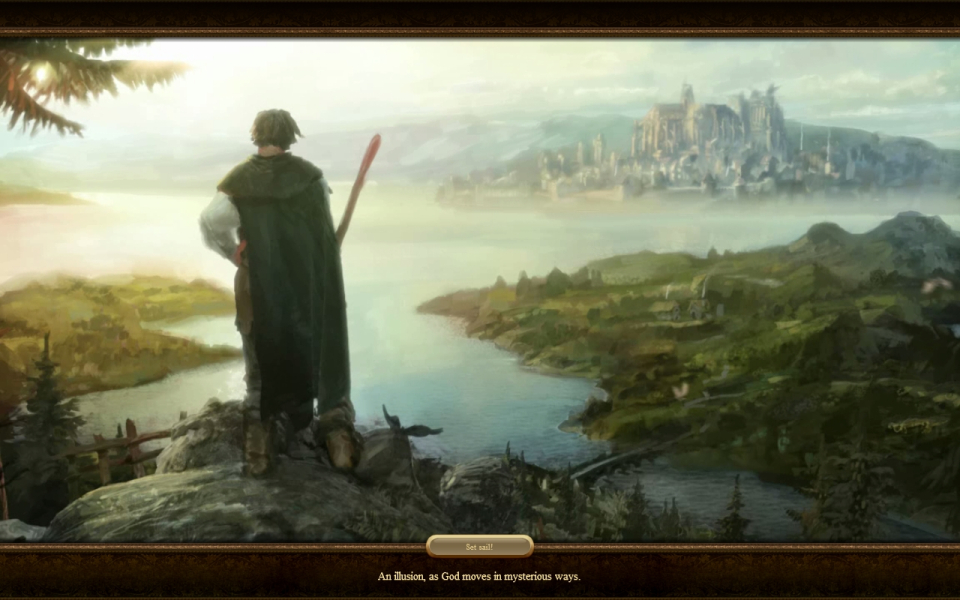
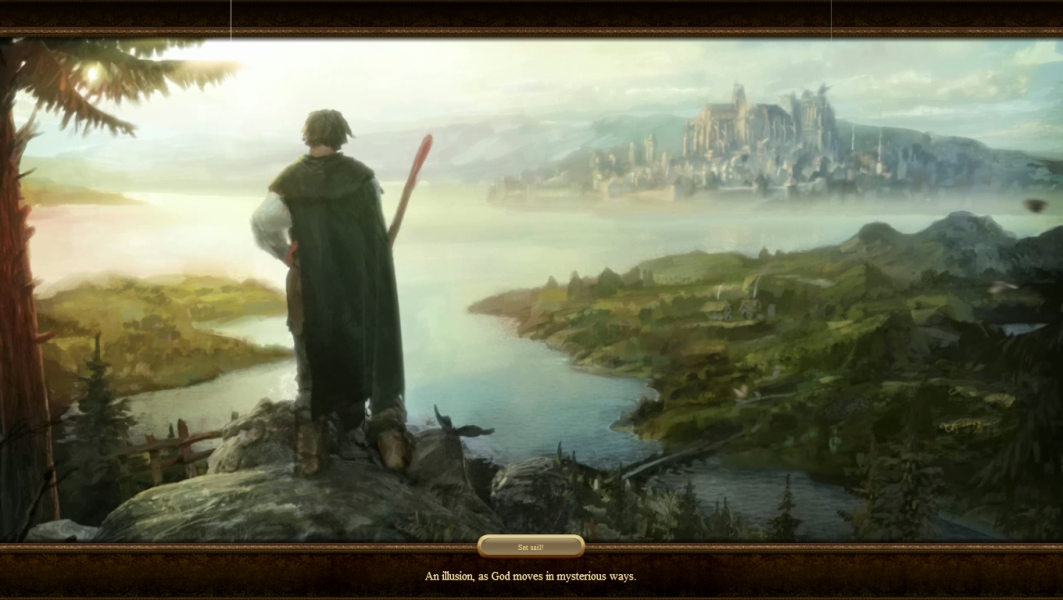
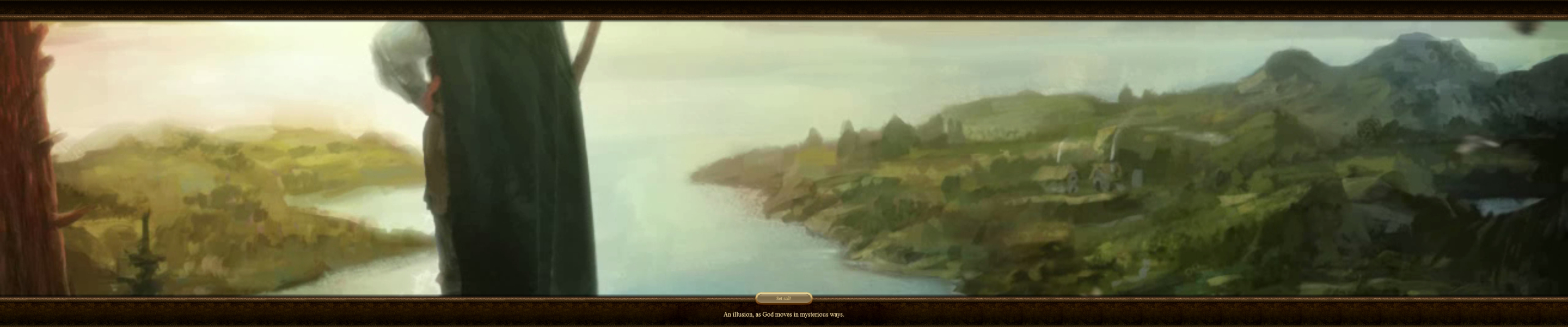
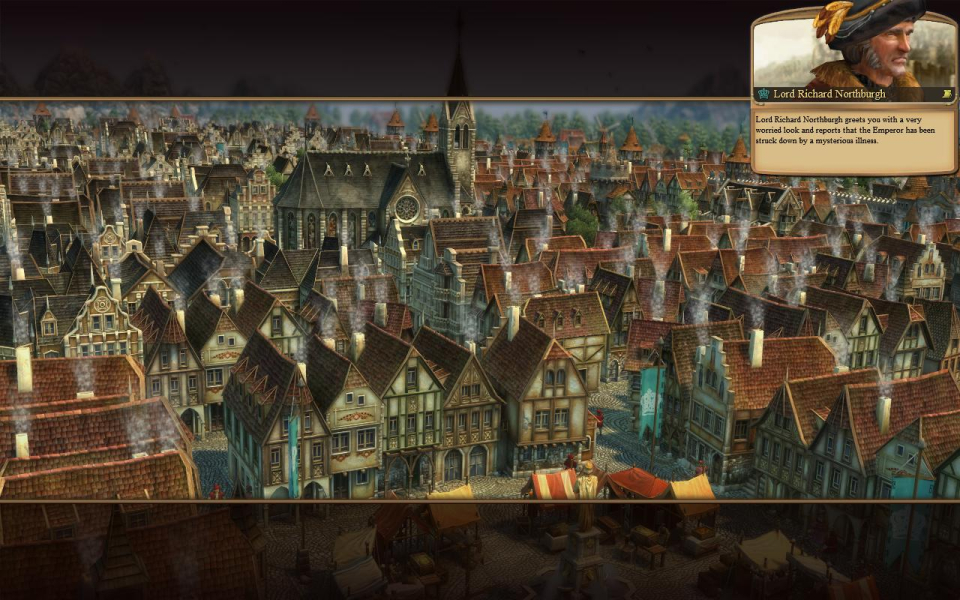
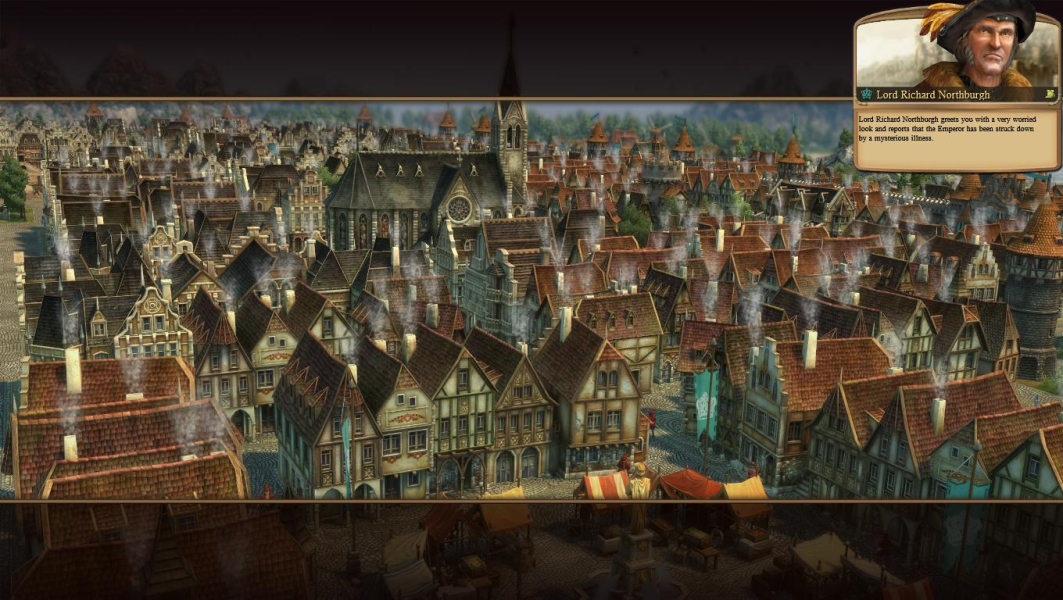
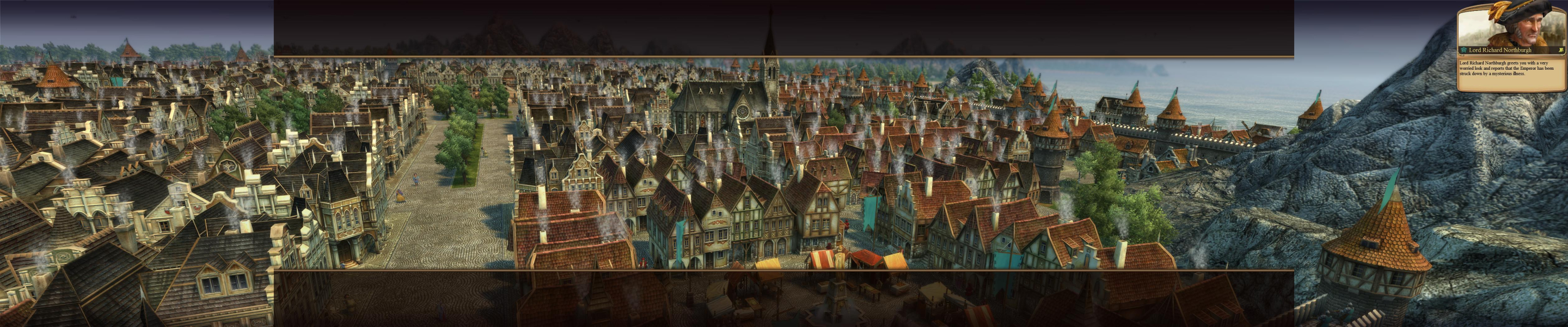
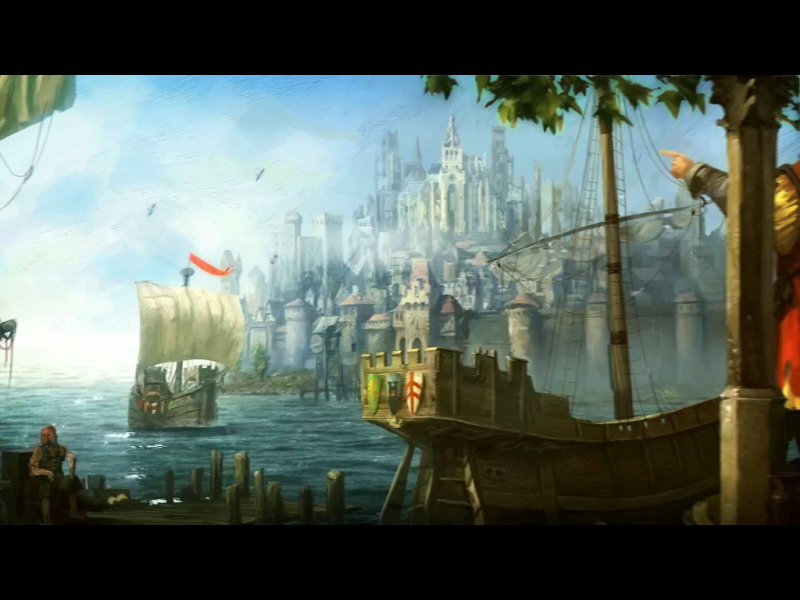
Each of the campaign's maps is introduced by a "matte painting" cinematic that is Hor+ in widescreen. It's unusual to see 16:9 2D animations that get cut off in lower ARs (instead of being letterboxed). One may wonder whether the devs intended these to be letterboxing-free in any and all single-screen ARs, or if this is a minor design flaw.
However these "almost still" cinematics with a narrative voice-over are little more than animated loading screens actually (the intro scrolls to the right, these don't). And after all, "more to see in widescreen" is what we want, right ?
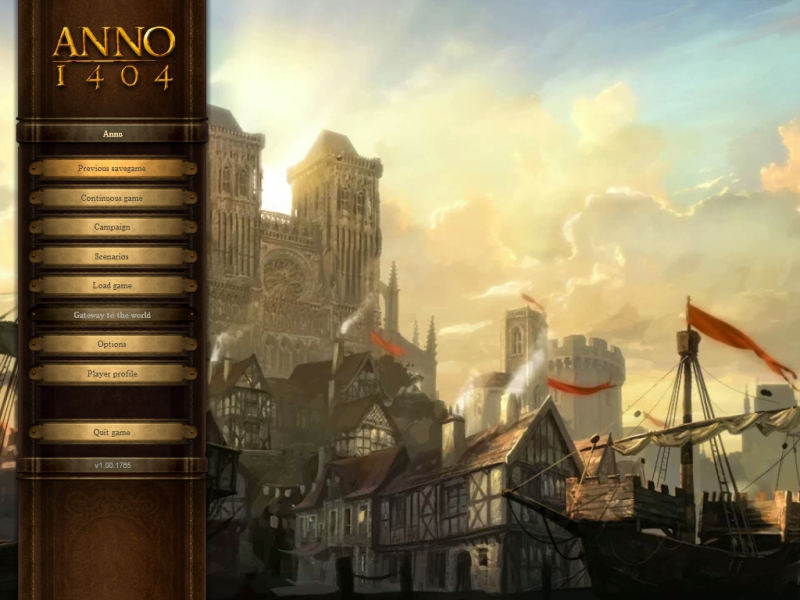
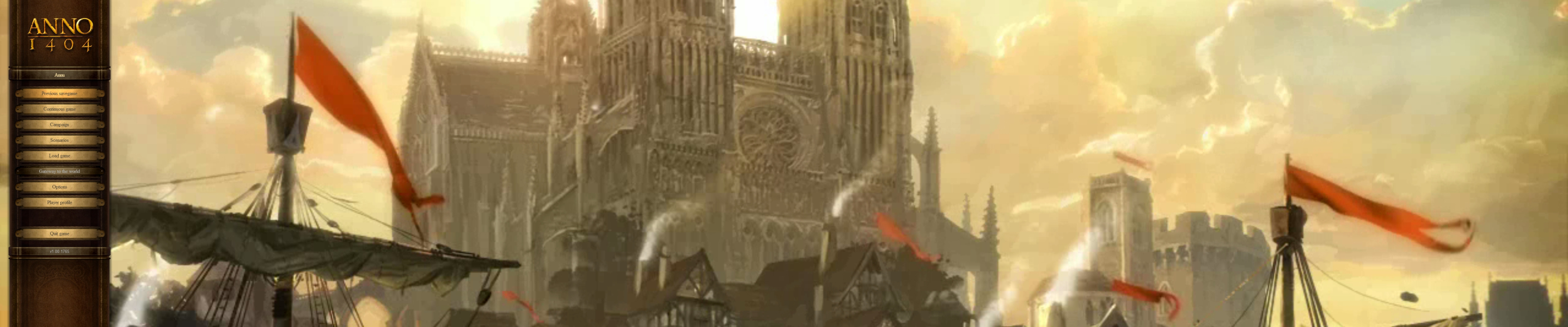
The main menu's animated background works in a similar way. One has to admit black bars would have sucked big time here.
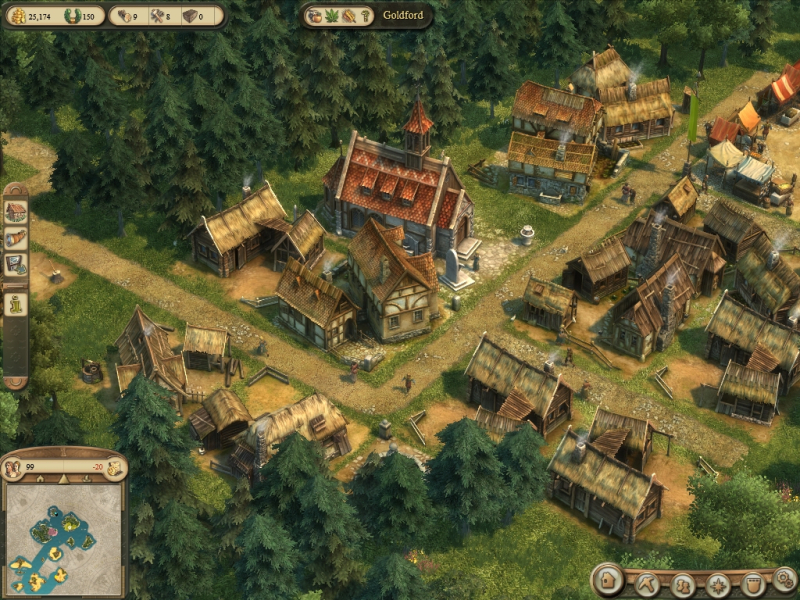
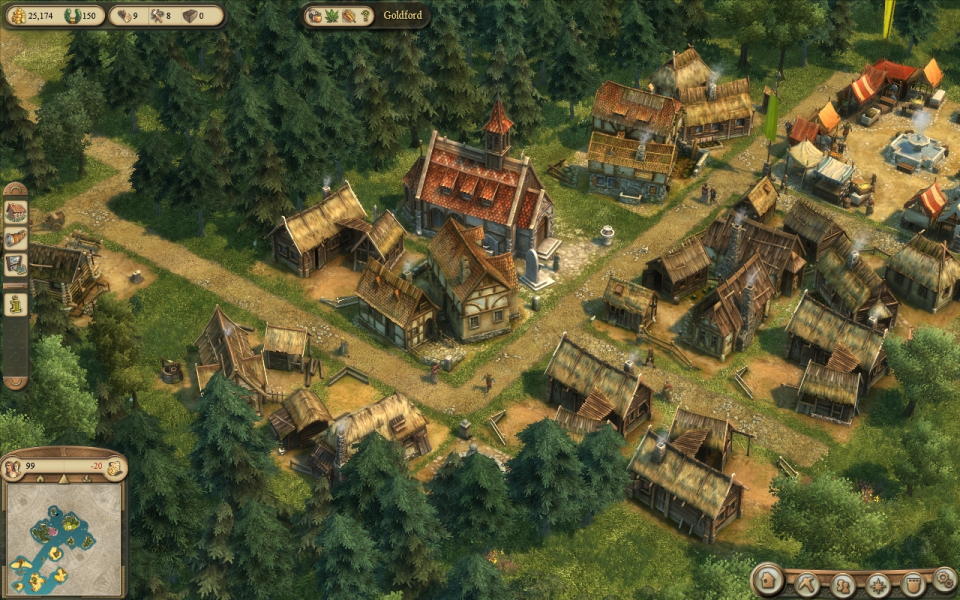
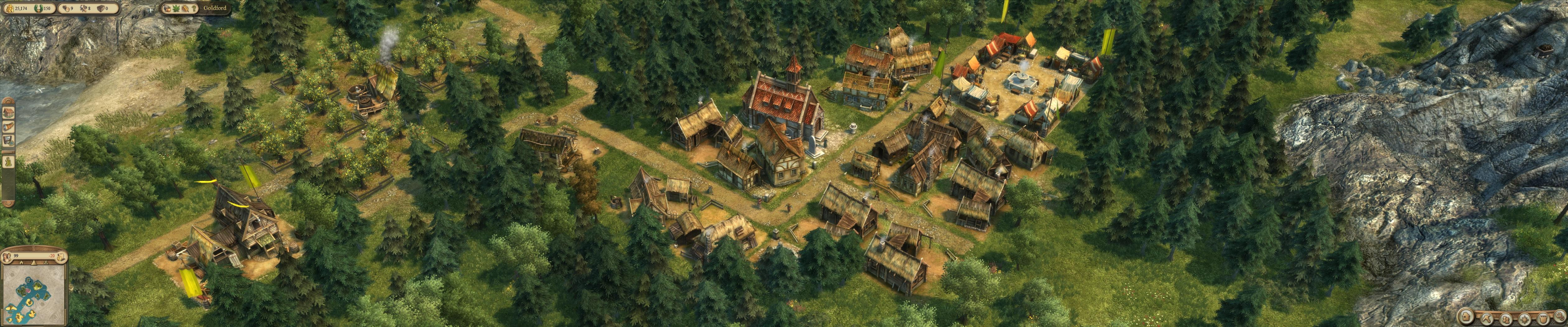
Native, Hor+ gameplay.
Real-time cutscenes : Hor+
Intro : pillarboxed
Matte painting cinematics and main menu background : sadly Vert-
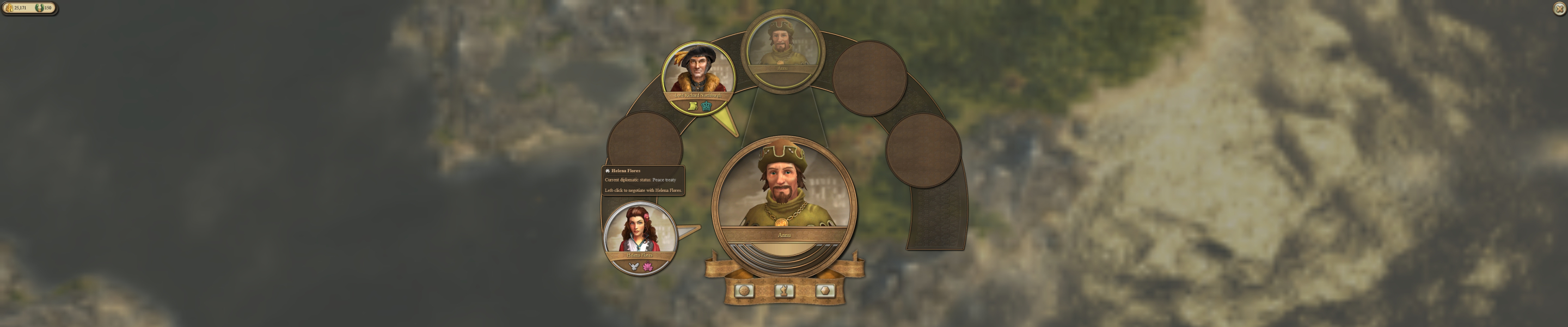
HUD : scales correctly, exploded (i.e not centered).
Gameplay Screenshots


In-Game (Rendered) Cutscenes

FMV Cutscenes


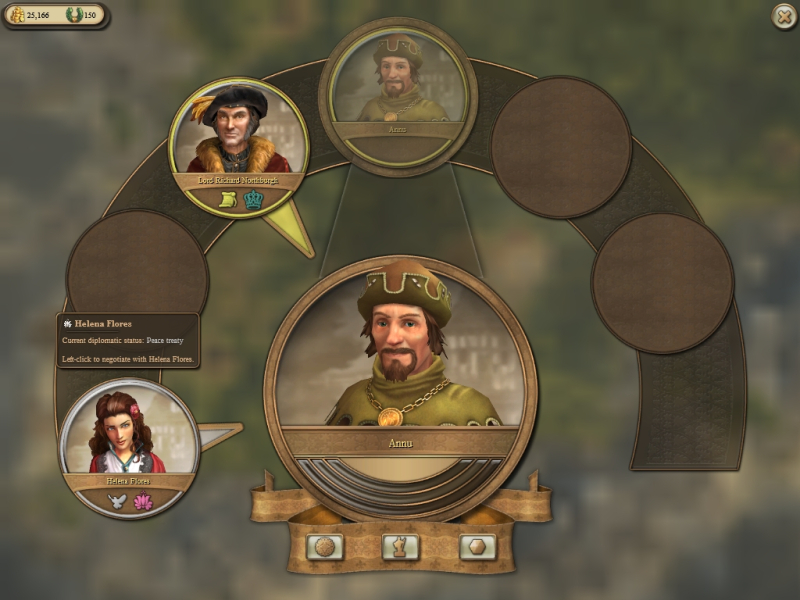
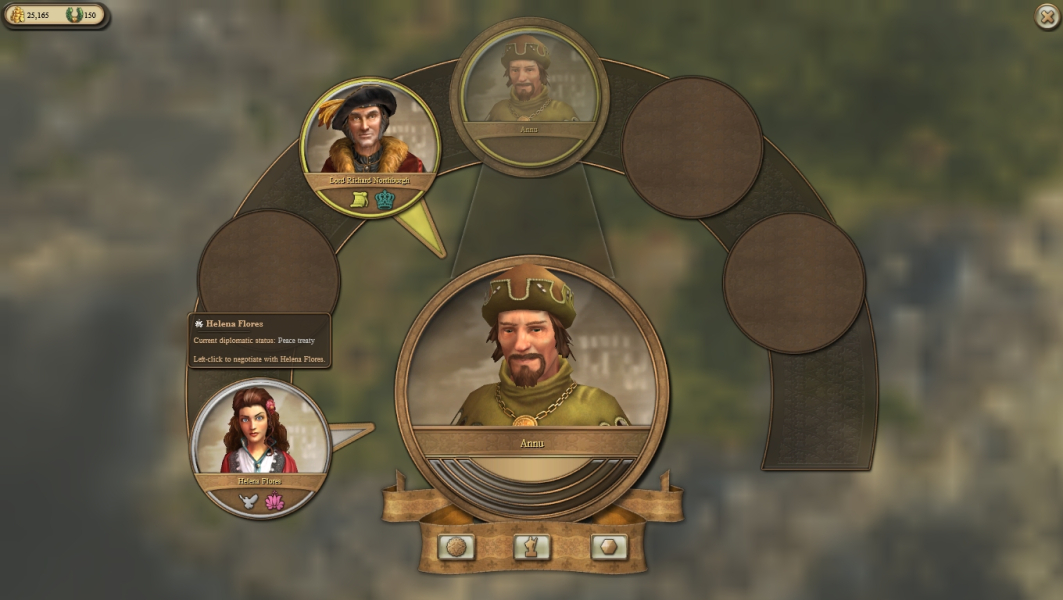
Menu Screenshots


Additional Screenshots