RollerCoaster Tycoon is a simulation strategy computer game that features theme park management. Developed by MicroProse and Chris Sawyer and published by Hasbro Interactive, the game was released for Microsoft Windows on March 31, 1999 in North America and in Europe on April 12, 1999. Later that year, an expansion pack titled Corkscrew Follies (Added Attractions in Europe) was released. In 2000, a second expansion pack was released titled Loopy Landscapes. In 2002, a special edition was released titled RollerCoaster Tycoon Gold (Totally RollerCoaster in Europe), and in the following year, a second special edition titled RollerCoaster Tycoon Deluxe was released. Both editions included the base game along with both expansion packs. The game would also receive a port to the Xbox video game console on March 25, 2003. That version included the base game and both expansion packs.
Due to the game's worldwide success upon it's release, numerous sequels were released. It's isometric design carried over into its sequel, RollerCoaster Tycoon 2. RollerCoaster Tycoon features 21 scenarios, the first five being unlocked. Successfully completing a scenario will unlock a new, additional scenario. A hidden scenario titled "Mega Park" is unlocked when all other scenarios are completed.
Support Summary
Widescreen | Ultra/Super‑Wide | Multi-Monitor | 4K Ultra HD | |
Support | ||||
Method | ||||
HUD | ||||
Cutscenes | ||||
FMVs |
Game Information
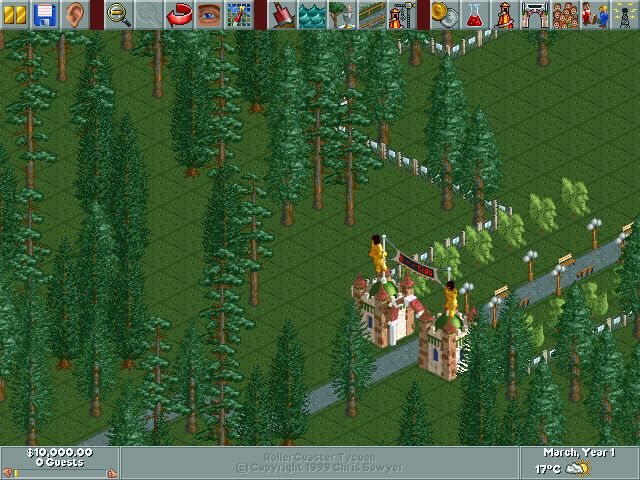
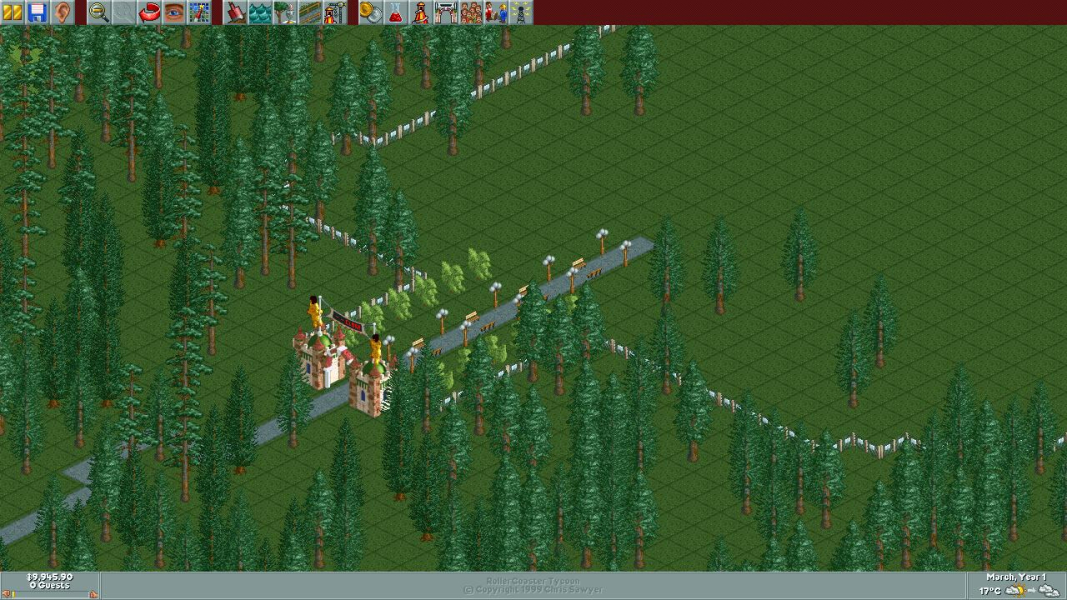
Screenshots Comparison
Solutions & Issues
FULLSCREEN:
To add widescreen support to this game you'll need a hex editor such as [url=http://sourceforge.net/projects/hexbox/]Be.HexEditor[/url]. Open your RCT.exe file with it and search for the following two strings.
58 02 00 00 68 20 03 00 00
20 03 00 00 c7 45 f4 58 02 00 00
20 03 and 58 02 represent the resolution 800x600. Change them to represent the resolution you want.
1280x720 - Replace 20 03 with 00 05 and replace 58 02 with D0 02
1280x768 - Replace 20 03 with 00 05 and replace 58 02 with 00 03
1280x1024 - Replace 20 03 with 00 05 and replace 58 02 with 00 04
After you're done, save the file and change your in-game resolution to 800x600.
Make sure your monitor supports the resolution you are trying to run the game (say, 1280x720), otherwise it will revert back to 640x480.
WINDOWED:
computerlife22 has also found a way to enable your monitor's maximum resolution in WINDOWED MODE. To do this, use a hex editor such as the one listed above. Then, open your RCT.EXE file and find these hex strings:
"05 00 00 0F 8E 07 00 00 00 C7 45 FC 00 05 00" ------> replace with "07 80 00 0F 8E 07 00 00 00 C7 45 FC 00 07 80"
"04 00 00 0F 8E 07 00 00 00 C7 45 F4 00 04 00" -------> replace with "04 38 00 0F 8E 07 00 00 00 C7 45 F4 00 04 38"
After saving these changes, you can then open the game and maximize it to your full resolution. This version limits it to 1080p, but if you change the bolded points with your resolution in hex, it should work fine. You can apply both edits at the same time, but this will not enable higher than 1280x1024 resolutions in fullscreen. Tested with Added Attractions / Corkscrew Follies and Loopy Landscapes.
Gameplay Screenshots