Kane & Lynch is a run-of-the-mill third-person shooter with elements of squad gameplay, in the vein of Freedom Fighters - only with a more theatrical feel and lots of "mature" language.
Support Summary
Game Information
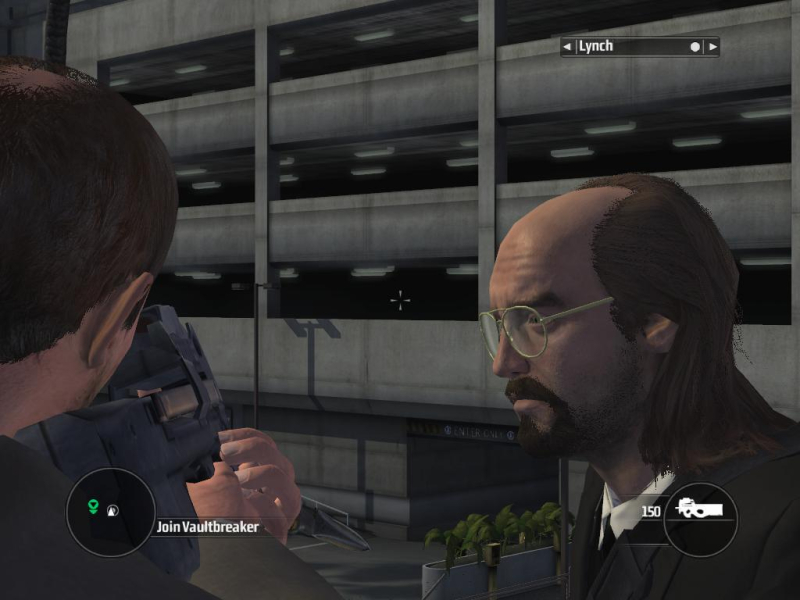
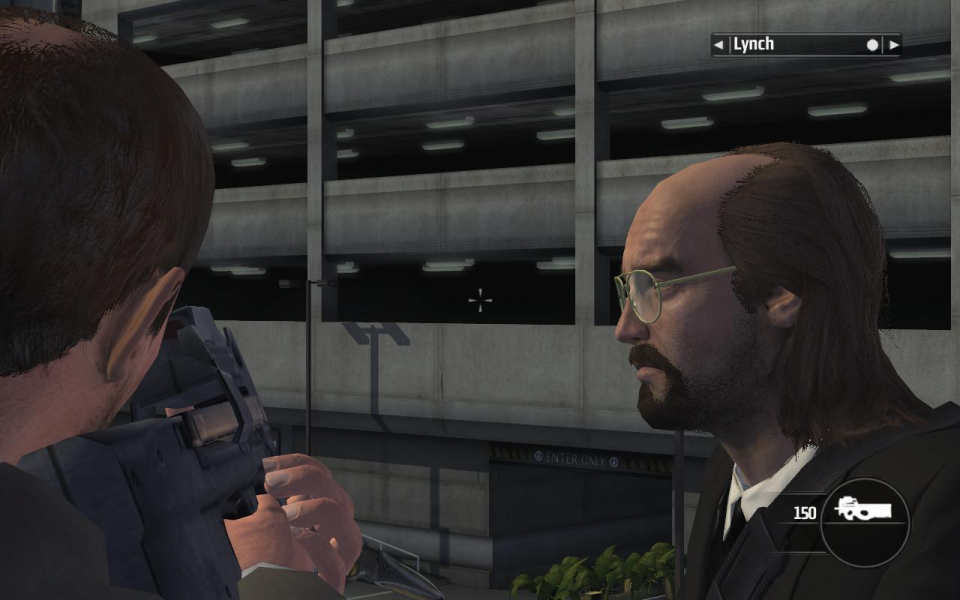
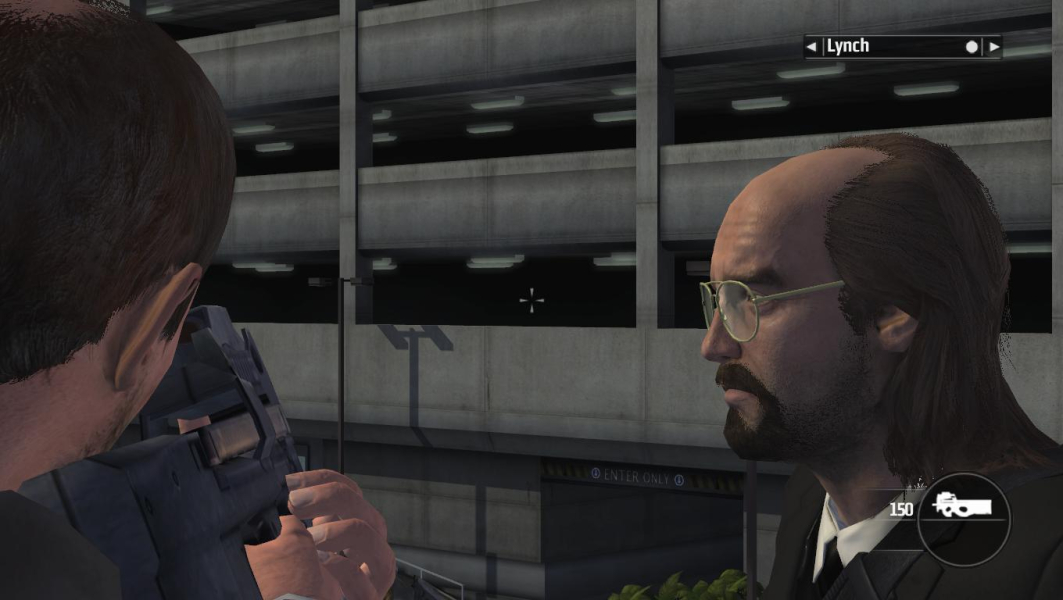
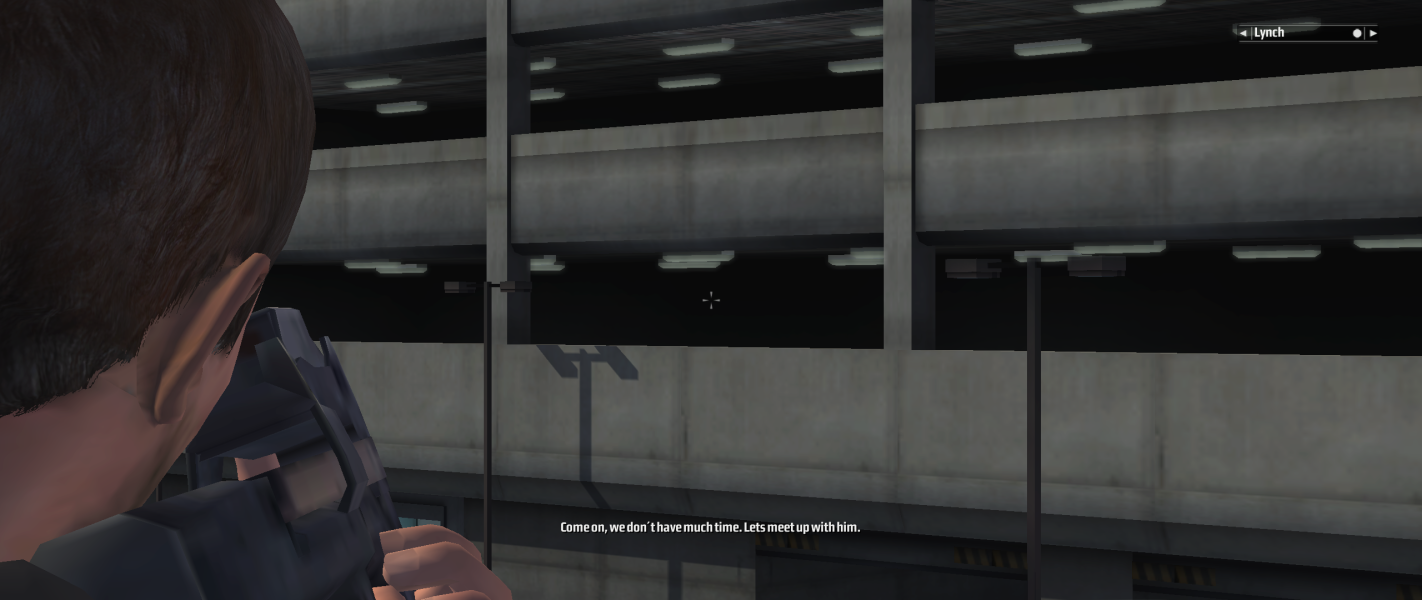
Screenshots Comparison
Solutions & Issues
Native (16:10, 16:9)/.ini edit (other ARs)
For 16:10 and 16:9 simply select your resolution and aspect ratio from the in-game settings.
For 'real' 15:9 and proper surround, an .ini edit is required :
Vista and later: %LOCALAPPDATA%\kaneandlynch\main.ini
Windows XP: %USERPROFILE%\Local Settings\Application Data\kaneandlynch\main.ini
Replace the Aspect value with your desired aspect ratio. More details in the Surround Gaming Support section below.
Use the related PCGW community tool as a workaround.
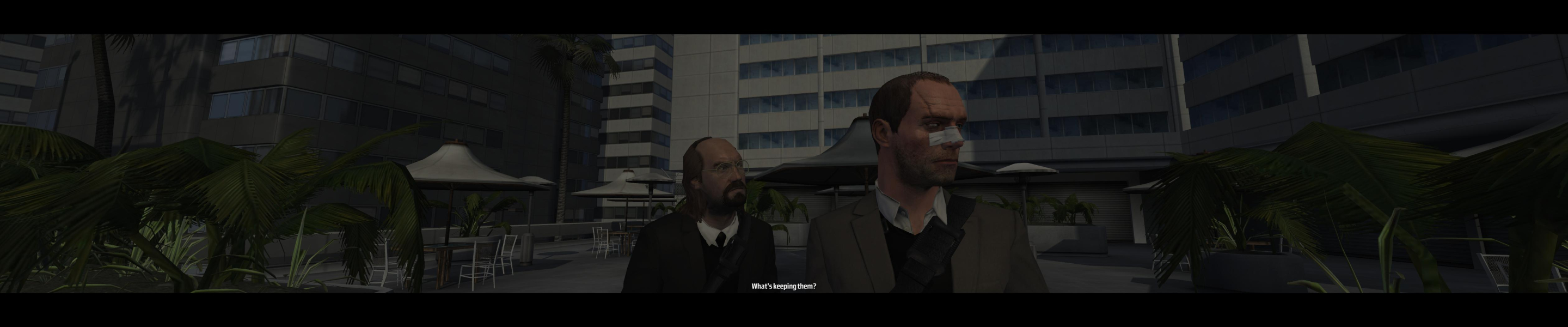
.ini edit, Hor+ (Vert- while aiming), no HUD stretch, Vert- cut scenes (Hor+ real-time cut scenes).
Thanks to chichi007 for posting the solution.
- Run the game and set your resolution, graphics detail level, AA etc. then save and quit to desktop.
- Open the following file in Notepad :
Vista and later: %LOCALAPPDATA%\kaneandlynch\main.ini
Windows XP: %USERPROFILE%\Local Settings\Application Data\kaneandlynch\main.ini
And edit the Aspect value to match the resolution, e.g
Aspect 15:4 (for TH 3840x1024)
Aspect 48:10 (for WTH 5040x1050)
- Make sure PixelAspect is set to 1, not -1 !
- Run the game and don't change the video options, or you may lose your custom in-game AR.
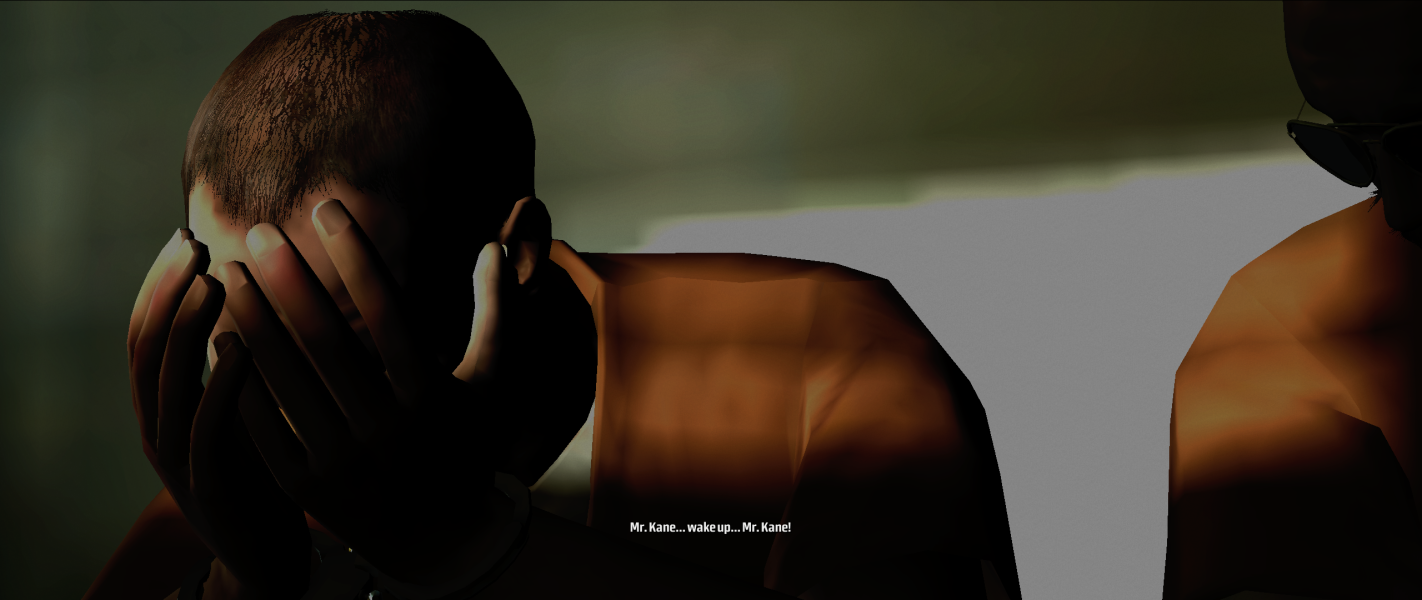
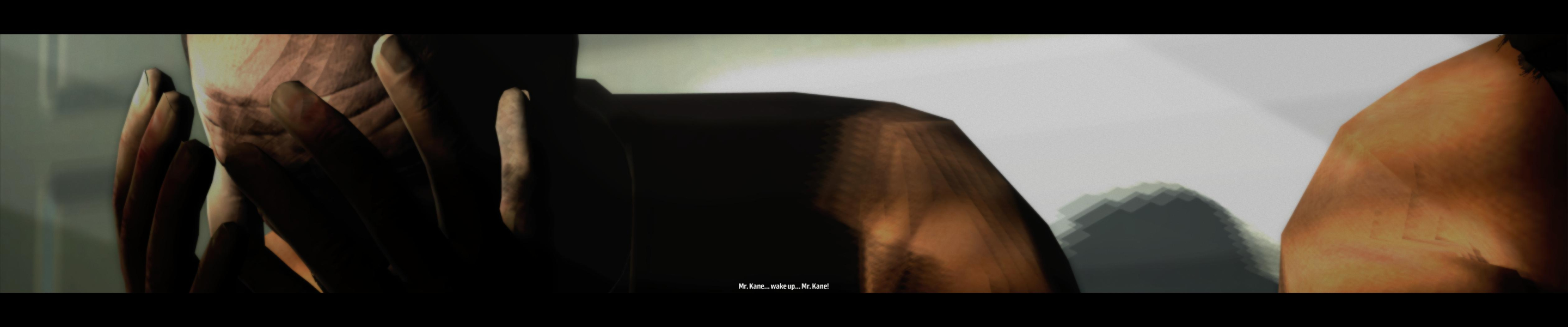
Gameplay in surround is strictly Hor+ compared to your single-screen aspect ratio : 5040x1050 is strictly hor+ to 16:10, 3840x1024 is strictly hor+ to 5:4. However the vertical FOV is slightly wider in 5:4 than in 16:10, so 3840x1024 is hor-/vert+ to 5040x1050. Got it ?
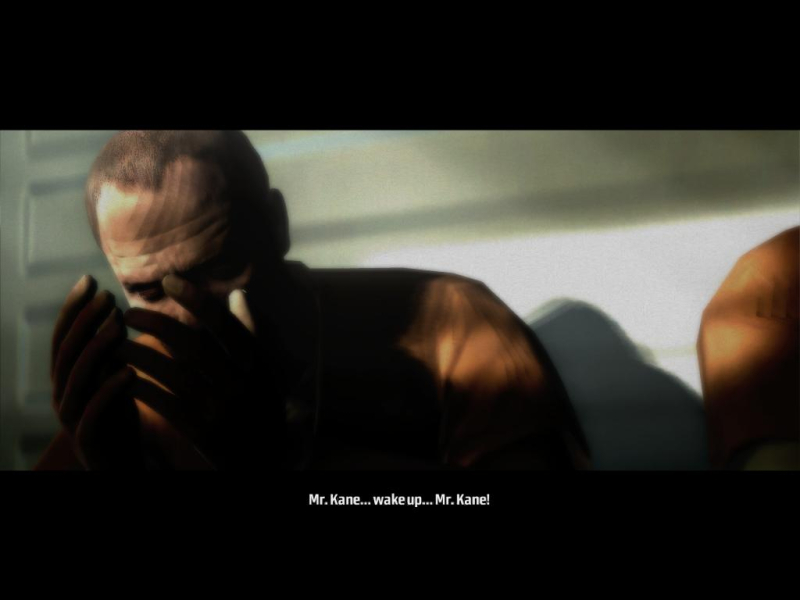
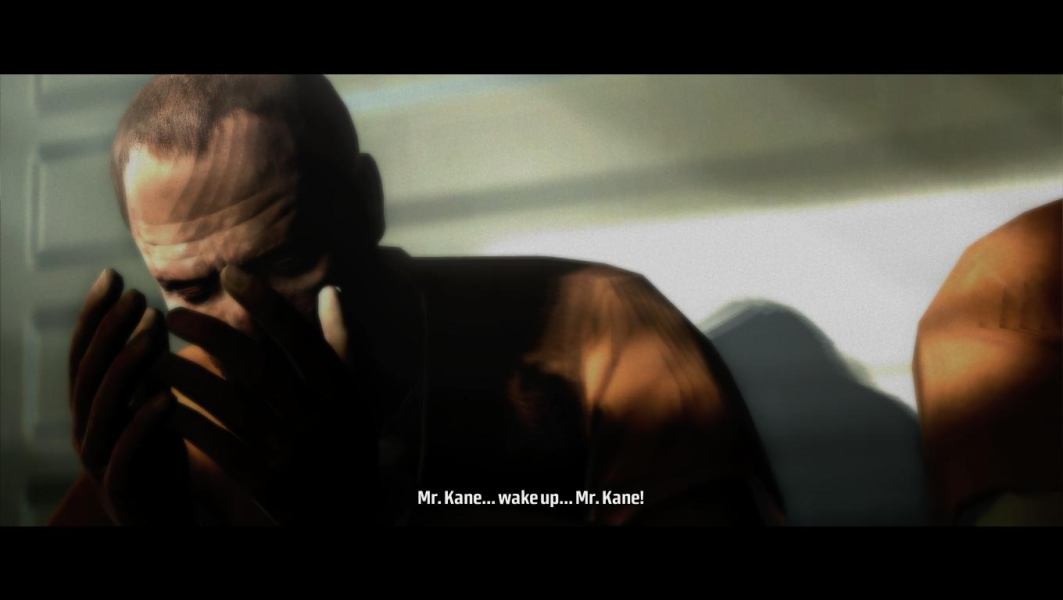
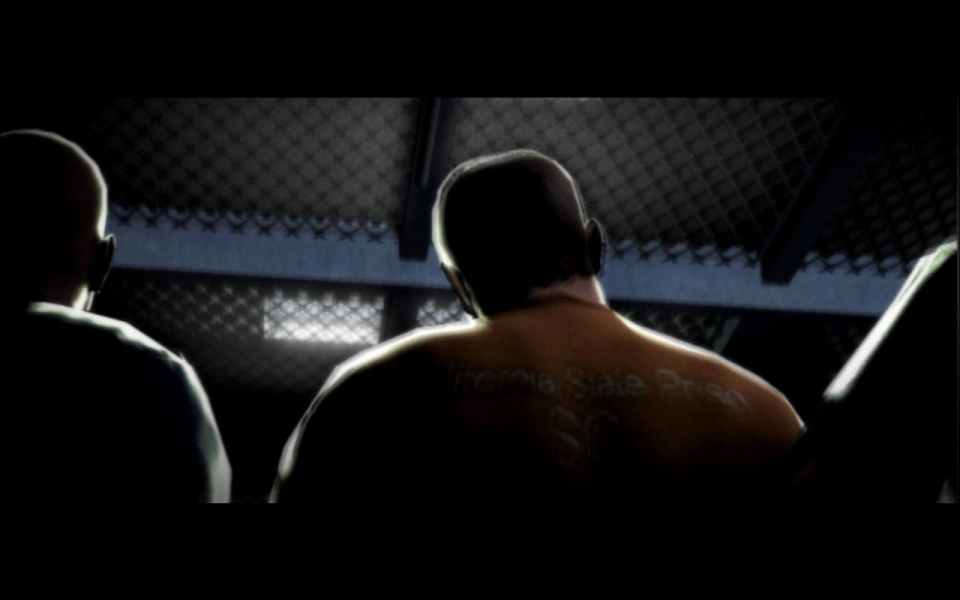
Zoomed view (aim) and pre-rendered cut scenes are plain Vert- though.
Gameplay Screenshots
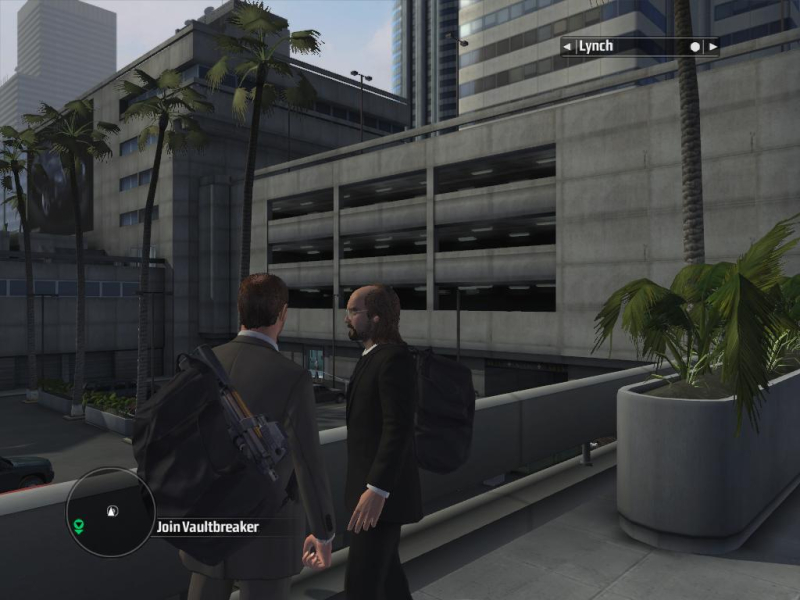
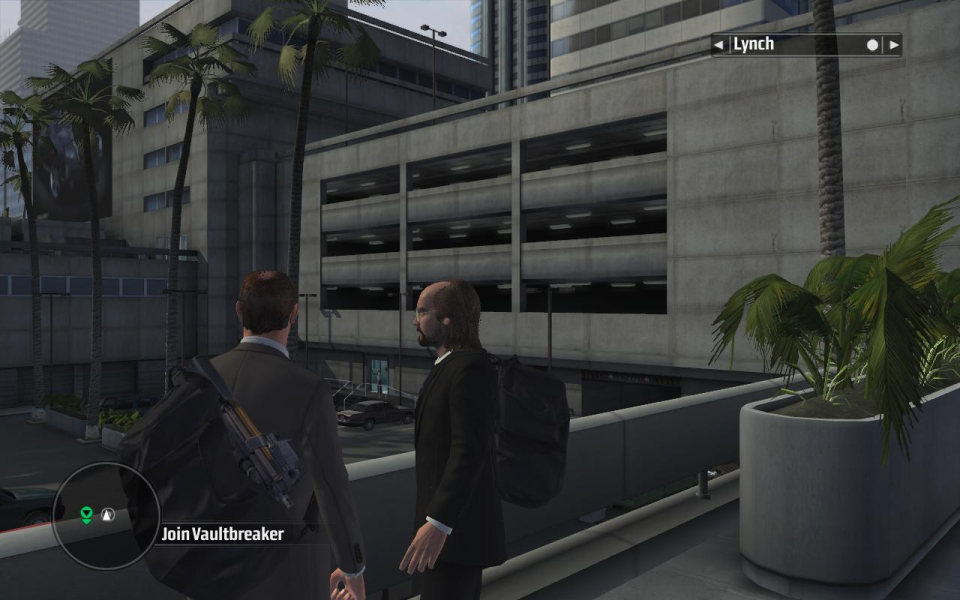
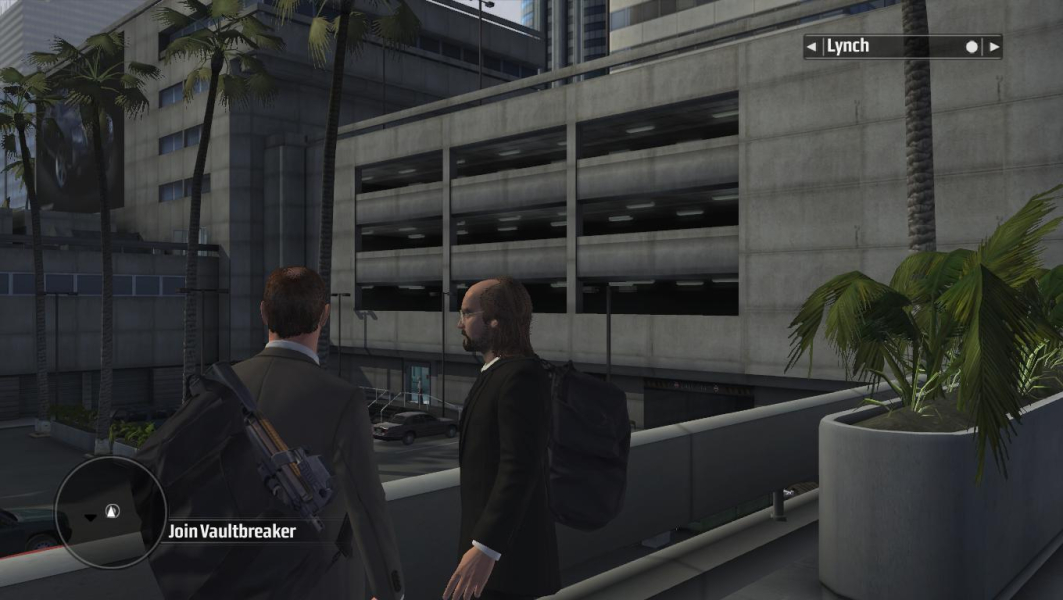
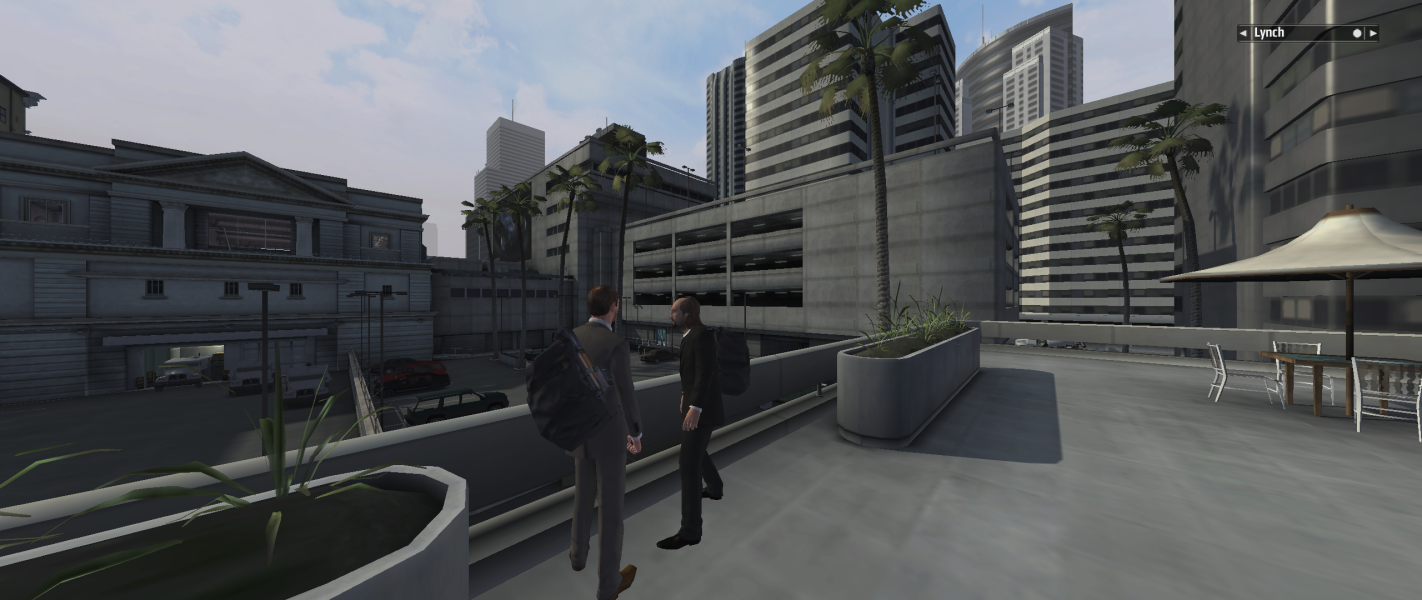


In-Game (Rendered) Cutscenes
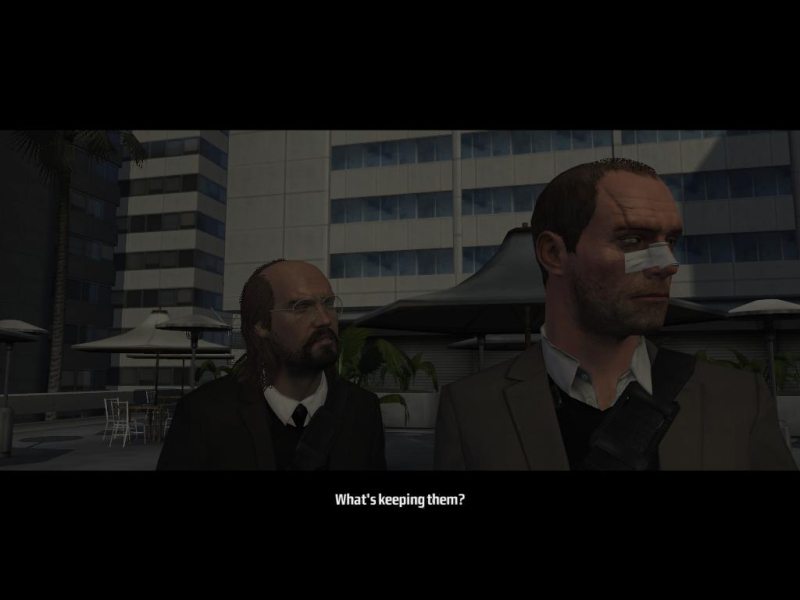
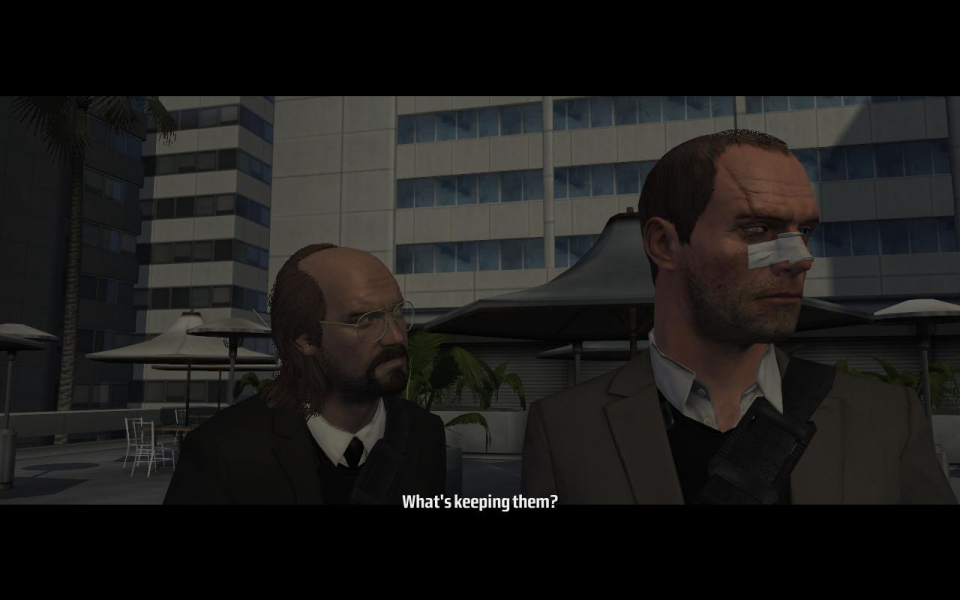
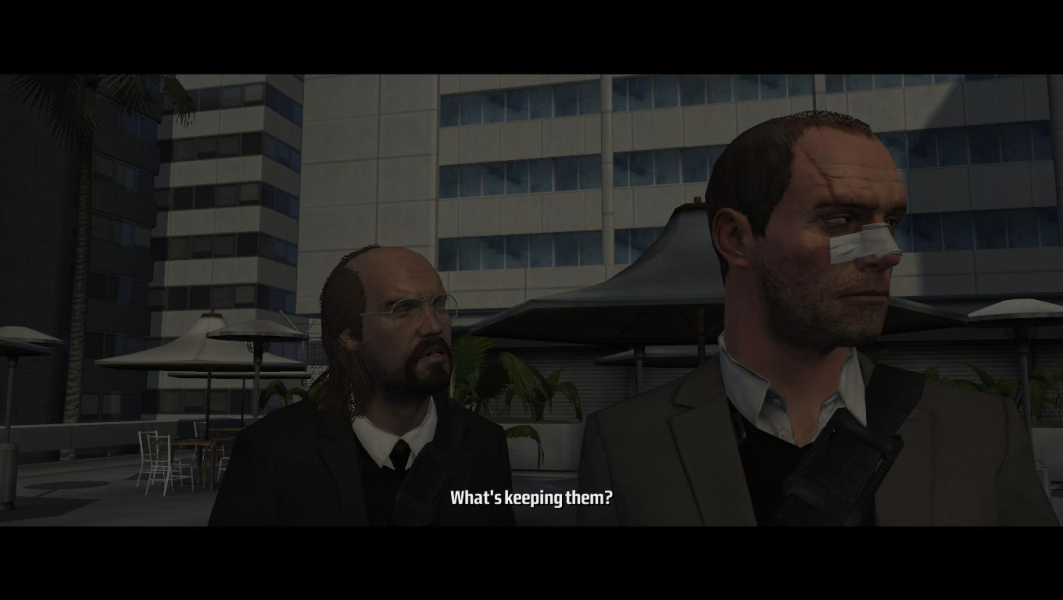
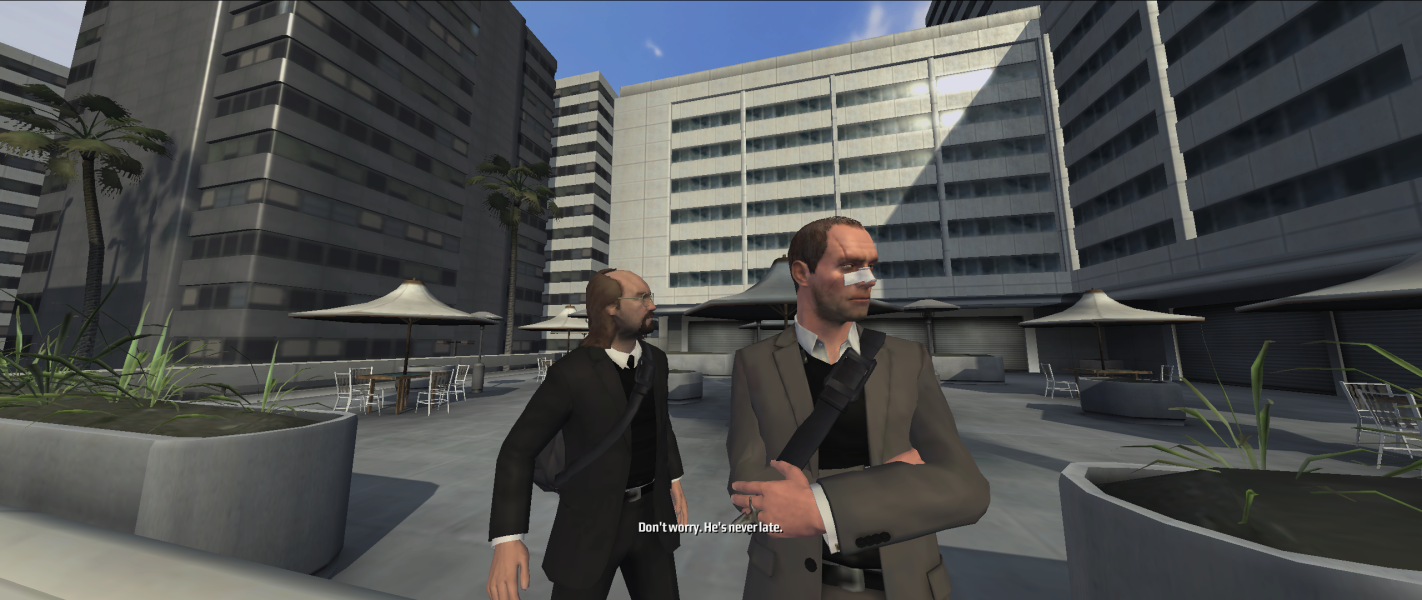
FMV Cutscenes


Additional Screenshots