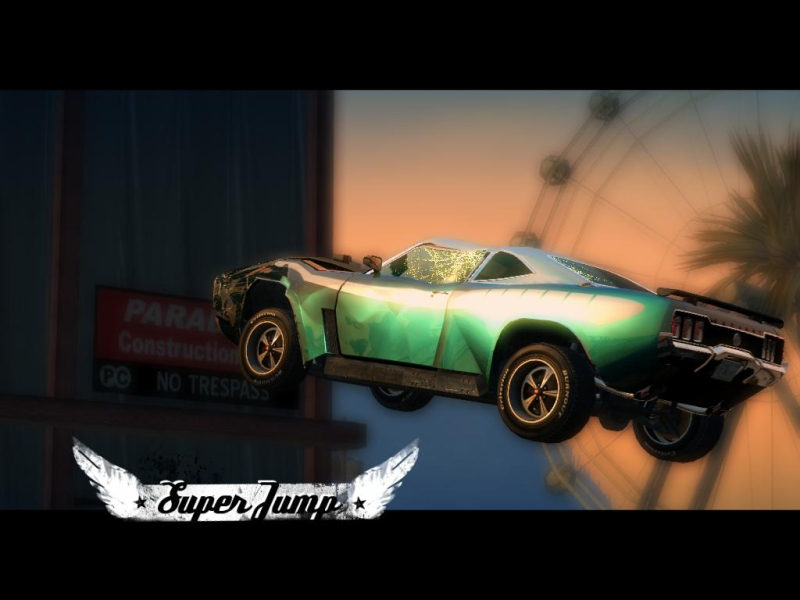
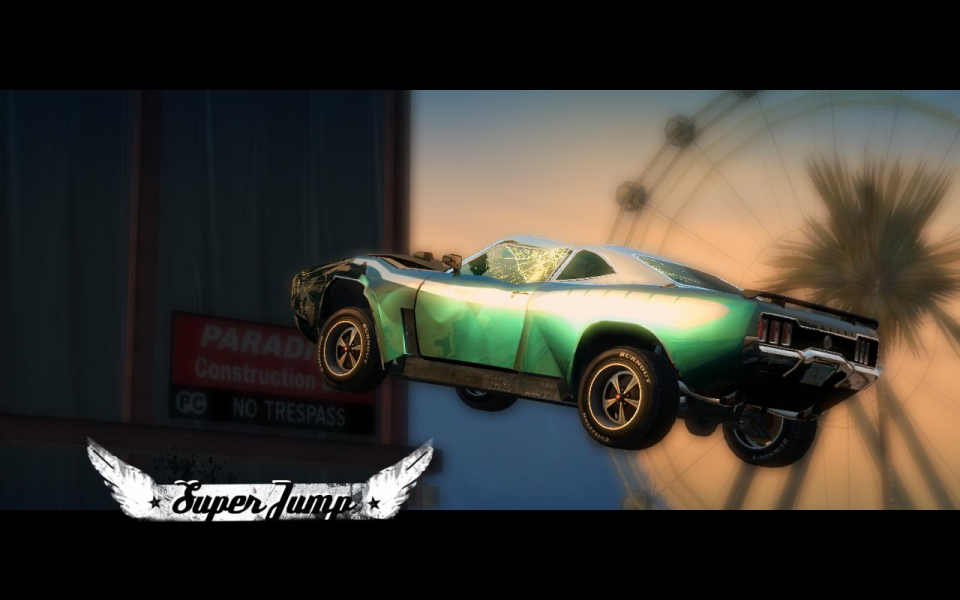
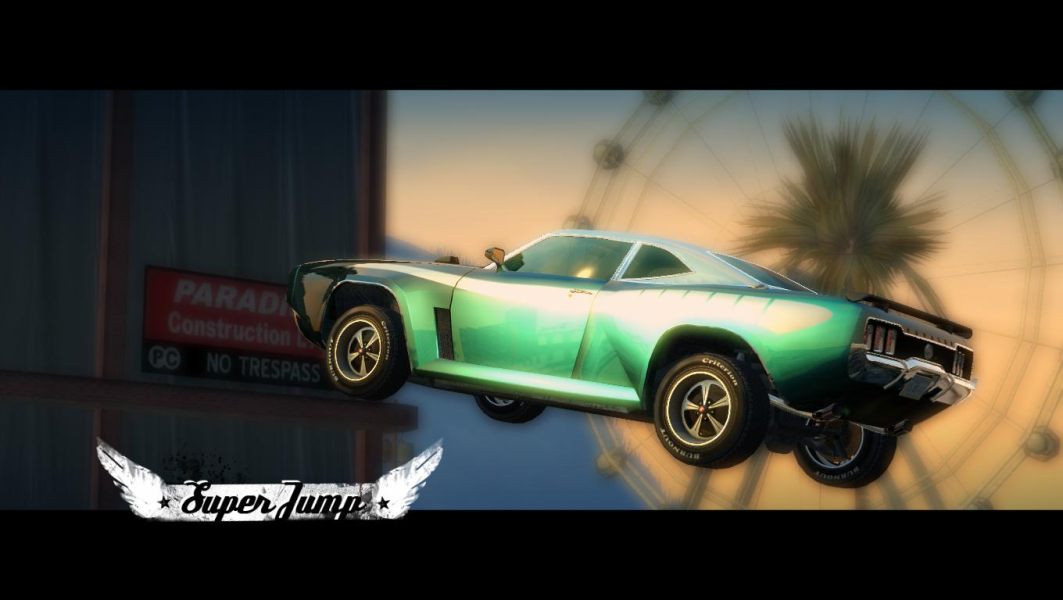
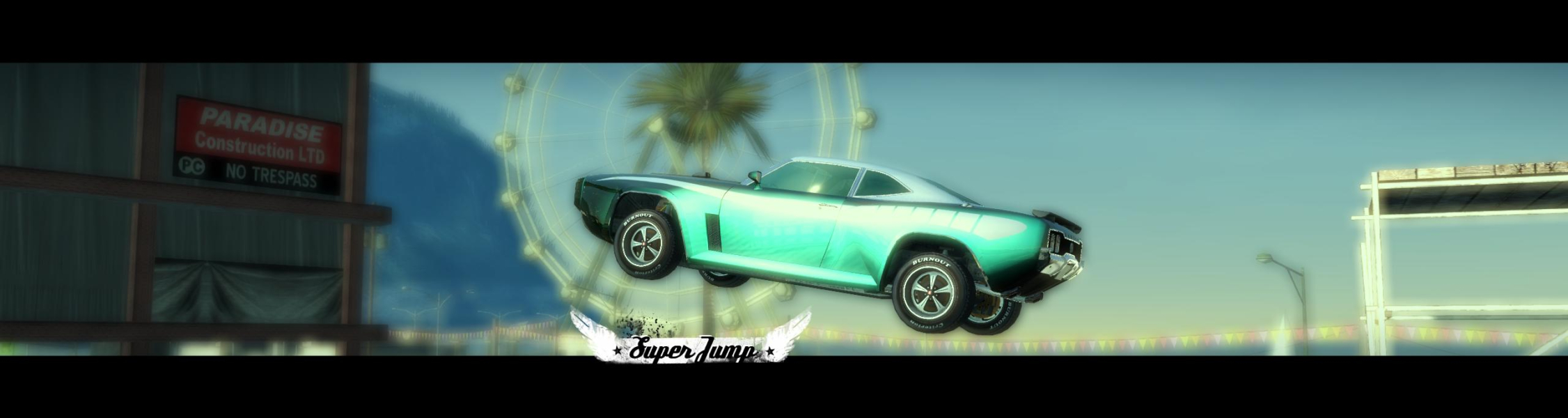
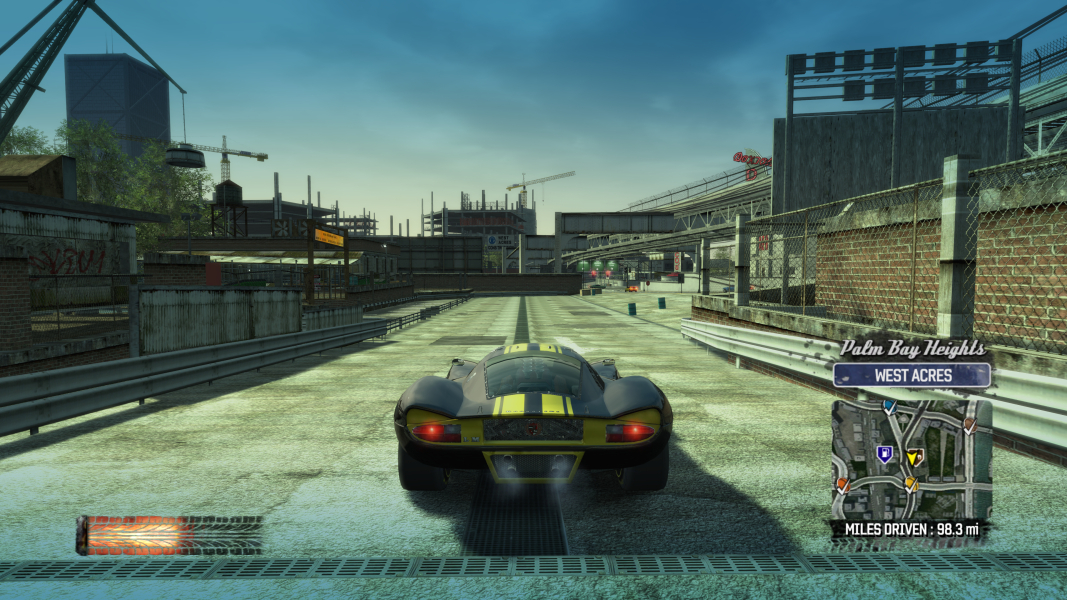
The first in the Burnout series to be ported to the PC, Burnout Paradise is an arcade driving/racing game. Unlock dozens of cars each featuring a detailed damage model and packing large amounts of "boost". Enter a challenge at every crossroad in Paradise City, from "orienteering" races to stunt contests - or freely roam the streets, train tracks, multiple-storey parking lots and buidings roofs in search of Super Jumps or "smashables" to add to your achievements list. With a host of community tools, modes and leaderboards, the game is also strongly oriented towards online multiplayer. The PC edition of Burnout Paradise is entitled The Ultimate Box as it contains the hotseat Party mode and the Bikes and Cagney packs in addition to the original game, whereas they were optional add-on packs on consoles.
Support Summary
Game Information
Screenshots Comparison
Solutions & Issues
Native
The game supports every resolution you can set in Windows and calculates appropriate AR automatically - so there are no issues at all.
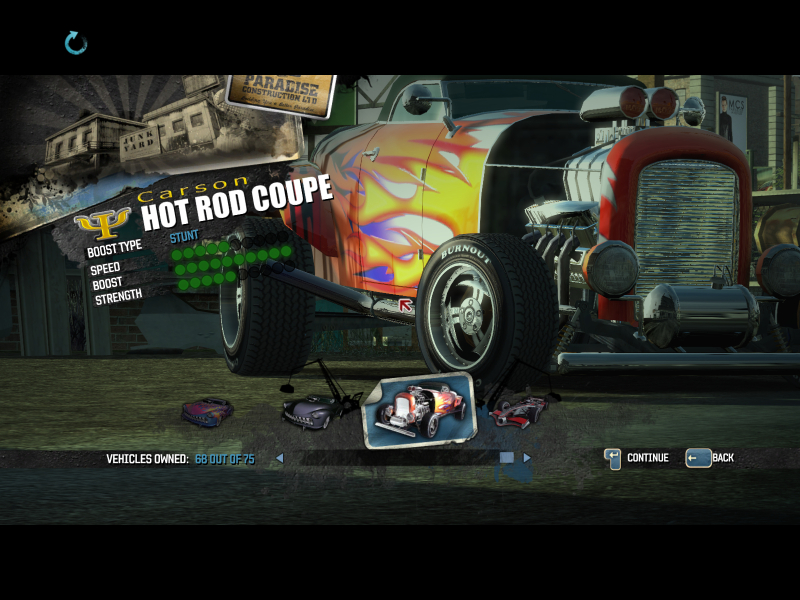
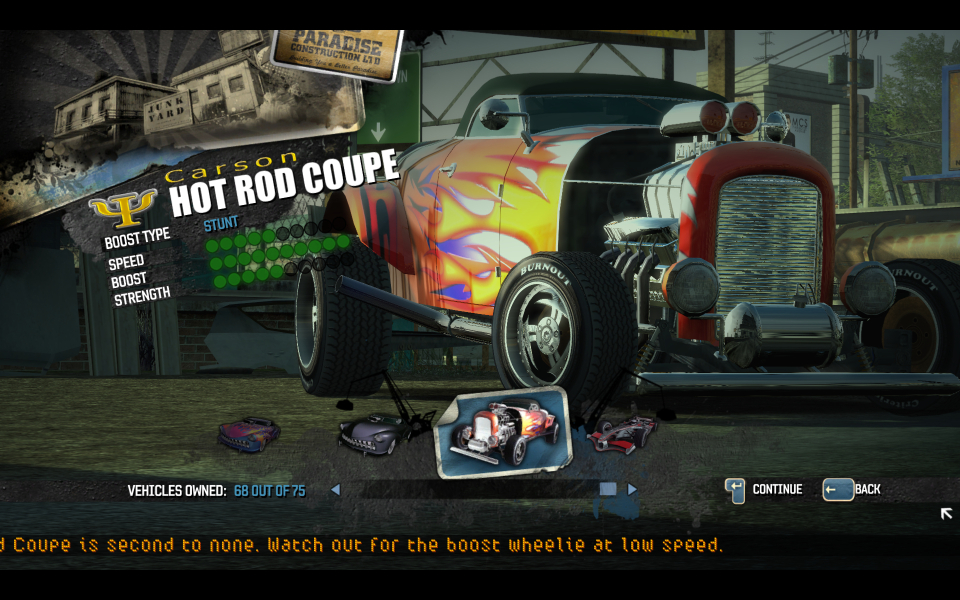
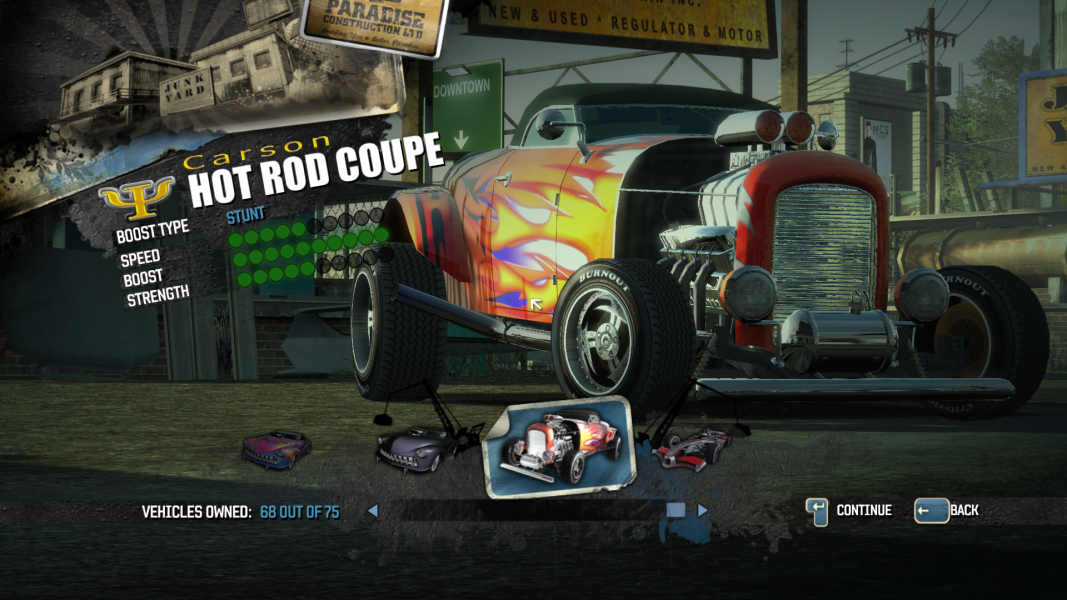
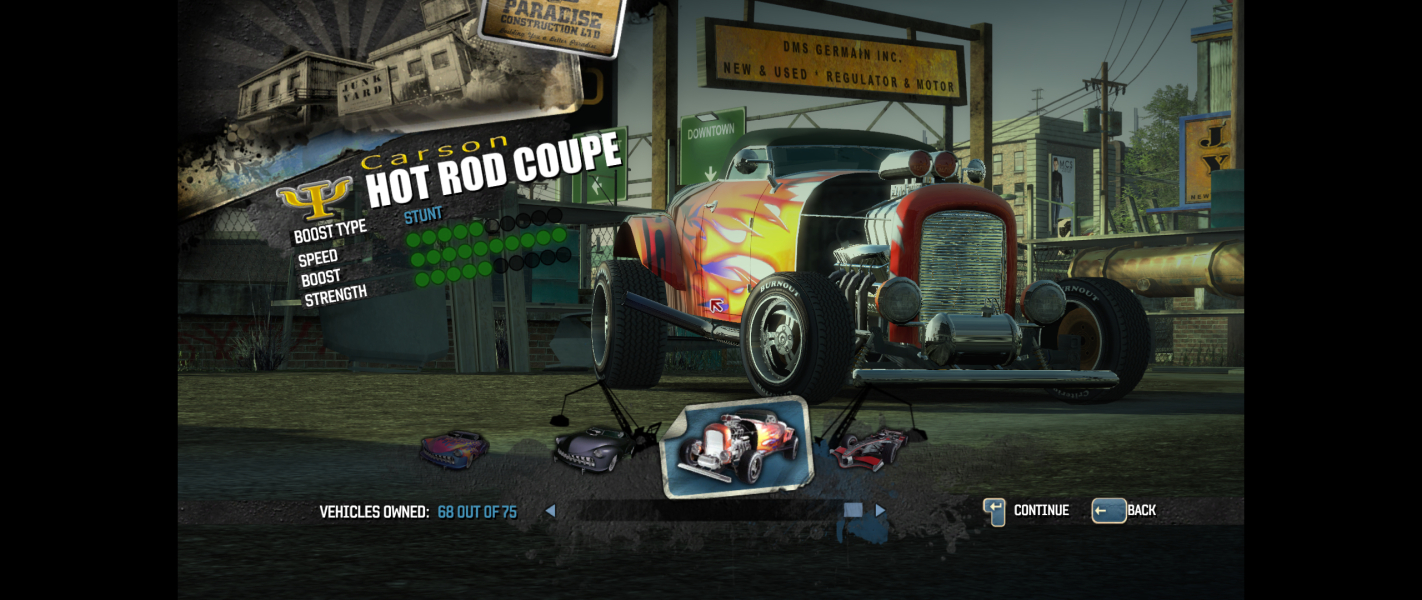
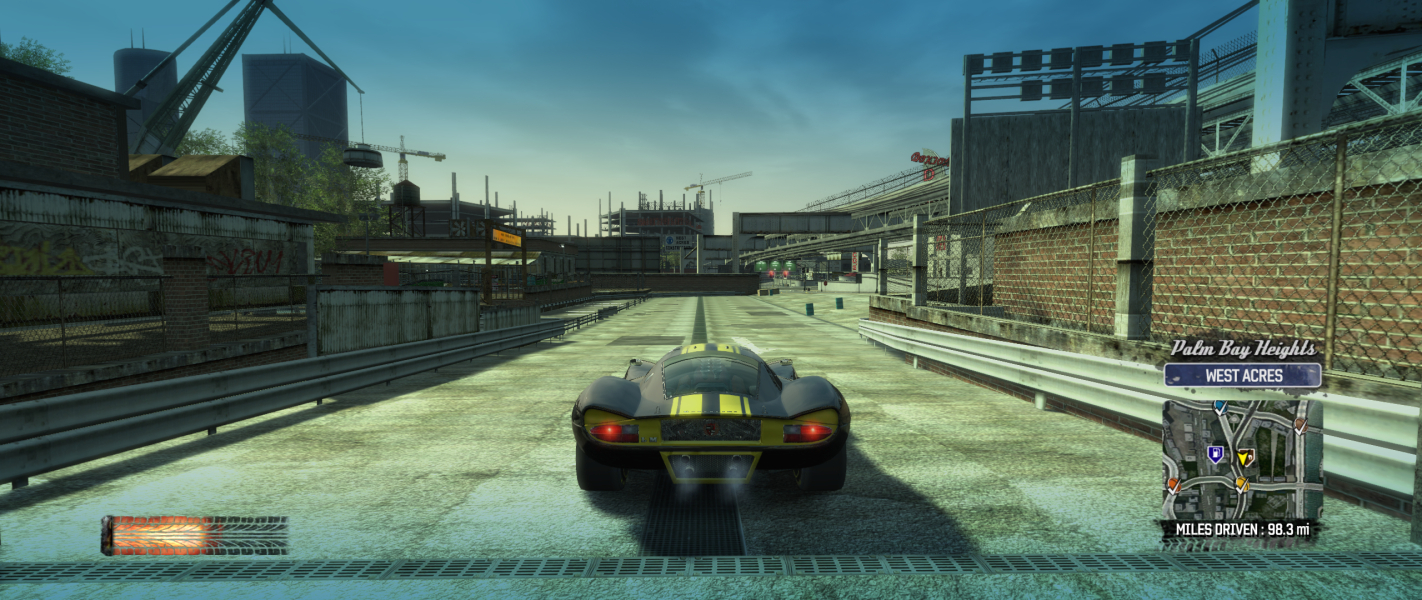
There are no issues in gameplay, but in the junk yard (where you select the car) the image is pillar-boxed, while multi-monitor setup is fully hor+
see images
Native, Hor+, no HUD stretch.
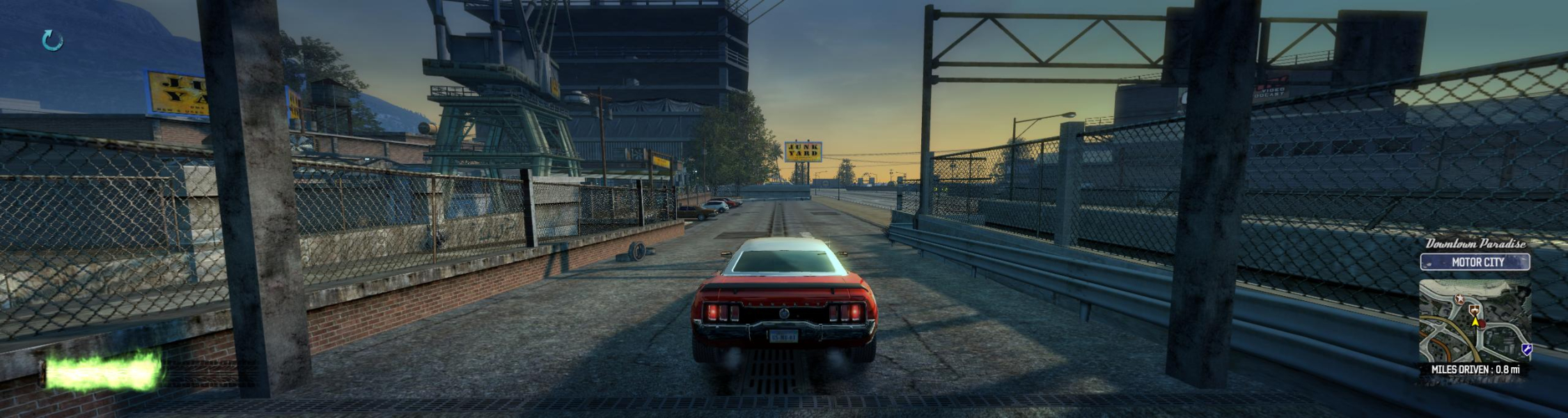
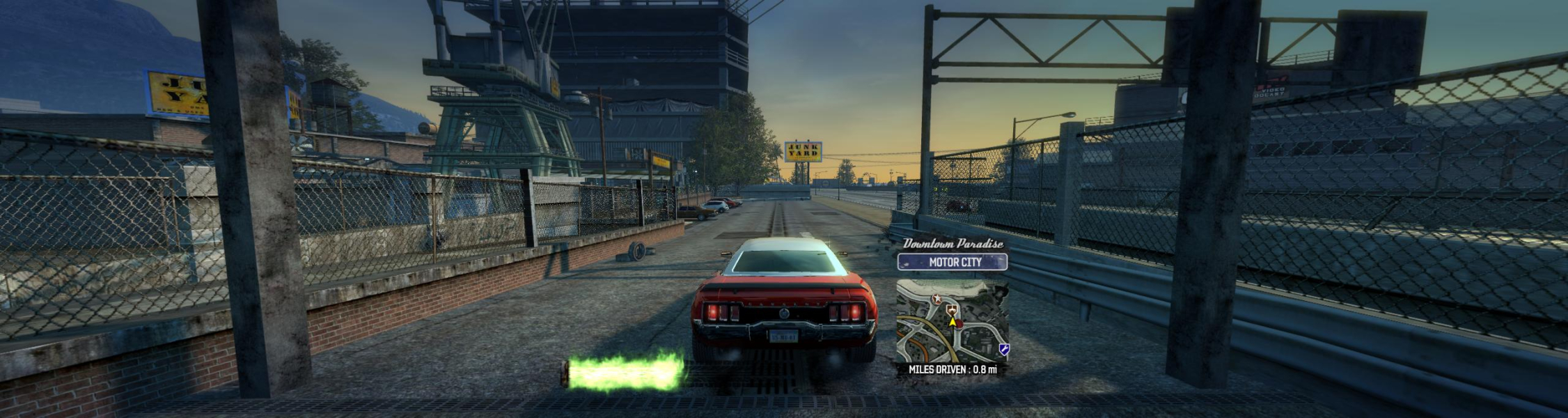
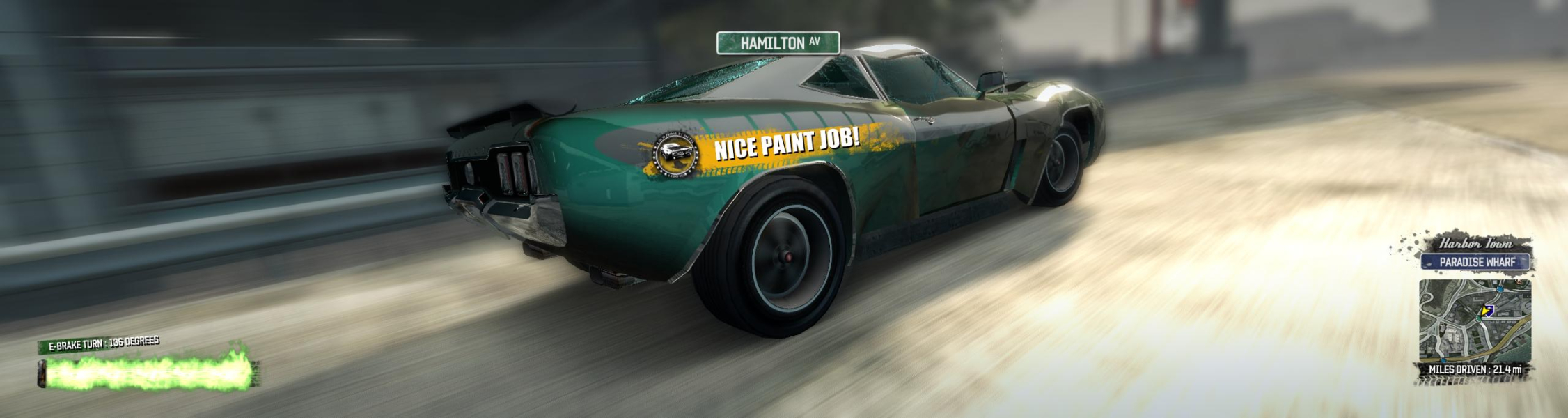
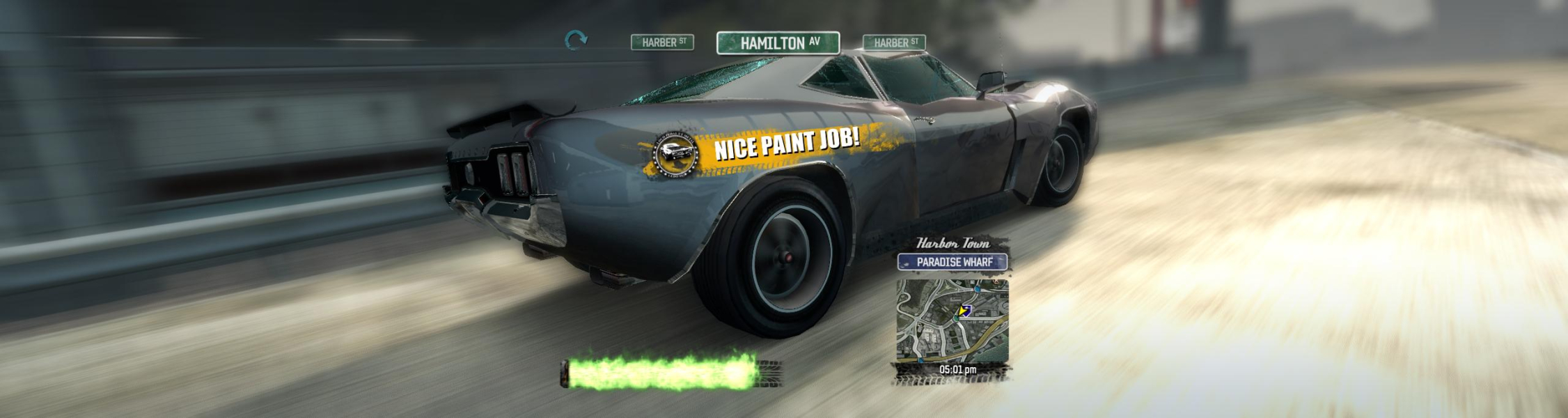
Burnout Paradise lets you set your number of monitors and decide the way the HUD covers them, in both TripleHead and DualHead modes. In the config tool however, you can only set your number of monitors.
To setup your HUD, enter the in-game options menu and navigate to Video Options > Display > Multiple Monitors and change HUD Position from 'All' to 'Car' for a centered HUD. The HUD Position setting is of course not available in Single Monitor mode.
Gameplay Screenshots




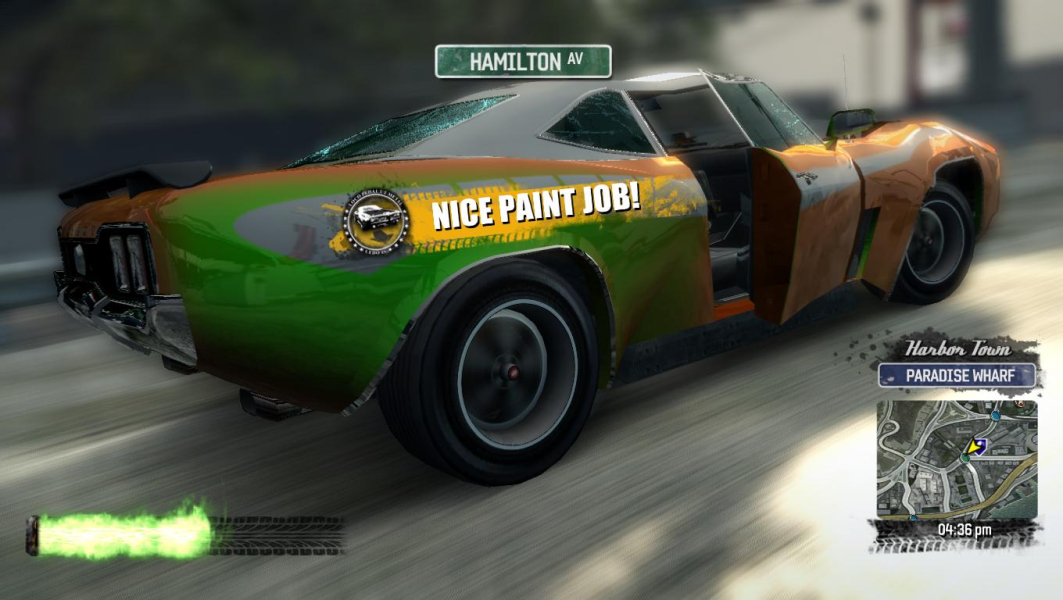
In-Game (Rendered) Cutscenes


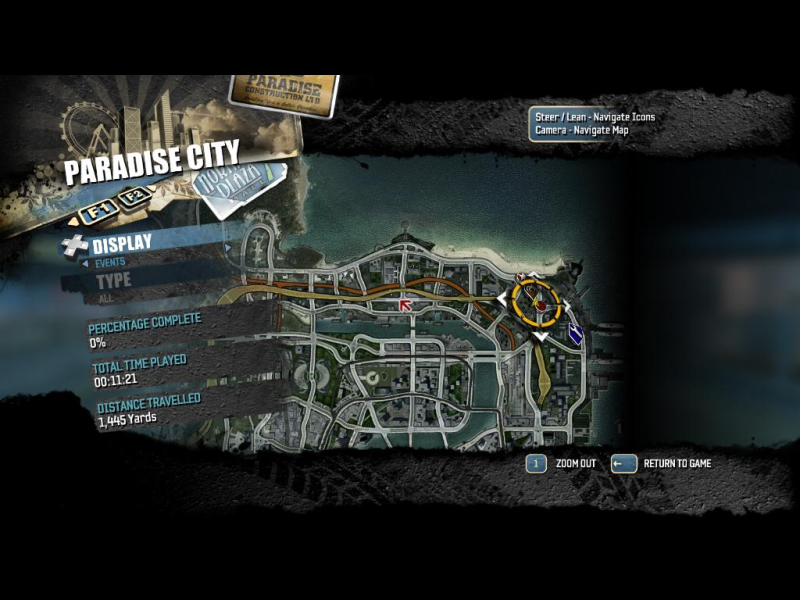
Menu Screenshots

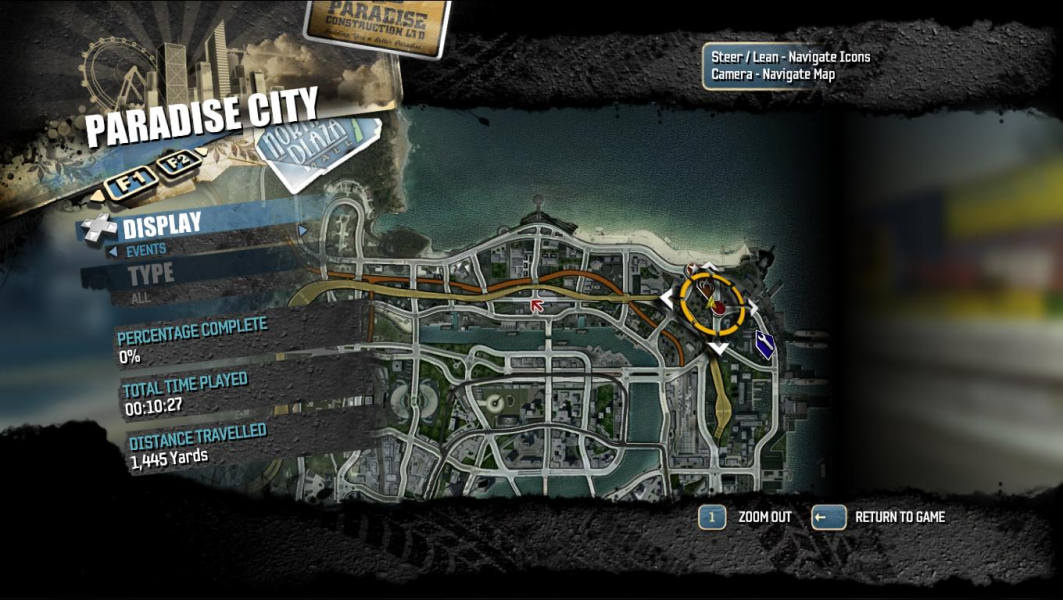
4K UHD Screenshots
Additional Screenshots