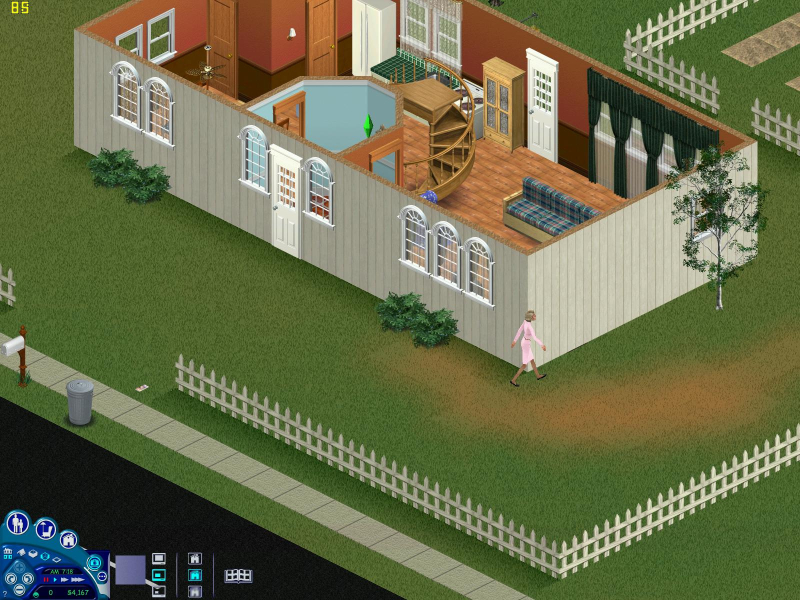
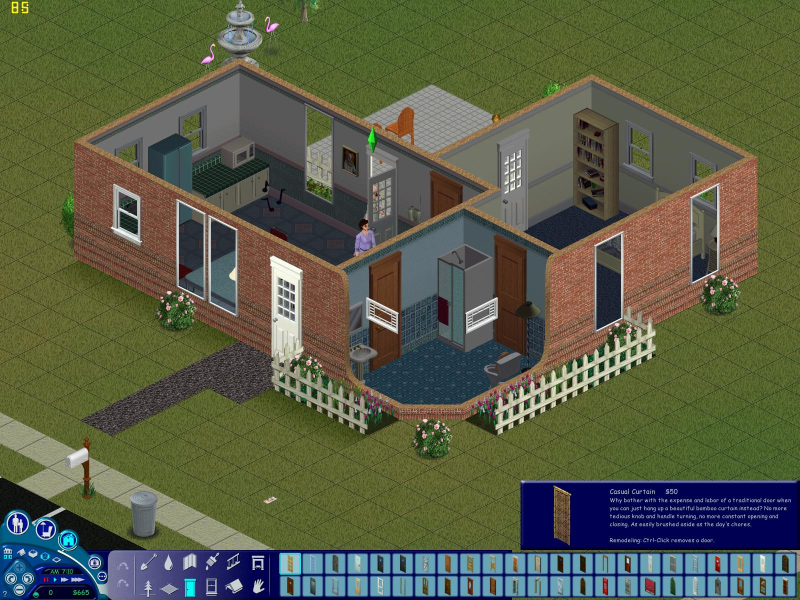
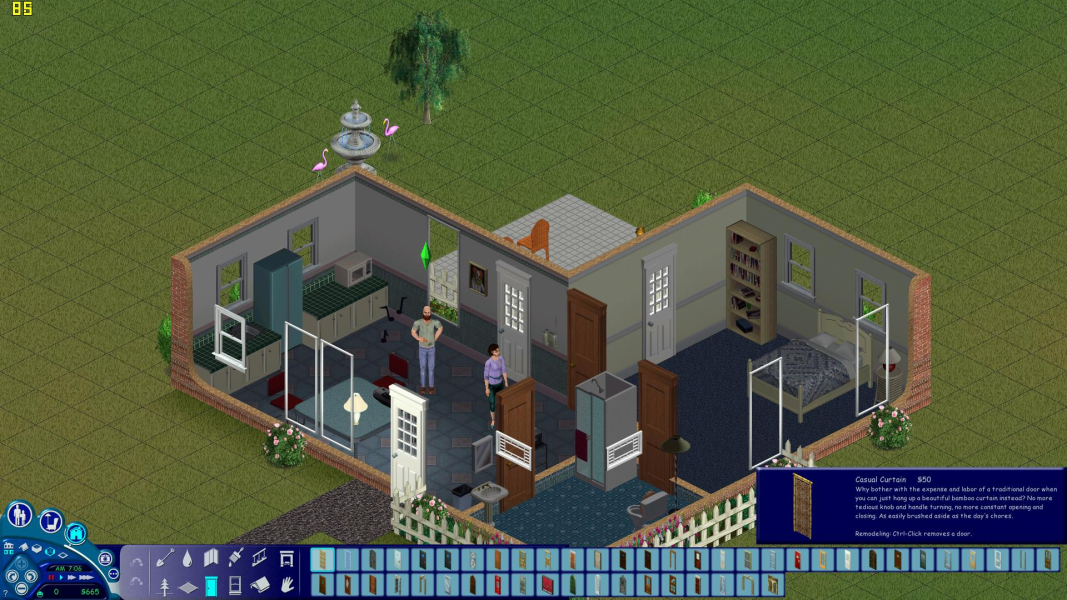
Developed by Maxis, The Sims is a simulator of everyday life. The brainchild of Will Wright, this game allows you to create families of virtual persons and let them run wild. The virtual persons, or Sims, can be controlled directly by the player or allowed to make decisions on their own. Different personality traits determine how each Sim behaves and interacts with their environment. Players can create and furnish environments for their Sims or download user-created content online. Create your little-thug Sim, and let him breed with and bully all the Sims he wants.
Support Summary
Widescreen | Ultra/Super‑Wide | Multi-Monitor | 4K Ultra HD | |
Support | ||||
Method | ||||
HUD | ||||
Cutscenes | ||||
FMVs |
Game Information
Screenshots Comparison
Solutions & Issues
PLEASE NOTE!
This method requires an unprotected no-cd executable file. The WSGF does not condone piracy in any form. This is the only known method for widescreen at the time of this writing.
PLEASE NOTE!
Automatic patcher available here: https://github.com/FaithBeam/Sims-1-Complete-Collection-Widescreen-Patcher
No native support for widescreen resolutions. In addition to widescreen resolutions this method will also allow for other custom resolutions.
In the root Sims directory open the unprotected executable file called the "Sims.exe" with a HEX editor. Search for the following... (refer to HEX editor screenshot also)
20 03 00 00 C7 45 E0 58 02 00 00 6A 01 6A 00 68 20 AD 6C 00 8B 4D EC E8 9F 1C 0E 00 0F B6 C0 85 C0 74 0E C7 45 F0 00 04 00 00 C7 45 E0 00 03
The game only has native support for 800x600 and 1024x768. The bold pairs are these two values.
2003 5802 = 800x600
0004 0003 = 1024x768
Change the values for the resolution shortcut that you use to start the game. Remember to flip the order of the Hex values. For example...
1920 in hexadecimal is 0780. It would be entered as 8007.
1200 in hexadecimal is 04B0. It would be entered as B004.
So if I wanted to change the 1024x768 resolution to display 1920x1200 I would change the HEX values to look like this...
20 03 00 00 C7 45 E0 58 02 00 00 6A 01 6A 00 68 20 AD 6C 00 8B 4D EC E8 9F 1C 0E 00 0F B6 C0 85 C0 74 0E C7 45 F0 80 07 00 00 C7 45 E0 B0 04
When you start up the game with the proper resolution shortcut you will be in your widescreen resolution.
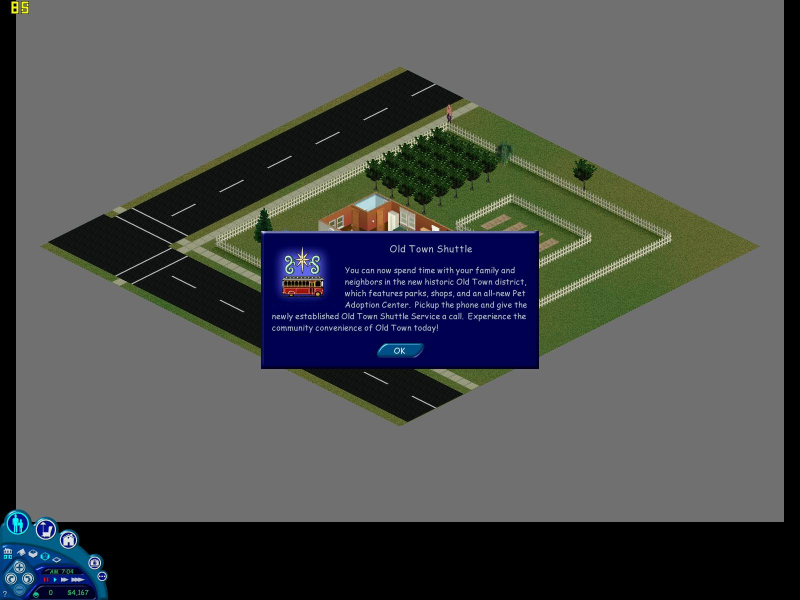
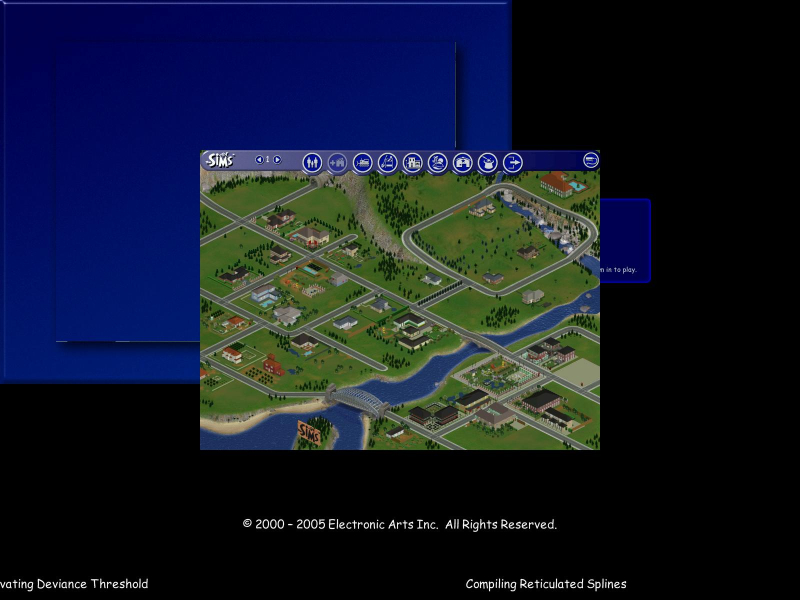
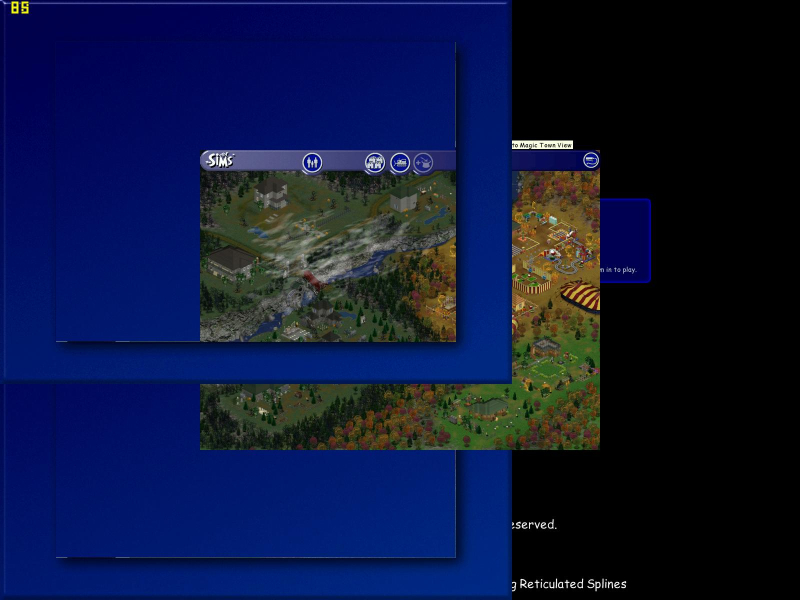
The main select screen will have the blue background misaligned. When selecting certain options the blue background may obstruct the view. This does not impair the functionality of the menus.
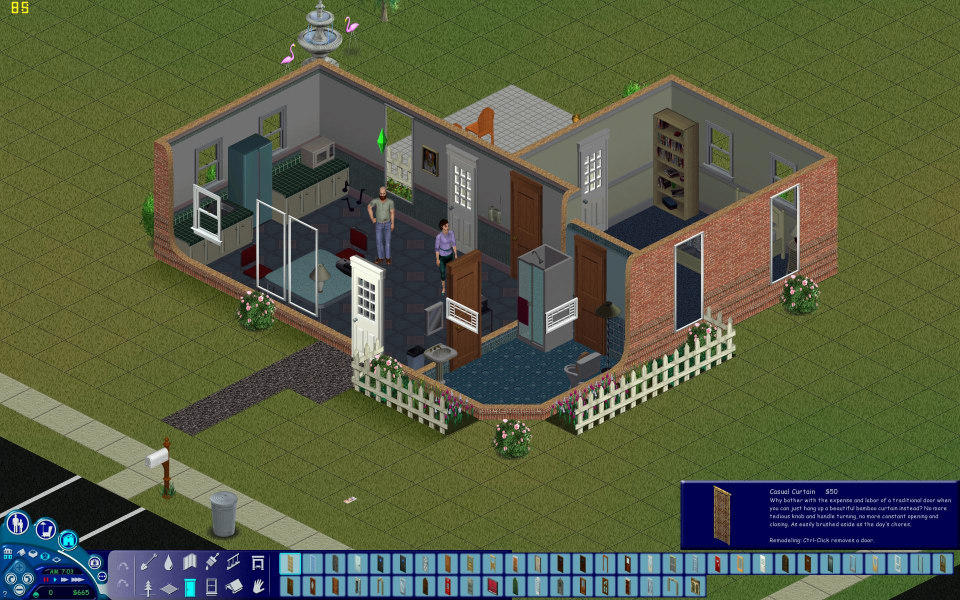
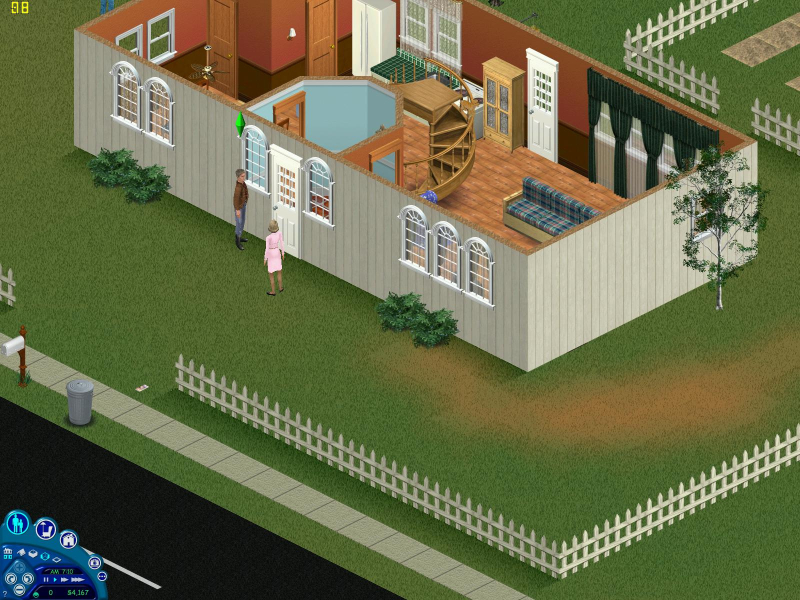
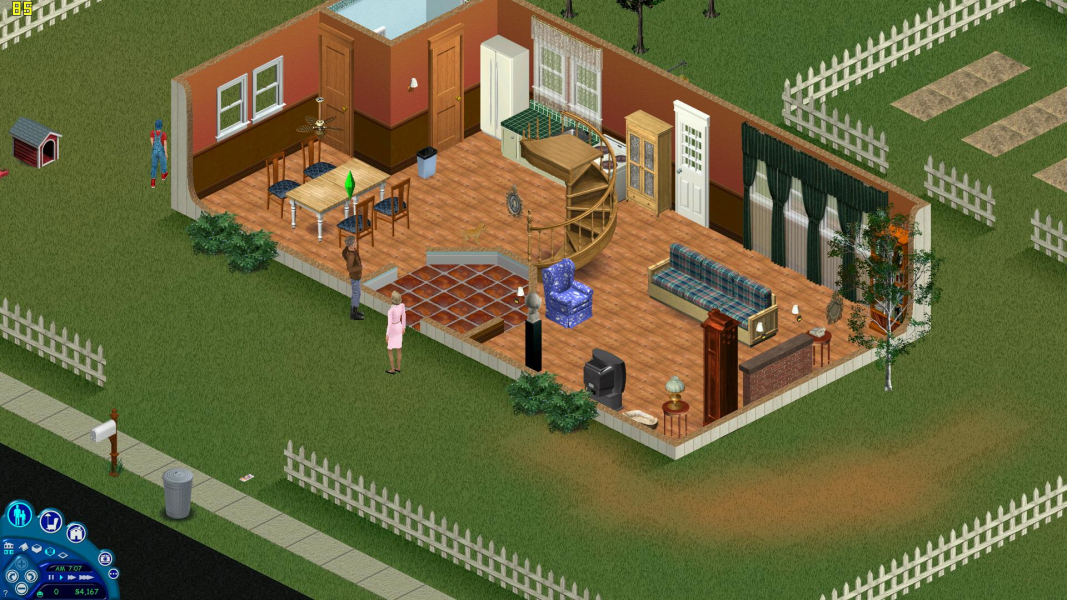
The game is pixel-based widescreen with Vert + and Hor + depending on your selected resolutions.
Gameplay Screenshots



Menu Screenshots
Additional Screenshots