Arma: Cold War Assault, Bohemia Interactive's debut game published by Codemasters as Operation Flashpoint in 2001, became genre-defining combat military simulation and the No. 1 bestselling PC game around the world and has won many international awards, including “Game of The Year” and “Best Action Game.” Over 2 million copies of Operation Flashpoint have been sold since its release.
Storyline
The horrors of WWIII are imminent. There are clashes over the Malden Islands from dusk to dawn and you are caught in-between. You must use all of the available resources in your arsenal to hold back the incoming darkness. Victor Troska came back to Nogovo, he thought the pain of war was left buried in his past. But his dream lies broken now. His worst nightmare returns when military forces lands near Nogovo.
Key Features
Cold War Assault
•Command squad of fully equipped troops
•Over 40 authentic vehicles and aircraft
•Immersive campaign and single missions
•LAN/Internet multiplay
•Vast 100km2 battlezones
Resistance
•Story-driven 20-mission campaign
•Nogova – the new 100km2 island
•New vehicles, weapons and equipment
•Detailed urban environments
Support Summary
Game Information
Screenshots Comparison
Solutions & Issues
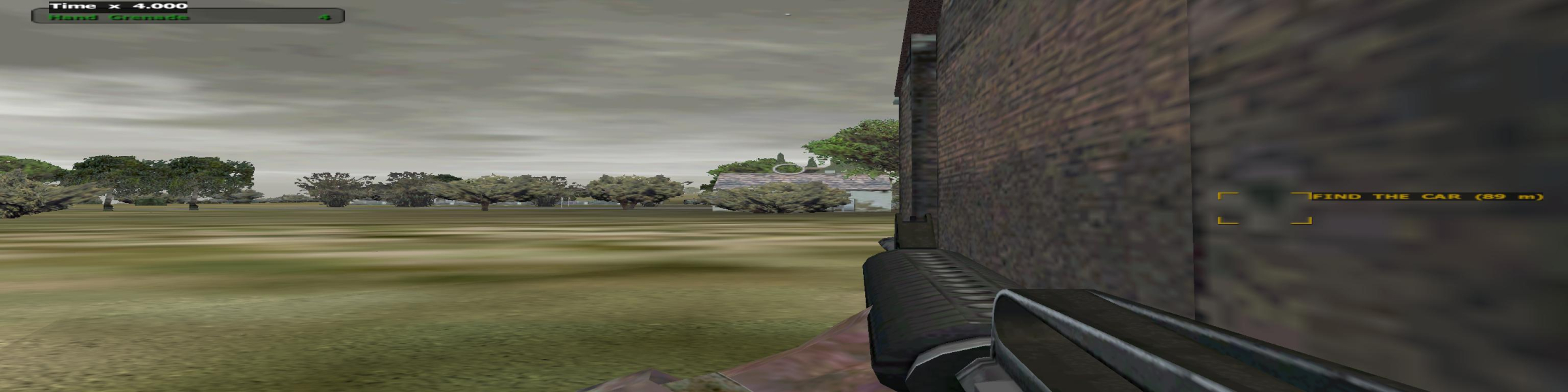
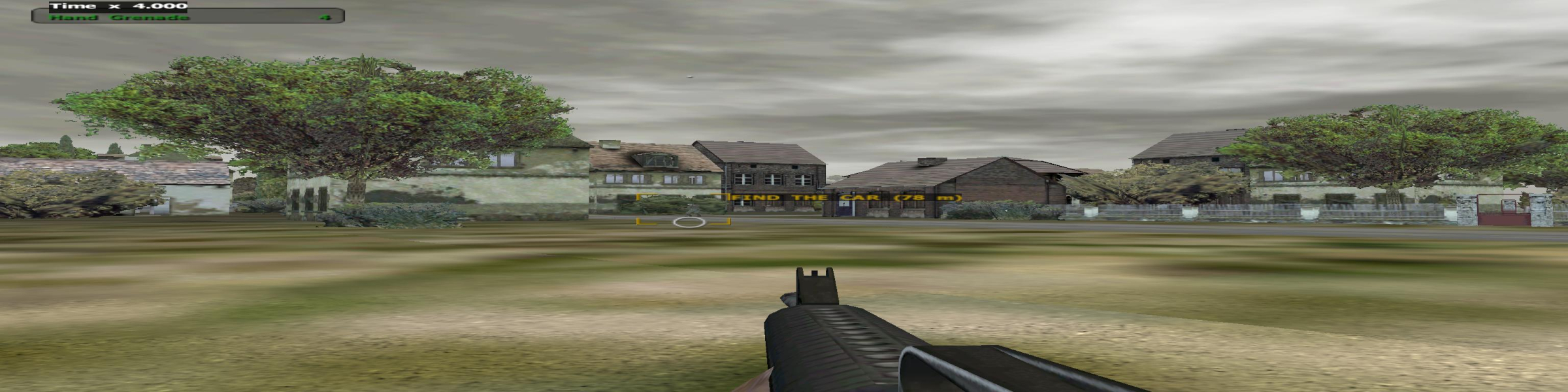
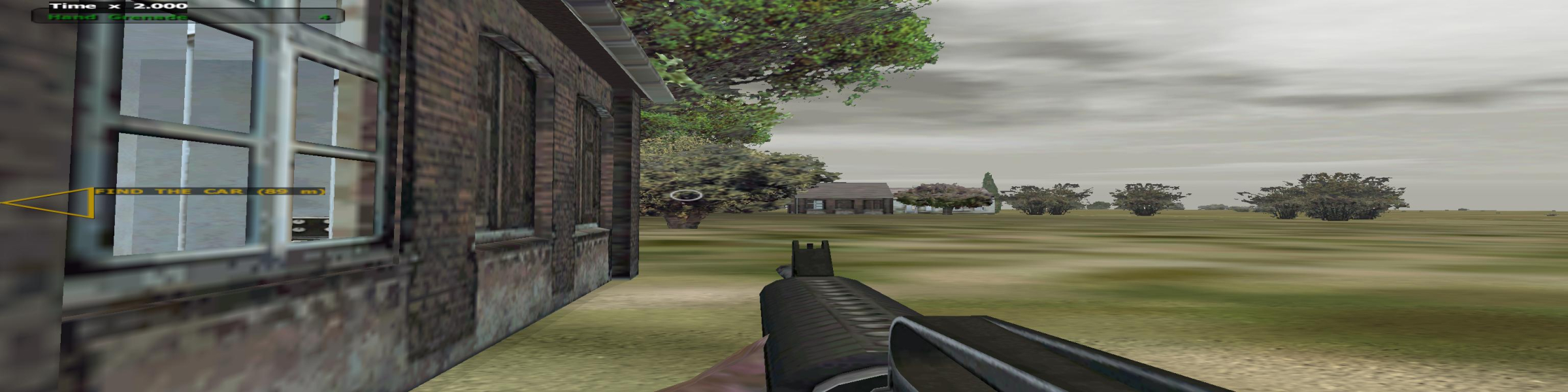
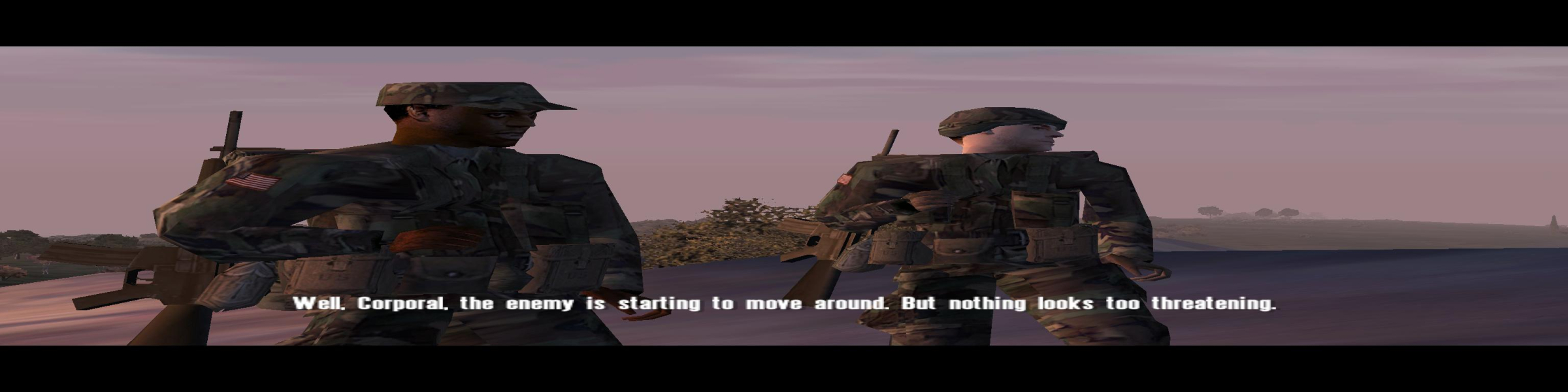
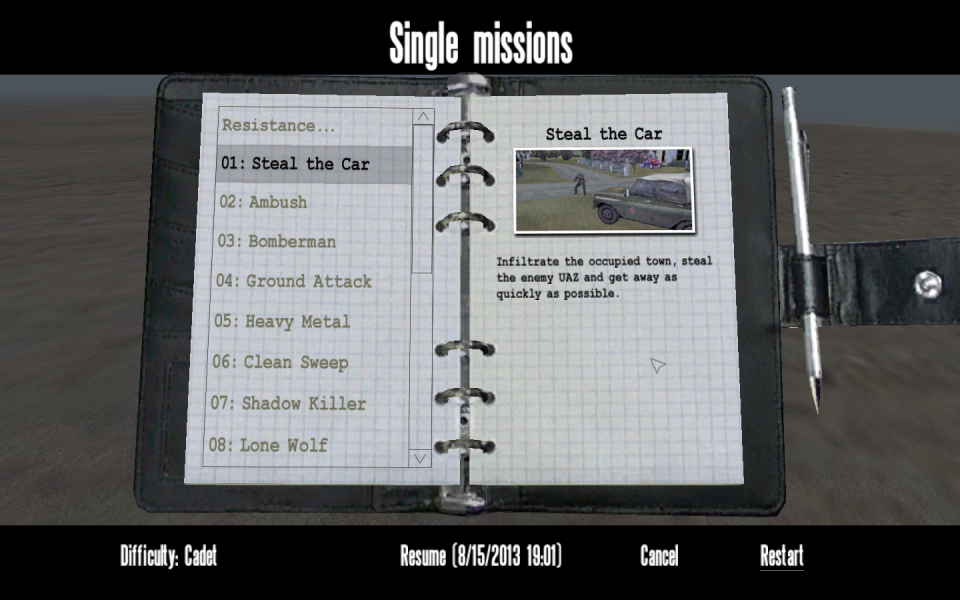
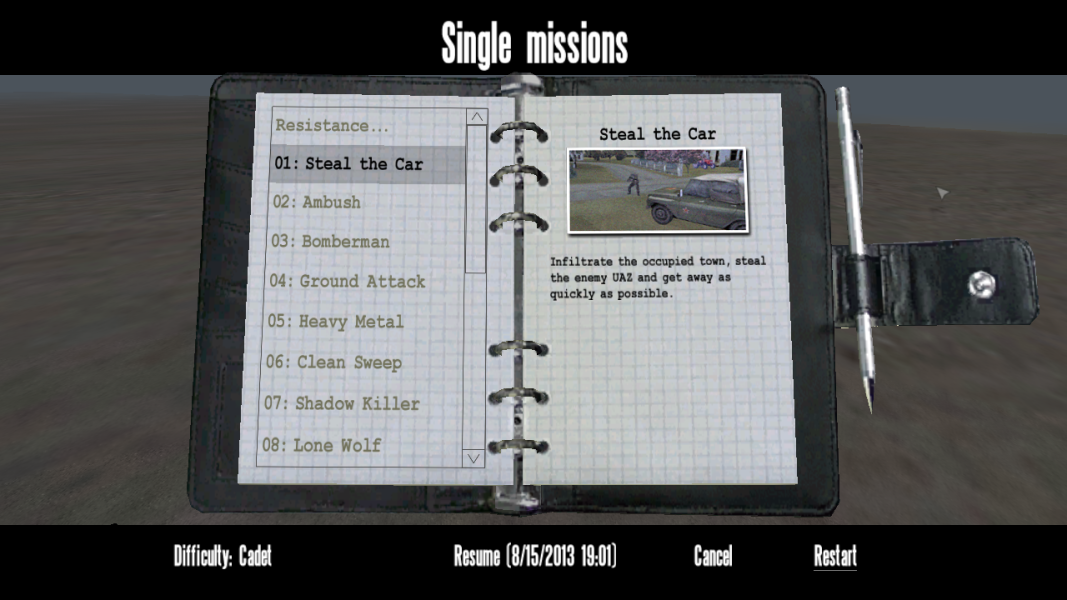
The game detects widescreen resolutions but stretches everything from 4:3 unless the aspect settings are adjusted.
Edit UserInfo.cfg in the user profile folder in the installation folder. Update the values as below (thanks to Faguss's OFP Aspect Ratio Configuration).
| 4:3 | 16:9 | 15:9 | 16:10 | 5:4 | 12:3 | |
|---|---|---|---|---|---|---|
| fovTop | 0.75 | 0.75 | 0.8 | 0.75 | 0.8 | 0.75 |
| fovLeft | 1 | 1.333333 | 1.333333 | 1.2 | 1 | 3 |
| uiTopLeftX | 0 | 0.125 | 0.125 | 0.083333 | 0 | 0.333333 |
| uiTopLeftY | 0 | 0 | 0.033333 | 0 | 0.033333 | 0 |
| uiBottomRightX | 1 | 0.875 | 0.875 | 0.916667 | 1 | 0.666667 |
| uiBottomRightY | 1 | 1 | 0.966667 | 1 | 0.966667 | 1 |
Everything has the correct aspect ratio when using these modified values. To use a resolution with a different aspect ratio simply repeat with the appropriate values.
If you change the values and things look skewed in-game you have made a mistake in copying the values into the file. Each entry must end with a semicolon but does not have to have all the zeroes it had prior to changing it.
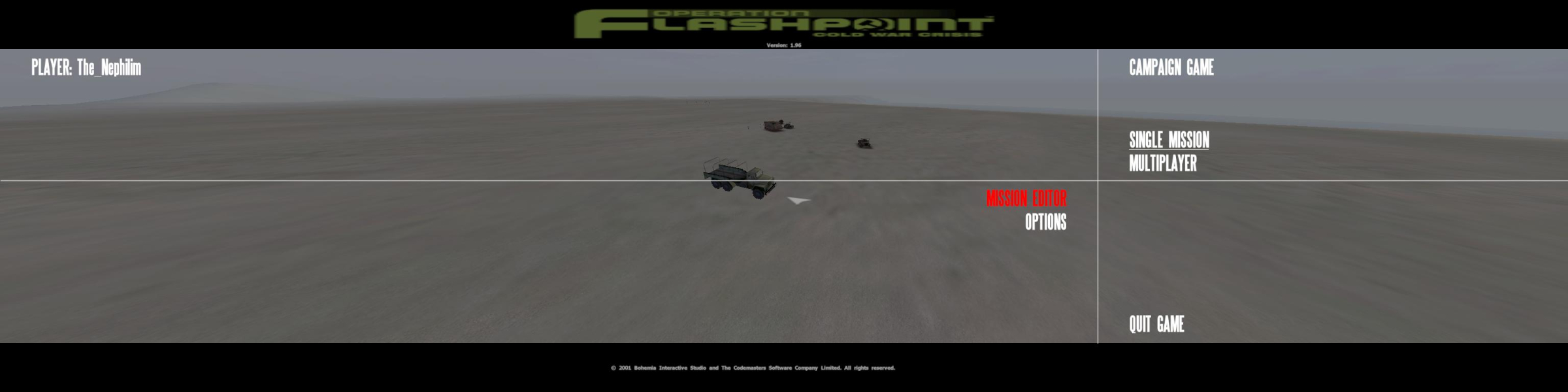
change UserInfo.cfg for correct FOV when using triplescreen resolutions (in game folder)
fovTop=1.000000;
fovLeft=3.898664;
It was originally:
fovTop=0.750000
fovLeft=1.000000
Gameplay Screenshots

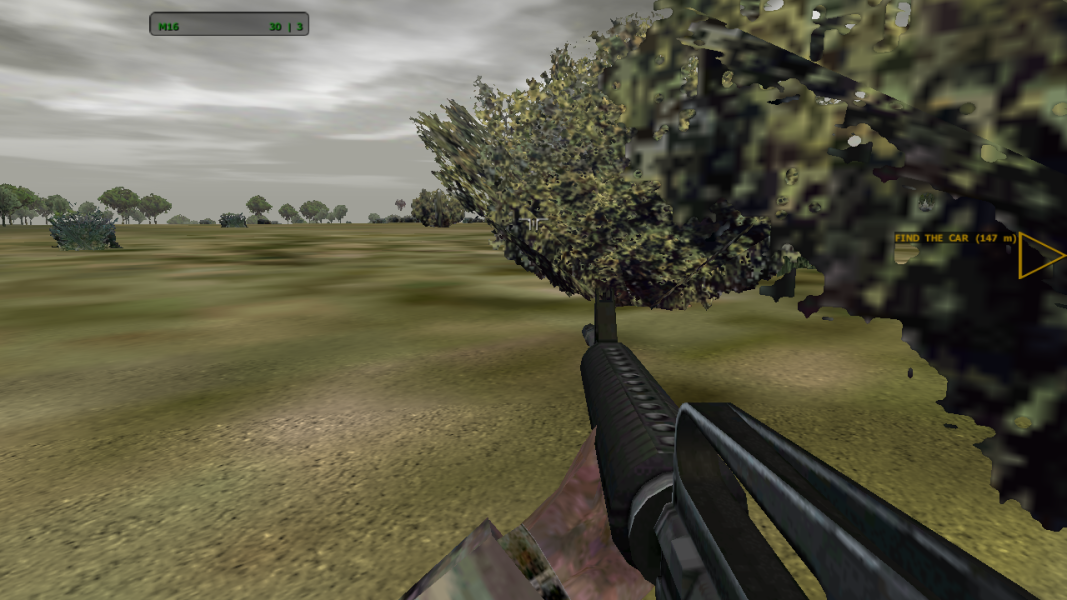


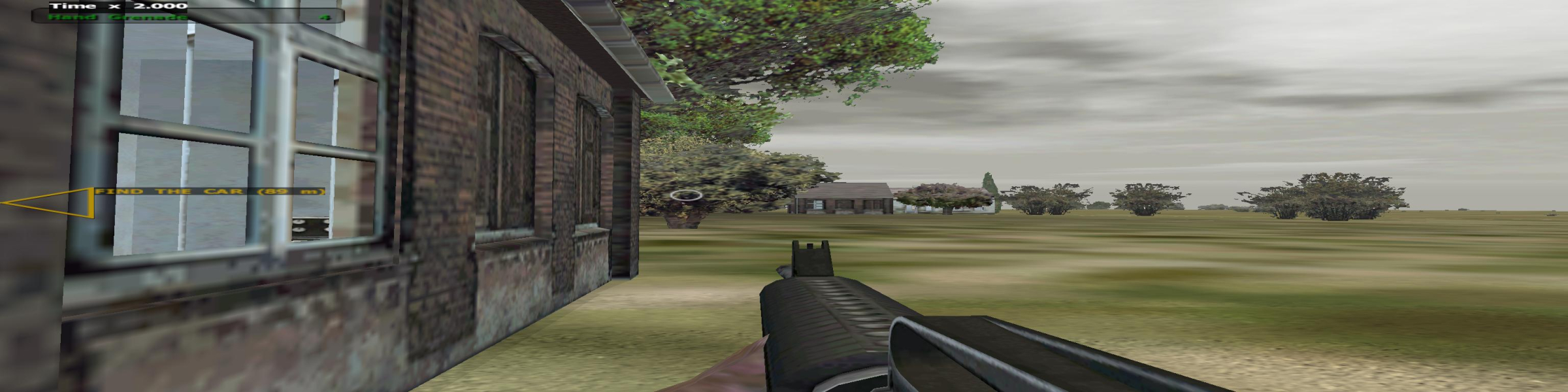
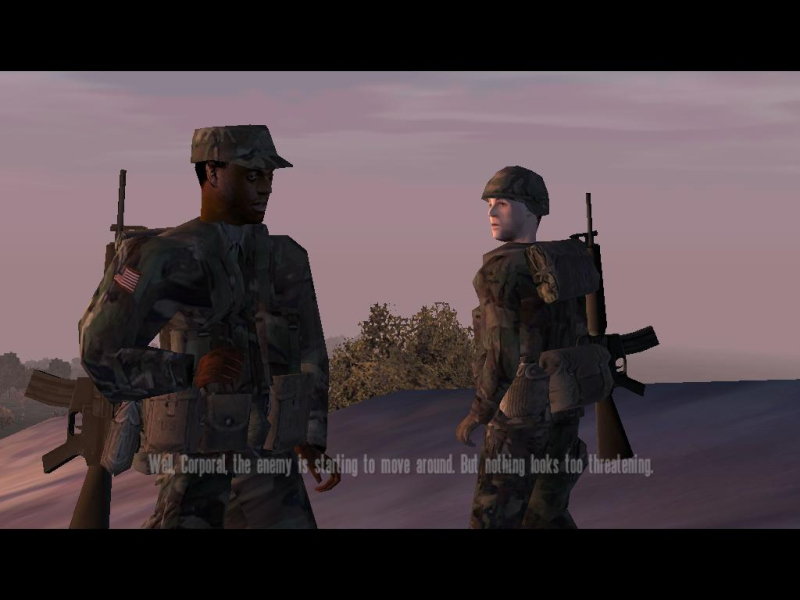
In-Game (Rendered) Cutscenes
Menu Screenshots

Additional Screenshots