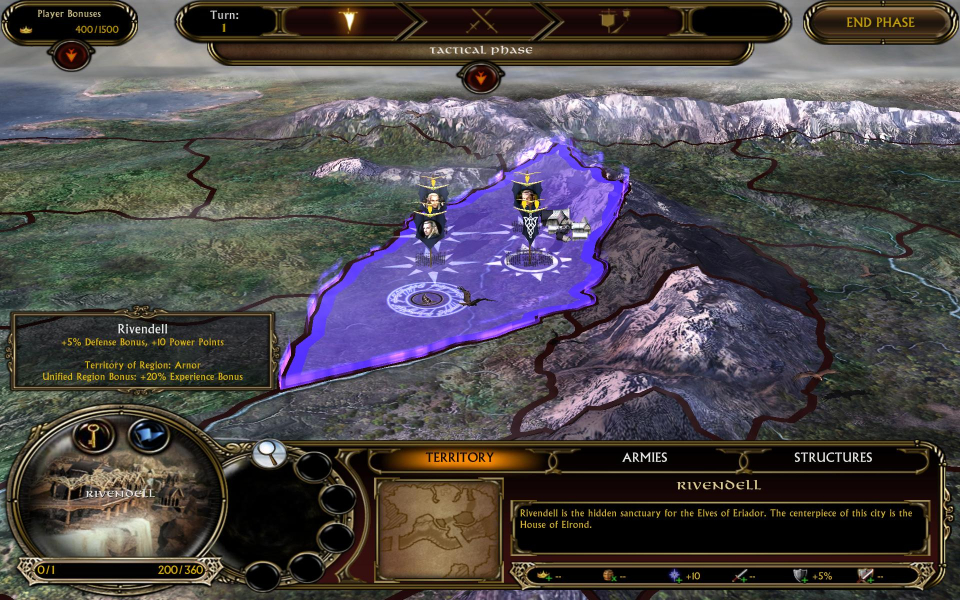
The events in these games take some of the lesser-detailed events in the J. R. R. Tolkien Lord of the Rings universe and turns them into RTS campaigns. Gameplay is the same as the first game with some tweaks and improvements. The Battle for Middle-earth II allows you to complete two campaings for good and evil with the Witch-King expansion adding another evil campaign. I will take the Ring.
Support Summary
Widescreen | Ultra/Super‑Wide | Multi-Monitor | 4K Ultra HD | |
Support | ||||
Method | ||||
HUD | ||||
Cutscenes | ||||
FMVs |
Game Information
Screenshots Comparison
Solutions & Issues
No native support for widescreen resolutions.
For the Battle for Middle-earth II go to "Documents and Settings\*User Name*\Application Data\My Battle for Middle-earth(tm) II Files" and open "Options.ini" with a text editor.
The folders may be hidden so you might have to enable "Show hidden files and folders" in "Folder Options".
Search for...
Resolution = **** ****
Change "****" to your desired widescreen resolution.
For the Rise of the Witch-King go to "Documents and Settings\*User Name*\Application Data\My The Lord of the Rings, The Rise of the Witch-king Files" and repeat the steps above.
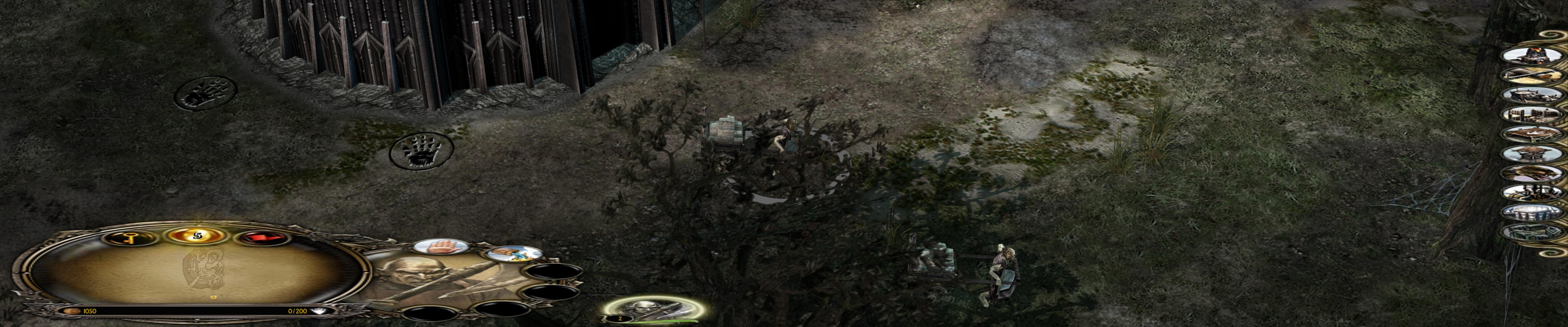
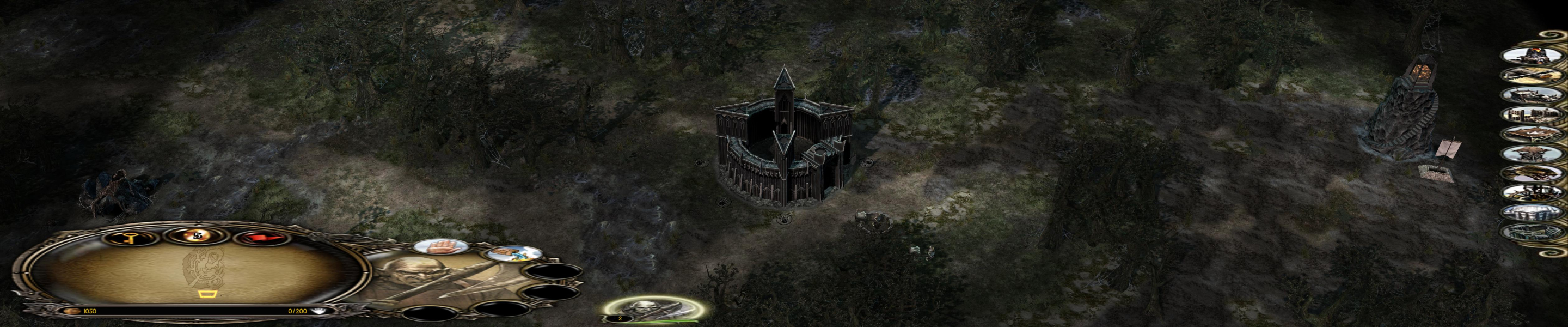
The game is Vert - in widescreen resolutions.
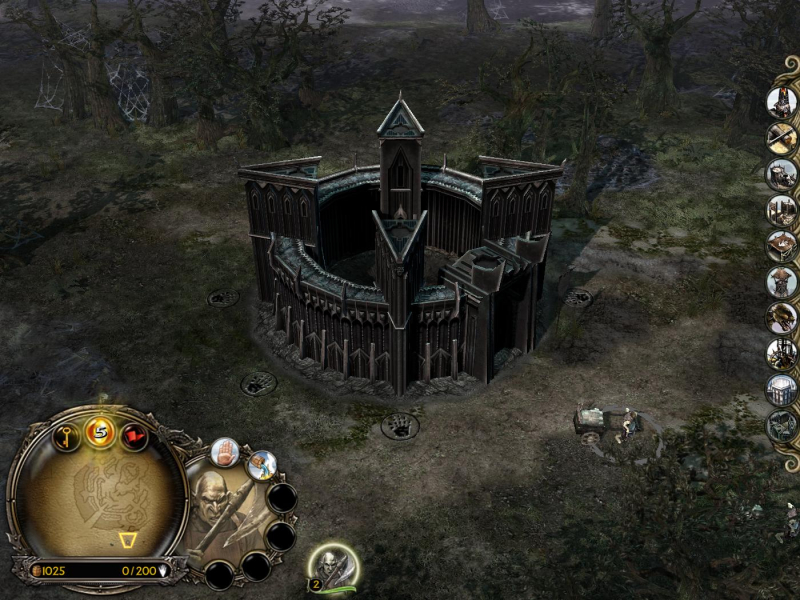
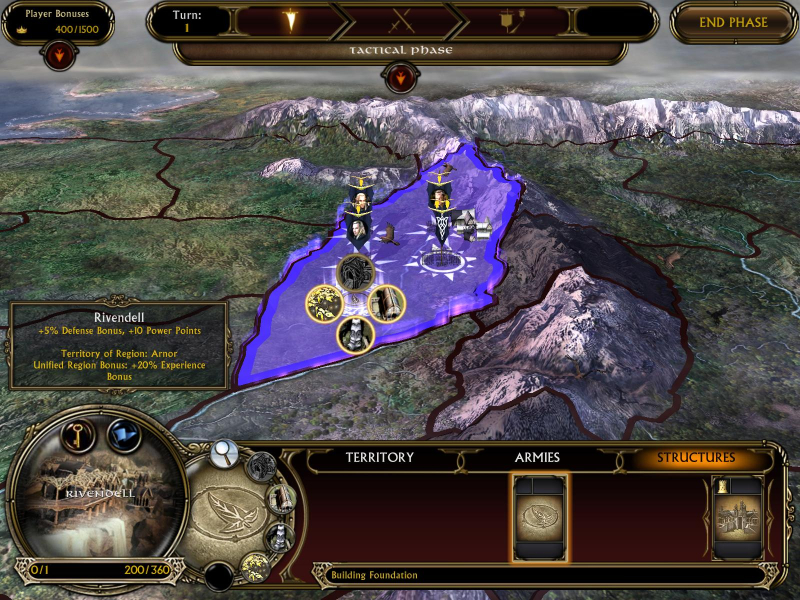
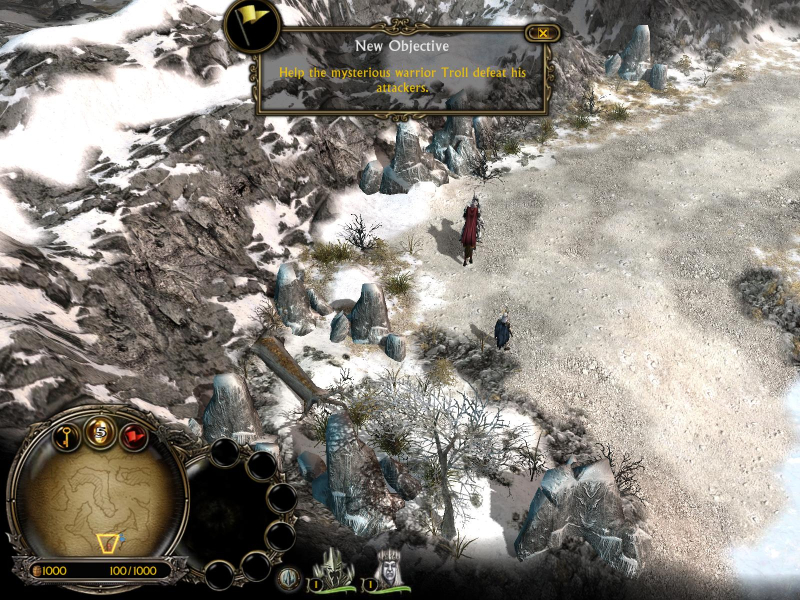
HUD and all two-dimensional art is stretched. Certain screens are stretched.
Gameplay is Vert- by default. GeneralAdmission designed two mods for Hor+ gameplay in widescreen and TripleHead. You should get both and use them at will - playing in widescreen with the heightened "TripleHead Enhanced" camera feels great. You can find more info on the camera fixes in this article.
Gameplay Screenshots


In-Game (Rendered) Cutscenes
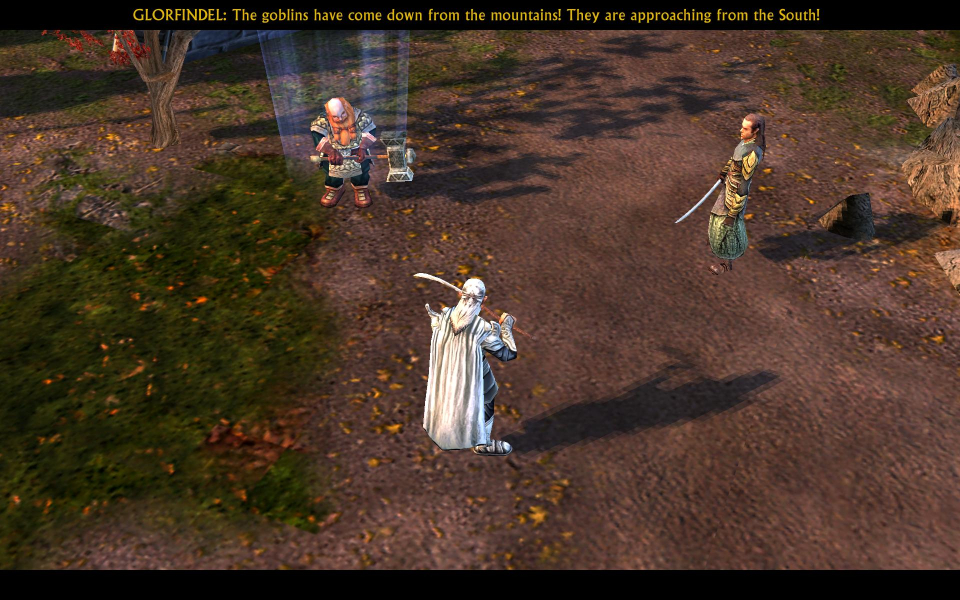
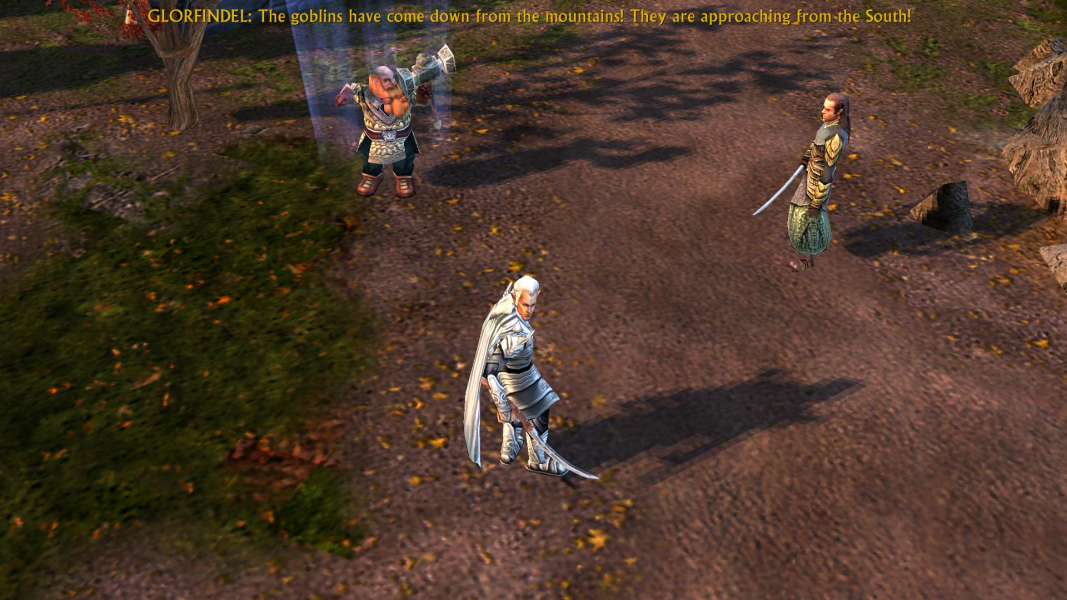
FMV Cutscenes

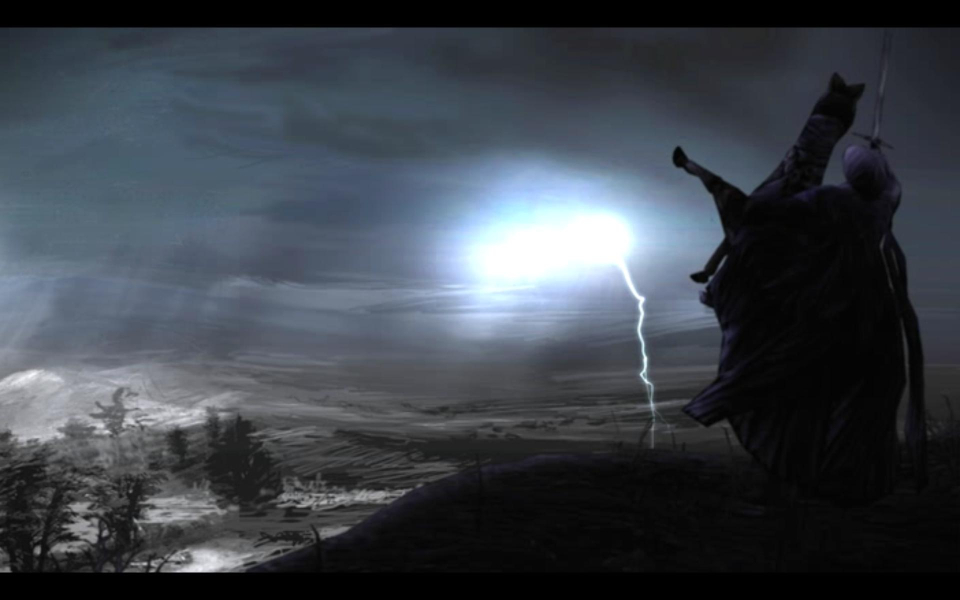
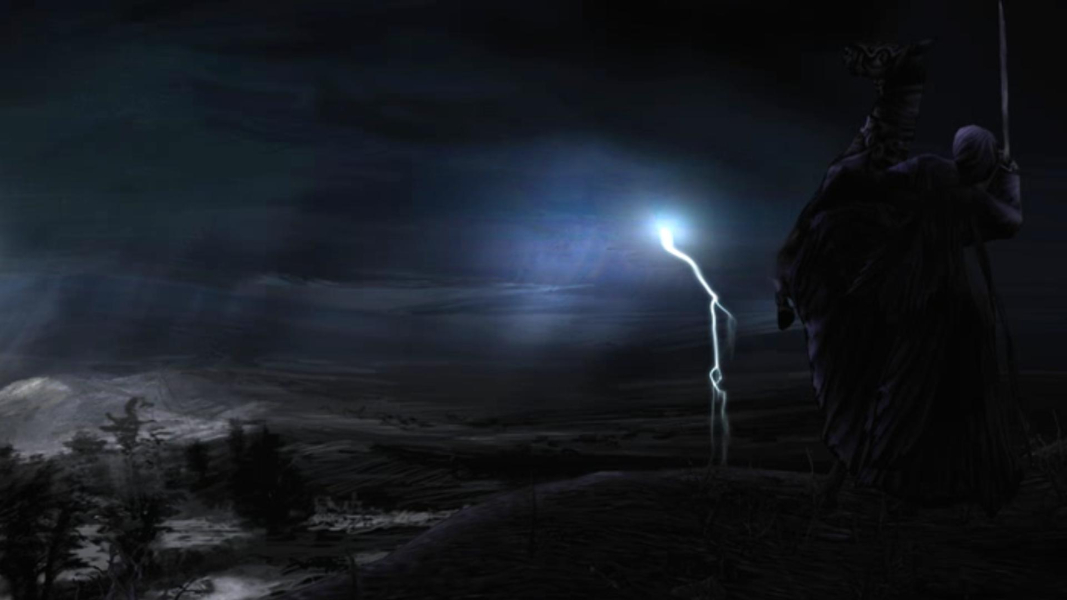
Menu Screenshots

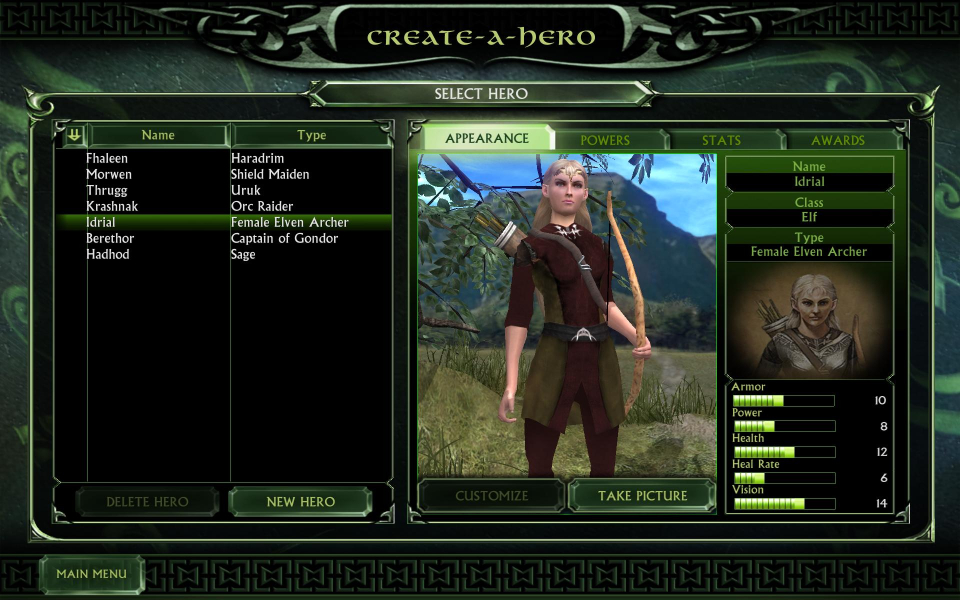
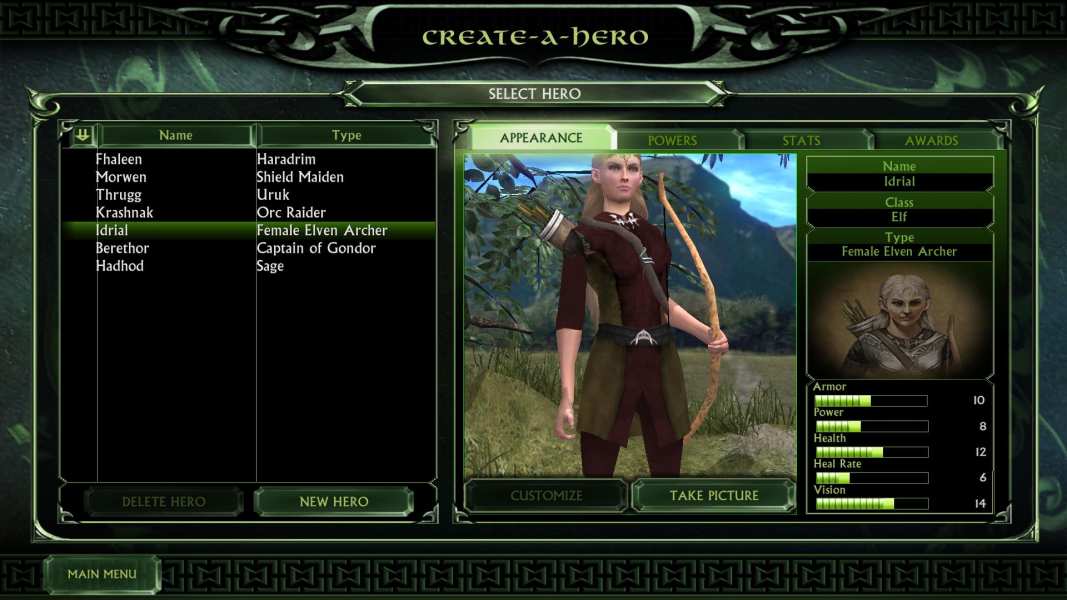
Additional Screenshots