


Cloned corridor maps, minimal inventory management, enemies spawning in waves, and a plot that only seems interested in old ladies. Strangest non-sequel ever.
Support Summary
Widescreen | Ultra/Super‑Wide | Multi-Monitor | 4K Ultra HD | |
Support | ||||
Method | ||||
HUD | ||||
Cutscenes | ||||
FMVs |
Game Information
Game Status:Released
Release Date:
Tested Version:1.03
Play Styles:Single-Player
Setting:Fantasy
Genre:RPG
Developer:BioWare
Screenshots Comparison
Solutions & Issues
Widescreen Solution & Issues:
Native support. Main menu art is Vert-.
From the launcher menu, select Configure then open the Video tab.
First select your desired Apsect Ratio (16:10 or 16:9) then pick your resolution from the list.
1280x768 (15:9) can be found under 16:10 resolutions.
Exit and restart the launcher to play.
Eyefinity / Surround Specific Solution & Issues:
In the launcher app, multi-monitor resolutions (including bezel-compensated ones) are listed under Aspect Ratio 16:9.
- The skill quickbar spans across the left and center monitors. Using bezel compensation, a couple slots may be invisible.
- Loading screen art is cut-off.
- Real-time cutscenes and dialog scenes are pillarboxed.
Gameplay Screenshots
4:3 Screenshot
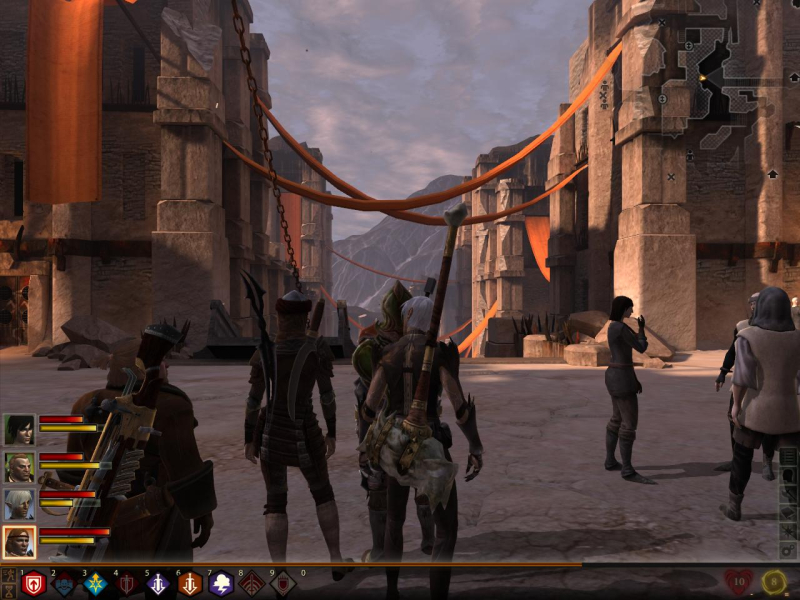
16:10 Screenshot

16:9 Screenshot

21:9 Screenshot

32:9 Screenshot

Eyefinity / Surround Screenshot

In-Game (Rendered) Cutscenes
4:3 Cutscene
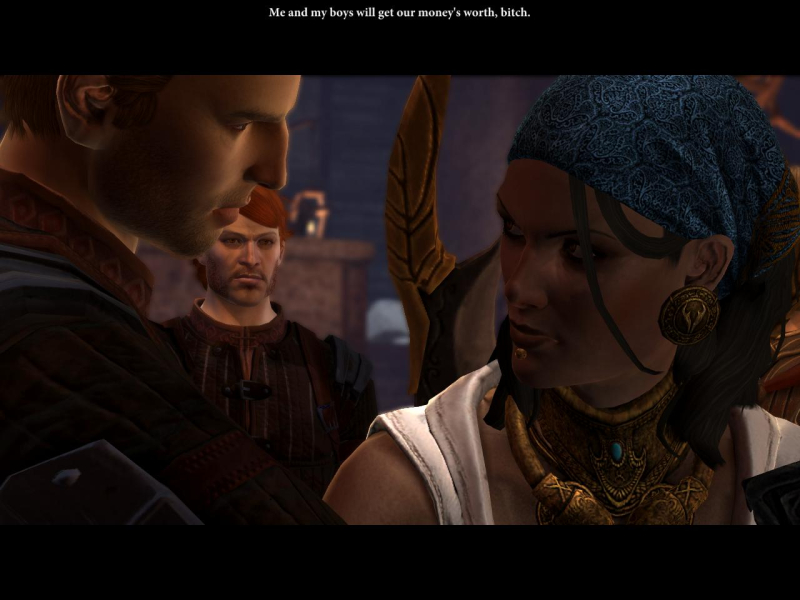
16:10 Cutscene
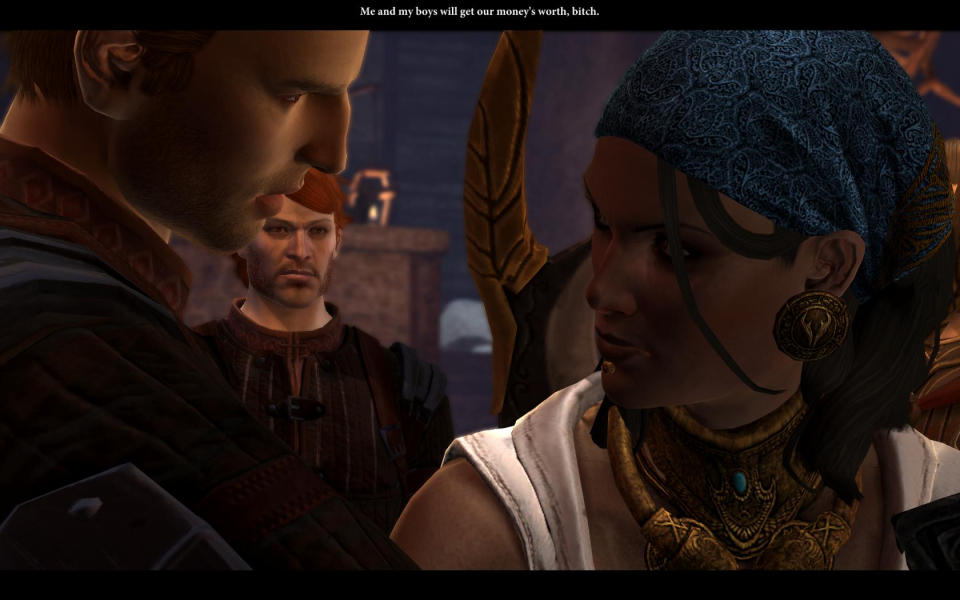
16:9 Cutscene

Eyefinity / Surround Cutscene

FMV Cutscenes
4:3 FMV Cutscene
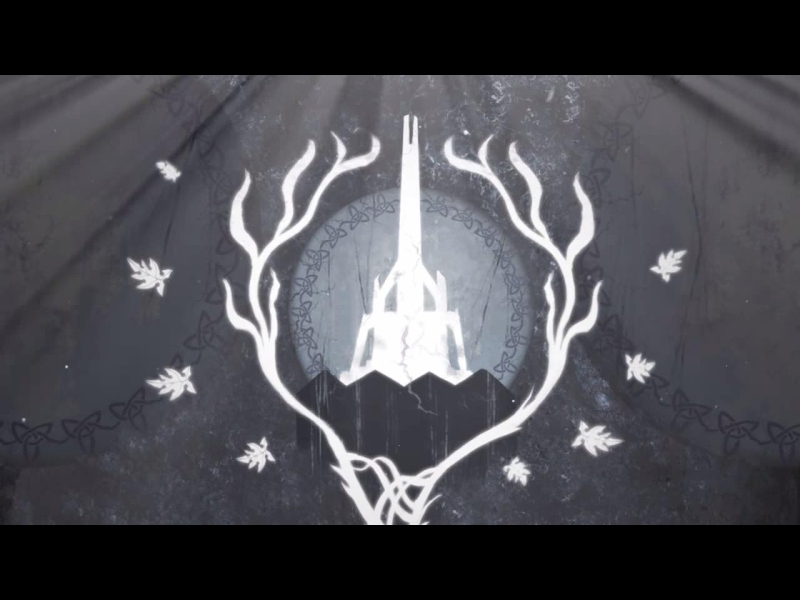
16:10 FMV Cutscene
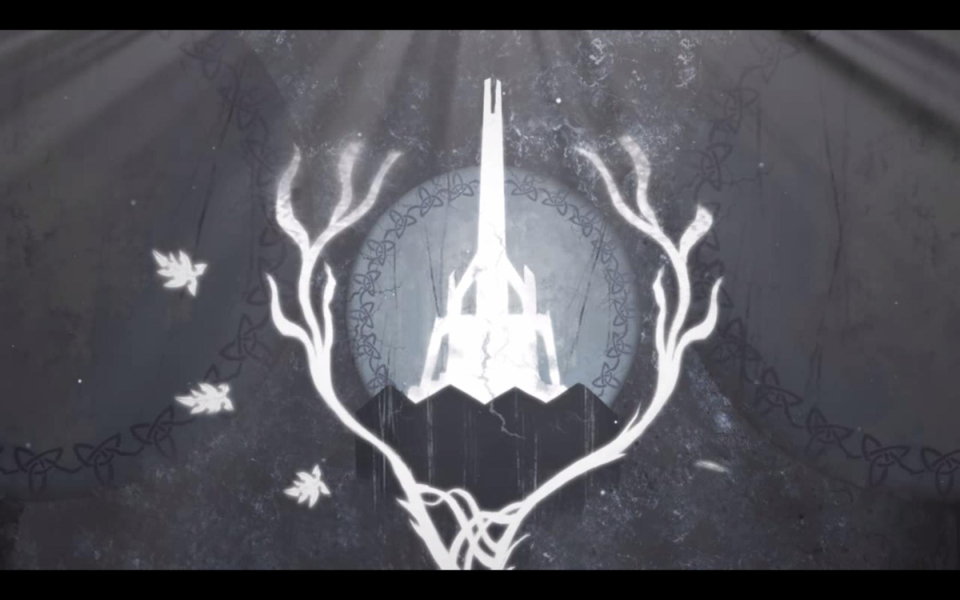
16:9 FMV Cutscene
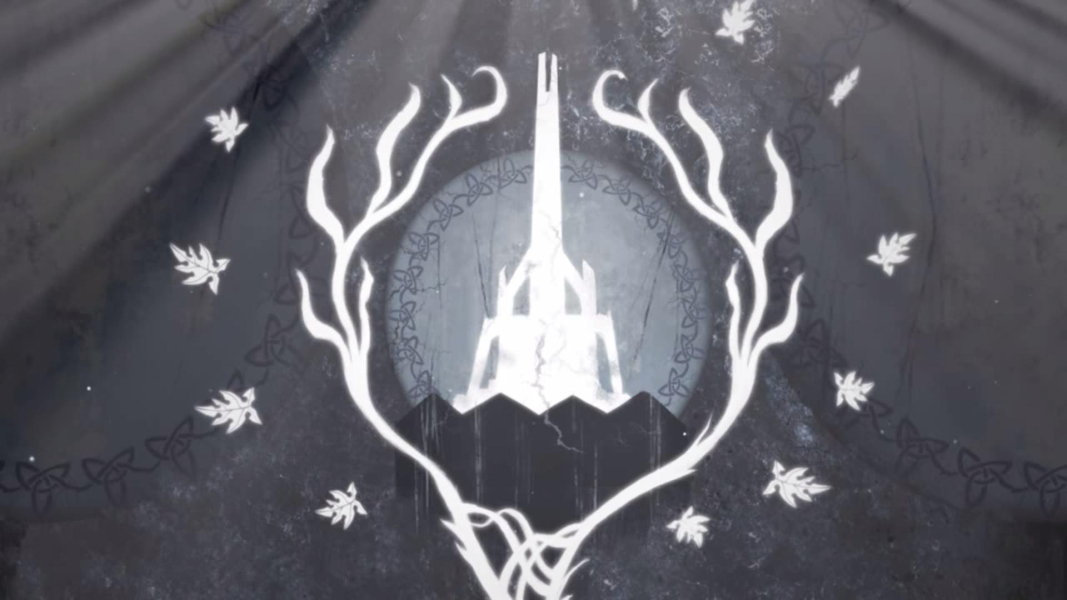
Eyefinity / Surround FMV Cutscene

Menu Screenshots
4:3 Menu
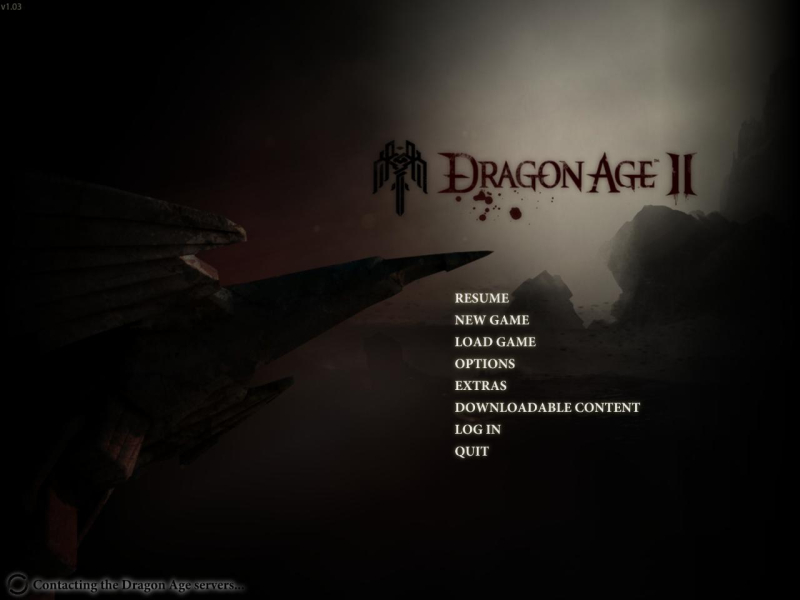
16:10 Menu
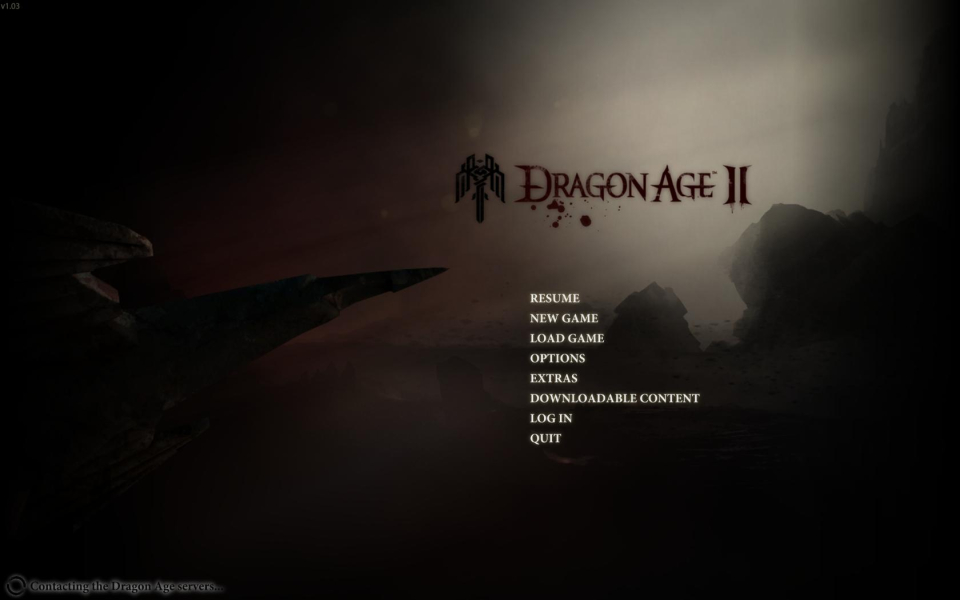
16:9 Menu
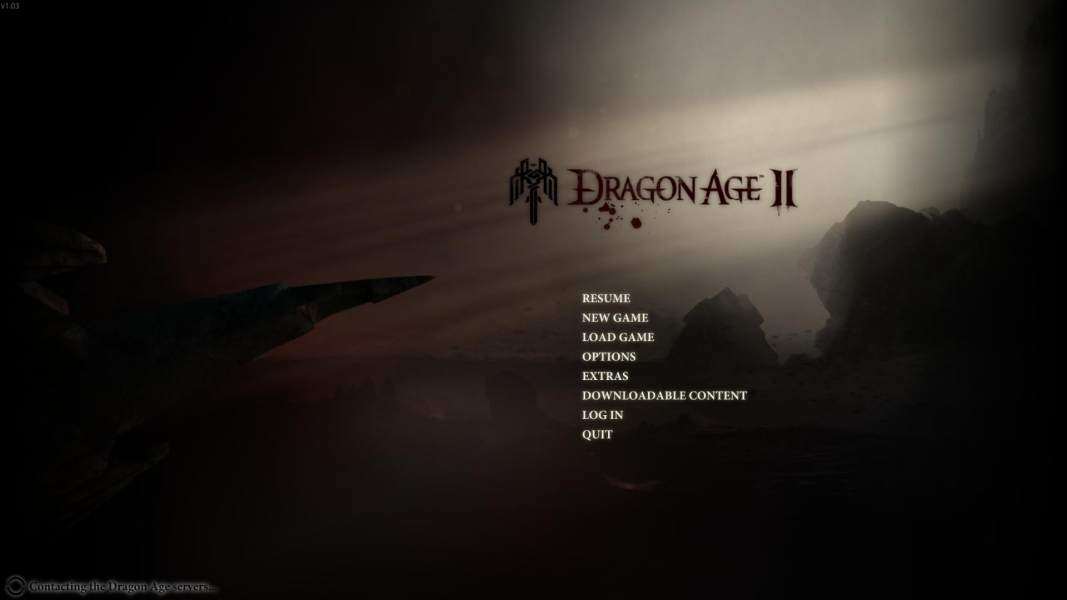
Eyefinity / Surround Menu

Additional Screenshots

Inventory screen, 4:3

Inventory screen, 16:10

Inventory screen, 16:9

Inventory screen, 48:9

Dialog interface, 4:3

Dialog interface, 16:10
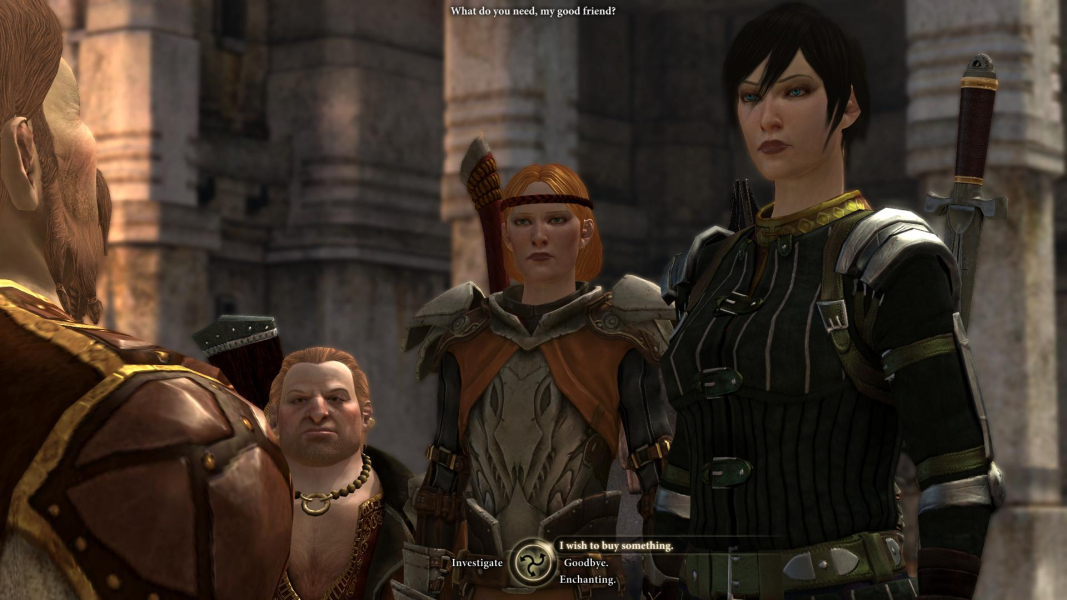
Dialog interface, 16:9

Dialog interface, 48:9

Loading screen, 4:3

Loading screen, 16:10

Loading screen, 16:9

Loading screen, 48:9


