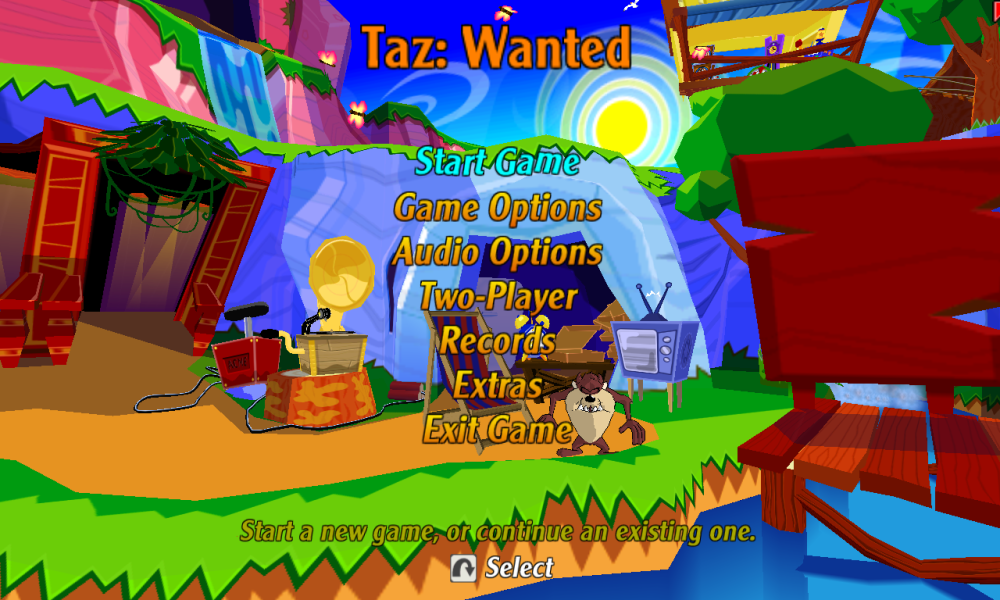
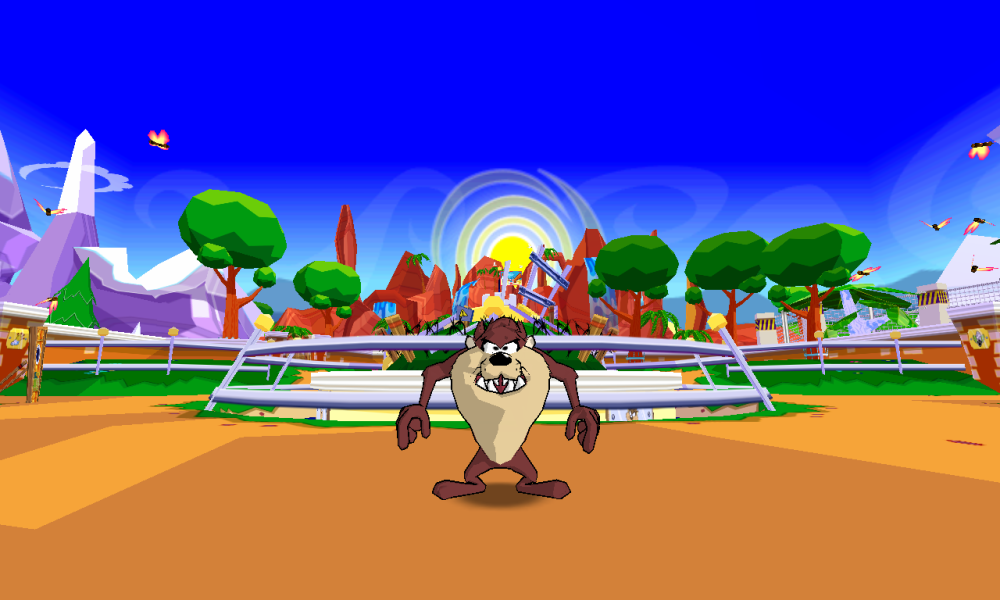
Taz: Wanted is an action-adventure video game released in 2002 by Blitz Games. The game is based on the Looney Tunes' character, Tasmanian Devil.
The devious Yosemite Sam has captured Taz and locked him up as a circus animal and is planning to turn Taz's beloved homeland into a amusement park. But then Taz successfully escapes from the clutches of Sam and once again is going on the rampage to stop Sam's plans for his homeland. Blast your way through 15 different levels, each of which can be destroyed using spin, bounce and burp attacks. You can get foods such as mage hot chili and soda to aid your mission of vengeance against Sam.
Support Summary
Game Information
Screenshots Comparison
Solutions & Issues
Solution for 16:9 screens:
Run TazLauncher.exe and set the resolution to 640x480. Hit OK to save.
Open taz.dat with an any hex editor.
Find the line 80 02 00 00 E0 01
Replace it with 80 07 00 00 38 04 for 1920x1080.
Replace it with 00 0A 00 00 A0 05 for 2560x1440.
Replace it with 00 0F 00 00 70 08 for 3840×2160.
Also, you can just replace the taz.dat file from ready-made archive by Shajmil Sultan provided here.
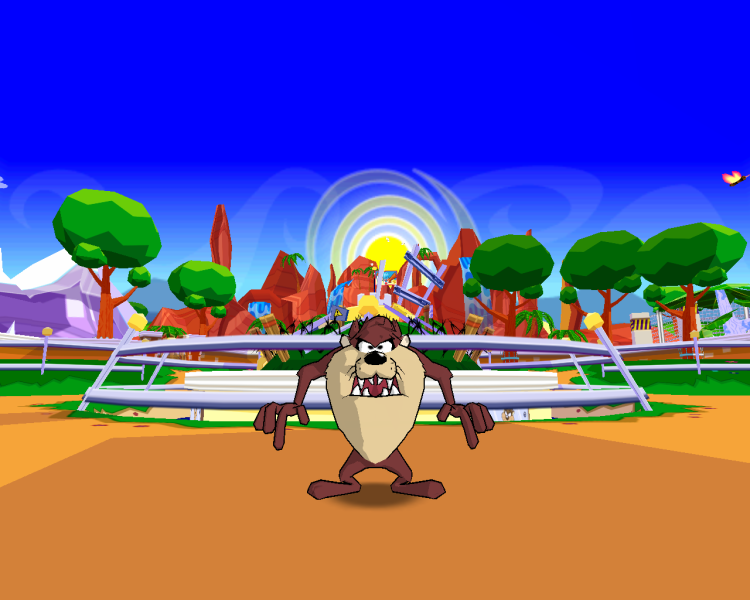
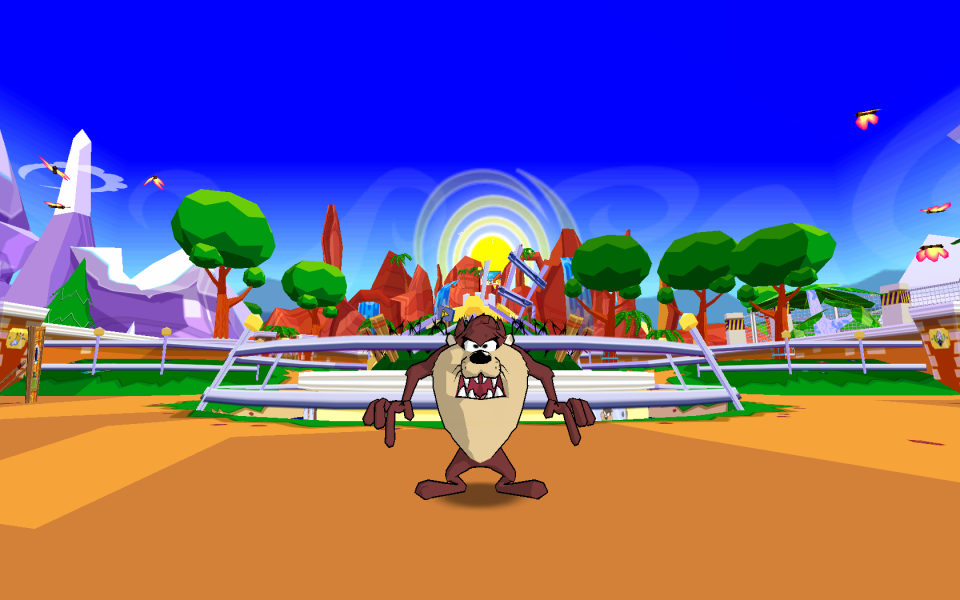
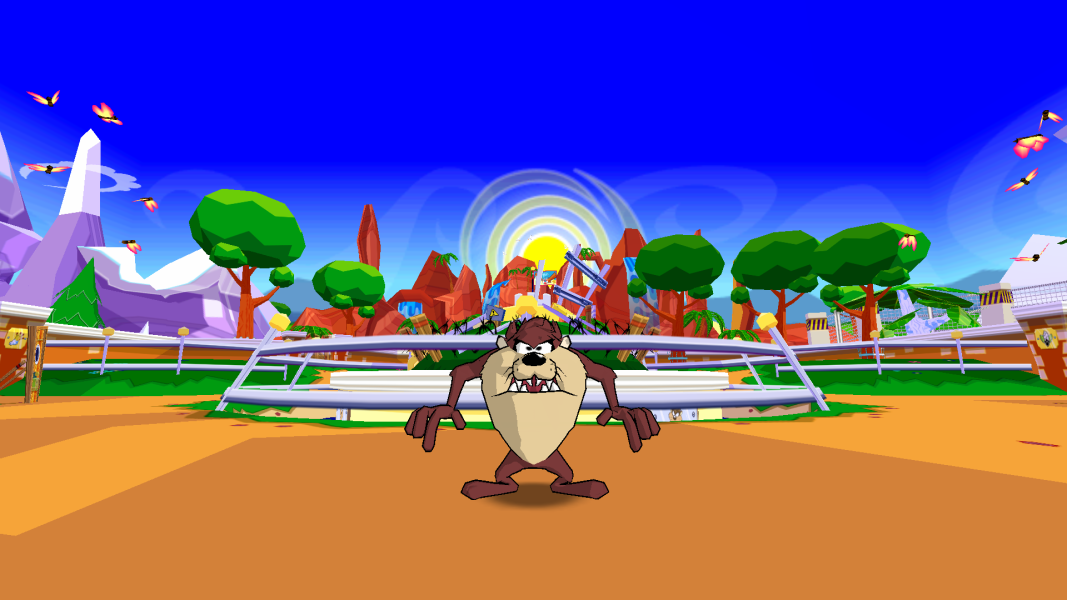
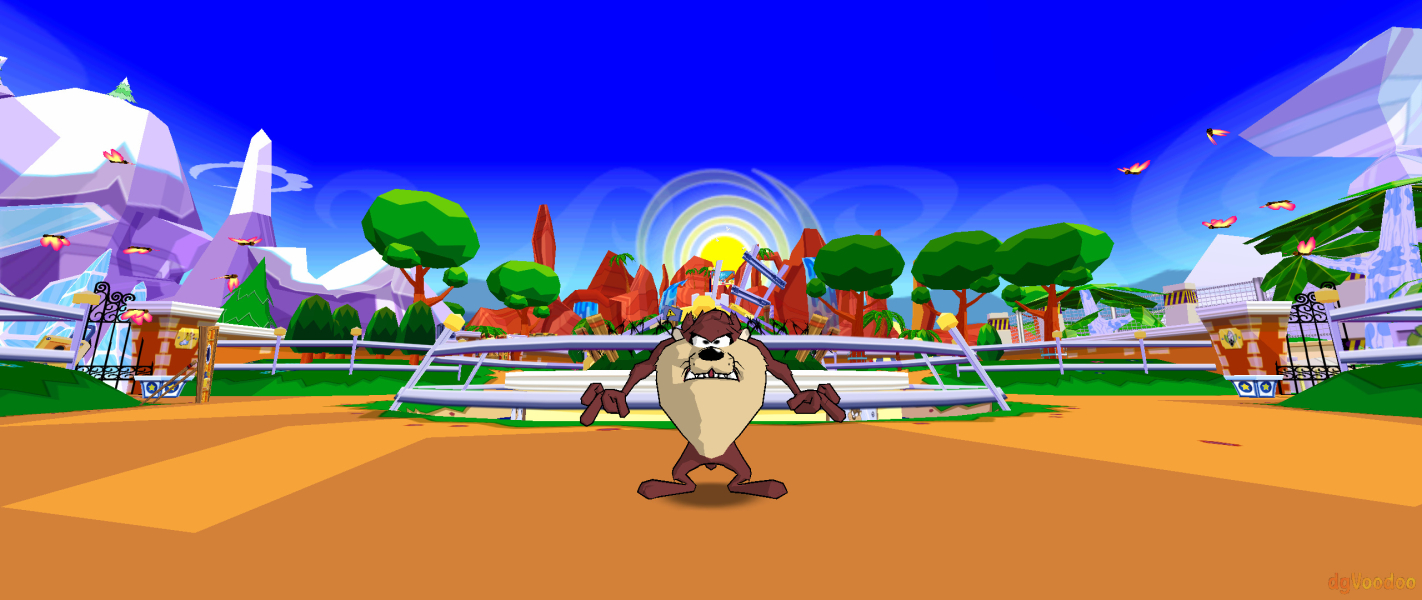
Save a result, go to game & enable widescreen in options, which enables 15:9 aspect ratio, not ideal but a middleground at least for 16:10 & 16:9 so stretching is minimal as you can see in the comparision screenshots.
Warning: widescreen setting does not saves, so you have to set it on each time you load the game.
Universal solution (hack) for any screens:
Download and run MuxaJlbl4's Taz: Wanted trainer and patcher from GitHub.
Make sure it has found the game path or set it manually.
On the Patches tab, select desired API (D3d11 seems most reliable for modern PCs and Windows 10-11).
Set desired resolution (like 2560x1080)
Set your aspect ratio (21:9 if 2560x1080) - removes stretching
Press Patch or Patch & Play.
The trainer also provides many other useful functions like No draw limit, Language select, Disabling logos, Cheats etc.
Gameplay Screenshots


Menu Screenshots


Additional Screenshots