Serious Sam: The Second Encounter is an FPS from Croteam and Gathering of Developers. You play as Sam "Serious" Stone, and do battle with thousands of alien nasties throughout various historical set-pieces, using an array of diverse and enormous weapons.
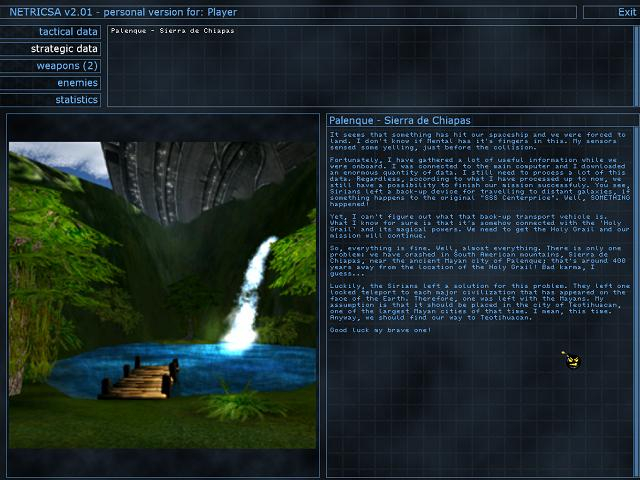
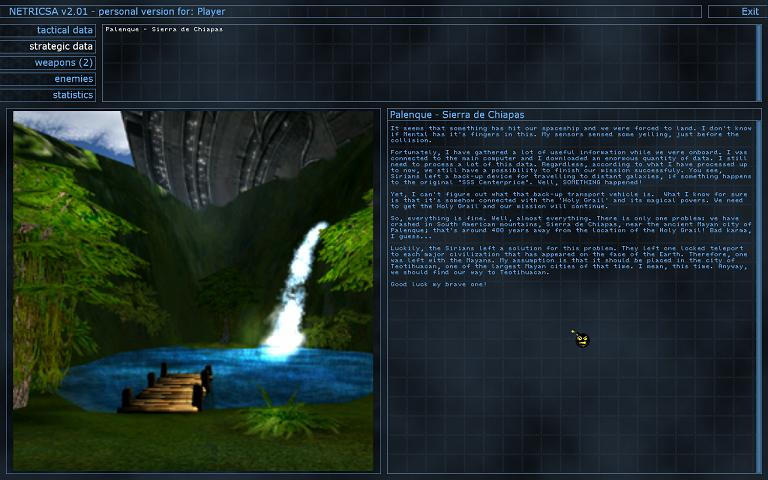
The Second Encounter starts where the previous episode left off, with Sam travelling to Sirius on the starship. Unfortunately Sam's vehicle is accidentally hit by the "Croteam crate-bus" and plummets down to Earth's surface. Serious Sam crash lands in Central America in the Mayan age. However not all is lost, since the Sirians left a back-up ship on Earth. Since this vehicle is located in a different age from the one Sam finds himself, the hero has to uncover the locations of a number of Sirian time-gates that will help him reach his destination.
With this objective, Sam storms through Ancient Mesoamerica, then travels to Ancient Mesopotamia and finally to Medieval Europe where the starship is located.
Support Summary
Widescreen | Ultra/Super‑Wide | Multi-Monitor | 4K Ultra HD | |
Support | ||||
Method | ||||
HUD | ||||
Cutscenes | ||||
FMVs |
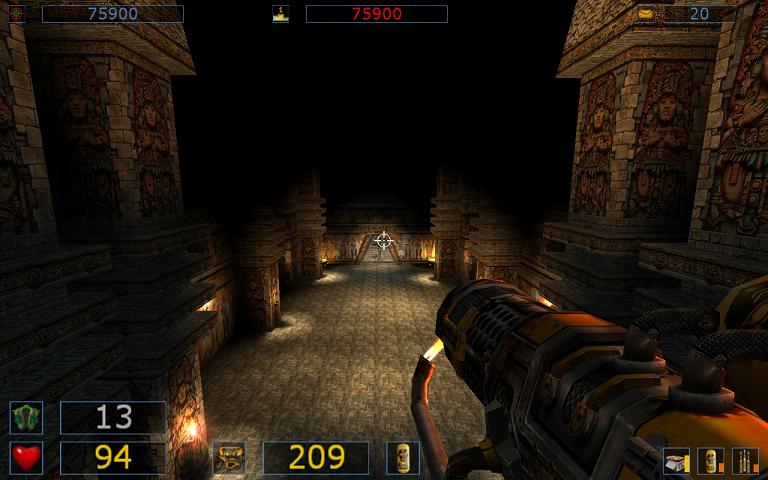
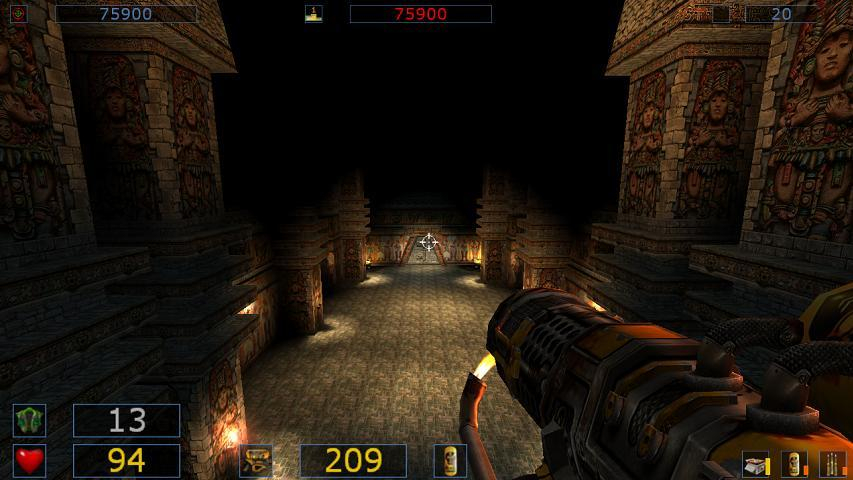
Screenshots Comparison
Solutions & Issues
Go to \scripts. Open PersistentSymbols.ini. Find these lines:
persistent extern INDEX sam_iScreenSizeI=(INDEX)xxxx;
persistent extern INDEX sam_iScreenSizeJ=(INDEX)xxx;
Change them to set your resolution (the first one is your horizontal value, the second is your vertical value).
Now find this line:
persistent extern user FLOAT plr_fFOV=(FLOAT)xx;
Change it to set your FOV. I recommend 100 for 16:10 resolutions and 105 for 16:9 resolutions. Hor+ is dependant on your plr_fFOV setting, and it does not seem to be cheat protected. The servers I joined allowed it to be changed.
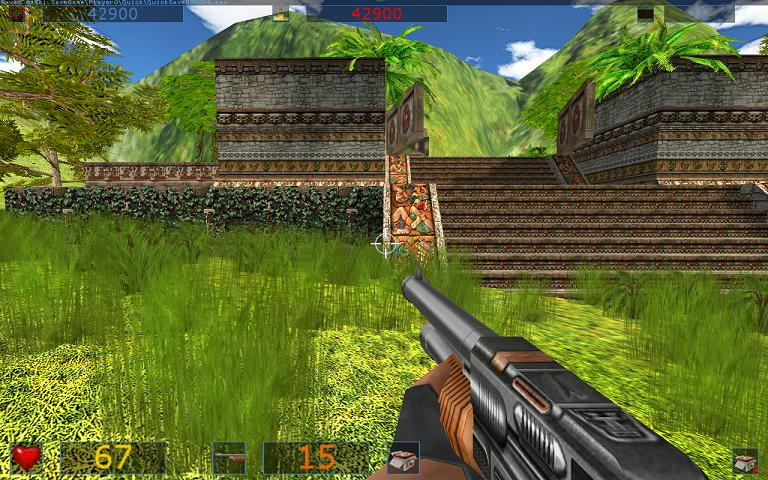
Gameplay Screenshots



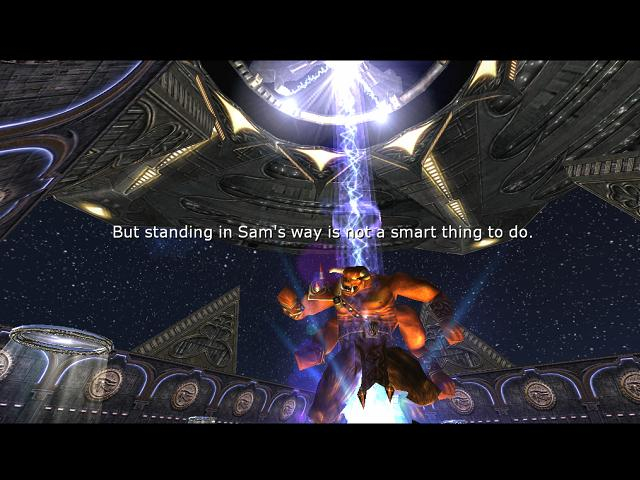
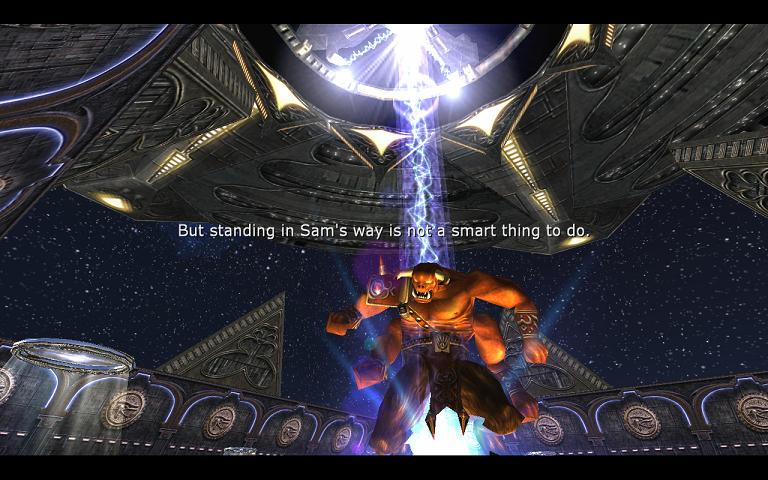
In-Game (Rendered) Cutscenes
Additional Screenshots