

Rise of Nations is a real-time strategy computer game, developed by Big Huge Games and published by Microsoft on May 20, 2003. The development of the game was led by veteran Brian Reynolds, of Civilization II and Sid Meier's Alpha Centauri. Concepts taken from turn-based strategy games have been added into the game—including territories and attrition warfare. Rise of Nations features 18 civilizations, playable through 8 ages of world history.
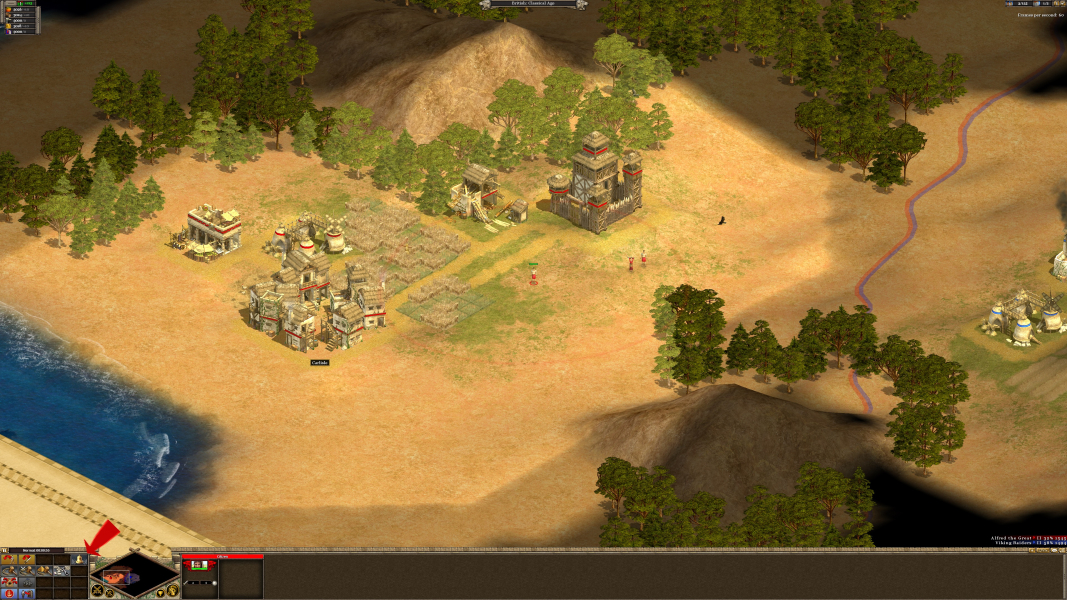
The game employs the concept of "territory," as employed in the Civilization long series of games; the area near the player's settlements is considered their territory, and players may only construct buildings within their territory or that of an ally. A nation's borders can be expanded by the creation and expansion of cities and forts, a technology tree, and obtaining access to certain rare resources. Other technologies and resources cause enemy units to suffer attrition over time, which can eventually destroy an unsupported invasion force.
Cities are centrally important to gameplay; most buildings can only be built within a certain distance of a city, borders are most easily expanded by building and expanding cities, and cities are the only source of the resource-collecting Citizen unit. Only a limited amount of cities can be built and cities can only be destroyed by its owner. Conquered cities join the conqueror's faction.
Support Summary
Game Information
Screenshots Comparison
Solutions & Issues
In order for Rise of Nations to go Widescreen one must find and edit rise.ini or rise2.ini.
I believe with the initial release, you must edit rise.ini located in the install directory, but with the patches (v1.03 to date) it is a little harder to find.
goto:
C:\Documents and Settings\USER NAME\Application Data\Microsoft Games\Rise of Nations
and edit rise2.ini
(if it's not there, you have to run the game first, before it will generate the .ini file. Exit the game, then you can edit it.)
Solution: change the following rise2.ini line
Code:
AllowAllResolutions=0
to
Code:
AllowAllResolutions=1
and then the game will allow the player to choose whatever resolution is supported by the monitor.
Please note that:
1) The minimum resolution is 1024 x 768. The game wouldn't accept any resolution lower than that.
2) When the resolution on the X axis is lower than 1280, the game shrinks the size of game world graphics according to the X axis, not unlike "Vert-".
3) When the resolution on the X axis is 1280 or higher, the game world graphics no longer change size. The game functions like any "pixel based" games. At maximum zoom, the game graphics now are the same size as their original assets (the TGA files in the "art" folder).
When it comes to the user experience, it's all relative.
1) If you compare one X<=1280 resolution to another, the effect is "Vert-";
2) If you compare one X>=1280 resolution to another, the effect is "pixel based";
3) If you compare one X<=1280 resolution to one X>1280 resolution, the effect can be said to be "Hor+", even if that's actually inaccurate.
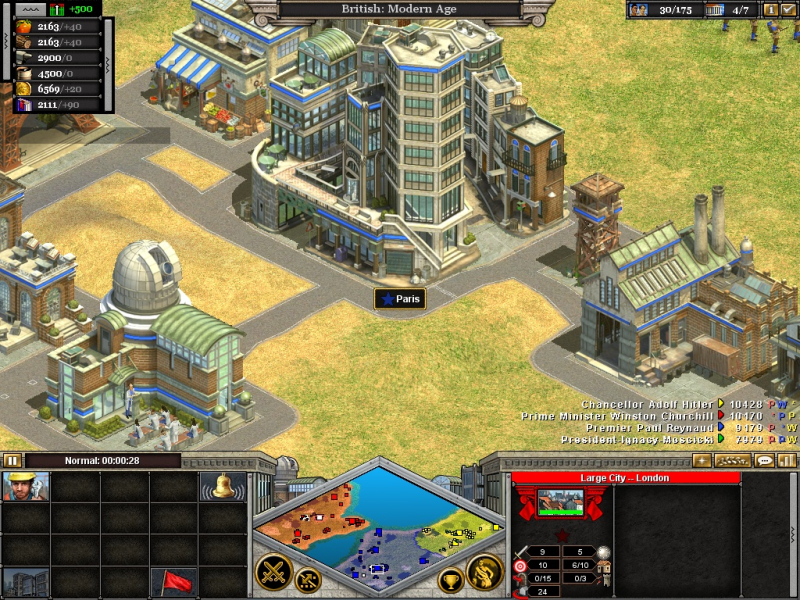
Gameplay Screenshots


4K UHD Screenshots