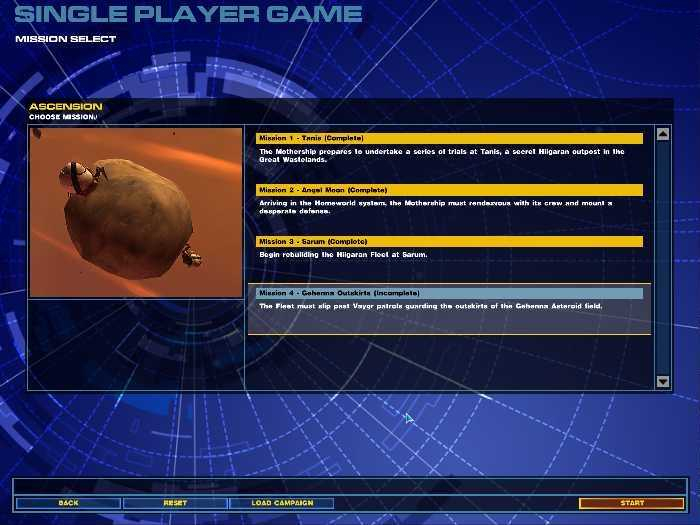
Homeworld 2 is the 2nd game in the Series by Relic & Sierra. The Homeworld series is a Scf-Fi space-based RTS. It was (and largely still is) unique in it's integration of easy-to-navigate 3D battles.
Support Summary
Screenshots Comparison
Solutions & Issues
Built-in solution, to be found in readme file.
The command line for starting the game in 1680x1050 for example should look like:
"C:\Programs\Sierra\Homeworld2\homeworld2.exe" -w 1680 -h 1050
Obviously, for other resolutions, change the numbers appropriately.
An alternative solution was found by the_cranky_hermit:
Quote:
Here's another solution that doesn't require messing with command line parameters.
Go to \bin\Profiles\Profile1. If you are using multiple profiles, you may need to do this for more than just the Profile1 folder.
Edit the file PLAYERCFG.LUA.
Find the section that looks something this:
VideoOptions = {
textureQuality = 0,
minLOD = 0,
screenResolutionW = 1024,
screenResolutionH = 768,
maxLOD = 5,
anisotropicFiltering = 0,
enableVsync = 0,
shadowResolution = 0,
},
Change the two "screenResolution" lines to set your resolution. And unlike the previous solution, you can use resolutions below your native res without the desktop showing.
Yes that's right, it includes multiscreen support as per the widescreen method above. I'd recommend 3 screens though, for menus and rotating points are centered.
Note, the last time this game was tested it would not work at resolutions beyond 4096 wide, this needs to be tested again to make sure it hasn't been fixed, if it doesn't work the game needs grading down since it basically rules out support for the 2 most common setups. (5040x1050 and 5760x1080)
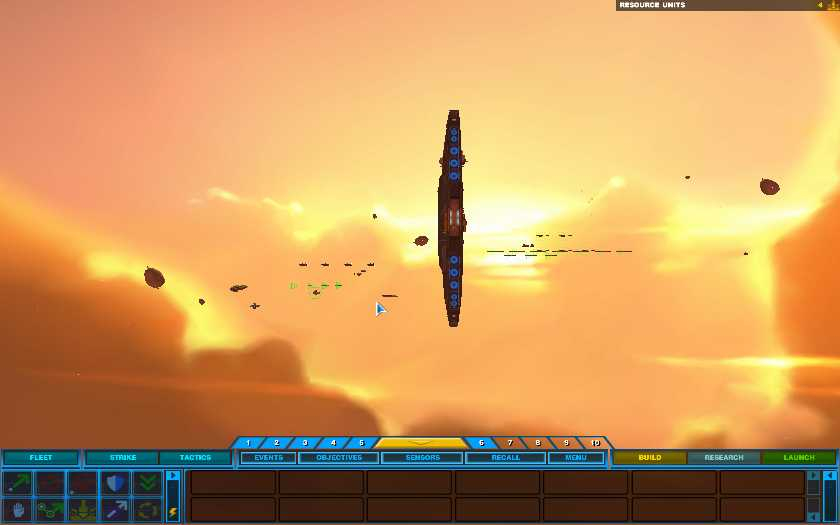
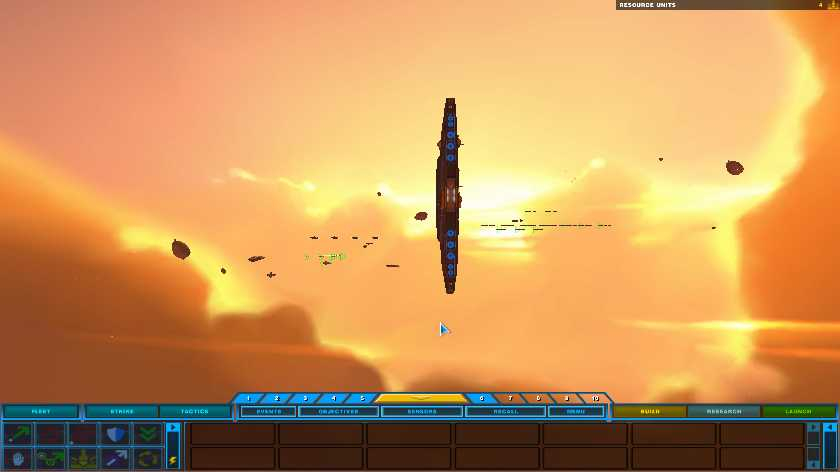
Gameplay Screenshots



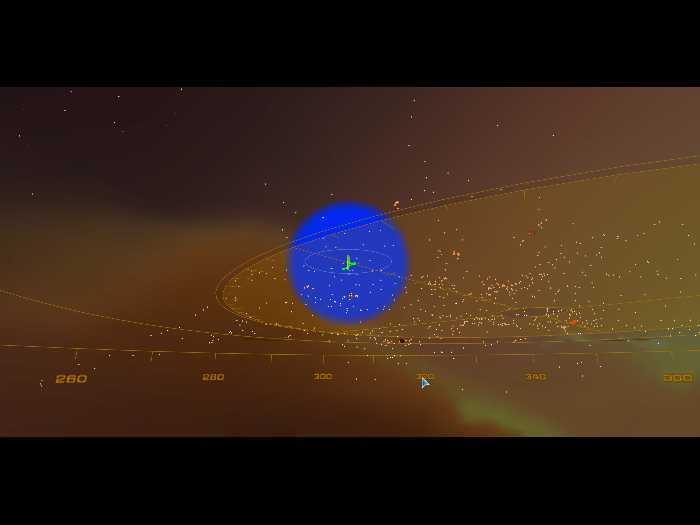
In-Game (Rendered) Cutscenes

FMV Cutscenes

Menu Screenshots