Heavy Metal: F.A.K.K.² is a third-person shooter video game made by Ritual Entertainment in 2000. A sequel to the Heavy Metal 2000 animated movie, the game stars Julie in her quest to save her home planet of Eden from GITH, an ancient entity seeking to conquer the universe. Using a variety of weapons, Julie must now fight off GITH's forces while at the same time uncovering a secret hidden deep within the planet.
Support Summary
Game Information
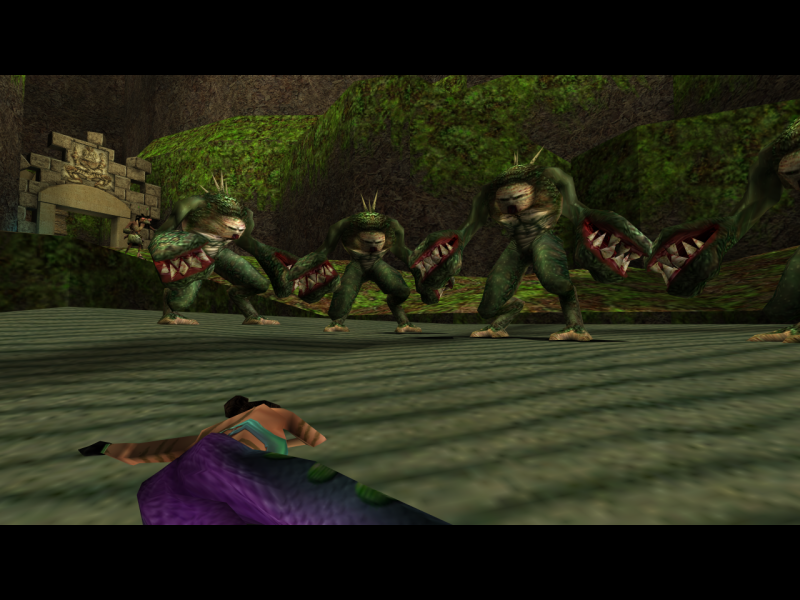
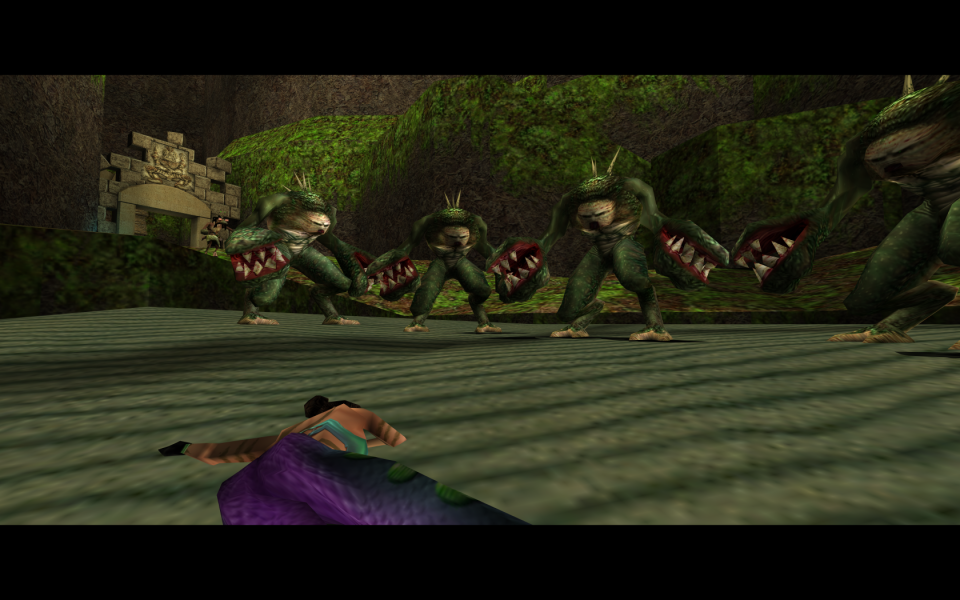
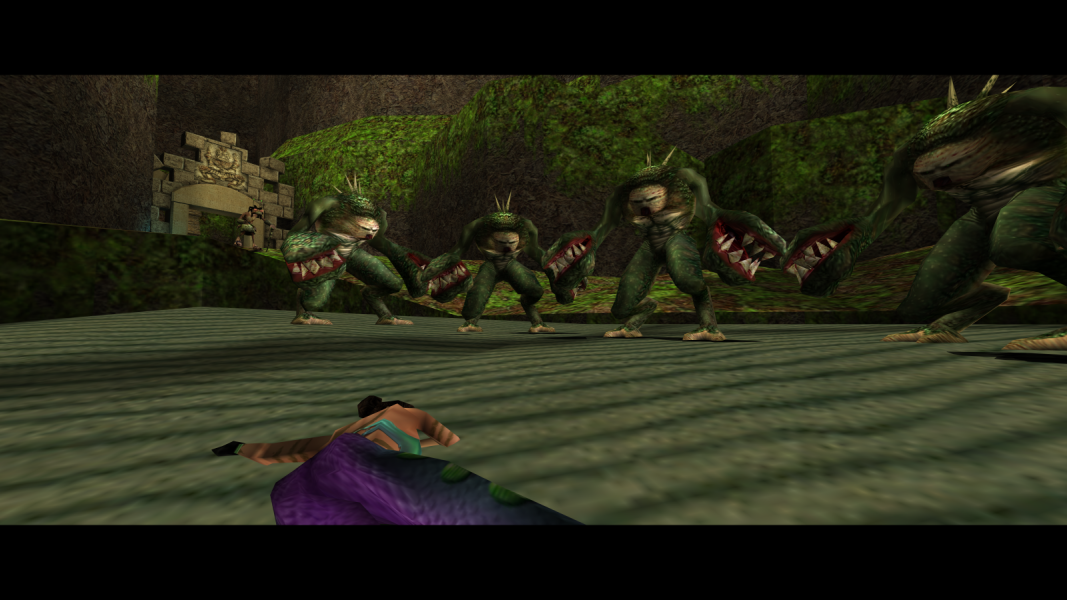
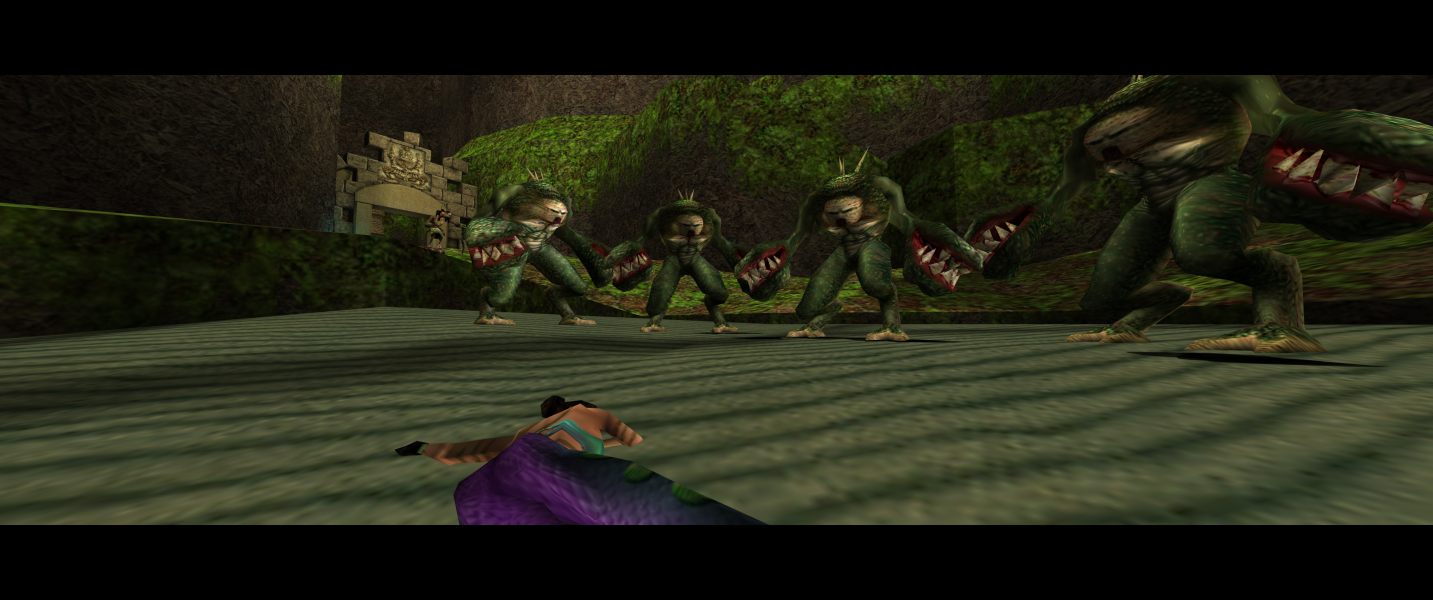
Screenshots Comparison
Solutions & Issues
New solution, fully Hor+:
Copy all content from this archive - Heavy_Metal_Fakk2_widescreen.7z in the game folder (Heavy Metal F.A.K.K 2\fakk\), depending on the desired resolution.
Custom resolution:
Open autoexec.cfg file in the game folder (Heavy Metal F.A.K.K 2\fakk\) and change resolution in these lines:
seta r_customwidth "1920"
seta r_customheight "1080"
[hr]
Old solution with Vert- cut-scenes:
There are 2 Steps to get the Game HOR+ INI edit & HEX edit.
1.INI Edit the Resolution : Go to --> ...\Fakk2\fakk\config.cfg
Add these lines under the Cvars section:
seta r_mode "-1"
seta r_customwidth "2560"
seta r_customheight "1440"
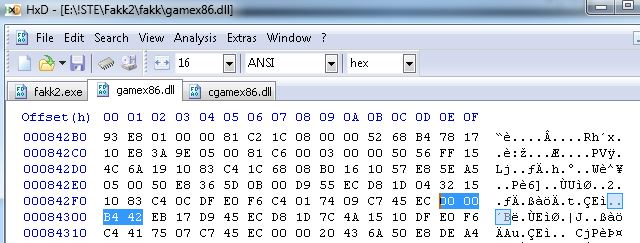
2.HEX edit the FOV:
Go to --> ...\Fakk2\fakk\gamex86.dll
Look for 00 00 B4 42 in Offset 84300 and change it to your des. FOV Value.
Or use my Attachment — Heavy Metal Fakk2 - FOV.zip
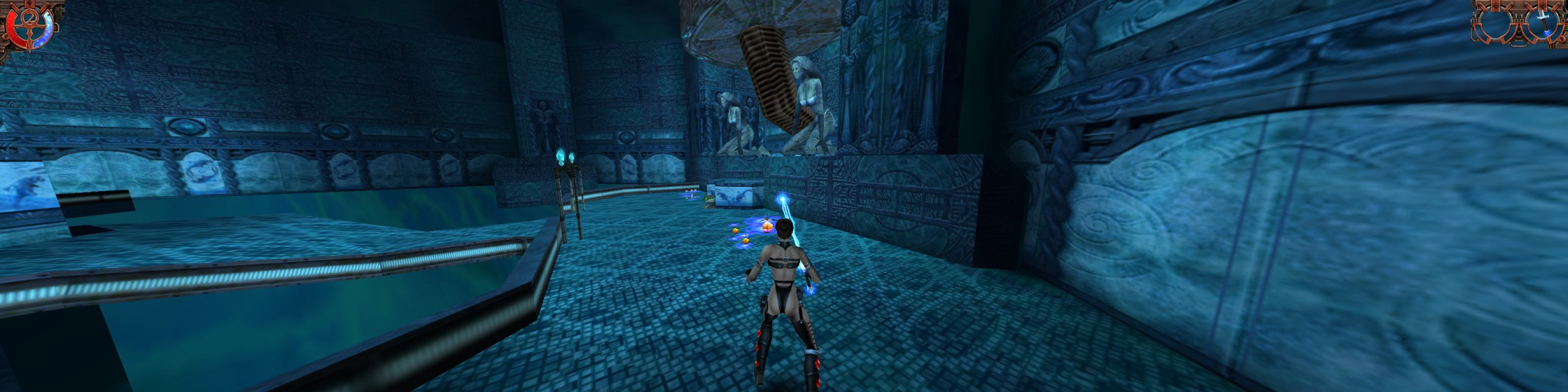
Same Solution as in Widescreen. INI edit the resolution and use the FOV from the Attachment 21_9
Same Solution as in Widescreen. INI edit the resolution and use the FOV from the Attachment 3x16_9 or 3x16_10
Issues: HUD is not centered.
Gameplay Screenshots

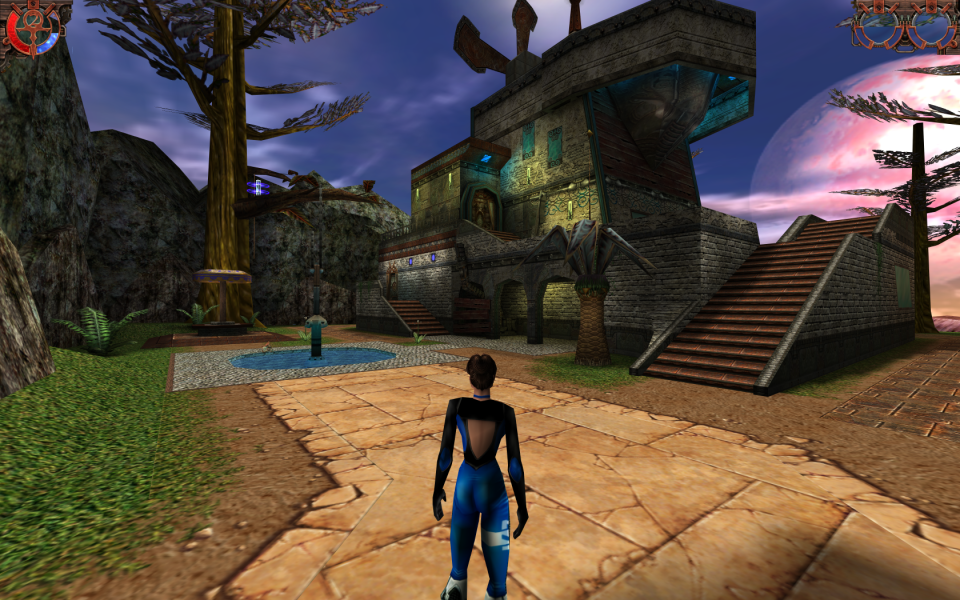

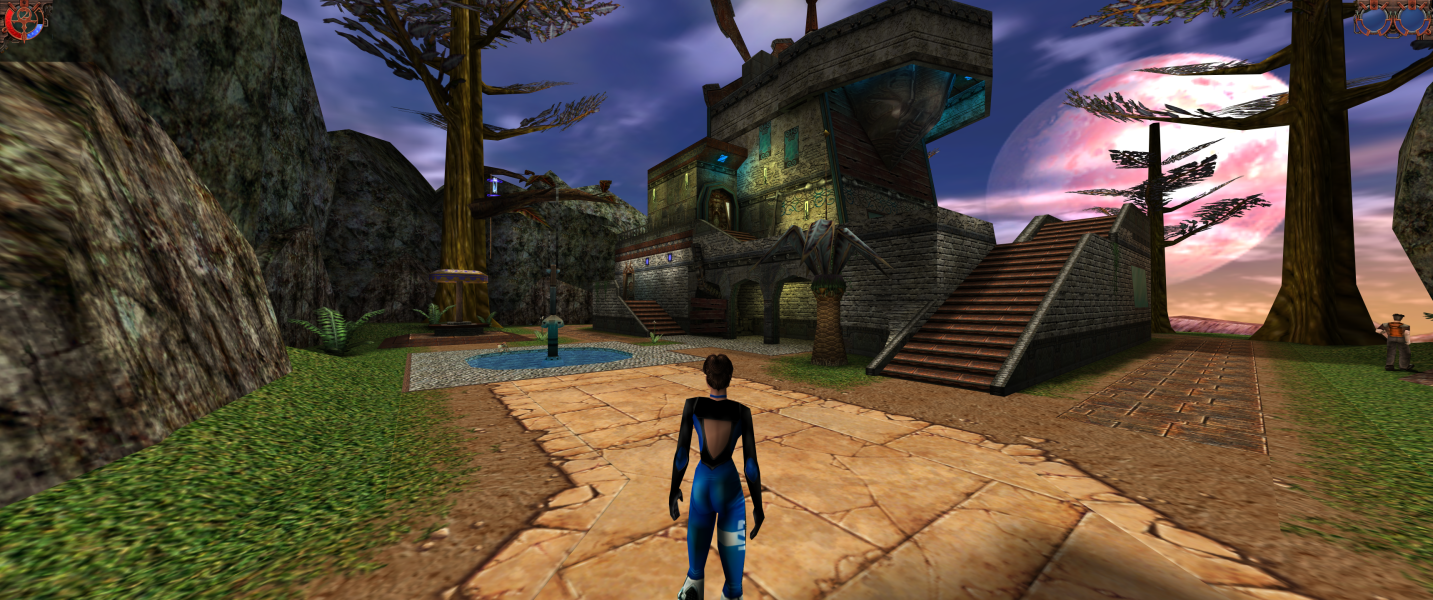


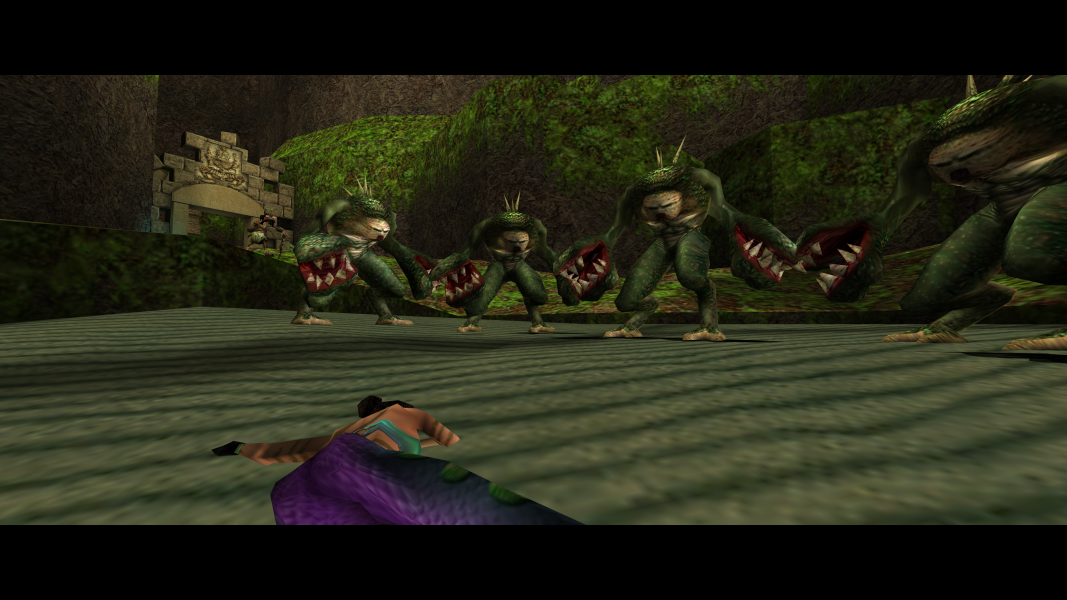
In-Game (Rendered) Cutscenes

FMV Cutscenes





Menu Screenshots
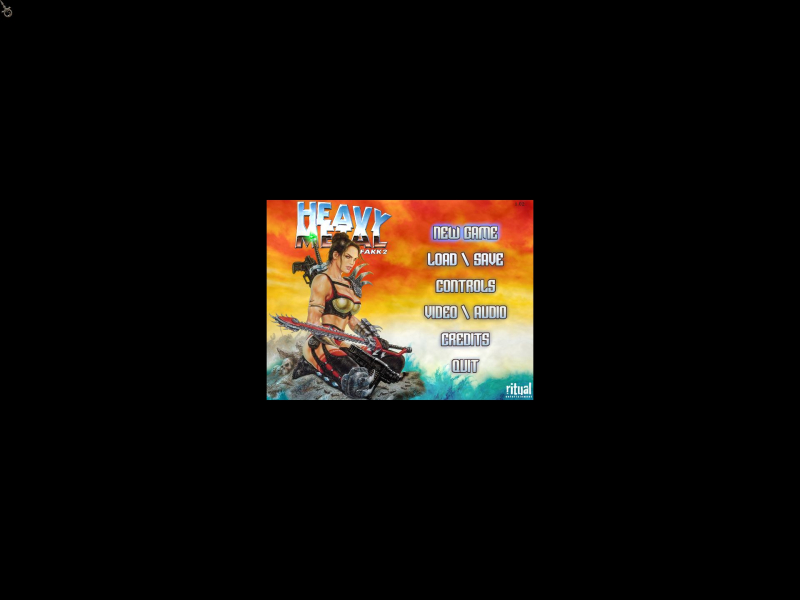
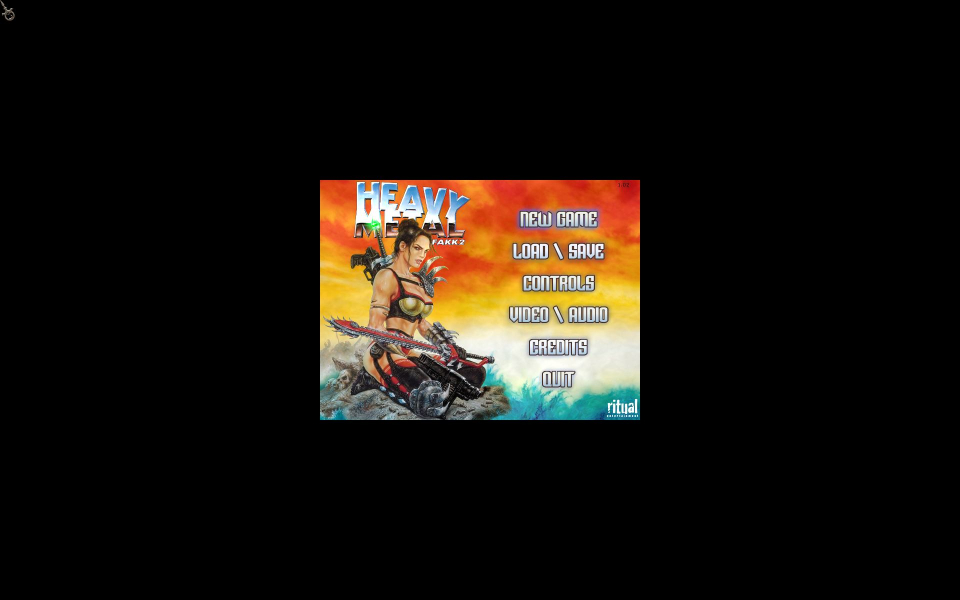
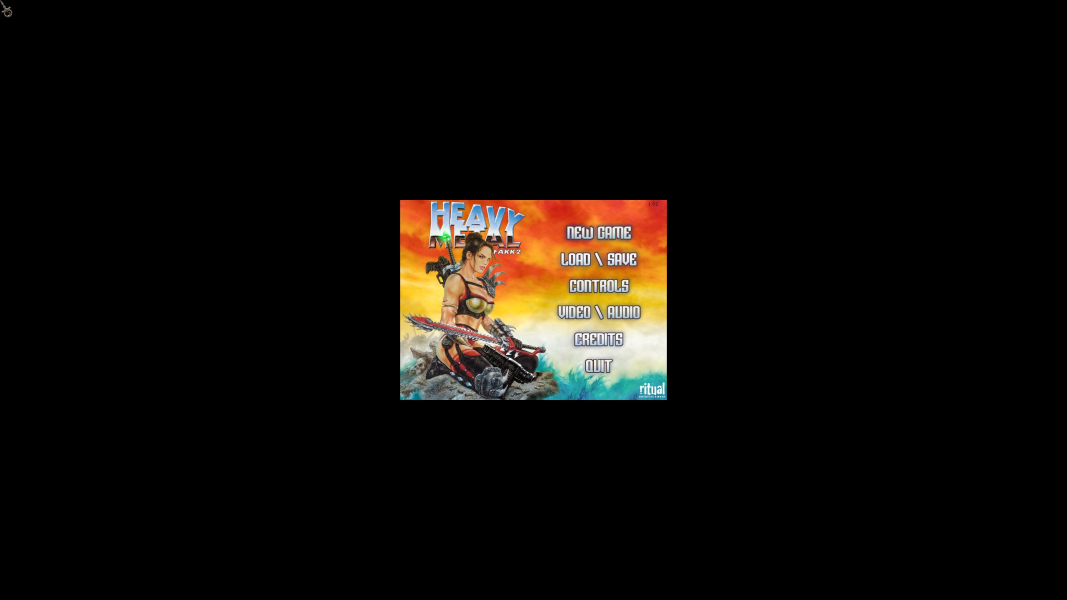


4K UHD Screenshots
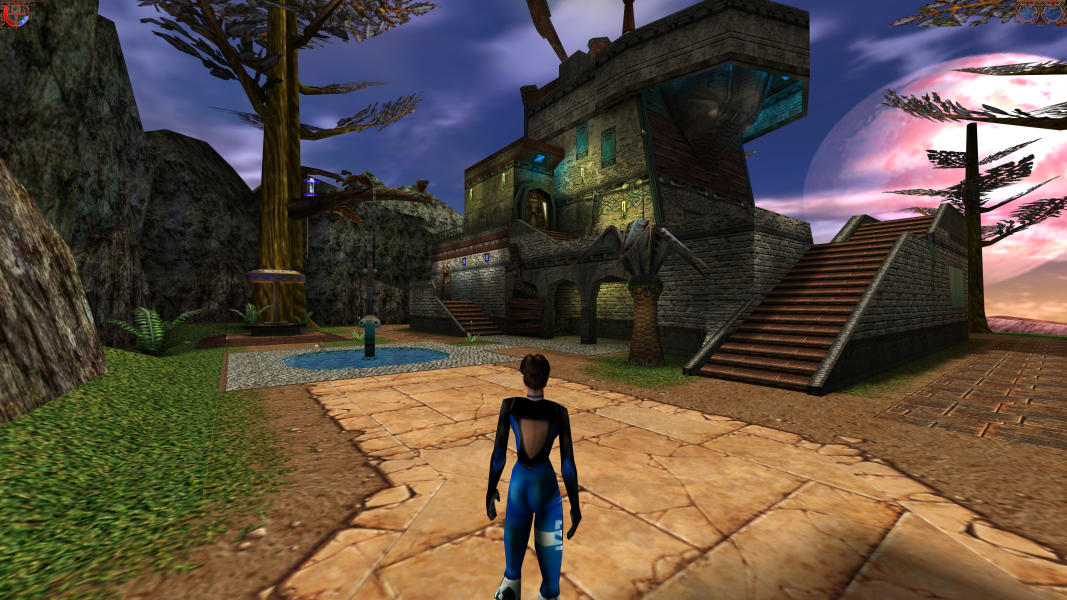

Additional Screenshots